Login
Login























Field service management (FSM) software has evolved significantly in recent years. In 2026, it’s the backbone of efficient operations for field teams. Choosing the right FSM software is a critical decision for businesses of all sizes, whether you’re managing a small crew or a large fleet of technicians. The wrong choice can lead to missed appointments, poor customer experiences, and wasted resources, while the right one can optimize your workflows, enhance team collaboration, and boost profits.
This blog will guide you through the process of selecting the best field service management software for your business. We’ll explore must-have features, key evaluation factors, and practical advice that goes beyond the usual sales pitch. Let’s dive in.
Recommended Reads
What Is Field Service Management Software?
At its core, field service management software is a digital platform that helps businesses manage their mobile workforce. From scheduling and dispatching technicians to tracking inventory, processing payments, and collecting proof of work, FSM software centralizes all these functions in one place.
But in 2026, FSM software has grown smarter. Advanced platforms now offer real-time technician tracking, AI-powered scheduling, and mobile usability, making it easier than ever to address operational challenges. Whether you’re in HVAC, plumbing, construction, or any other field service industry, the right software ensures your team works smarter.
When Do You Need Field Service Management Software?
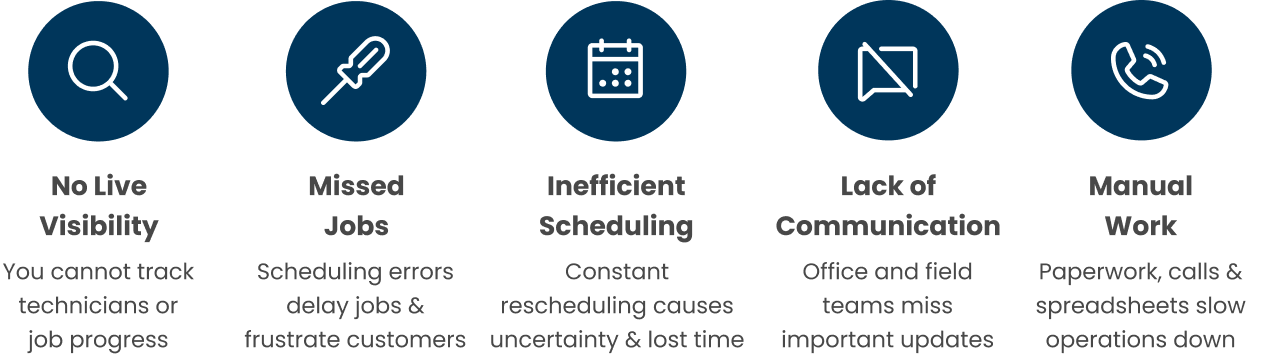
If you’re struggling with any of the following issues, it’s time to consider FSM software:
These are some of the most common pain points for field service businesses. Luckily, the right FSM tool can help you solve them.
Factors to Consider When Choosing the Right Field Service Management Software
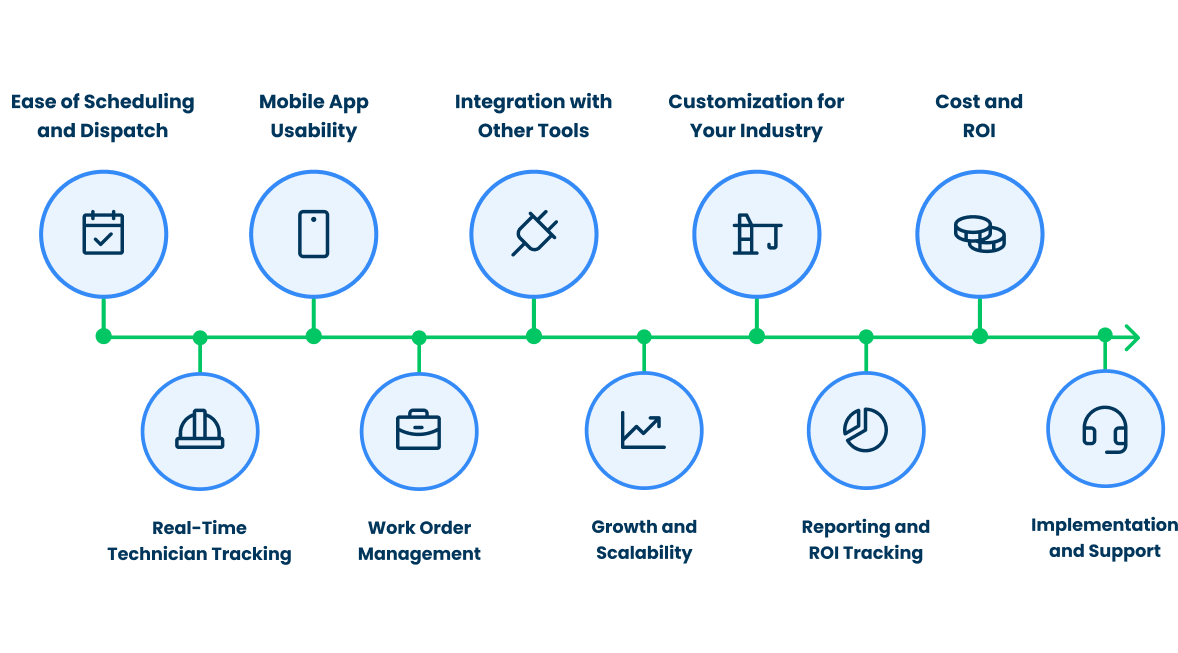
Choosing an FSM platform isn’t a one-size-fits-all decision. It depends on your team size, industry, workflows, and long-term goals. Here are the most critical factors to focus on:
1. Ease of Scheduling and Dispatch
Scheduling is the heart of field service. Look for field service scheduling software that makes assigning and reassigning jobs fast and intuitive. Some platforms offer drag-and-drop scheduling and AI-driven recommendations based on technician location, skills, and availability.
Pro Tip: If you are a team that handles frequent rescheduling, prioritize tools that allow quick reshuffling (drag and drop scheduler) without breaking the workflow.
2. Real-Time Technician Tracking
Knowing where your team is in real-time helps avoid missed appointments and improves customer satisfaction. Choose software with live GPS tracking and ETA predictions. This feature is especially useful for dispatch managers who need to make on-the-fly adjustments.
3. Mobile App Usability
Field technicians will only adopt the software if it’s easy to use on the go. Ensure the mobile field service app has a simple interface that allows techs to clock in/out, update job statuses, upload photos, collect signatures, and communicate with the office and customers easily.
4. Work Order Management
A good FSM platform should allow you to create, assign, and track work orders effortlessly. Look for features like:
Attaching photos or documents to work orders
Customizable job workflows (custom job templates, statuses, logic-based forms, integrations, etc.)
Automated status updates
This ensures every job moves smoothly from start to finish, with no critical details being missed.
5. Integration with Other Tools
Your FSM software needs to integrate with tools you already use, such as:
QuickBooks or accounting software for invoicing and payments
CRM systems for managing customer relationships
Inventory management software for tracking parts and equipment
Pro Tip: Smooth two-way integrations save time and eliminate double data entry, so make this a priority when evaluating platforms.
6. Scalability
Your business will grow, and your software needs to grow with it. Choose a platform that can handle more users, jobs, and advanced features as your operations expand.
7. Customization for Your Industry
Different industries have different needs. For example:
HVAC/plumbing businesses may need asset tracking and service histories.
Construction teams might require multi-day job scheduling and time tracking.
Hybrid businesses (e.g., those handling both product sales and services) need tools that blend scheduling, inventory, and customer communication.
8. Reporting and ROI Tracking
Colorful dashboards are nice, but what matters is actionable data. Your FSM software should provide insights into:
Technician performance
Job profitability
First-time fix rates
Customer satisfaction
9. Cost and ROI
Pricing matters, but don’t just go for the cheapest option. Instead, think about the return on investment (ROI). Will the software save your team time? Improve customer loyalty? Reduce missed jobs? A slightly higher upfront cost may pay off in the long run.
10. Implementation and Support
Finally, consider how easy it is to implement the software and whether the vendor offers training and ongoing support. A poorly supported implementation can derail even the best software.
Why Arrivy Is a Strong Fit for Field Service Teams?
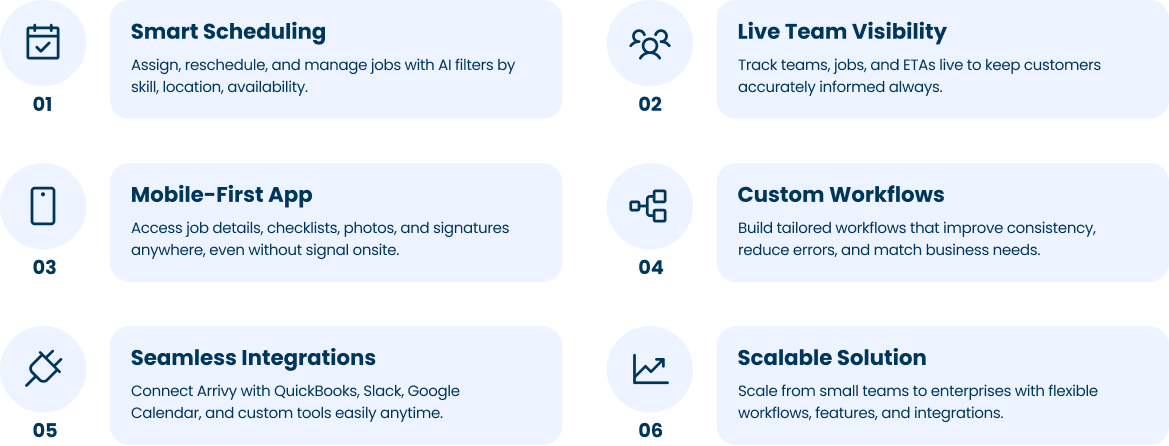
At Arrivy, we understand that FSM software is the technology that empowers teams to work more efficiently, more collaboratively, and with less stress. Arrivy is built with real-world challenges in mind, offering:
Real-Time Visibility: See where your team is at any moment, provide accurate ETAs to customers, and have a bird eye view of all the jobs progressing in real time.
With Arrivy, you don’t need to overhaul your operations. We help you optimize what’s already working while addressing common pain points like visibility, communication, and coordination.
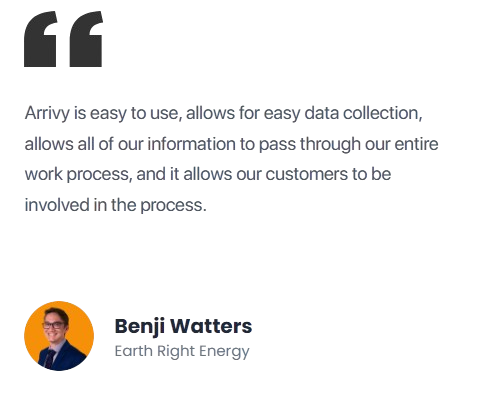
How to Avoid Choosing the Wrong FSM Software?
Making the wrong choice can lead to frustration and wasted resources. Here’s how to avoid common pitfalls:
Focus on Your Needs: Don’t get distracted by features you don’t need. Start with your biggest pain points and evaluate tools that solve them.
Conclusion
Choosing the right FSM software in 2026 comes down to a few honest questions:
- Will your techs actually use the mobile app?
- Can your dispatcher see what’s happening right now?
- Does scheduling match how your days really go?
- Does the QuickBooks sync work cleanly?
- And can your team grow into it without things breaking?
If you can answer yes to all of those, you have the right platform.
Ready to transform your field service operations in 2026?
Schedule a free demo with Arrivy today and see how we can help your team work smarter.