Login
Login






















As your field service business grows, keeping track of every lead, quote, follow-up, and customer conversation becomes harder. Sales teams need a clear view of opportunities, while service teams need accurate customer information before work begins.
A field service CRM brings these customer and sales workflows into one system. The challenge is finding a platform that fits your sales process and works well with the systems managing your field operations.
This guide compares five of the best field service CRM platforms for 2026 based on features, pricing, pros, cons, and best use cases. You will also learn how field service management software works with your CRM to connect customer relationships with scheduling, dispatch, and service delivery.
Quick Answer
A field service CRM helps service businesses manage leads, customer information, sales opportunities, quotes, and communication. Connecting a CRM with field service management software extends these workflows into scheduling, dispatch, work orders, and field execution. Tools like Arrivy support this connection by helping sales and operations teams connect customer information with service delivery workflows.
What Is a Field Service CRM?
CRM stands for customer relationship management. A field service CRM is software designed to help service businesses manage customer relationships and sales activities.
A CRM gives sales representatives, customer service teams, managers, and office staff a shared view of each customer relationship. Teams use this record to coordinate sales activities, review previous interactions, and maintain context from the first inquiry through ongoing service.
For HVAC companies, plumbing businesses, electrical contractors, and other service providers, a CRM creates a shared customer record across teams. When connected with field service management software, customer and sales data flows into operational workflows such as scheduling, dispatch, work orders, and field team coordination.
Why Do Field Service Businesses Need a CRM?
Field service businesses manage customer relationships across multiple stages, from the first sales conversation to repeat service. A CRM gives your team one place to track these interactions and act on customer information.
What the Numbers Show
Gartner reported 13.4% growth in the global CRM software market, bringing its value to $128 billion. This growth reflects the increasing role of connected customer data in business operations.
Centralize Customer Information: A CRM stores contact details, communication history, quotes, and sales activity in one place. Your team spends less time searching across spreadsheets, inboxes, and separate systems.
Track Sales Opportunities: A clear sales pipeline shows where each opportunity stands and which deals need attention. Managers also gain better visibility into sales activity and expected revenue.
Improve Follow-Ups: CRM software helps teams schedule tasks, set reminders, and automate emails. Sales representatives know which leads need attention and when to follow up.
Manage Quotes: A CRM keeps quotes connected to customers and sales opportunities. Teams track which quotes were sent, approved, rejected, or still awaiting a response.
Improve Customer Retention: Customer history gives teams context for future interactions and repeat service opportunities. Staff gain a clear record of previous communication and sales activity when customers return.
Increase Team Collaboration: A shared CRM gives sales, customer service, and operations teams access to relevant customer information. This reduces information gaps as customers move from sales to service.
Key Features to Look for in a Field Service CRM
The right CRM depends on how your team manages sales, customers, and the handoff to field operations. When comparing platforms, focus on features that support your current processes and future growth.
| Feature | What to Look For |
|---|---|
| Contact Management | Keeps customer details, communication, and account information in one place. |
| Pipeline Management | Helps your team track leads and deals across each stage of the sales process. |
| Quotes | Connects estimates and proposals with customer records and sales opportunities. |
| Workflow Automation | Reduces manual tasks such as lead assignments, follow-ups, and record updates. |
| Mobile Access | Gives sales and service teams access to customer information while away from the office. |
| Reporting | Tracks sales activity, pipeline performance, and other business metrics. |
| Integrations | Connects your CRM with field service, accounting, marketing, and other business systems. |
| Customer History | Maintains a record of past interactions, deals, and communication. |
| Email Automation | Supports timely follow-ups and consistent communication throughout the sales process. |
| API Availability | Supports data exchange and custom connections between your CRM and other business systems. |
How We Selected the Best CRM Software for Field Service Businesses
We compared each CRM based on the needs of field service businesses, from managing leads and customer relationships to connecting sales data with service operations. Our comparison focuses on:
Contact and pipeline management
Sales and workflow automation
Mobile access
Integrations and API availability
Pricing and scalability
Fit for field service workflows
We also considered the strengths, limitations, and ideal use cases of each platform to help you compare options based on your business needs.
Quick Comparison of the Best Field Service CRM Software
The table below compares the five CRM platforms based on business fit, pricing, integrations, and mobile access.
| CRM | Best for | Free Plan | Integrations | Mobile App | Starting Price |
|---|---|---|---|---|---|
| HubSpot | Small and growing service businesses | Yes | Extensive app marketplace | Yes | $7 per seat/month, billed annually |
| Salesforce | Growing and enterprise service businesses | No | Extensive AppExchange marketplace | Yes | $25 per user/month |
| Zoho CRM | Small businesses seeking affordable customization | Yes | Zoho Marketplace and third-party integrations | Yes | $14 per user/month, billed annually |
| Keap | Small service businesses focused on sales and marketing automation | No | Third-party integrations available | Yes | $299 per month |
| Pipedrive | Service businesses with sales-focused pipelines | No | Third-party integrations available | Yes | $299 per month |
5 Best CRM Software for Field Service Businesses in 2026
1. HubSpot
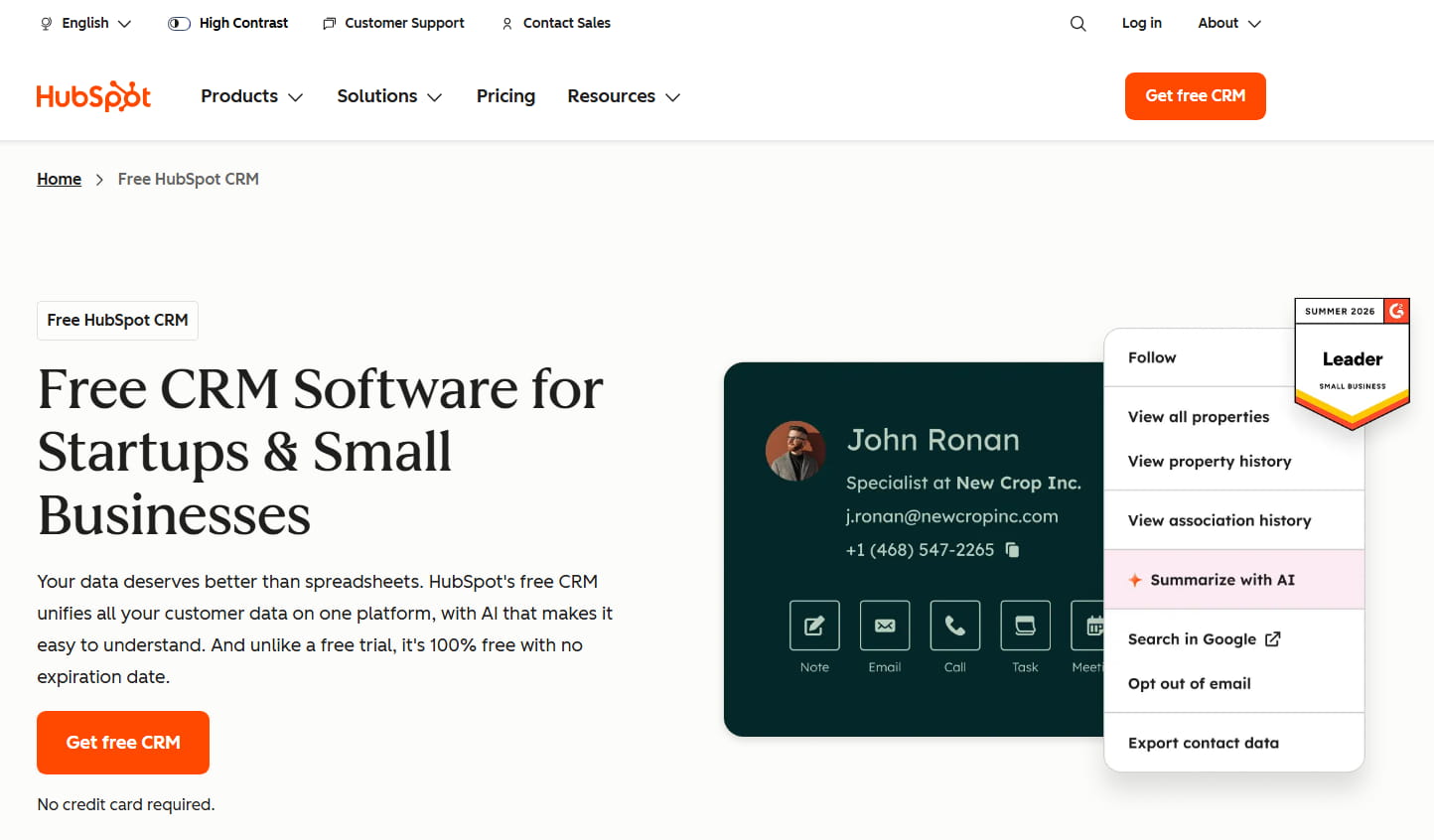
HubSpot is a CRM platform for managing leads, sales pipelines, customer communication, and marketing activities. Service businesses use its tools to organize customer and sales processes before work moves into field operations. Its free CRM tools and broad integration ecosystem suit small and growing field service businesses.
Pros
- Free CRM tools available
- Broad integration ecosystem
- User-friendly interface
- Sales and marketing tools in one platform
Cons
- Advanced features require higher-priced plans
- Costs rise as teams add users and features
- Advanced customization is limited on lower-tier plans
Pricing
HubSpot offers free CRM tools for up to two users. Paid plans start at $7 per seat per month when billed annually.
Best For
Small and growing field service businesses that need CRM, sales, and marketing tools with broad integration options.
2. Salesforce
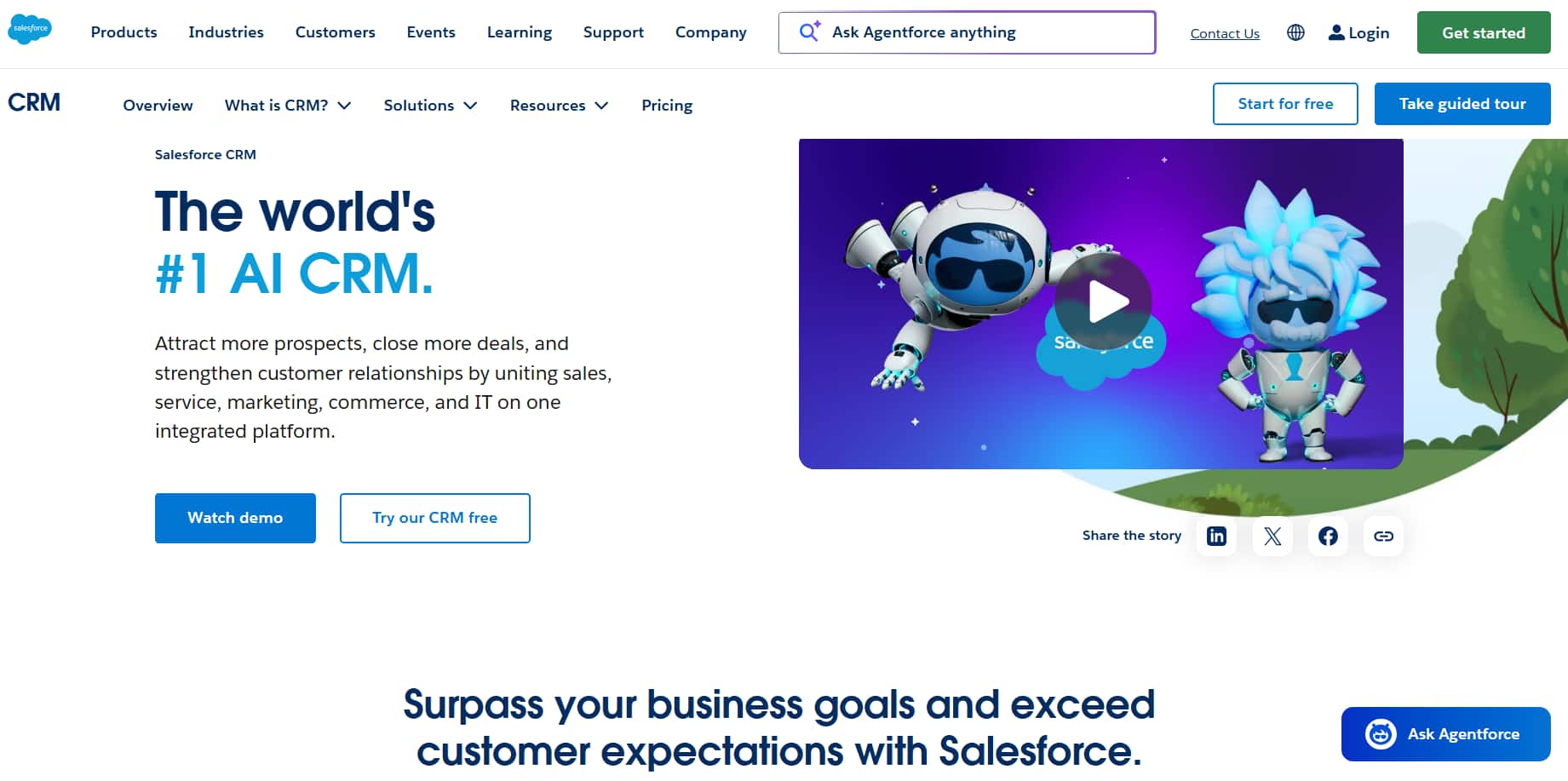
Salesforce is a CRM platform built for managing customer relationships, sales pipelines, and complex business processes. For field service businesses, it supports complex sales workflows and connects customer data with a broad range of business systems. Its customization options and broad integration ecosystem suit growing and enterprise field service businesses.
Pros
- Extensive customization options
- Broad integration ecosystem
- Advanced reporting and automation
- Suitable for complex sales processes
Cons
- Setup and customization require more time
- Costs increase with advanced features and add-ons
- Smaller teams may find the platform complex
Pricing
Salesforce Starter Suite starts at $25 per user per month. Higher-tier plans offer more advanced sales, automation, and customization features.
Best For
Growing and enterprise field service businesses that need advanced customization, automation, and support for complex sales processes.
3. Zoho CRM
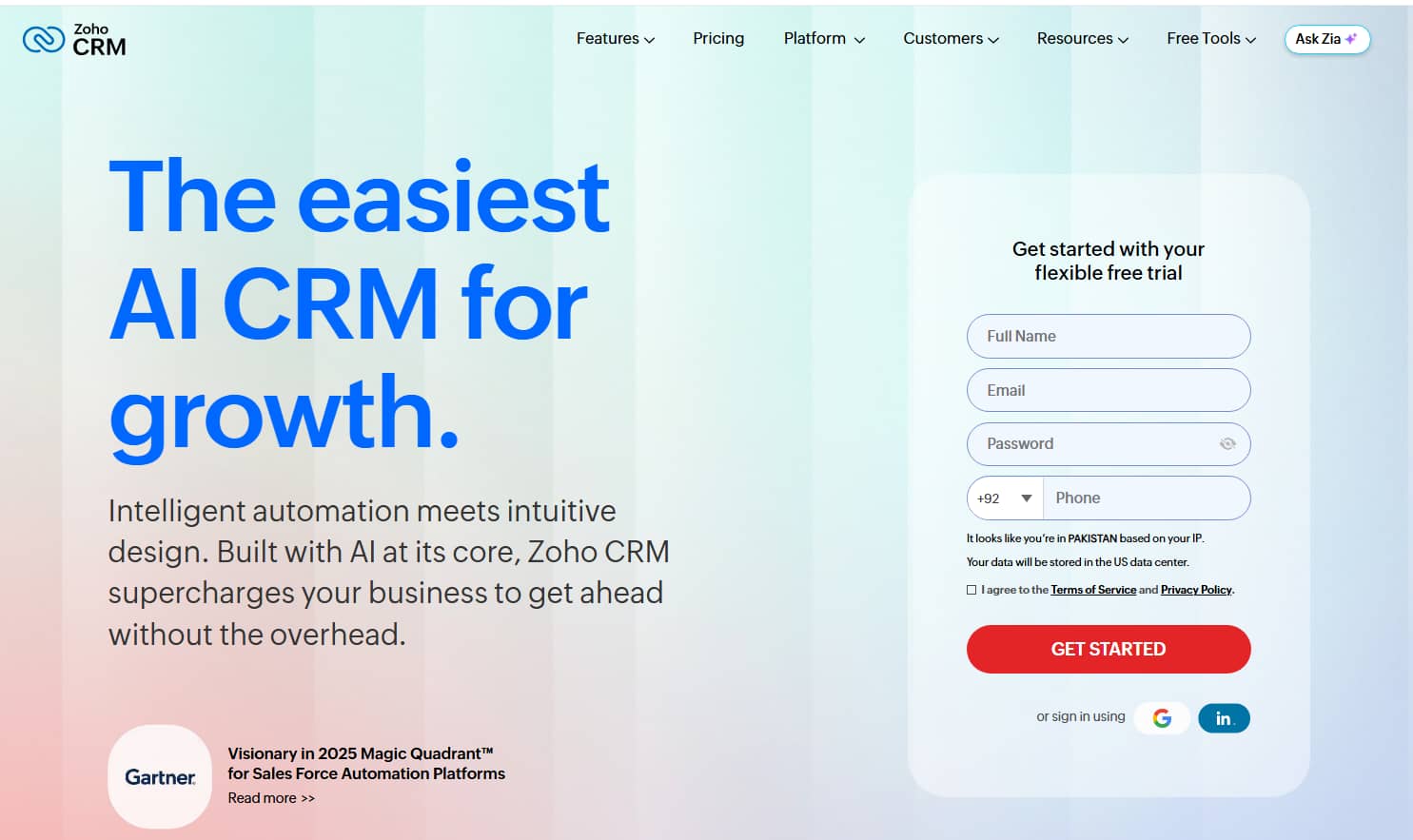
Zoho CRM helps businesses manage leads, customer relationships, sales pipelines, and automated workflows. Field service businesses use these tools to organize sales activities and maintain customer information before and between service jobs. Its affordable plans and customization options make it a suitable choice for small field service businesses.
Pros
- Free plan available
- Affordable paid plans
- Flexible customization options
- Broad Zoho product ecosystem
Cons
- Advanced features require higher-tier plans
- Setup takes time for extensive customization
- Some advanced capabilities require additional Zoho products
Pricing
Zoho CRM offers a free plan for up to three users. Paid plans start at $14 per user per month when billed annually.
Best For
Small field service businesses that need an affordable and customizable CRM with access to a broader business software ecosystem.
4. Keap
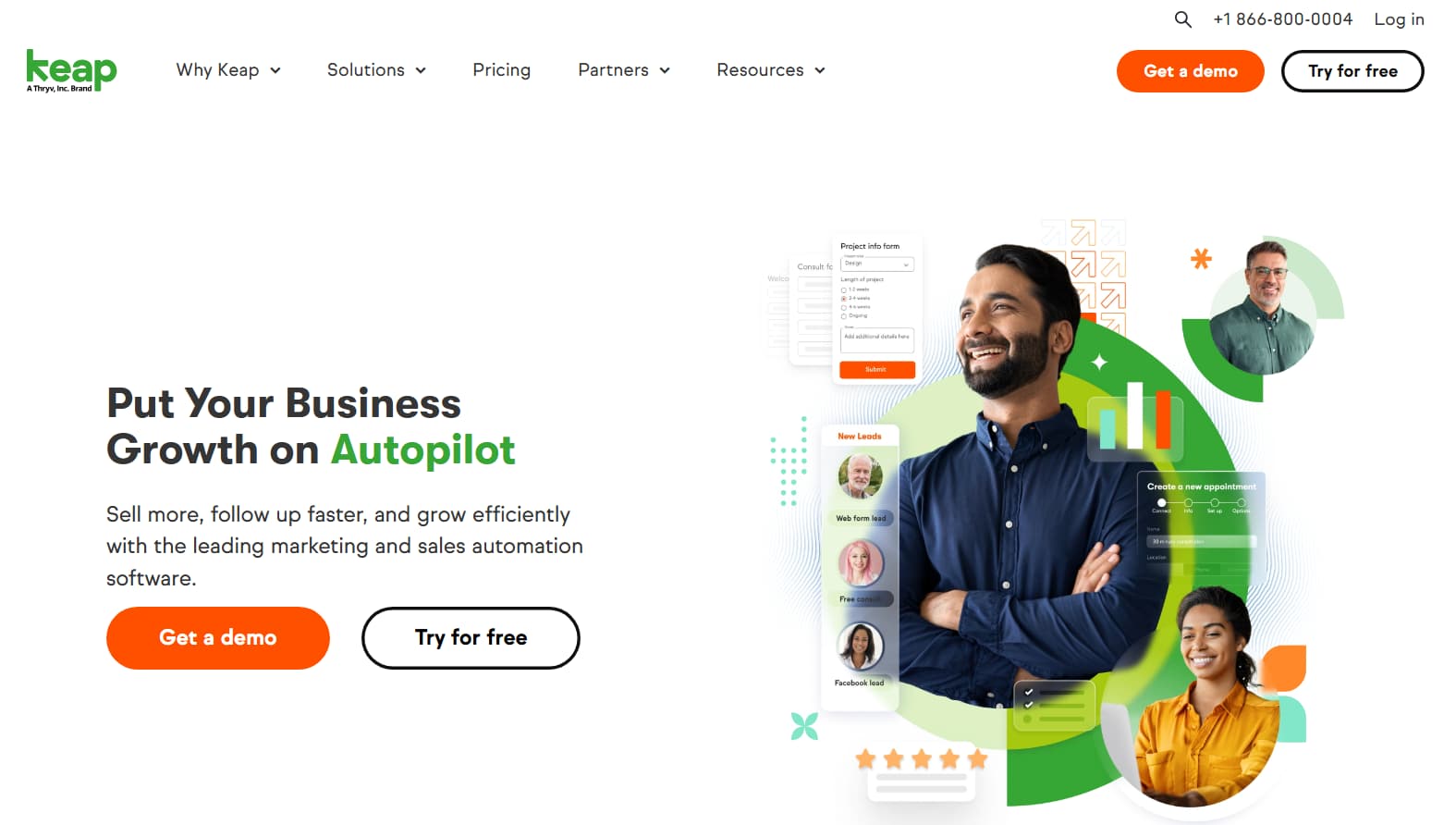
Keap is a CRM and sales automation platform designed for small businesses. Its automation, appointment scheduling, and customer management tools suit service businesses that want to organize sales and communication from one platform.
Pros
- Strong sales and marketing automation
- Built-in quotes and invoicing tools
- Appointment scheduling features
- Designed for small businesses
Cons
- Higher starting price than several competitors
- Limited fit for larger and complex sales teams
- Reporting options are less advanced than enterprise CRM platforms
Pricing
Keap plans start at $299 per month for two users and 1,500 contacts.
Best For
Small field service businesses that need CRM, sales automation, and marketing tools in one platform.
5. Pipedrive
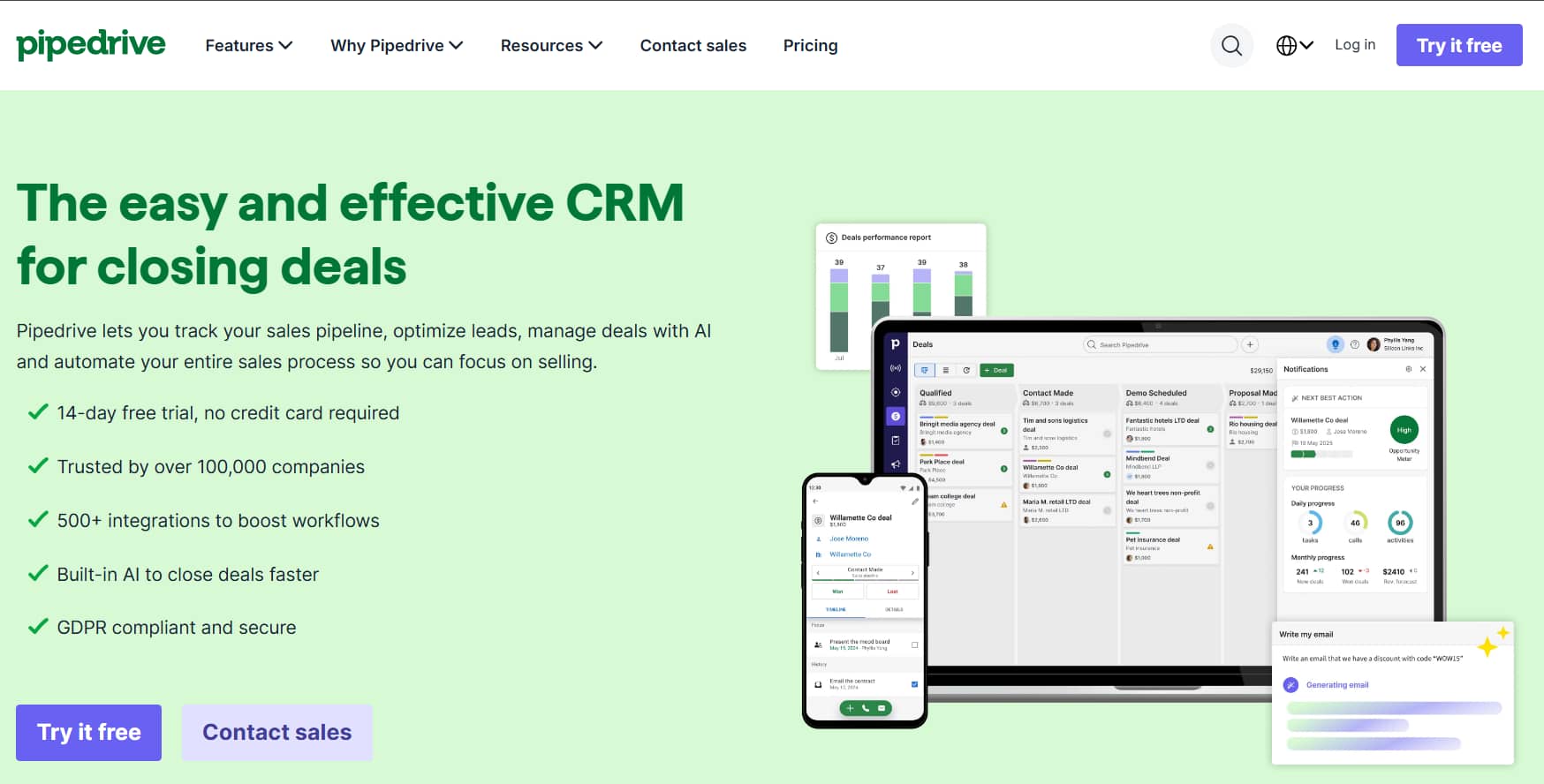
Pipedrive is a sales-focused CRM designed around visual pipeline management. Field service businesses use its tools to track opportunities and sales activities before work moves into service operations. Its simple interface suits teams that want a clear view of leads and deals.
Pros
- Simple visual sales pipelines
- User-friendly interface
- Strong deal and activity tracking
- Broad integration options
Cons
- Limited marketing features on lower-tier plans
- Advanced features require higher-priced plans
- Limited customization for complex business processes
Pricing
Pipedrive plans start at $14 per seat per month when billed annually.
Best For
Field service businesses that need a simple, sales-focused CRM for managing leads, deals, and sales pipelines.
Which CRM Is Right for Your Business?
The right CRM depends on your team size, sales process, budget, and integration needs. Here is how the five platforms compare across common business requirements.
| Use Case | Recommended CRM | Reason |
|---|---|---|
| Small Businesses | Zoho CRM | Affordable plans, customization options, and a free plan for up to three users |
| Growing Businesses | HubSpot | Sales and marketing tools with broad integration options |
| Enterprise Teams | Salesforce | Advanced customization, automation, and support for complex sales processes |
| Marketing Automation | Keap | Sales and marketing automation built for small businesses |
| Complex Sales Pipelines | Pipedrive | Visual pipelines and focused deal management tools |
Why CRM Alone Isn’t Enough for Field Service Businesses?
Closing a deal is only the beginning of service delivery. The work still needs to be scheduled, assigned, tracked, and completed.
Consider an HVAC company that closes a new installation deal. The operations team needs to schedule the job, assign technicians, plan routes, track progress, update the customer, and document completed work. A CRM does not manage these field workflows on its own.
Field service management software fills this operational gap. Connecting both systems creates a smoother handoff from sales to service, giving operations teams the information needed to deliver the job and sales teams visibility into what happens after the deal closes.
How to Connect CRM and Field Service Operations?
Connecting your CRM with field service management software helps information move from sales to service delivery. Tools like Arrivy bridge this gap by linking customer and sales data with the teams responsible for field execution.
Arrivy is an operations execution platform that works with CRM systems to support scheduling, dispatch, field crew management, route planning, work orders, customer updates, and proof of service. Once a deal moves forward, relevant customer and job information flows into Arrivy, where operations teams manage the work through completion.
For example, a connected workflow might look like this:
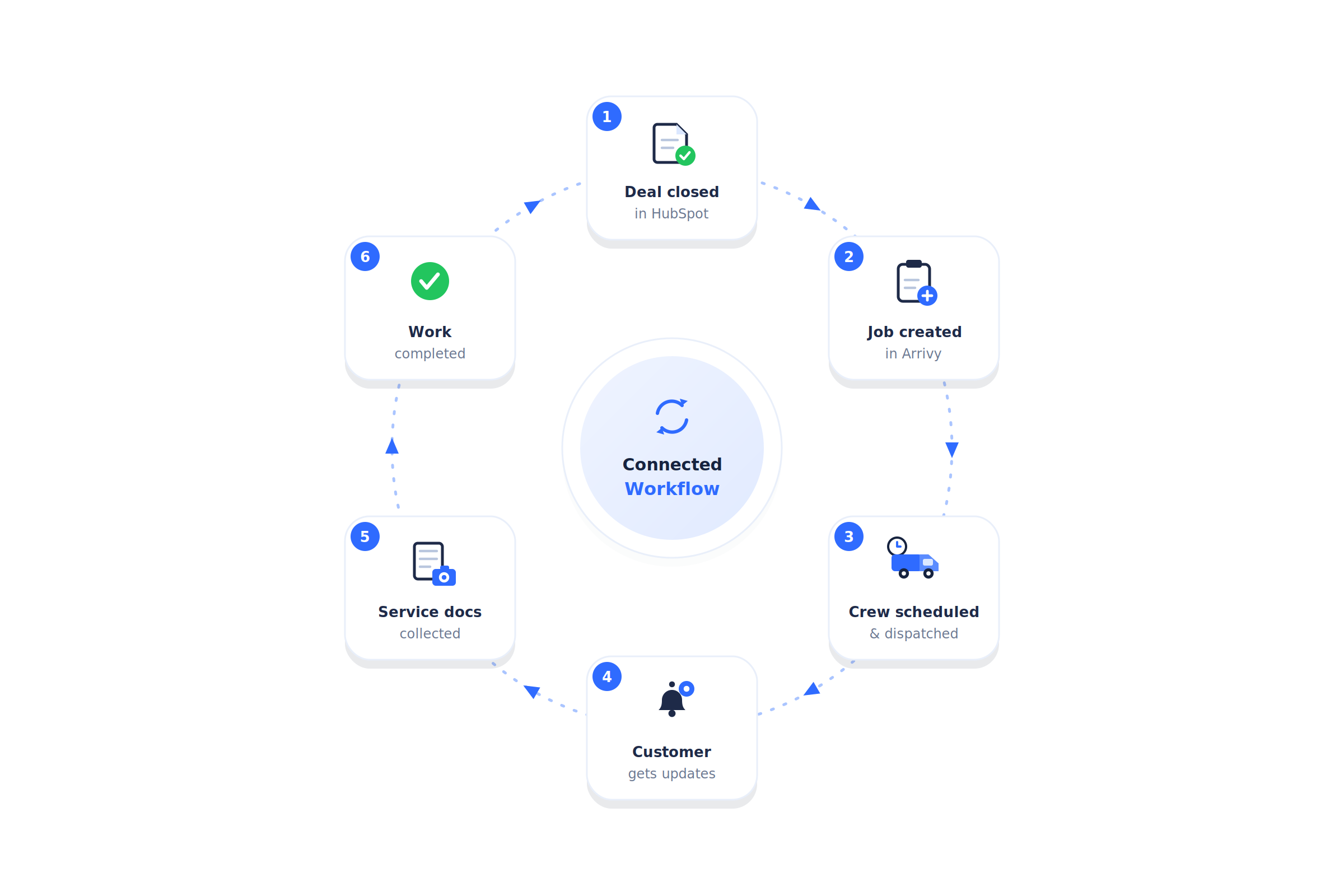
Businesses using HubSpot, Salesforce, or Zoho CRM connect their sales workflows with Arrivy to reduce manual handoffs between sales and operations.
Arrivy integrates with 50+ tools. See if your CRM is one of them.
Explore Arrivy Integrations
Conclusion
Choosing a field service CRM starts with understanding your sales process, business size, budget, and integration needs. The right platform should keep customer relationships and sales workflows organized.
As your operations grow, connecting your CRM with a platform like Arrivy helps maintain continuity between sales and service delivery. Evaluate both sides of the workflow to choose a setup that supports your team from the first customer interaction through completed work.
Take your CRM workflows from sales to service delivery with Arrivy.