


Quick Answer:
The best field service management software for small businesses depends on how your team works today and how much operational complexity you need to manage.
- Arrivy is best for growing service businesses that need scheduling, dispatching, route optimization, technician tracking, customer updates, work orders, digital forms, integrations, and field execution in one platform.
- Jobber is best for solo operators and small home service teams that need simple scheduling, quotes, invoices, and payments.
- Housecall Pro is best for home service businesses that prioritize scheduling, dispatching, online booking, invoicing, payments, and customer communication.
- FieldPulse is best for small-to-mid field teams that need scheduling, communication, invoicing, and team management.
- Service Fusion is best for cost-conscious businesses that want flat-rate pricing and unlimited users.
- Workiz is best for call-heavy service businesses that manage many customer calls, bookings, and dispatch requests.
As your service business grows, scheduling jobs becomes more difficult.
More technicians, appointments, and customer requests create more opportunities for delays, missed updates, and scheduling conflicts. What starts as a manageable workflow in a shared calendar often turns into a daily coordination challenge.
Field service management software helps consolidate those activities into a single system. It connects scheduling, dispatching, technician tracking, customer communication, work orders, and reporting, so your team spends less time coordinating work and more time completing it.
The best field service management software for small businesses balances ease of use with operational control. You need software that your team can adopt quickly and continue using as the business grows.
This guide compares the best FSM software for small businesses in 2026. We evaluated each platform based on scheduling and dispatch capabilities, mobile experience, customer communication, reporting, scalability, pricing, and best-fit use cases.
Recommended Reads
•Top-Tier Field Service Management Software for Enterprise Businesses in 2026
•What Is Dispatch Software? How It Works and Transforms Operations?
•What Is Field Service Management Software? A Complete Guide
Quick Comparison: Best Field Service Management Software for Small Businesses
| Software | Best For | Strongest Use Case | Considerations | Rating |
|---|---|---|---|---|
| Arrivy | Growing service businesses | Scheduling, dispatch, tracking, routing, customer updates, and field execution | More operational depth than some very small teams need | 4.8/5 |
| Jobber | Solo operators and small home service teams | Scheduling, quotes, invoicing, and payments | Costs increase as teams grow | 4.5/5 |
| Housecall Pro | Home service businesses | Scheduling, dispatching, invoicing, and customer communication | Some advanced features require higher-tier plans | 4.4/5 |
| FieldPulse | Small-to-mid field teams | Scheduling, communication, invoicing, and team management | Best fit depends on workflow complexity | 4.3/5 |
| Service Fusion | Cost-conscious growing teams | Flat-rate pricing and unlimited users | Interface and flexibility should be evaluated during a demo | 4.2/5 |
| Workiz | Call-heavy service businesses | Dispatching, customer communication, and call management | Pricing and features vary by plan | 4.1/5 |
Note: Ratings are based on the evaluation criteria used in this guide.
What is Field Service Management Software?
Field service management software helps businesses schedule jobs, dispatch technicians, manage work orders, track field activity, communicate with customers, and monitor operations from a single platform. Service businesses use FSM software to coordinate office staff, field teams, customers, and job information throughout the service lifecycle, from booking and scheduling to job completion and invoicing.
Why Small Businesses Need Field Service Management Software in 2026
Field service management software helps small businesses reduce scheduling errors, improve technician productivity, automate customer communication, manage work orders, and gain visibility into daily operations. As service businesses grow, coordinating technicians, schedules, customers, and job information becomes more difficult.
Research from Mordor Intelligence indicates that the global field service management market is growing at a compound annual growth rate of more than 11% between 2024 and 2029, driven in part by small and mid-sized service businesses adopting digital operations tools. A missed appointment or delayed update affects productivity, customer satisfaction, and revenue, which is why many businesses adopt FSM software to improve visibility, coordination, and efficiency.
The following are a few reasons to show the importance of FSM:
Rising Customer Expectations: Customers expect appointment reminders, arrival updates, and timely communication. FSM software helps automate customer notifications and keeps customers informed throughout the service process.
Higher Labor and Fuel Costs: Every scheduling gap and unnecessary trip increases operating costs. Scheduling and route optimization tools help technicians spend more time completing jobs and less time driving.
More Same-Day Schedule Changes: Cancellations, emergency requests, and delays create scheduling challenges. FSM software gives dispatchers a real-time view of schedules, making adjustments faster and easier.
Need for Real-Time Technician Visibility: Office teams need to know where technicians are and which jobs are in progress. Real-time visibility improves decision-making, customer communication, and schedule accuracy.
Faster Quotes, Invoices, and Job Documentation: Manual paperwork slows operations. FSM platforms help businesses connect field activity with work orders, photos, signatures, estimates, and invoicing workflows.
Mobile-First Field Operations: Technicians need access to schedules, customer information, and job details while working in the field. A field service mobile app helps teams update job status, collect information, and stay connected from any location.
How We Chose the Best Field Service Management Software
The field service software market includes dozens of platforms, each designed for different business sizes and operational needs. To create this list, we reviewed product capabilities, publicly available information, customer feedback from software review platforms, and the needs of growing service businesses.
We focused on the challenges small businesses face every day, including scheduling jobs, dispatching technicians, managing customer communication, tracking work in the field, and scaling operations without adding unnecessary administrative work.
The six platforms in this guide were evaluated using the following criteria.
Scheduling and Dispatch: Scheduling and dispatching are the foundation of field service operations. We looked at how each platform handles job scheduling, technician assignment, schedule adjustments, and dispatch workflows.
Ease of Use: Small businesses need software that teams can adopt quickly. We considered the overall user experience for both office staff and field technicians.
Mobile App Experience: Technicians spend most of their time in the field. We evaluated how well each platform supports mobile access to schedules, work orders, customer information, forms, photos, and job updates.
Technician Tracking and Visibility: Real-time visibility helps businesses make better scheduling decisions and respond to issues faster. We reviewed technician tracking and job status monitoring capabilities.
Customer Communication: Customer experience plays a major role in service businesses. We assessed features such as appointment reminders, arrival notifications, status updates, and communication tools.
Work Order Management: Work orders often contain job details, service history, forms, photos, notes, and signatures. We evaluated how effectively each platform manages job documentation from start to finish.
Route Planning and Optimization: Travel time affects productivity and operating costs. We reviewed route planning and route optimization capabilities where available.
Integrations and Reporting: Many small businesses rely on CRM, accounting, payment, and marketing tools. We considered integration options and reporting capabilities that support operational visibility and decision-making.
Scalability and Pricing: The right software should support growth. We evaluated pricing models, team scalability, and the overall value each platform provides for small service businesses.
Arrivy ranked first because it combines quoting, scheduling, dispatching, route optimization, technician tracking, customer communication, work order management, and operational visibility within a single platform. While many competitors focus on one part of field service operations, Arrivy connects scheduling, field execution, customer updates, reporting, and business integrations in a unified workflow.
Beyond field service management, Arrivy also supports sales operations and dock scheduling. Features such as self-scheduling, digital forms, real-time tracking, CRM integrations, and SAL AI make it a strong choice for growing service businesses that need more than basic scheduling software.
Best Field Service Management Software for Small Businesses
The following platforms represent the best field service management software for small businesses based on features, scalability, ease of use, and operational capabilities.
1. Arrivy: Best for Growing Small Businesses That Need Scheduling, Dispatch, and Field Execution

Arrivy is an operations management platform that helps businesses plan, dispatch, execute, and track work across field teams, customers, warehouses, and service operations. The platform includes solutions for field service management, sales operations, and dock scheduling, making it suitable for businesses that need visibility across multiple operational workflows.
For small service businesses, Arrivy offers more than appointment scheduling. As teams grow, managing technicians, customer communication, route planning, job documentation, and reporting becomes more challenging. Arrivy brings these activities into a single operational workflow, helping businesses maintain visibility and control as operations scale.
The platform includes quoting, scheduling & dispatch tools, dispatch dashboard, route optimization, technician tracking, customer notifications, digital forms, work order management, reporting, self-scheduling, timesheet management, and AI-powered assistance through SAL AI. It also integrates with CRM, marketing, accounting, and business systems to support end-to-end operational workflows.
Pros
- Strong scheduling and dispatch capabilities
- Real-time visibility into technician activity and job status
- Route optimization helps reduce travel time
- Customer communication and live tracking tools
- Supports digital forms, photos, and job documentation
- Includes self-scheduling capabilities
- Supports field service, sales operations, and dock scheduling workflows
- Integrates with CRM, accounting, and business systems
Cons
- More functionality than some very small teams require
- Initial setup may require workflow configuration
- Teams seeking only basic scheduling may not use all available features
Pricing
Arrivy pricing starts at $25 per user per month, with a minimum of three users required. Businesses with more advanced operational requirements can choose higher-tier plans based on team size and workflow needs.
Best Fit
Best for growing service businesses that need scheduling, dispatching, route optimization, technician tracking, customer communication, and operational visibility in a single platform.
See how Arrivy can help you run field operations with more control and less manual work.
Schedule a demo today
2. Jobber: Best for Solo Operators and Small Home Service Teams

Jobber is a field service management platform designed for small service businesses that want a simple way to manage scheduling, quoting, invoicing, and customer communication. The platform focuses on ease of use and helps businesses organize daily operations without a steep learning curve.
Jobber combines scheduling, client management, quoting, invoicing, and payments in one platform. It is particularly popular among home service businesses that need straightforward workflows and basic field service management capabilities.
Pros
- Easy to learn and use
- Strong quoting and invoicing tools
- Suitable for solo operators and small teams
- Mobile access for field staff
- Customer communication features
Cons
- Costs can increase as teams grow
- Limited route optimization capabilities
- Less dispatch flexibility than some competitors
- Advanced features require higher-tier plans
Pricing
Jobber pricing starts at $29 per month for individual users, with higher-tier plans available for growing teams that need additional automation and operational features.
Best Fit
Best for solo operators and small home service teams that need scheduling, quoting, invoicing, and payment management in one platform.
3. Housecall Pro: Best for Home Service Businesses That Need Scheduling, Dispatching, and Payments
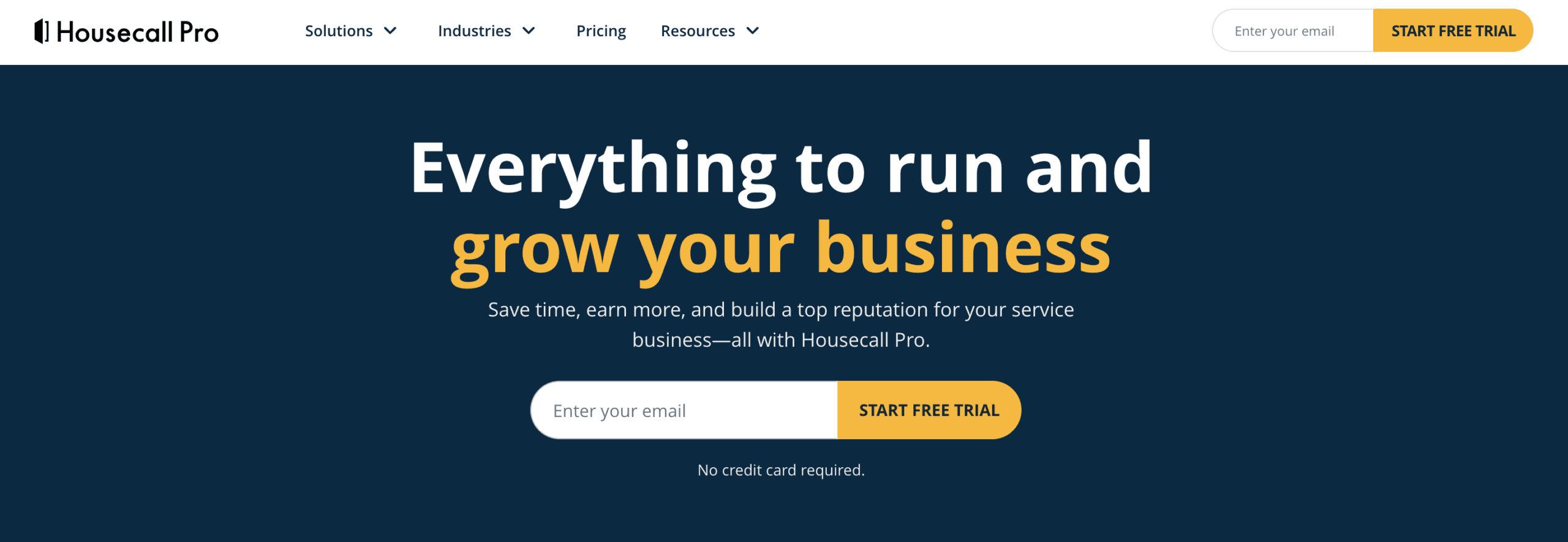
Housecall Pro is a field service management platform built for home service businesses that want to manage scheduling, dispatching, customer communication, invoicing, and payments from a single system. The platform is widely used by businesses in industries such as HVAC, plumbing, electrical, cleaning, and other residential services.
Its scheduling, dispatching, and payment tools make it a practical choice for teams that want to reduce administrative work and keep jobs moving efficiently.
Pros
- Strong scheduling and dispatch tools
- Built-in payment processing
- Online booking and customer communication features
- Mobile app for field teams
- Popular among home service businesses
Cons
- Some advanced functionality requires higher-tier plans
- Costs can increase as additional features are added
- Less operational depth than some larger platforms
- Route optimization capabilities are limited
Pricing
Housecall Pro pricing starts at $59 per month for a single user, with tiered plans available for larger teams and advanced business management capabilities.
Best Fit
Best for home service businesses that want scheduling, dispatching, customer communication, invoicing, and payments in one platform.
4. FieldPulse: Best for Small-to-Mid Field Teams That Need Scheduling and Team Management
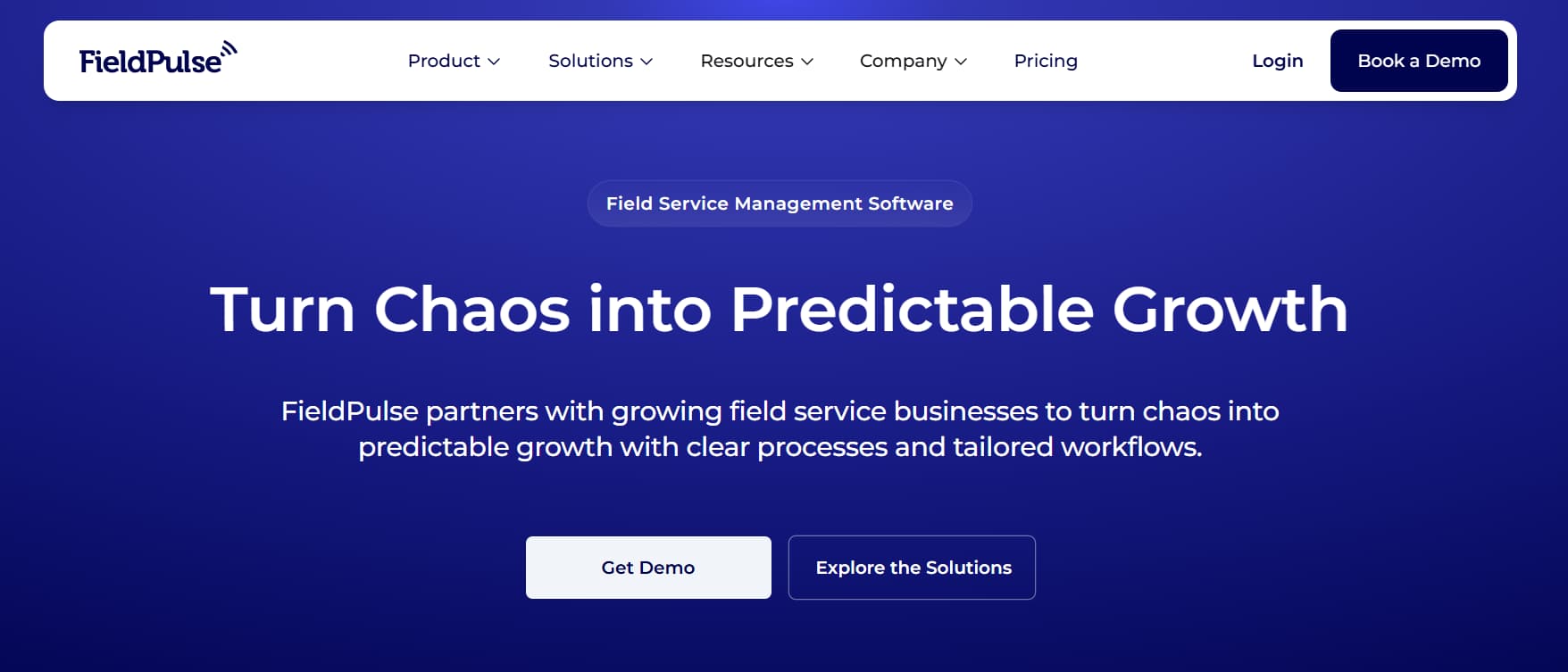
FieldPulse is a field service management platform designed for service businesses that need scheduling, customer management, invoicing, and team coordination in a single system. The platform supports a range of trades and service industries, making it a flexible option for growing businesses.
Its combination of scheduling, job management, customer records, and invoicing tools makes it a practical choice for businesses looking to centralize operations.
Pros
- Strong scheduling and job management capabilities
- Combines customer management and invoicing tools
- Mobile access for office and field teams
- Supports team communication and collaboration
- Suitable for a variety of service industries
Cons
- Best fit depends on industry and workflow requirements
- Some businesses may require additional integrations
- Route optimization capabilities are limited
- Advanced functionality may require higher-tier plans
Pricing
FieldPulse uses custom seat-based pricing tailored to team size and access requirements, with Essentials, Professional, and Enterprise packages available.
Best Fit
Best for small-to-mid field service teams that need scheduling, customer management, invoicing, and team coordination in one platform.
5. Service Fusion: Best for Small Businesses That Want Flat-Rate Pricing and Unlimited Users
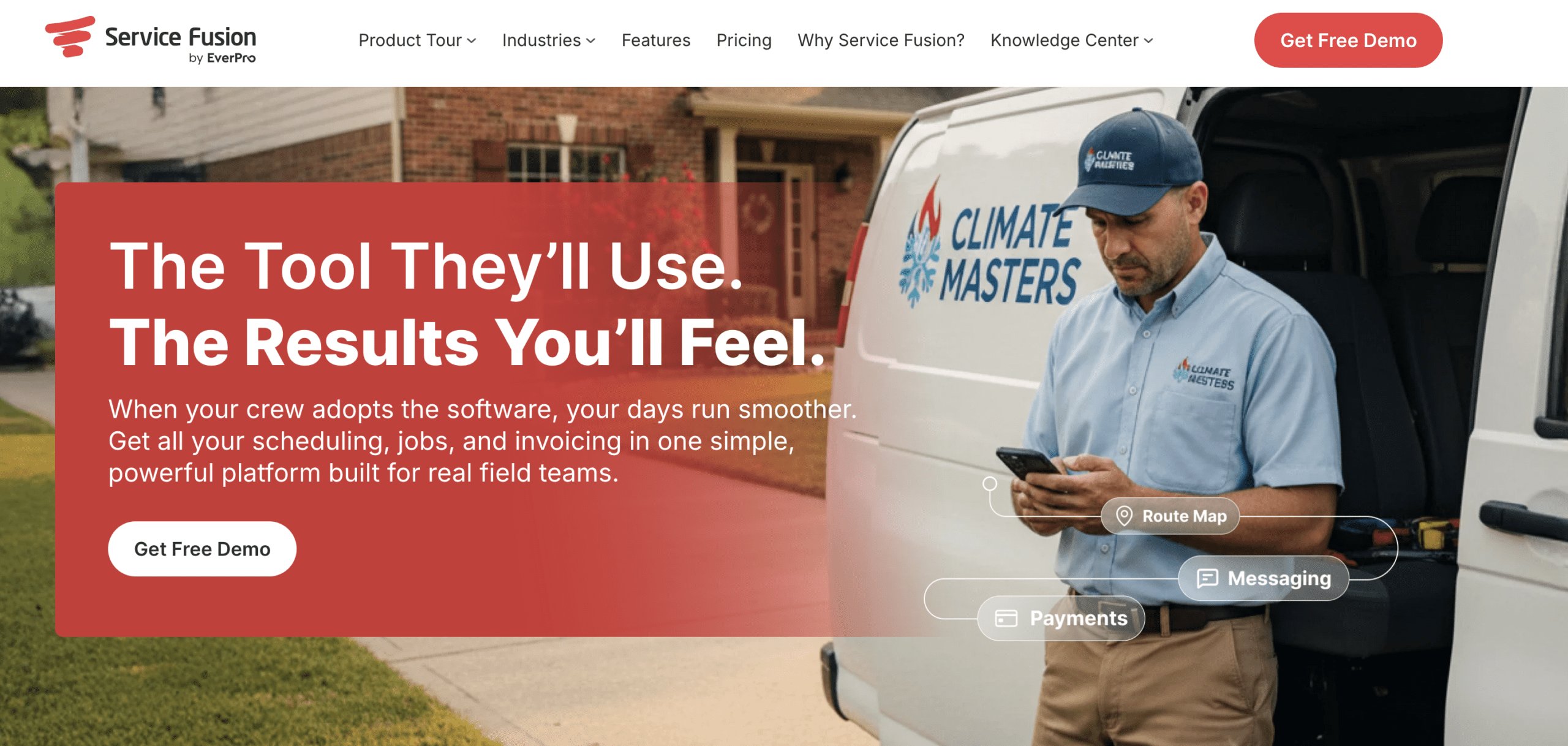
Service Fusion is a field service management platform that combines scheduling, dispatching, customer management, invoicing, and job tracking in a single system. The platform is often considered by growing businesses looking for predictable pricing and broad functionality.
One of its key differentiators is its pricing structure. Unlike many platforms that charge per user, Service Fusion offers plans with unlimited users, making it appealing for businesses that expect to add technicians and office staff over time.
The platform helps businesses manage service operations from scheduling through invoicing while providing visibility into daily job activity.
Pros
- Unlimited users on many plans
- Predictable pricing structure
- Combines scheduling, dispatching, and invoicing
- Mobile access for field teams
- Suitable for growing service teams
Cons
- Interface may feel dated compared to newer platforms
- Route optimization capabilities are limited
- Customization options may be more limited
- User experience should be evaluated during a demo
Pricing
Service Fusion offers Starter, Plus, and Pro plans with custom pricing, allowing businesses to choose the level of functionality that fits their operational needs.
Best Fit
Best for cost-conscious service businesses that want flat-rate pricing and support for unlimited users.
6. Workiz: Best for Call-Heavy Service Businesses
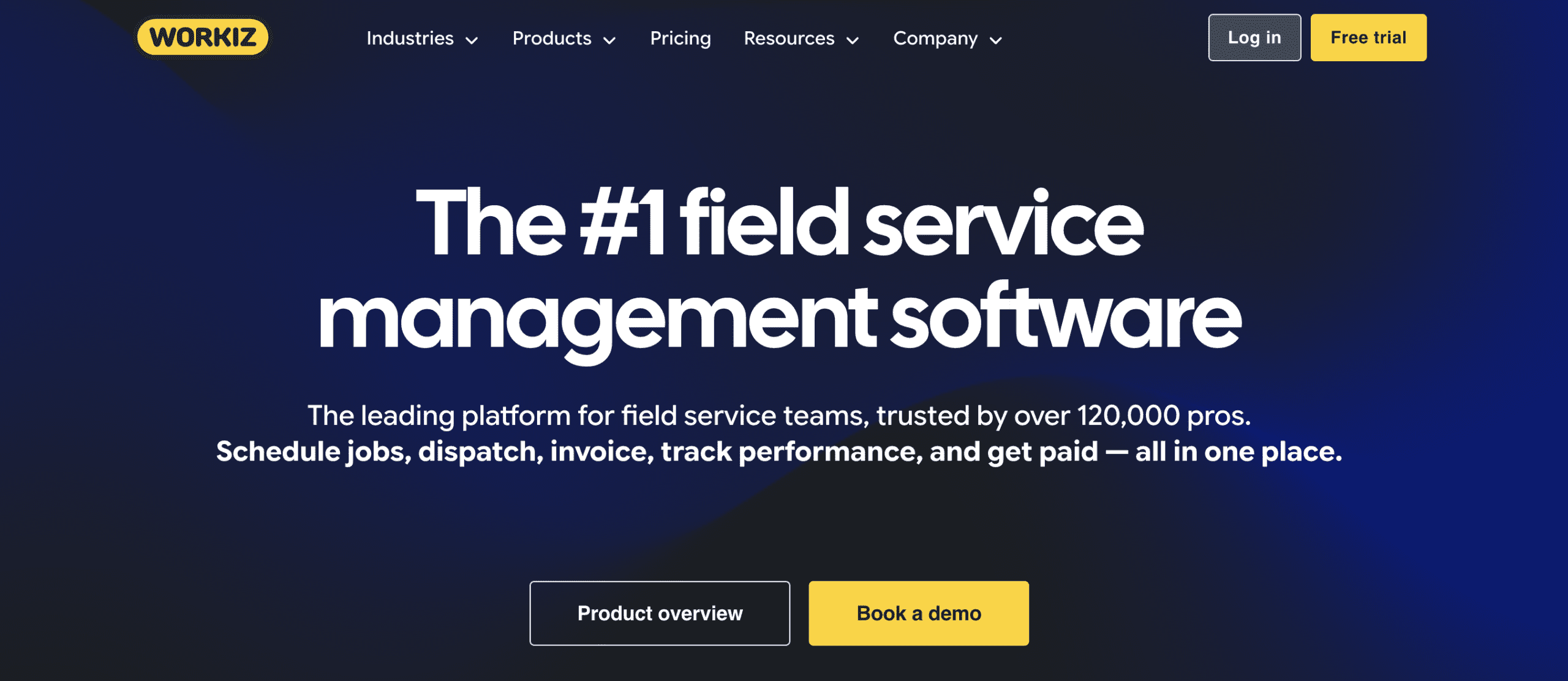
Workiz is a field service management platform designed for service businesses that handle a high volume of customer calls, bookings, and dispatch requests. The platform combines scheduling, dispatching, customer management, invoicing, and communication tools in a single system.
A key focus of Workiz is helping businesses manage customer interactions alongside field operations. Its call management features make it particularly attractive for businesses that rely heavily on inbound calls to generate and schedule service work.
Pros
- Strong call management capabilities
- Combines dispatching and customer communication tools
- Mobile access for field teams
- Supports estimates, invoicing, and payments
- Suitable for service businesses with high call volumes
Cons
- Pricing varies based on plan and features
- Advanced functionality may increase costs
- Route optimization capabilities are limited
- Some features may require additional add-ons
Pricing
Workiz offers Standard, Pro, and Ultimate plans with custom pricing, with higher tiers providing additional automation, reporting, and operational tools.
Best Fit
Best for service businesses that rely heavily on customer calls, dispatching, and appointment scheduling.
How to Choose the Best FSM Software for Your Small Business?
Choosing field service management software is about more than comparing features. The right platform should support your current workflow, improve operational efficiency, and scale with your business as job volume, technicians, and customer expectations grow.
When comparing field service management software, focus on:
Scheduling and dispatch capabilities
Mobile access for technicians
Customer communication tools
Work order management
Route planning and optimization
Reporting and operational visibility
Integrations with your existing tools
Scalability as your business grows
When Arrivy Is the Right Choice
Choose Arrivy if you:
➤ Manage multiple technicians, crews, or service teams
➤ Need scheduling, dispatching, and route optimization in one platform
➤ Want real-time visibility into technician activity and job progress
➤ Need customer notifications, live tracking, and status updates
➤ Rely on digital forms, photos, signatures, and job documentation
➤ Need integrations with CRM, accounting, or business systems
➤ Have outgrown spreadsheets, shared calendars, or scheduling-only tools
Businesses that need only basic scheduling and invoicing may find simpler platforms sufficient. For growing service businesses that need stronger operational control, Arrivy offers one of the most complete combinations of scheduling, dispatching, route optimization, technician tracking, customer communication, and field execution tools.
Final Verdict
There is no single best field service management software for every small business. The right choice depends on your team size, workflow, and operational priorities.
Jobber is a good fit for solo operators and small home service teams. Housecall Pro works well for businesses focused on scheduling, invoicing, and payments. FieldPulse supports growing field teams that need scheduling and team management tools. Service Fusion appeals to businesses looking for flat-rate pricing and unlimited users. Workiz is a strong option for service businesses that handle a high volume of customer calls.
If your business is growing and requires scheduling, dispatching, route optimization, technician tracking, customer communication, work order management, and operational visibility in a single platform, Arrivy is one of the strongest options available.