Login
Login




















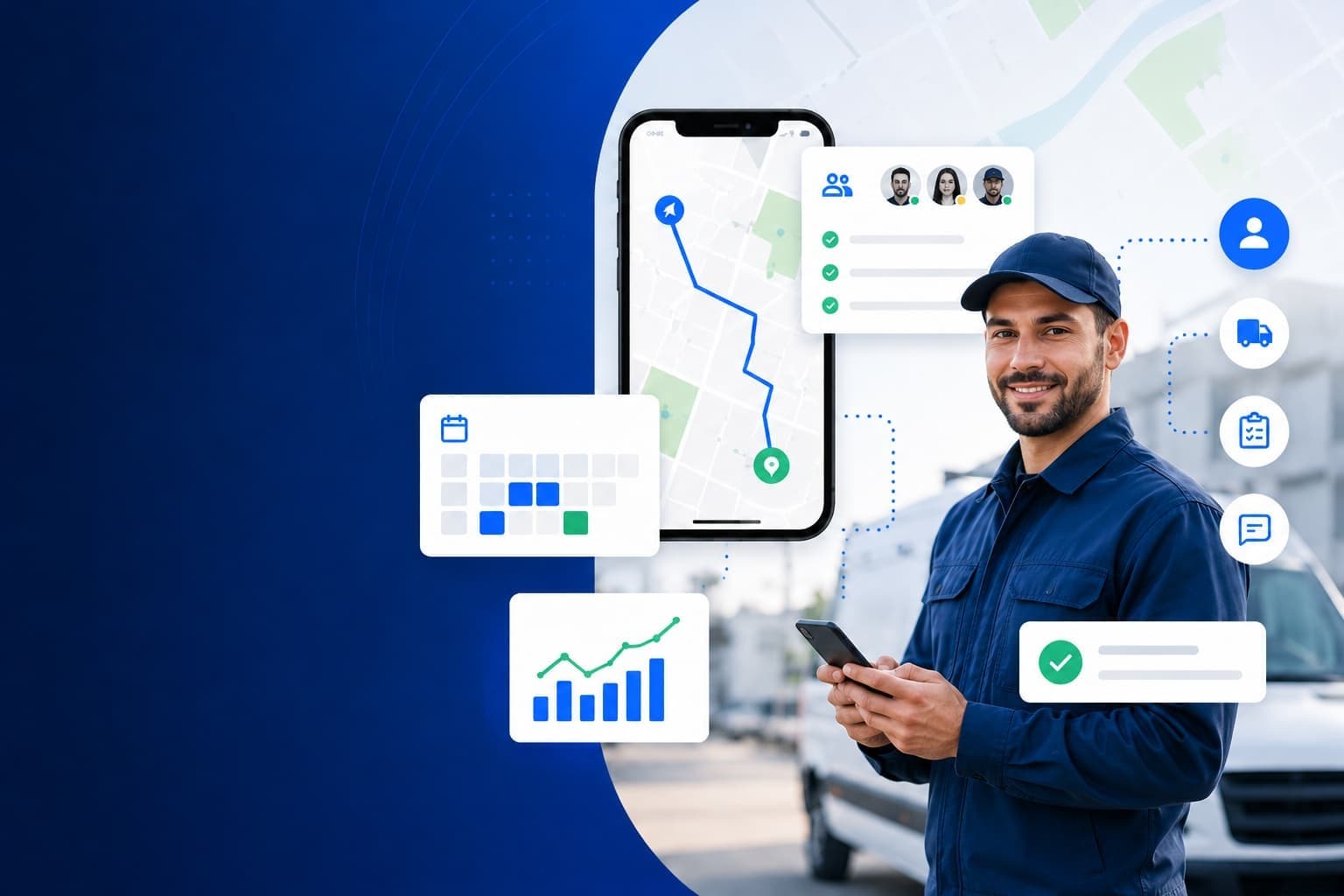


Managing field employees across multiple jobs, locations, and customer appointments becomes harder as your business grows. Schedules, communication, workforce tracking, and reporting often end up spread across multiple systems.
Mobile workforce management software helps businesses coordinate field employees from a single platform. Teams use these tools to manage scheduling, dispatching, workforce tracking, communication, reporting, and day-to-day operations.
The right solution depends on your workflow. Some platforms focus on field service and delivery operations. Others focus on workforce scheduling, technician management, team communication, or time tracking.
This guide compares the best mobile workforce management software in 2026, including Arrivy, Skedulo, Connecteam, ServiceTitan, and Jobber. We evaluated each platform based on scheduling, mobile usability, workforce visibility, communication, integrations, reporting, and overall value.
Quick Answer:
Mobile workforce management software helps businesses manage employees who work outside a central office by bringing scheduling, dispatching, workforce tracking, communication, and day-to-day operations into one platform.
The best mobile workforce management software in 2026 includes:
Arrivy (4.9/5): Best for field service, delivery, logistics, and customer-facing operations
Skedulo (4.7/5): Best for enterprise workforce scheduling and dispatch
Connecteam (4.6/5): Best for deskless team communication and task management
ServiceTitan (4.5/5): Best for larger service businesses with mobile technician workflows
Jobber (4.4/5): Best for small home service teams
The right platform depends on your operational needs, team size, workflows, and growth plans.
What Is Mobile Workforce Management Software?
Mobile workforce management software helps businesses manage employees who work outside a central office. These platforms provide tools for scheduling, dispatching, workforce tracking, communication, task management, reporting, and job execution.
Instead of relying on phone calls, spreadsheets, and disconnected systems, managers can coordinate field operations from a single platform. Employees receive schedules, job updates, and work instructions through a mobile app, while managers gain visibility into workforce activity in real time.
Mobile workforce management software is commonly used by:
Field service teams
Delivery drivers
Service technicians
Installers
Maintenance crews
Sales representatives
Construction teams
Healthcare field workers
Utility and telecommunications teams
Many businesses use mobile workforce management software as field team management software to coordinate employees, schedules, jobs, and customer-facing operations
How Mobile Workforce Management Software Works
Mobile workforce management software connects managers, dispatchers, and field employees through a shared platform. Many organizations use a mobile workforce management app to coordinate daily operations, track work, and manage field teams from anywhere.
Most platforms follow a workflow like this:
Schedule Work: Managers create schedules, assign shifts, and allocate jobs based on employee availability, skills, location, and workload.
Dispatch Jobs: Work orders, service requests, deliveries, or tasks are assigned to field employees through a mobile app. Teams receive job details instantly.
Track Workforce Activity: Managers gain real-time visibility into employee locations, job status, route progress, and completed work through mobile workforce tracking software.
Communicate With Teams: Employees and managers share updates, notes, photos, documents, and task information without relying on phone calls or manual check-ins.
Capture Field Data: Workers complete forms, collect signatures, upload photos, record job details, and document completed work directly from the field.
Monitor Performance: Reporting and analytics tools help managers track productivity, response times, workforce utilization, completed jobs, and operational performance.
By combining scheduling, dispatching, workforce tracking, communication, and reporting in one system, mobile workforce management software helps businesses improve coordination and maintain visibility across field operations.
Benefits of Mobile Workforce Management Software
Managing a mobile workforce becomes easier when teams, schedules, jobs, and communication are connected in one system. Mobile workforce management software helps businesses improve visibility, coordination, and operational efficiency.
Here are some of the key benefits:
1. Improved Scheduling and Dispatching
Managers can assign jobs, adjust schedules, and respond to changes faster. Modern workforce scheduling software helps teams maintain coverage while reducing scheduling conflicts.
2. Real-Time Workforce Visibility
Location tracking and job status updates help managers understand where employees are, what work is in progress, and which tasks need attention.
3. Better Team Communication
Mobile apps give employees access to schedules, work instructions, updates, and important documents without relying on phone calls or text messages.
4. Faster Job Completion
Field employees receive the information they need when they need it. This reduces downtime and helps teams complete more work each day.
5. More Accurate Field Data
Digital forms, photos, signatures, and job updates create a clear record of completed work and reduce manual paperwork.
6. Improved Customer Experience
Many platforms provide appointment notifications, status updates, and arrival estimates that help keep customers informed throughout the service process.
7. Stronger Reporting and Accountability
Managers can track workforce performance, completed jobs, response times, and operational trends through centralized reporting tools.
Mobile workforce management software helps businesses replace disconnected processes with a more organized and visible approach to managing field operations.
How We Chose the Best Mobile Workforce Management Software
We evaluated each platform based on the capabilities businesses need to manage mobile and deskless employees effectively.
Our evaluation focused on:
| Evaluation Criteria | Weight |
|---|---|
| Scheduling and Dispatch | 20% |
| Mobile Experience | 20% |
| Workforce Visibility | 15% |
| Team Communication | 15% |
| Reporting and Analytics | 10% |
| Integrations |
10% |
| Ease of Use | 5% |
| Overall Value | 5% |
We also considered scalability, industry fit, customer-facing capabilities, and how well each platform supports field service teams, delivery operations, technicians, installers, and other mobile workforces.
Ratings reflect our evaluation of scheduling capabilities, mobile usability, workforce visibility, communication tools, reporting, integrations, scalability, and overall value for mobile workforce operations.
Quick Comparison: Best Mobile Workforce Management Software
The table below compares the top mobile workforce management platforms based on use case, strengths, and overall rating.
| Software | Best For | Main Strength | Ratings |
|---|---|---|---|
| Arrivy | Field service, delivery, logistics, and customer-facing operations | End-to-end mobile operations management | 4.9/5 |
| Skedulo | Enterprise workforce scheduling and dispatch | Intelligent scheduling and resource planning | 4.7/5 |
| Connecteam | Deskless team communication and task management | Mobile-first workforce coordination | 4.6/5 |
| ServiceTitan | Larger service businesses | Technician workflow management | 4.5/5 |
| Jobber | Small home service teams | Simple scheduling and customer management | 4.4/5 |
Best Mobile Workforce Management Software in 2026
Each platform below serves a different type of mobile workforce. We evaluated them based on scheduling, dispatching, workforce visibility, mobile usability, communication, integrations, reporting, and overall value.
1. Arrivy: Best for Field Service, Delivery, Logistics, and Mobile Operations Teams

Arrivy is a mobile workforce management platform built for businesses that manage field employees, service technicians, delivery drivers, installers, and customer-facing operations. It combines scheduling, dispatching, route optimization, workforce visibility, customer communication, digital forms, and reporting in a single platform.
Many businesses rely on multiple tools to coordinate field operations. Scheduling, communication, and reporting often happen across separate systems. Arrivy brings these workflows together, giving managers real-time visibility into jobs, employees, routes, and customer interactions.
The platform supports the entire job lifecycle, from scheduling and dispatching to job completion and performance reporting.
Pros
- Combines scheduling, dispatching, and workforce visibility in one platform
- Strong support for field service and delivery operations
- Customer communication is built into operational workflows
- Route optimization helps improve workforce efficiency
- Digital forms reduce paperwork and manual data entry
- Real-time visibility across jobs and field teams
- Supports customer-facing operations and proof-of-service workflows
Cons
- Not designed as a full HR management suite
- Payroll management requires integrations
- Some advanced features are available on higher-tier plans
Pricing
Arrivy pricing starts at $25 per user per month, with a minimum of 3 users. Higher-tier plans provide access to additional features, integrations, and operational capabilities.
Rating: (★ ★ ★ ★ ★) 4.9/5
Best For
Field service businesses, delivery operations, logistics providers, installers, technicians, and other customer-facing mobile teams.
Why We Ranked Arrivy #1
Arrivy earned the top spot because it combines workforce scheduling, dispatching, route optimization, real-time visibility, customer communication, digital forms, and reporting in a single platform. While many workforce management tools focus on scheduling, communication, or time tracking, Arrivy supports the full operational workflow from job assignment to job completion. This makes it a strong choice for businesses managing field service teams, delivery operations, logistics providers, technicians, installers, and other customer-facing mobile workforces.
2. Skedulo: Best for Enterprise Workforce Scheduling and Dispatch
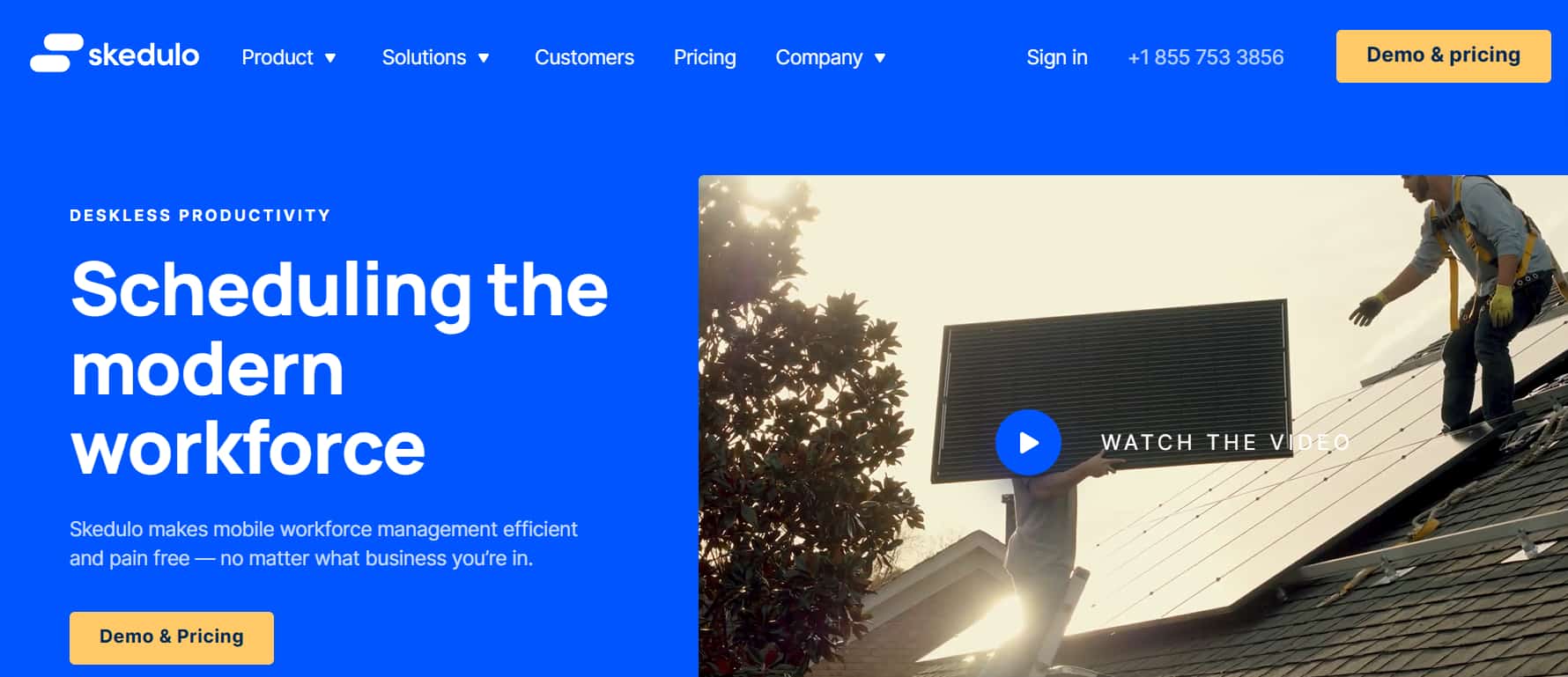
Skedulo is a mobile workforce management platform built for organizations that manage large, distributed workforces. It focuses on workforce scheduling, intelligent job assignment, dispatching, and resource management for field-based teams.
The platform helps businesses coordinate employees across multiple locations while improving workforce utilization and scheduling efficiency. Healthcare providers, telecommunications companies, utilities, and enterprise service organizations commonly use Skedulo.
Pros
- Strong workforce scheduling and dispatch capabilities
- Built for large and distributed workforces
- Supports automated job assignment
- Strong workforce visibility and resource planning tools
- Integrates with major enterprise systems
Cons
- Pricing is not publicly available
- Better suited for enterprise organizations than small businesses
- Implementation may require more setup than smaller platforms
- Customer communication features are less extensive than some alternatives
Pricing
Skedulo offers custom pricing based on business size, workforce requirements, and deployment needs.
Best For
Enterprise field service organizations, healthcare providers, utilities, telecommunications companies, and businesses managing large distributed workforces.
Why We Ranked Skedulo #2
Skedulo ranks second because it offers excellent workforce scheduling, dispatching, and resource planning for enterprise organizations. Its strengths lie in managing large distributed teams, though its customer communication and field operations capabilities are not as comprehensive as Arrivy’s.
3. Connecteam: Best for Deskless Team Communication and Task Management
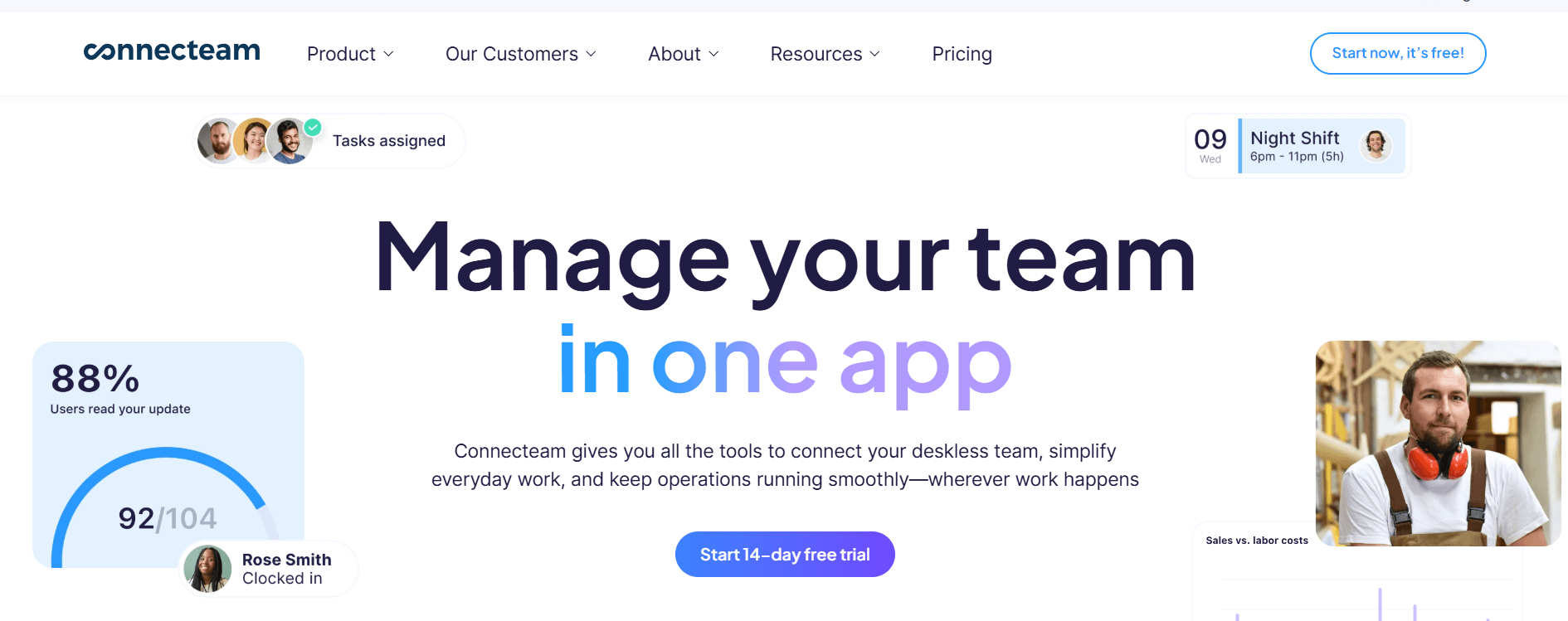
Connecteam is a deskless workforce management software platform designed for businesses with deskless employees. It helps organizations manage scheduling, communication, time tracking, task management, and daily workforce operations through a mobile-first experience.
The platform is widely used by businesses that need a simple way to coordinate employees across multiple locations. Its communication and workforce management tools help managers keep teams aligned while reducing administrative work.
Pros
- Easy-to-use mobile app
- Strong team communication tools
- Combines scheduling and workforce management in one platform
- Includes task management and workforce tracking
- Free plan available for small teams
Cons
- Not designed specifically for field service operations
- Limited dispatch and route management capabilities
- Customer communication features are limited
- Route optimization is not available
- Advanced operational workflows may require additional tools
Pricing
Connecteam offers a free plan for up to 10 users. Paid plans start at $29 per month for up to 30 users.
Rating: (★ ★ ★ ★ ★) 4.6/5
Best For
Deskless teams, retail businesses, hospitality organizations, cleaning services, security companies, and businesses that prioritize workforce communication and employee coordination.
4. ServiceTitan: Best for Larger Service Businesses With Mobile Technician Workflows

ServiceTitan is a field service management platform designed for larger service businesses that manage technicians across multiple locations. It combines scheduling, dispatching, customer management, invoicing, reporting, and technician workflows in a single system.
The platform is widely used by HVAC, plumbing, electrical, garage door, and other home service businesses. Its mobile capabilities help technicians manage appointments, access customer information, document work, and update job status from the field.
Pros
- Built specifically for service businesses
- Strong technician workflow management
- Combines operations, customer management, and reporting
- Advanced reporting and performance tracking
- Strong mobile experience for field technicians
Cons
- Pricing is not publicly available
- Better suited for larger businesses than small teams
- Implementation requires time and training
- Higher overall cost than many alternatives
- Some features may exceed the needs of smaller businesses
Pricing
ServiceTitan offers custom pricing based on business size and operational requirements.
Rating: (★ ★ ★ ★ ★) 4.5/5
Best For
HVAC companies, plumbing businesses, electrical contractors, garage door companies, and larger home service organizations managing mobile technicians.
5. Jobber: Best for Small Home Service Teams

Jobber is a field service management platform designed for small and growing service businesses. It helps teams manage scheduling, dispatching, customer communication, invoicing, and job tracking from a single platform.
The software focuses on simplicity and ease of use, making it a popular choice for home service businesses that need operational tools without the complexity of enterprise systems.
Pros
- Easy to set up and use
- Combines scheduling, invoicing, and customer management
- Strong customer communication tools
- Online booking and payment collection are built in
- Good fit for small service businesses
Cons
- Limited support for complex enterprise workflows
- Route optimization capabilities are limited
- Advanced workforce analytics are less robust than some competitors
- Larger organizations may outgrow the platform
- Workforce planning features are relatively basic
Pricing
Jobber plans start at $49 per month for a single user. Higher-tier plans include additional automation, reporting, and team management features.
Rating: (★ ★ ★ ★ ★) 4.4/5
Best For
Small home service businesses, cleaning companies, landscaping businesses, pest control providers, and other service teams looking for a simple workforce management solution.
How to Choose the Best Mobile Workforce Management Software
Start by identifying the operational challenges you need to solve.
Choose software with strong scheduling and dispatching tools if you manage field jobs or service appointments.
Look for route optimization and workforce tracking if employees travel between locations.
Prioritize communication tools if teams work remotely or across multiple job sites.
Check integration capabilities if you need the software to connect with CRM, ERP, payroll, or accounting systems. Strong integrations reduce manual data entry and help information stay consistent across your business.
Evaluate reporting features if workforce visibility and performance tracking are important.
Consider scalability if you expect your workforce to grow over time.
Test the mobile app to ensure employees can easily access schedules, updates, forms, and job information from the field.
The best platform should fit your workflows, support your growth plans, and help your teams operate more efficiently.
Common Mistakes When Choosing Mobile Workforce Management Software
Choosing the wrong platform can create operational challenges and limit workforce efficiency. Here are some common mistakes to avoid:
Prioritizing price over operational value.
Ignoring the mobile experience for field employees.
Choosing software that does not fit your workflow.
Overlooking integration requirements.
Failing to consider future growth.
Selecting a platform without reporting and visibility tools.
The right platform should support your current operations while helping your workforce scale efficiently.
Final Verdict
The best mobile workforce management software depends on the type of workforce you manage and the operational challenges you need to solve.
Arrivy is the strongest option for businesses managing field service teams, delivery operations, logistics providers, installers, technicians, and customer-facing mobile workforces.
Skedulo is a strong fit for enterprise workforce scheduling and dispatch. Connecteam works well for deskless employee communication and coordination. ServiceTitan is built for larger service businesses, while Jobber serves small home service teams looking for a simple operational platform.
Evaluate your workflows, team structure, reporting needs, and growth plans before making a decision. The right platform should help your workforce stay connected, improve operational visibility, and support long-term growth.