 Login




















AI Summary
The best timesheet management software depends on whether your business needs basic employee time tracking, shift management, payroll preparation, or detailed visibility into field operations.
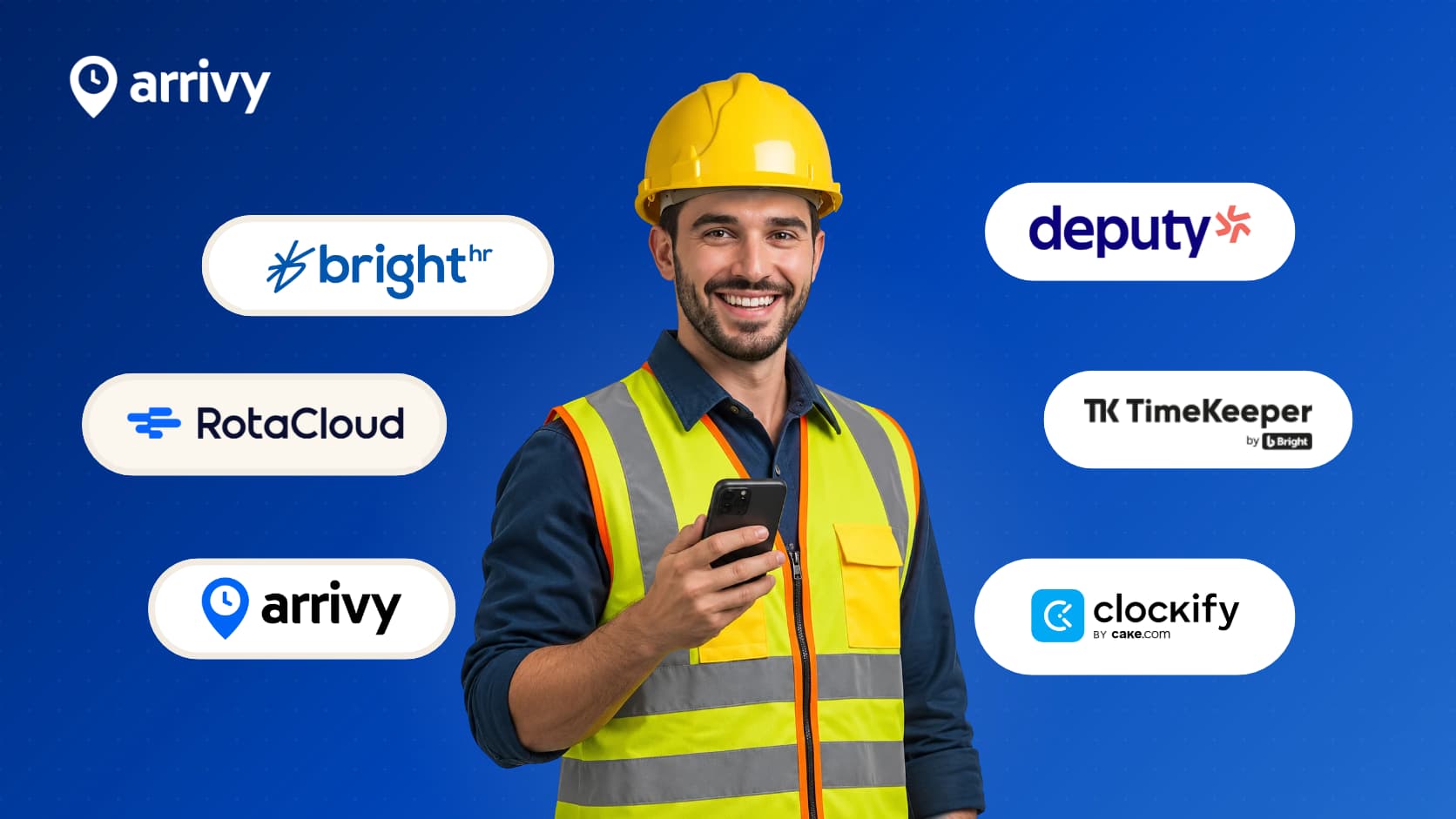
- Arrivy: Best for midsize and enterprise field service teams.
- Deputy: Best for shift scheduling and attendance tracking.
- RotaCloud: Best for staff rotas and timesheets.
- TimeKeeper: Best for construction timesheets and job costing.
- Clockify: Best for affordable project time tracking.
- BrightHR: Best for timesheets and HR management.
Keeping track of employee working hours sounds straightforward until timesheets start coming in late, overtime goes unrecorded, or managers have to chase staff for missing entries before payroll.
For UK businesses managing multiple employees, shifts, or field teams, manual timesheets can quickly become a source of payroll errors and unnecessary administrative work.
Timesheet management software helps businesses record working hours, track breaks and overtime, review employee attendance, and prepare accurate records for payroll. More advanced platforms also connect timesheets with job schedules, project costs, and employee locations.
This guide compares six timesheet management software platforms available to UK businesses in 2026, including their features, pricing, strengths, limitations, and suitability for different teams.
What Is Timesheet Management Software?
Timesheet management software is a digital tool that helps businesses record, organise, review, and manage employee working hours.
Instead of collecting paper timesheets or updating spreadsheets at the end of each week, employees can clock in and out using a mobile app, web browser, or workplace time clock. Managers can then review recorded hours, identify missing entries, and prepare timesheets for payroll or reporting.
Depending on the platform, businesses may also be able to track overtime, breaks, travel time, billable hours, employee attendance, and time spent on individual jobs.
For UK employers, reliable records can also support working-time compliance. The Working Time Regulations 1998 generally limit the average working week to 48 hours unless an applicable exception or valid opt-out applies. Employers must keep adequate records to demonstrate compliance with relevant requirements.
Best Timesheet Management Software in the UK at a Glance
| Software | Best For | Starting Price | Free Trial / Demo |
|---|---|---|---|
| Arrivy | Field service timesheets and mobile workforce management | $50/user/month (3-user minimum) | 14-day free trial |
| Deputy | Shift scheduling and workforce attendance | £3.25/user/month | Trial available |
| RotaCloud | Staff rotas and employee timesheets | From £10/month for 1–5 employees; time and attendance extra | 30-day free trial |
| TimeKeeper | Construction and trade workforce tracking | £3.33/employee/month, annual billing | 14-day free trial |
| Clockify | Project-based time tracking | Free plan; paid from $3.99/user/month annually | Free plan |
| BrightHR | Timesheets and integrated HR management | From £3/person; tailored quote | Demo available |
Prices are shown in the currencies published by vendors. Prices may exclude VAT or other applicable taxes, additional features, add-ons, and implementation costs. RotaCloud requires a Time & Attendance add-on for its clocking and timesheet tools. Deputy, TimeKeeper, RotaCloud, Clockify, BrightHR, and Arrivy pricing was checked against official vendor pages.
6 Best Timesheet Management Software Platforms in the UK
1. Arrivy: Best for Field Service Timesheets and Mobile Workforce Management
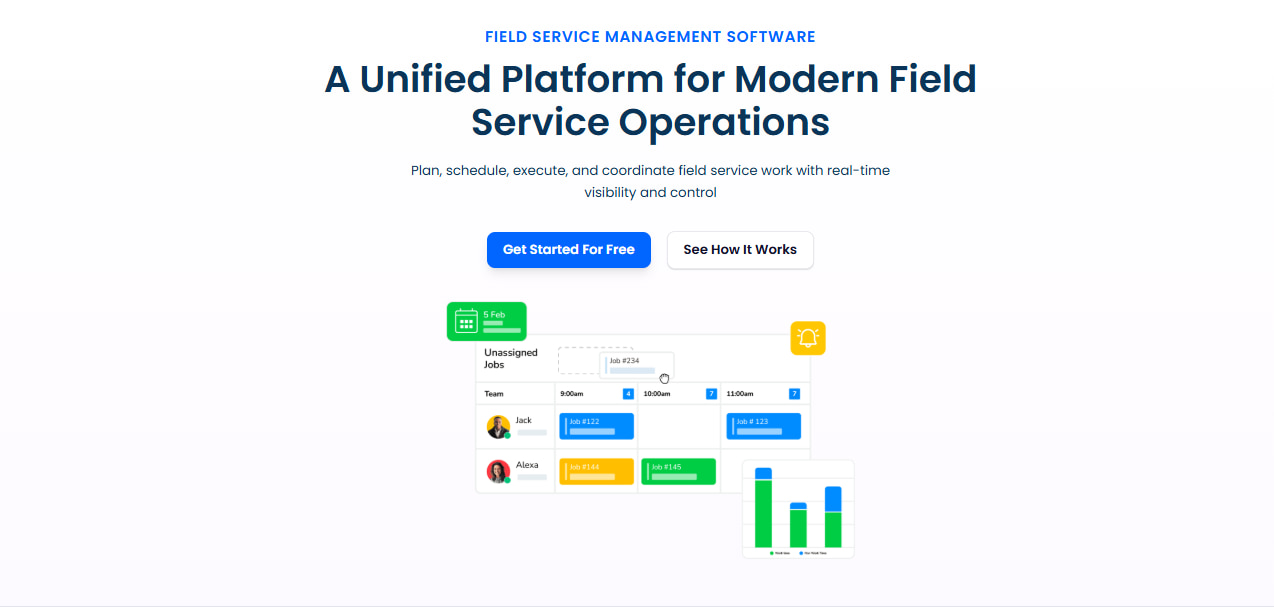
Arrivy is a field service and operations management platform that helps businesses track employee working hours alongside schedules, jobs, and daily field activities.
Unlike standalone timesheet applications that primarily record when employees start and finish work, Arrivy connects time tracking with the actual work being completed.
Its timesheet management capabilities allow employees to record working time, travel time, and breaks against assigned tasks. Supervisors can manage crew-level time entries, while office teams can review timesheets alongside job and scheduling information.
For example, a UK HVAC business managing several installations in one day can monitor when technicians arrive, how long they work at each location, and how much time is spent travelling between appointments.
Arrivy also connects timesheet information with scheduling, dispatch, field documentation, and customer communication. This is particularly useful for businesses managing engineers, technicians, installers, and other employees who work away from a central office.
Key Features:
Mobile employee clock-in and clock-out
GPS-supported time tracking
Individual and crew-level time records
Job-based timesheet management
Work, travel, and break-time recording
Timesheet review and approvals
Pros:
-
Connects employee time records with actual field jobs and assignments.
-
Supports mobile teams working across multiple customer locations.
-
Crew-level time management can reduce repetitive entries for supervisors.
-
Helps managers distinguish working time from travel and breaks.
-
Integrates time tracking with scheduling, dispatch, and field execution.
-
GPS-supported records provide additional context for field attendance.
-
Digital Forms help teams keep job documentation organised.
-
Integrations allow businesses to connect Arrivy with other operational systems.
Cons:
-
Businesses that only need simple office timesheets may not require its broader field service features.
-
Teams may need initial configuration to align time tracking with existing job workflows.
-
Businesses needing specialist UK payroll calculations or statutory compliance automation should verify the capabilities of their payroll integration.
Pricing:
Arrivy’s Premium plan starts at $50 per full-access user per month, with a minimum of three users.
The Premium plan includes Digital Forms, route planning, advanced reporting, and one advanced integration. Enterprise and custom plans are also available.
Arrivy offers a 14-day free trial without requiring a credit card. UK businesses should confirm currency conversion, applicable taxes, and integration requirements before purchasing.
Best for:
Arrivy is best suited to UK field service businesses, including HVAC, plumbing, electrical, construction, solar, roofing, and maintenance companies, that need employee timesheets connected with scheduling, crew management, and job execution.
2. Deputy: Best for Shift Scheduling and Employee Attendance Tracking
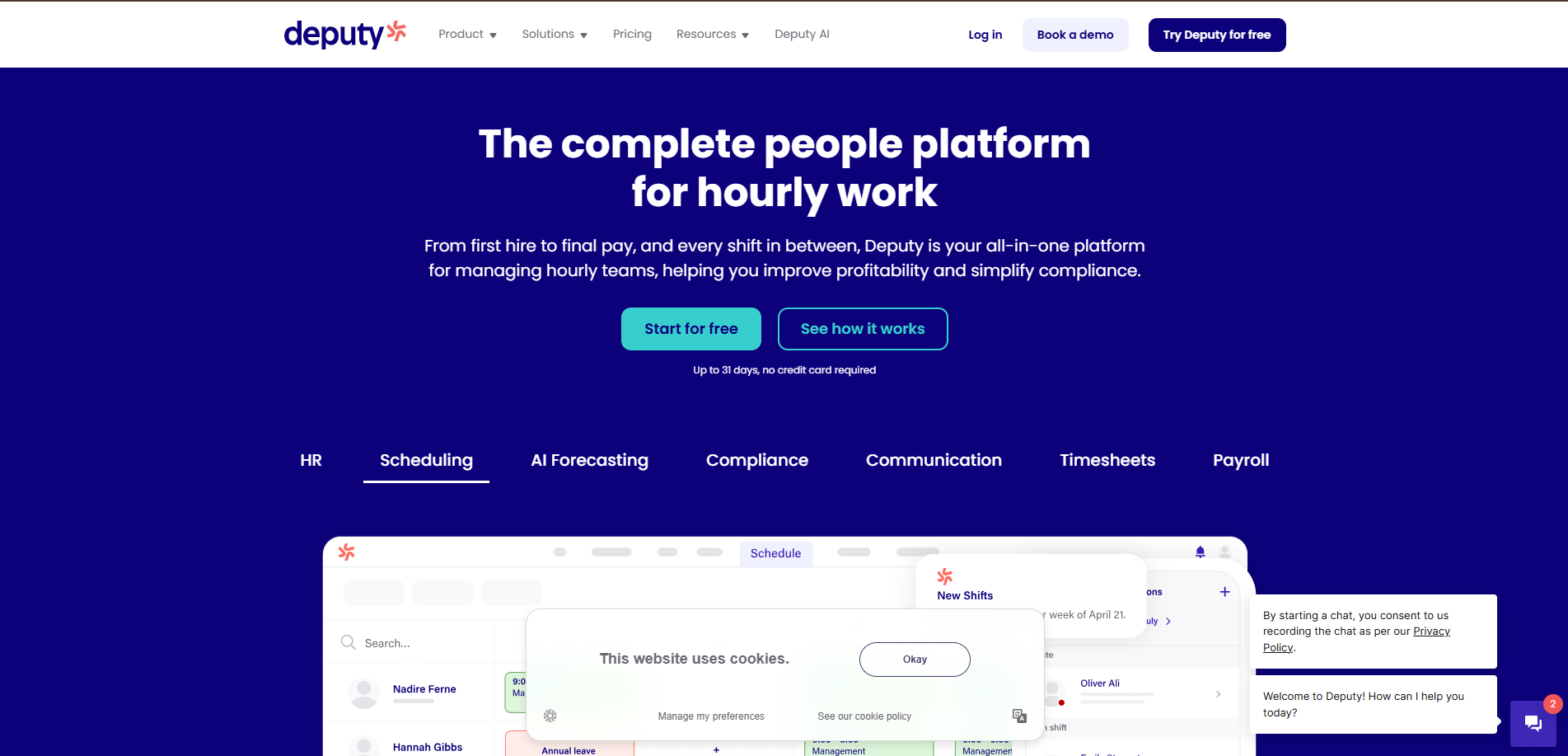
Deputy is workforce management software designed for businesses that manage employees working different shifts, locations, and schedules.
Its platform combines staff scheduling, attendance tracking, timesheets, leave management, and employee communication.
Employees can clock in and out using supported mobile devices or workplace time clocks. Managers can review their recorded hours, compare attendance with scheduled shifts, and approve timesheets before sending information to payroll.
This is particularly useful for UK businesses in retail, hospitality, healthcare, and other sectors where employee schedules change regularly.
Deputy also offers automated scheduling, labour budgets, and advanced timesheet controls on higher-tier plans, making it suitable for businesses that want to manage both planned and actual working hours.
Key Features:
Employee clock-in and clock-out
Digital timesheets
Staff rota scheduling
Mobile time clock
Geofencing
Timesheet approval workflows
Pros:
-
Combines timesheets with employee scheduling.
-
Supports mobile and location-restricted clock-ins.
-
Helps managers compare scheduled and actual working hours.
-
Timesheet approval options reduce routine administrative work.
-
Suitable for businesses managing rotating shifts.
-
Integrates with payroll and HR platforms.
-
Offers more advanced workforce planning features as businesses grow.
Cons:
-
Advanced timesheet automation and scheduling features require higher-priced plans.
-
Businesses focused on detailed field jobs may need additional service management software.
-
Its workforce management capabilities may be excessive for small teams with fixed working hours.
Pricing:
Deputy’s UK pricing starts at £3.25 per user per month for the Lite plan, which includes basic scheduling, timesheets, and time clocking.
Its Core plan costs £4.25 per user per month, adding capabilities such as automatic timesheet approvals and advanced scheduling.
The Pro plan starts at £6.50 per user per month and includes more advanced timesheet and administrative controls.
Published prices exclude applicable taxes. Deputy offers a trial option for businesses evaluating the platform.
Best for:
Deputy is best suited to UK retail, hospitality, healthcare, and other shift-based businesses that need reliable employee attendance records, rota management, and timesheet approvals.
3. RotaCloud: Best for Staff Rotas and Timesheet Management
RotaCloud is UK-focused staff scheduling and workforce management software that helps businesses organise shifts, monitor employee attendance, and manage working hours.
Its platform is built around rota planning, making it particularly useful for businesses where employee schedules change from week to week.
Managers can create rotas, assign shifts, monitor employee availability, and manage leave requests. With its Time & Attendance add-on, employees can clock in and out using their smartphones or a workplace terminal.
RotaCloud then uses the clocking information to populate employee timesheets automatically. Managers can compare scheduled hours with actual hours worked and identify lateness, absence, or unexpected differences before preparing payroll records.
For a restaurant, retail store, or hospitality business, this can make it easier to manage variable shifts without manually rebuilding employee timesheets at the end of each pay period.
Key Features:
Staff rota scheduling
Employee clock-in and clock-out
Automatically generated timesheets
Mobile and terminal-based clocking
GPS clock-in restrictions
Scheduled versus actual hours comparison
Pros:
-
Strong rota planning capabilities for shift-based teams.
-
Automatically generated timesheets reduce manual entry.
-
Helps managers identify differences between planned and actual hours.
-
Suitable for businesses managing several locations or departments.
-
Includes leave and absence management tools.
Cons:
-
Time and attendance functionality requires an additional paid module.
-
It is more focused on employee shifts than detailed field service job execution.
-
Businesses managing complex project costing may need additional software.
Pricing:
RotaCloud’s Standard plan is listed from £10 per month for businesses with one to five employees.
Its Pro plan starts at £15 per month for the same employee band.
The Time & Attendance tools are available as a separate add-on. The vendor’s pricing calculator should be used to confirm the total subscription cost for the selected employee count and billing period.
RotaCloud offers a 30-day free trial without requiring payment details.
Best for:
RotaCloud is best suited to UK hospitality, retail, care, and other shift-based businesses that need an organised way to manage employee schedules, attendance, working hours, and leave.
4. TimeKeeper: Best for Construction and Trade Workforce Tracking
TimeKeeper is employee time tracking and attendance management software built for businesses that need accurate working-hour records, particularly those managing mobile employees and job-based work.
Its platform supports construction contractors, electrical companies, engineering businesses, and other trades where employees regularly work at different locations.
Workers can clock in using a mobile application, web browser, or workplace kiosk. Managers can monitor attendance, review employee timesheets, and prepare records for payroll.
TimeKeeper’s Pro plan also allows businesses to track time against individual jobs and activities. This helps contractors understand how long employees spend on different projects and where labour costs are accumulating.
For example, an electrical contractor managing several installations can use job-based time records to identify which projects require more labour than originally planned.
Key Features:
Mobile employee clock-in and clock-out
Digital employee timesheets
Workplace time clock kiosks
Web browser clock-in
Facial recognition clocking
Employee attendance visibility
Pros:
-
Designed for businesses managing employee attendance and field working hours.
-
Mobile clock-ins make time tracking accessible to employees away from the office.
-
Job-based tracking helps contractors understand labour allocation.
-
Geofencing provides additional location controls on the Pro plan.
-
Supports payroll preparation and reporting.
Cons:
-
Job costing and detailed project tracking require the Pro plan.
-
Businesses requiring extensive customer communication or dispatch workflows may need additional field service software.
-
Advanced project management requirements may go beyond its primary time and attendance functionality.
Pricing:
TimeKeeper’s Core plan starts at £3.33 per employee per month, excluding VAT, when billed annually.
Its Pro plan starts at £5 per employee per month, excluding VAT, on annual billing. Pro adds job-based time tracking, activity tracking, geofenced jobsites, job scheduling, and job costing.
A 14-day free trial is available.
Best for:
TimeKeeper is best suited to UK construction contractors, engineering businesses, and trade service companies that need accurate employee attendance, mobile timesheets, and job-level labour tracking.
5. Clockify: Best for Small Businesses and Project-Based Time Tracking
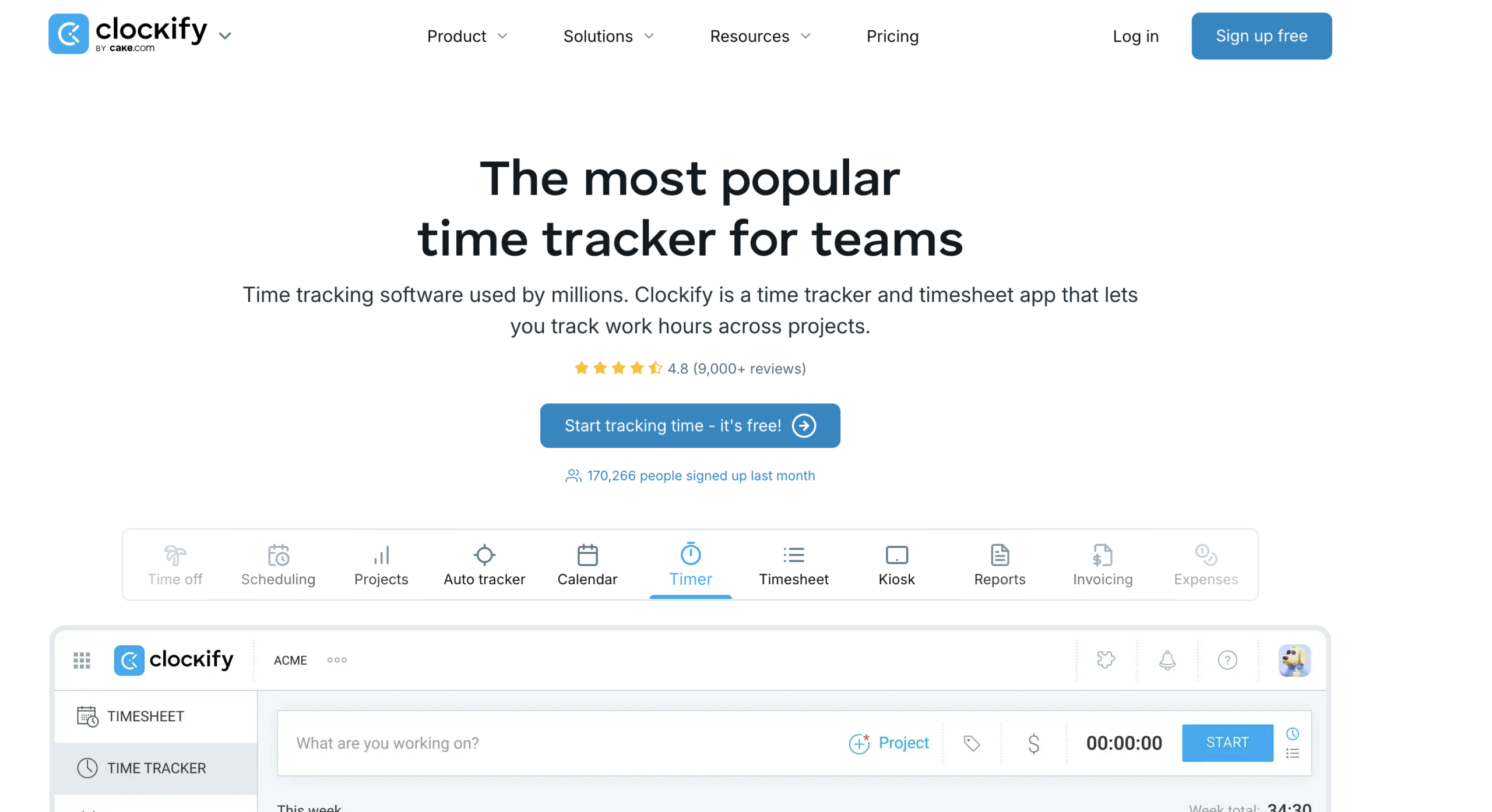
Clockify is time tracking and timesheet management software designed to help businesses understand how employees spend their working hours.
It is particularly useful for teams that work across different clients, projects, and assignments rather than following fixed shifts.
Employees can start a timer when beginning work or enter their hours manually through a weekly timesheet. Managers can review time spent on projects, generate reports, and monitor billable and non-billable activities.
For example, a UK digital marketing agency working with several clients can use Clockify to record time spent on content creation, design, meetings, and campaign management.
The platform also supports project budgets, time-off management, invoicing, and timesheet approvals, although some of these features are available only on paid plans.
Clockify offers a free plan, making it accessible for teams that want to move away from spreadsheets without immediately committing to a paid subscription.
Key Features:
Employee time tracking
Manual timesheet entry
Start-and-stop timers
Weekly timesheets
Project and task tracking
Billable and non-billable hours
Pros:
-
Free plan provides an accessible starting point for time tracking.
-
Supports both manual timesheets and automatic timers.
-
Useful for tracking hours across clients, projects, and tasks.
-
Helps businesses distinguish billable and non-billable activities.
-
Detailed reporting supports project analysis.
-
Available through desktop, mobile, and web applications.
-
Paid plans provide additional administrative and timesheet controls.
Cons:
-
Advanced features, including timesheet approvals and overtime controls, require paid plans.
-
It is more focused on project time tracking than full field service operations.
-
Businesses needing detailed crew dispatch or customer job communication may require additional software.
Pricing:
Clockify offers a free plan with basic time tracking and timesheet functionality.
Its Basic plan starts at $3.99 per user per month when billed annually, or $4.99 with monthly billing.
The Standard plan starts at $5.49 per user per month with annual billing and adds timesheet approvals, attendance and overtime features, time-off management, and invoicing.
Additional Pro and Enterprise plans offer more advanced capabilities.
Best for:
Clockify is best suited to UK small businesses, agencies, consultants, freelancers, and project-based teams that need flexible time tracking, timesheets, and billable-hours reporting without a complex workforce management system.
6. BrightHR: Best for Timesheets and Integrated HR Management
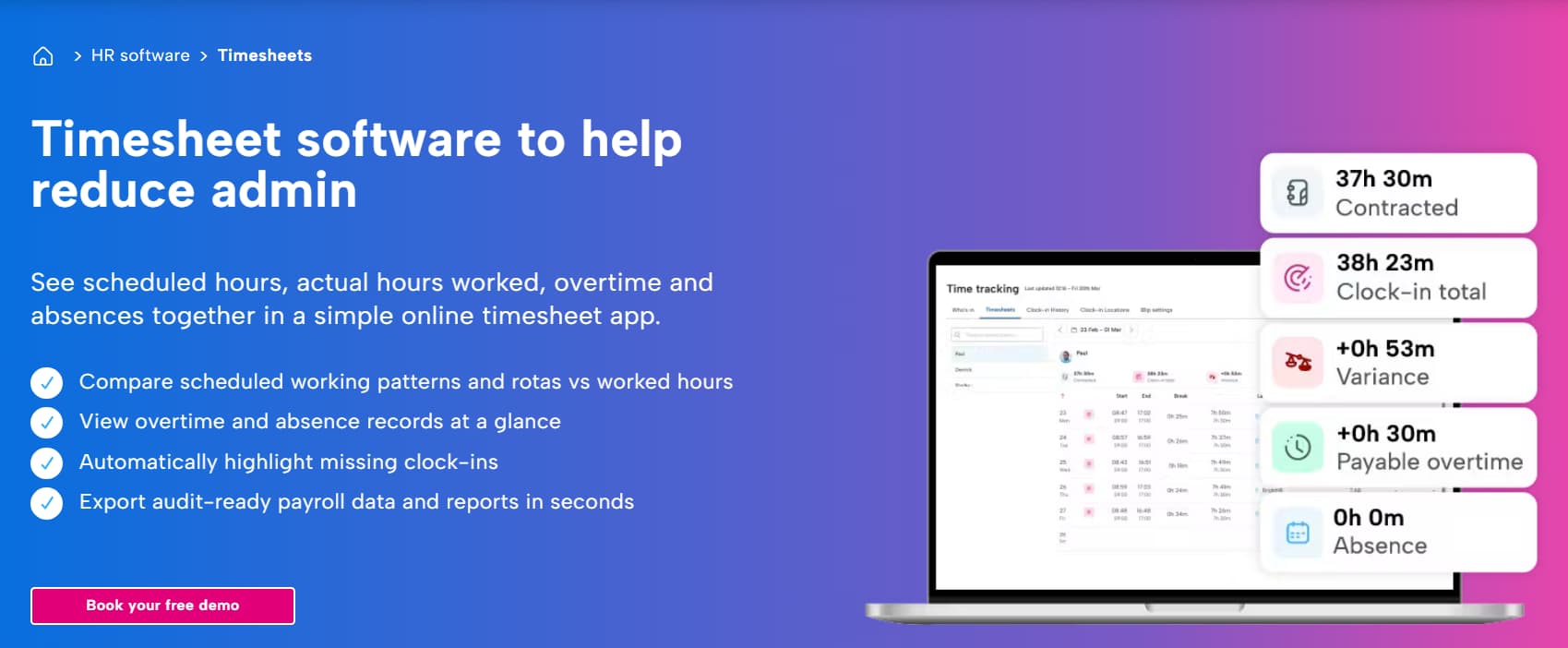
BrightHR is an HR management platform that helps UK businesses manage employee records, working hours, attendance, leave, and other day-to-day HR responsibilities.
Rather than functioning solely as a timesheet application, BrightHR connects employee time tracking with wider workforce administration.
Employees can record their working hours using supported clock-in tools, while managers can review attendance, track absences, and access timesheet information.
Its platform also supports staff rota planning, holiday management, expenses, and HR document storage.
This makes BrightHR particularly relevant for smaller employers that want to manage timesheets and everyday HR administration through the same system.
For example, a growing retail business can use BrightHR to organise employee schedules, monitor absences, and maintain working-hour records without relying on several separate administrative tools.
Key Features:
Employee timesheet management
Clock-in and clock-out tools
Staff rota scheduling
Employee attendance records
Holiday and leave management
Absence and sickness tracking
Pros:
-
Combines timesheet management with broader HR administration.
-
Useful for smaller businesses managing employee records and attendance.
-
Holiday and sickness tracking help keep workforce information organised.
-
Rota planning supports employee scheduling.
-
HR document storage reduces the need for separate record-keeping systems.
-
Provides options for additional HR and health and safety support.
-
Offers UK-focused workforce management functionality.
Cons:
-
Businesses needing detailed project or job-based timesheets may prefer a specialised platform.
-
Pricing depends on company size and selected services.
-
Advanced field operations, route planning, and dispatch are outside its main HR focus.
Pricing:
BrightHR states that its software pricing starts from £3 per person, depending on business size. The final price depends on the number of employees, selected package, and additional services.
Businesses need to request a tailored quotation to confirm their total subscription cost. BrightHR also offers product demonstrations.
Best for:
BrightHR is best suited to UK small and midsize businesses that want employee timesheets, attendance tracking, leave management, and everyday HR administration in one connected platform.
What Features Should You Look for in Timesheet Management Software?
Choosing the right timesheet management software depends on how your employees work, where they work, and how your business uses their recorded hours.
An office-based consultancy may only need weekly project timesheets, while a construction company managing employees across several sites may require GPS-supported clock-ins, travel-time tracking, and job costing.
The following features are worth considering before choosing a platform.
Employee Clock-In and Clock-Out
Look for software that allows employees to record their working hours without complicated procedures. Mobile applications, browser access, and workplace kiosks can support different working environments.
Automated Timesheets
Software should organise recorded working hours into timesheets that managers can review. This reduces manual data entry and helps identify missing or incomplete records.
Mobile Time Tracking
Employees working away from the office should be able to record their hours using mobile devices. This is particularly important for field service, construction, maintenance, and mobile workforces.
Break and Overtime Tracking
Businesses should be able to distinguish regular working hours, breaks, and overtime. Clear records support payroll calculations and help managers monitor working patterns.
Timesheet Approvals
Managers should be able to review employee time entries, make authorised corrections, and approve timesheets before they are used for payroll or billing.
GPS and Location Verification
For businesses managing employees across multiple sites, location-supported time records can provide useful context about where work was performed. Employers should also consider employee privacy, data protection, and appropriate location-tracking policies.
Job and Project Time Tracking
Recording hours against specific jobs or projects helps businesses understand labour costs and identify work that takes longer than expected.
Payroll Integration
Check whether timesheet records can be transferred to your existing payroll system without manual re-entry. UK businesses should verify compatibility with their chosen payroll provider and required pay calculations.
Reporting and Labour Cost Visibility
Useful reports should show total working hours, overtime, attendance patterns, and time spent on individual jobs. Businesses managing projects may also need comparisons between estimated and actual labour.
UK Working-Time Requirements
Consider whether the platform helps your business maintain records needed for relevant working-time and minimum-wage obligations. Software can support record-keeping, but compliance also depends on correct policies, configuration, and employment practices.
Why Choose Arrivy?
Tracking employee hours is important, but for field service businesses, understanding how that time is spent matters just as much.
Technicians often divide their day between installations, travel, and follow-up visits. Without clear visibility into these activities, managing schedules, labour costs, and crew productivity becomes difficult.
Arrivy simplifies this by connecting timesheet management with field service scheduling, dispatch, crew coordination, and job execution.
Its time tracking capabilities allow field employees to record working hours, travel time, and breaks while keeping these records linked to assigned jobs. Office teams can monitor schedules, track job progress, manage field documentation, and communicate with customers from one platform.
Arrivy also offers SAL AI for scheduling assistance and field operations, along with integrations that connect existing CRM, accounting, and other business applications.
For midsize and enterprise field service businesses in the UK, Arrivy provides a connected approach to managing employee hours, coordinating multiple crews, and keeping daily field operations organised.
Conclusion
The best timesheet management software in the UK depends on your business needs. Deputy and RotaCloud are ideal for shift management, BrightHR supports HR administration, Clockify simplifies project time tracking, and TimeKeeper helps contractors manage employee hours and job costs.
Arrivy stands out for midsize and enterprise field service businesses, connecting timesheets with scheduling, dispatch, crew management, and daily operations.
Choose a platform that simplifies time tracking, reduces administrative work, and fits your existing workflows.