 Login


MONDAY.COM FIELD SERVICE INTEGRATION
Turn monday.com Tickets and Deals into Field Jobs
TICKET-TO-TASK AUTOMATION
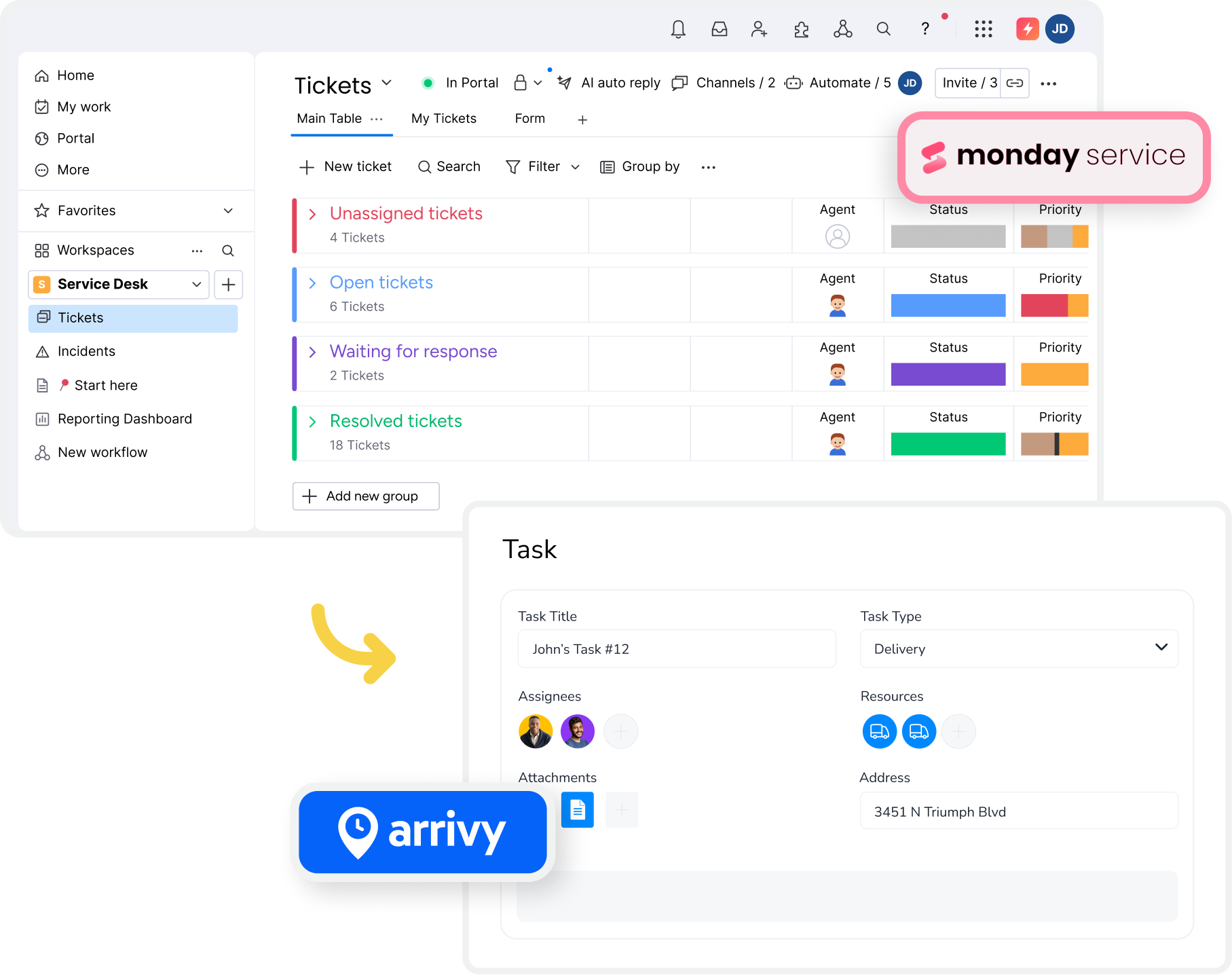
Turn monday.com Tickets into Arrivy Tasks
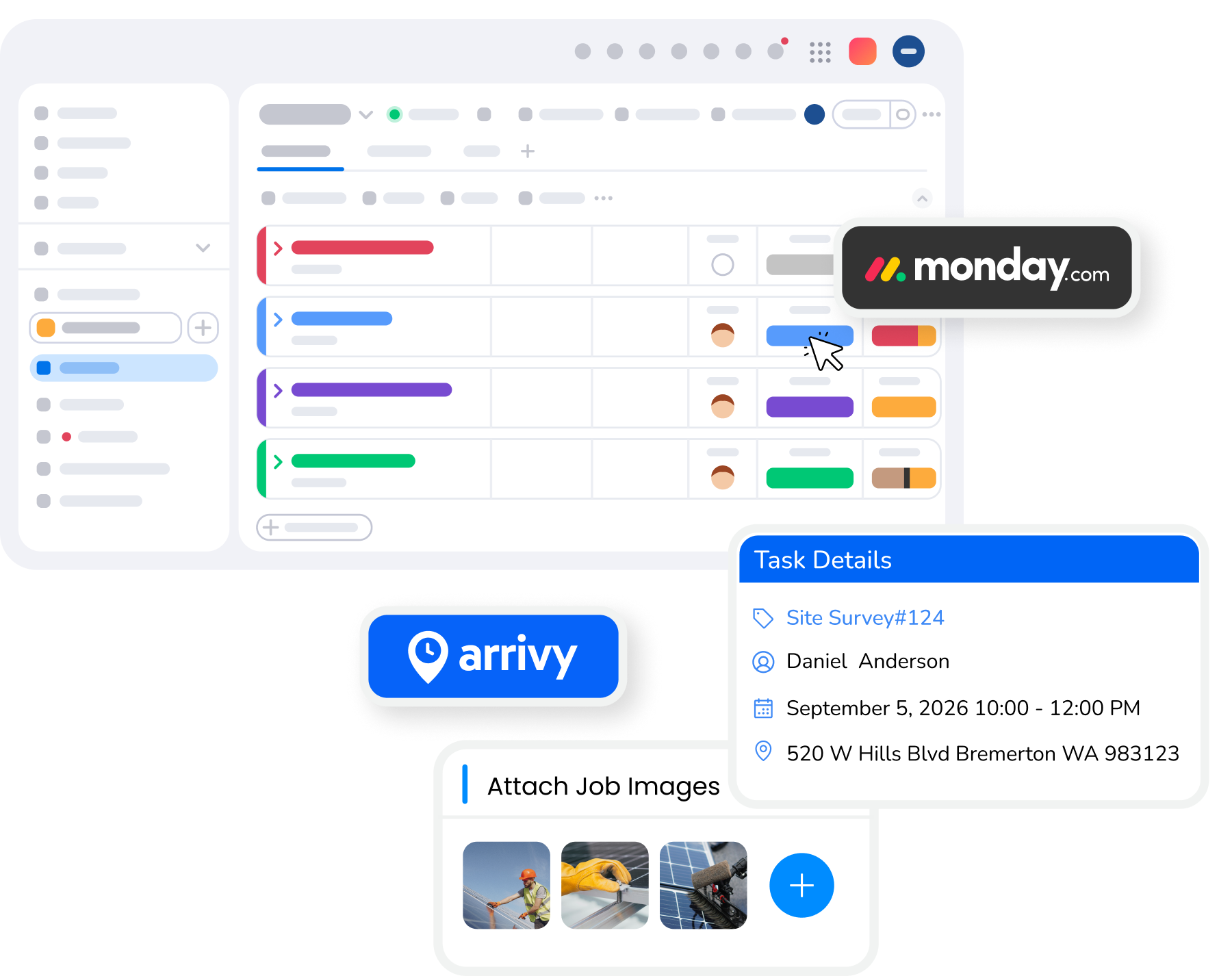
When a new ticket is created or reaches a selected status in monday.com, Arrivy automatically creates a task with the relevant customer and service details. Dispatchers can then schedule and assign the work without manually transferring ticket information between platforms.
DEAL-TO-BOOKING WORKFLOW
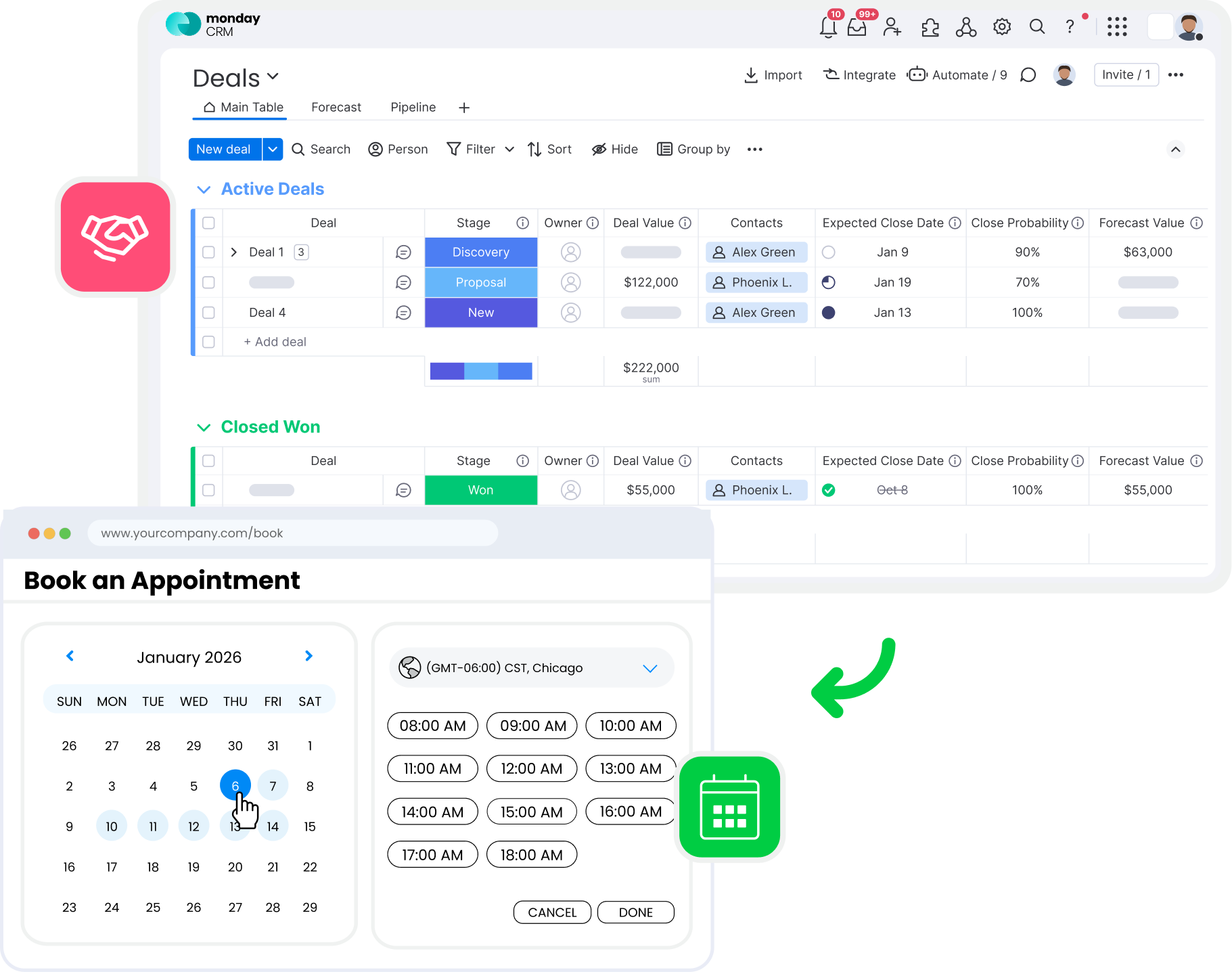
Book Customer Visits from monday.com Deals
Schedule field visits while speaking with customers. Open a pre-filled Arrivy booking calendar from a monday.com deal, select a suitable appointment time, and confirm the booking. Arrivy creates the task and updates the matching monday.com item with the confirmed schedule.
FIELD SCHEDULING & DISPATCH
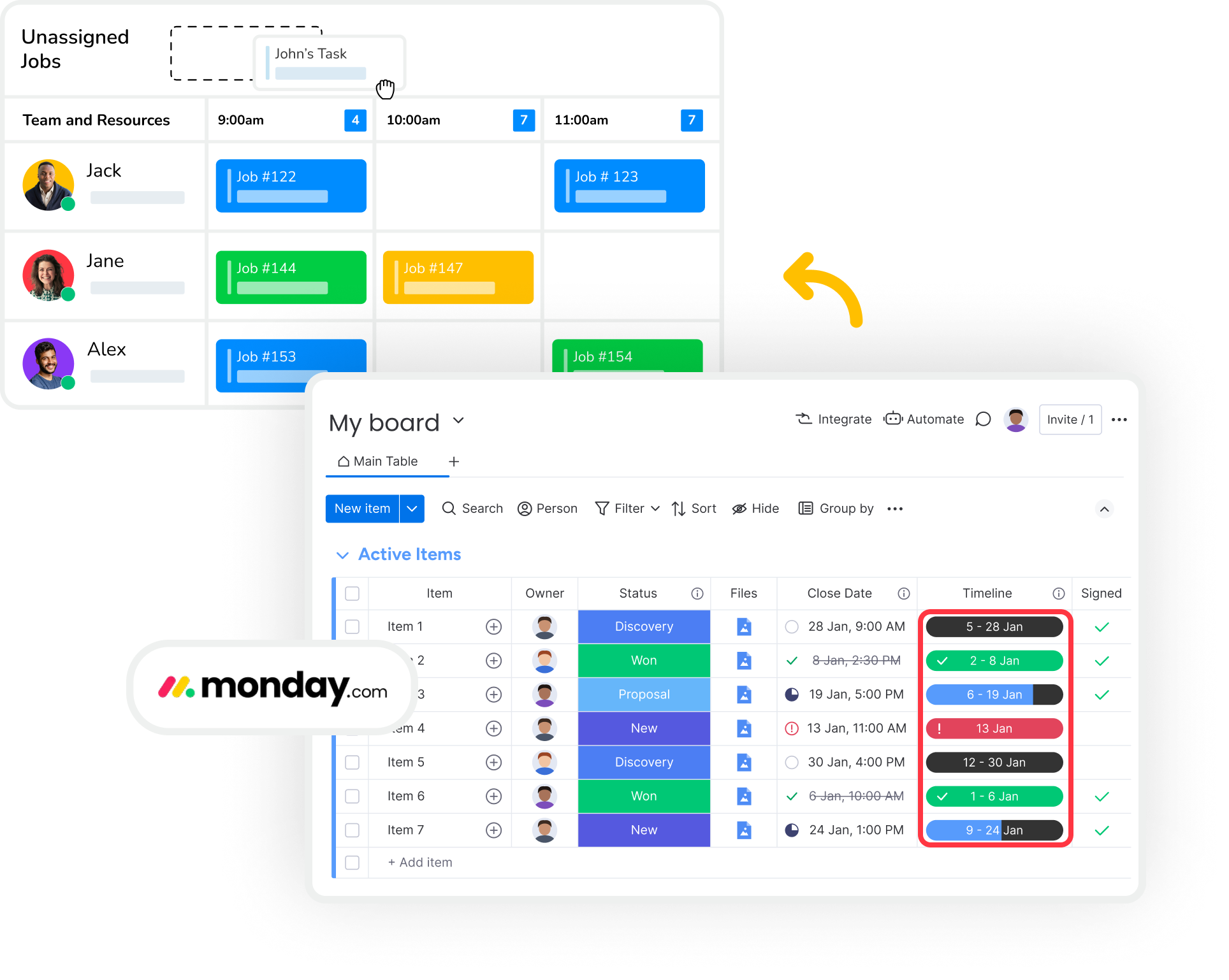
Schedule Field Work Around Customer Deadlines
Bring customer deadlines from monday.com into Arrivy as expected task date ranges. Schedulers can view pending jobs, assign available technicians, and confirm appointment windows. Once scheduled, the booked date and time sync back to the original monday.com item.
TWO-WAY DATA SYNCHRONIZATION
Keep monday.com Updated as Jobs Progress
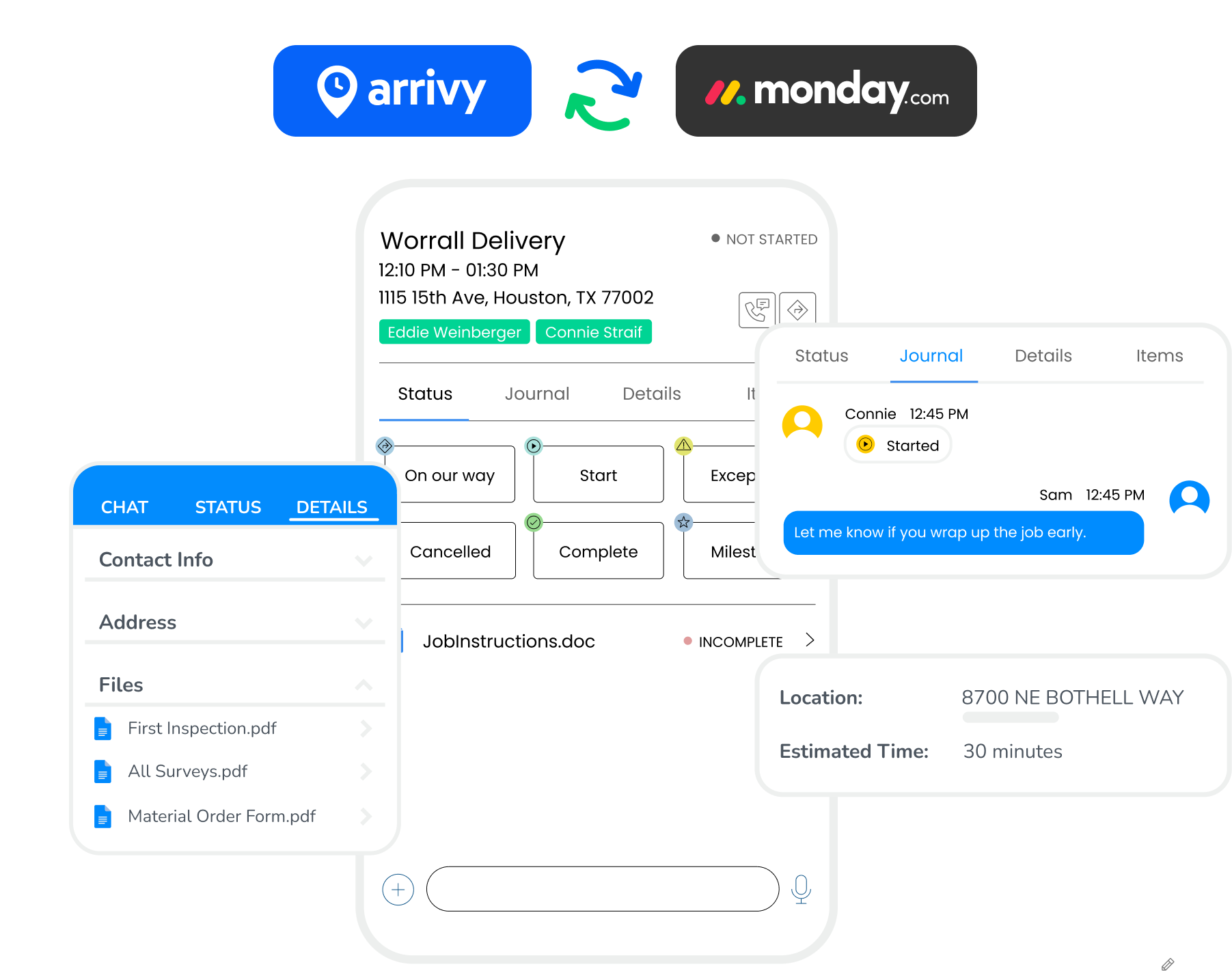
When appointments are scheduled or task statuses change in Arrivy, the corresponding monday.com items are updated automatically. Completed service tasks can also mark their matching tickets as resolved, while configured notes, attachments, and job details keep office teams informed about field activity.
CONNECTED FIELD OPERATIONS
Take monday.com Work Beyond the Office
Once a ticket or deal becomes an Arrivy task, your field team can manage the job from scheduling through completion. Technicians access task details, capture job information, and complete digital forms in Arrivy, while office teams continue managing their service requests and customer relationships in monday.com.
Arrivy and monday.com Capabilities
Connect monday.com planning and service workflows with Arrivy scheduling, dispatch, and field execution through a native, two-way integration.

Configurable Status Triggers
Choose the monday.com ticket or deal statuses that trigger Arrivy workflows, so tasks start at the right stage.

Customer Information Transfer
Transfer mapped customer names, contact details, addresses, and service notes from monday.com into the corresponding Arrivy task.

Pre-Filled Booking Forms
Open a booking calendar with relevant monday.com deal information already filled in, ready to confirm the appointment.

Unscheduled Task Visibility
View unscheduled Arrivy tasks across their expected date ranges, helping dispatchers plan work around customer deadlines.

Linked Task Records
Link each monday.com item to its corresponding Arrivy task, preventing duplicate tasks when updates are received again.

Files and Subitems Sync
Keep supported job notes, file attachments, and board subitems connected with their matching records across both platforms.
Grow your business with Arrivy
The leading field service platform for teams to schedule jobs, dispatch, invoice, track performance, and get paid.


Integrations That Keep You Synced
Automate your workflow with 50+ native & custom-built integrations















“ efficiently. ”