 Login
Login





















You rely on accurate time data to run payroll, control labor costs, and manage crews across sites. Yet missed punches, early clock-ins, task-switching errors, and manual edits still create disputes and rework.
Field managers often report employees clocking in before reaching the job site, forgetting to switch between tasks, or failing to log travel time between locations. This distorts job costs and overtime totals. In the longer run these gaps affect compliance, productivity, and project margins. That is why, according to a 2024 Gartner report, 73 percent of HR leaders are investing in workforce management technology to reduce administrative burden and improve visibility.
This guide compares the best clock-in/clock-out apps for 2026 based on GPS tracking, job-based time capture, payroll integrations, reporting depth, and suitability for field and office teams. It helps you choose a tool that fits your workflows and prevents costly time tracking errors.
Recommended Reads
Are Clock-In Clock-Out Apps the Same as Time Clock Apps?
The terms “clock-in clock-out apps” and “time clock apps” are often used interchangeably. Both refer to software that records employee work hours through mobile devices, web dashboards, or shared kiosks. Modern time clock apps typically include GPS tracking, geofencing, job-based tracking, payroll integrations, and reporting tools that extend beyond traditional punch-in systems.
Understanding this overlap prevents confusion and ensures you evaluate tools based on operational capability.
Key Features in a Clock-In/Clock-Out App
You need features that match how your teams work across shifts, job sites, and roles. Use this checklist to evaluate each tool before you compare options in detail.
✓
Mobile clock-in access for field and office staff
✓
GPS tracking to verify work location
✓
Geofencing to prevent early or off-site punches
✓
Job-based time tracking for accurate job costing
✓
Payroll or accounting integrations to reduce manual work
✓
Overtime and break tracking for compliance control
✓
Offline mode for low signal job sites
✓
Detailed reports for labor cost and crew productivity
Quick Comparison Table
If you want a fast overview before diving into details, start here.
Use this quick comparison to identify which app aligns with your team structure, tracking model, and operational workflow before reviewing each option in detail.
| App | Best For | Starting Price | Tracking Model | Team Type |
|---|---|---|---|---|
| Arrivy | Field service and job-based teams | From $75/month for 3 users | Task and shift-based | Mobile field crews and dispatch teams |
| QuickBooks Time | Accounting- focused service businesses | $20/month + $8 per user | Shift with basic job costing | Small to mid-sized service teams |
| Connecteam | Deskless and multi-location teams | $29/month for up to 30 users | Shift based | Retail, frontline, and field teams |
| Time Champ | Employee monitoring across remote, field, and office teams | From $3.90 per user/month | Attendance, project/task, and activity-based | Remote, hybrid, office, and field teams |
| Buddy Punch | Small business attendance tracking | $4.99 per user/month billed annually + $19 base fee | Shift with job codes | Multi-location small businesses |
| Hubstaff | Remote and distributed workforce | From $10 per user per month | Shift and activity tracking | Remote and hybrid teams |
| Homebase | Hourly retail and local businesses | Free plan, paid from $20 per location per month | Shift based | Retail stores and small businesses |
| Clockify | Project and timesheet tracking teams | From $3.99 per user per month | Project and task-based | Agencies and project-driven teams |
| Jibble | Free attendance and time tracking | Free plan, paid from $2 per user per month | Shift based | Startups and small teams |
| Sling | Scheduling focused hourly teams | Free plan, paid from $2 per user per month | Shift based | Restaurants and shift-driven teams |
| Deputy | Shift scheduling and attendance | From $4.50 per user per month | Shift based | Hospitality and shift-driven staff |
Are free clock-in/clock-out apps enough?
Free plans work for basic time tracking. But GPS validation, geofencing, payroll integrations, and job-level reporting are typically paid features. If your team has growing compliance or job costing needs, evaluate scalability before committing to a free plan.
How We Evaluated These Apps
Each app was reviewed based on how well it records accurate work hours across real operational conditions, supports different team workflows, and reduces manual corrections during payroll processing. The evaluation focused on features that directly affect labor visibility, compliance control, and day-to-day operational reliability in field and office environments. Public documentation, feature availability across pricing tiers, and verified user feedback from platforms such as Capterra and G2 were reviewed to understand real-world usability, common limitations, and implementation challenges.
The following criteria guided the comparison:
Apps that lacked reliable time capture, clear audit trails, structured approval workflows, or consistent mobile usability were ranked lower because they increase payroll adjustments, compliance exposure, and management overhead.
The tools below are grouped by operational fit so you can quickly identify what matches your workflow.
Best Clock-In Clock-Out Apps for 2026
The tools below were selected based on mobile time capture, job-based tracking, reporting depth, integrations, and suitability for field and office teams. Each option fits a different operational model, so focus on the one that matches how your crews, supervisors, and office staff record time.
1. Arrivy—Best for Field Service and Job-Based Teams
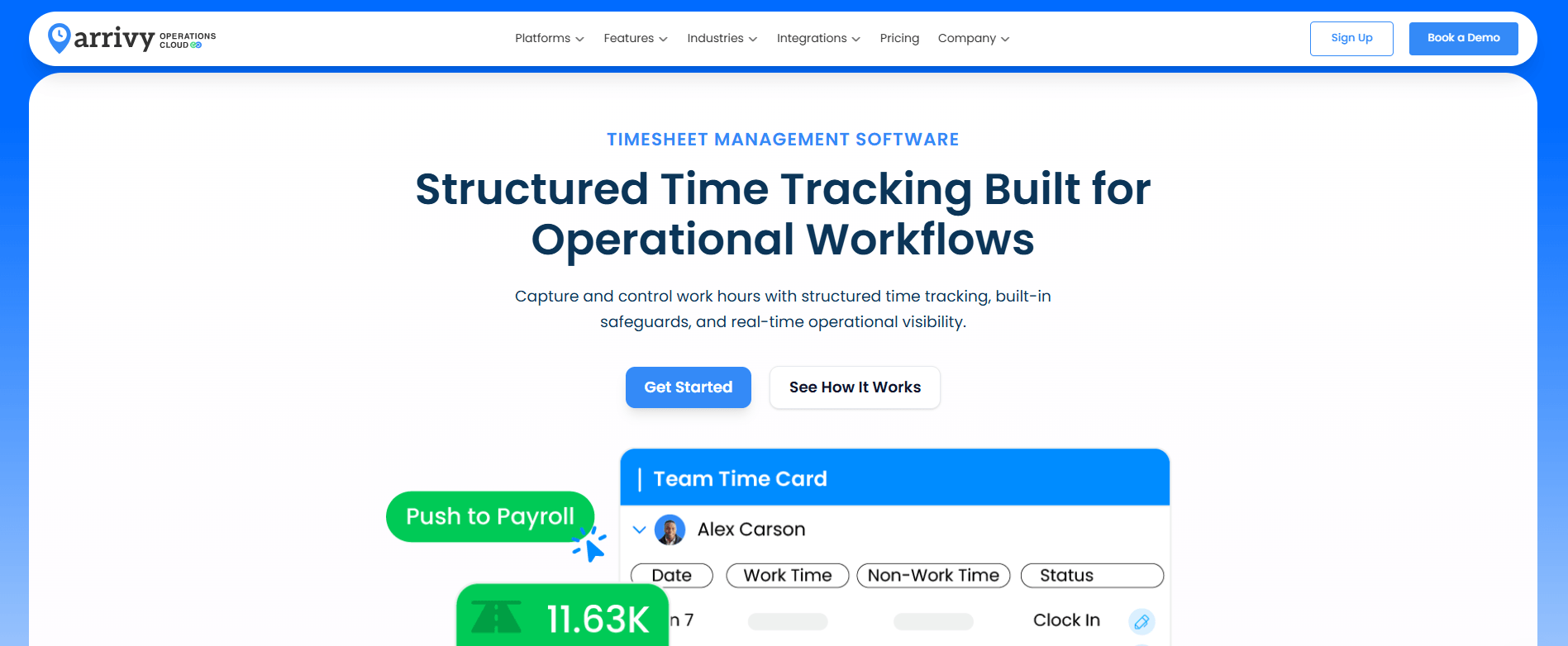
If your team runs multiple jobs across multiple sites in a single day, Arrivy is built for that operational model. It ties every clock-in to a specific job, work order, route, and customer, so managers can see exactly how labor hours are spent across travel, on-site work, and task stages throughout the day. Arrivy’s status-based workflows and crew coordination features make it a natural fit for construction, HVAC, solar, and moving teams running multiple jobs across multiple sites.
Employees clock in and out through predefined status buttons such as work start, break, travel, resume, and end of shift. When linked to scheduled tasks, time entries are recorded against specific jobs, providing structured labor reporting beyond simple shift attendance.
Pros
- Tracks time against actual jobs
- Supports break, travel, and resume flows
- Enables supervisor review and corrections
- Aligns with scheduling and dispatch workflows
Cons
- Requires setup of statuses and templates
2. QuickBooks Time — Best for Accounting Focused Service Businesses
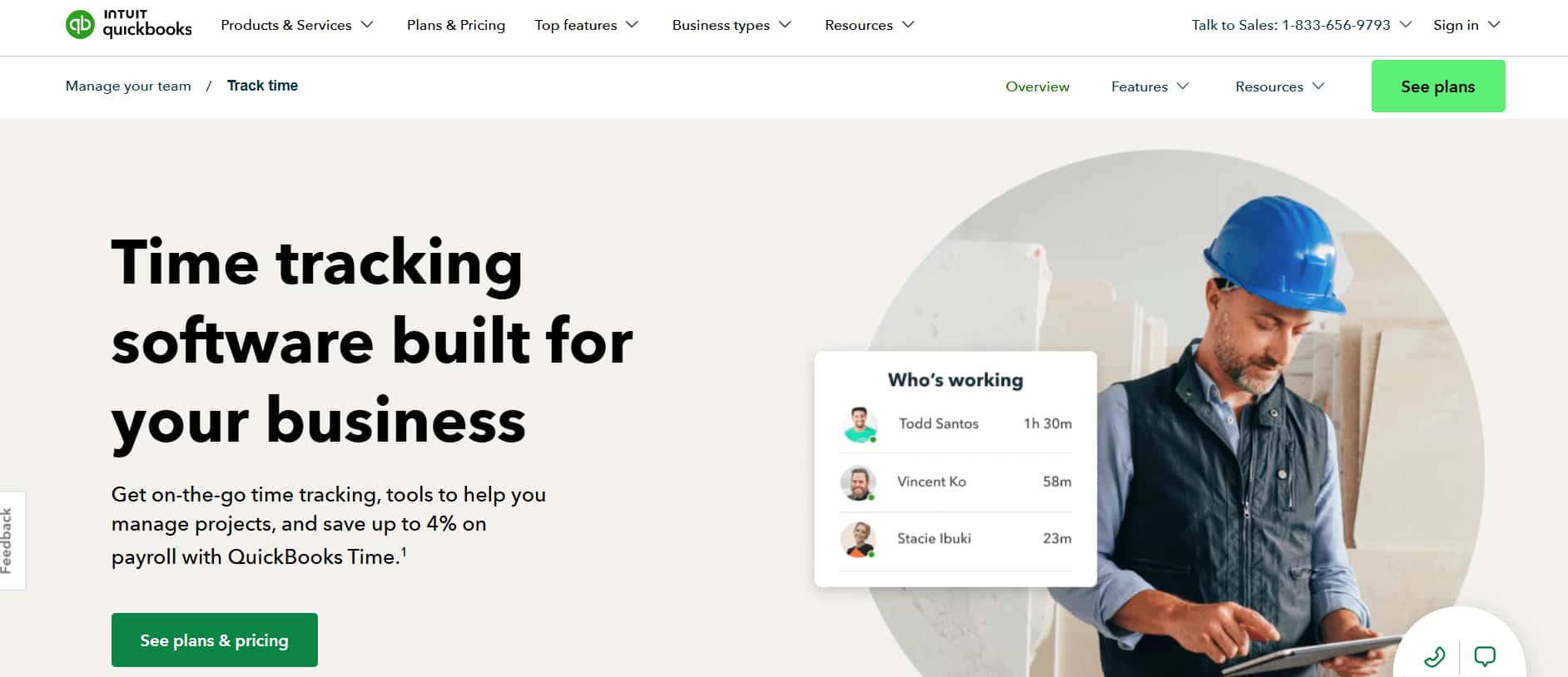
QuickBooks Time works best for teams that already run payroll and billing in QuickBooks and need time data to sync without manual exports.
Pros
- Native QuickBooks integration
- Payroll-ready timesheets
- GPS tracking with geofencing
- Basic job costing support
Cons
- Limited flexibility for complex job workflows
- Higher value only within the QuickBooks ecosystem
3. Connecteam — Best for Multi-Location Deskless and Frontline Teams
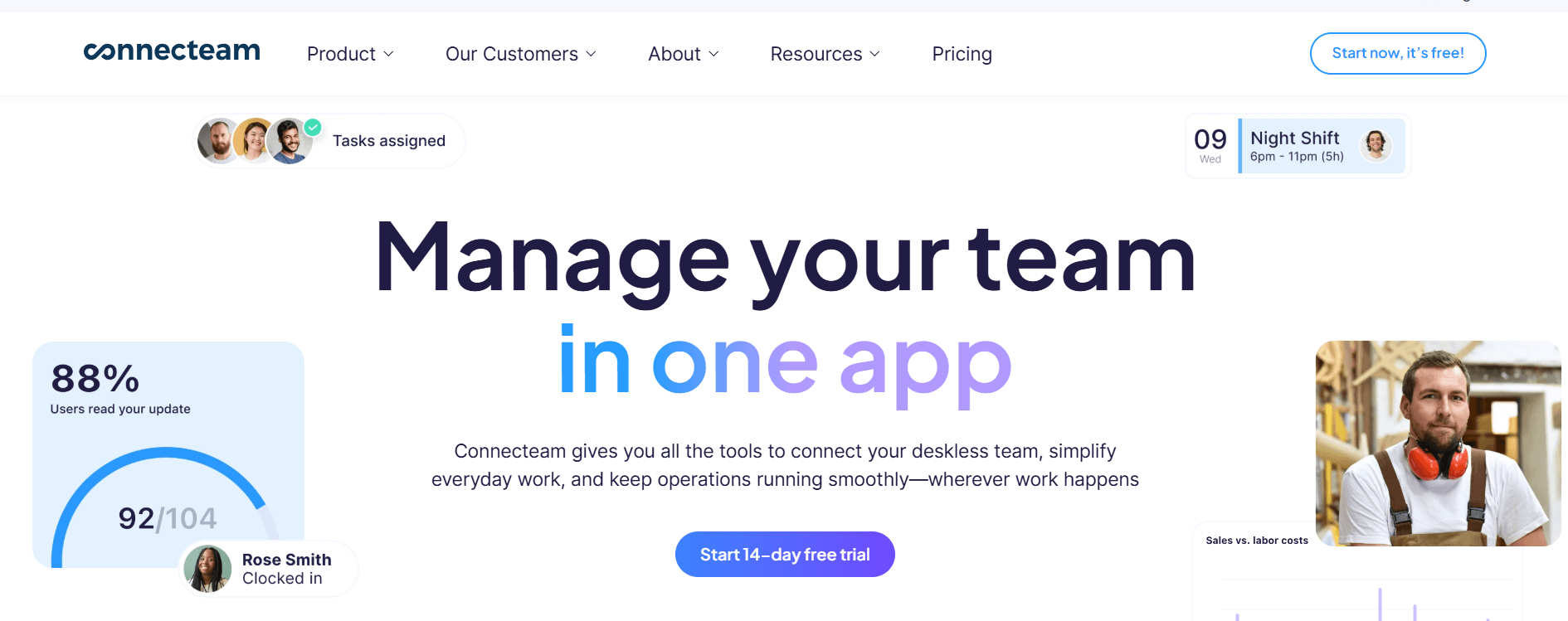
Connecteam suits companies that manage frontline staff across multiple locations and need mobile time tracking with real-time attendance visibility. It is most effective in shift-based or location-driven environments rather than job-level field operations where time must be linked to specific tasks or projects.
Pros
- Strong mobile-first experience
- Real-time attendance visibility
- Built-in scheduling and alerts
- Supports multi-location teams
Cons
- Limited advanced job level tracking
- Requires internet connectivity
4. Time Champ — Best for Employee Monitoring Across Remote, Field, and In-Office Teams
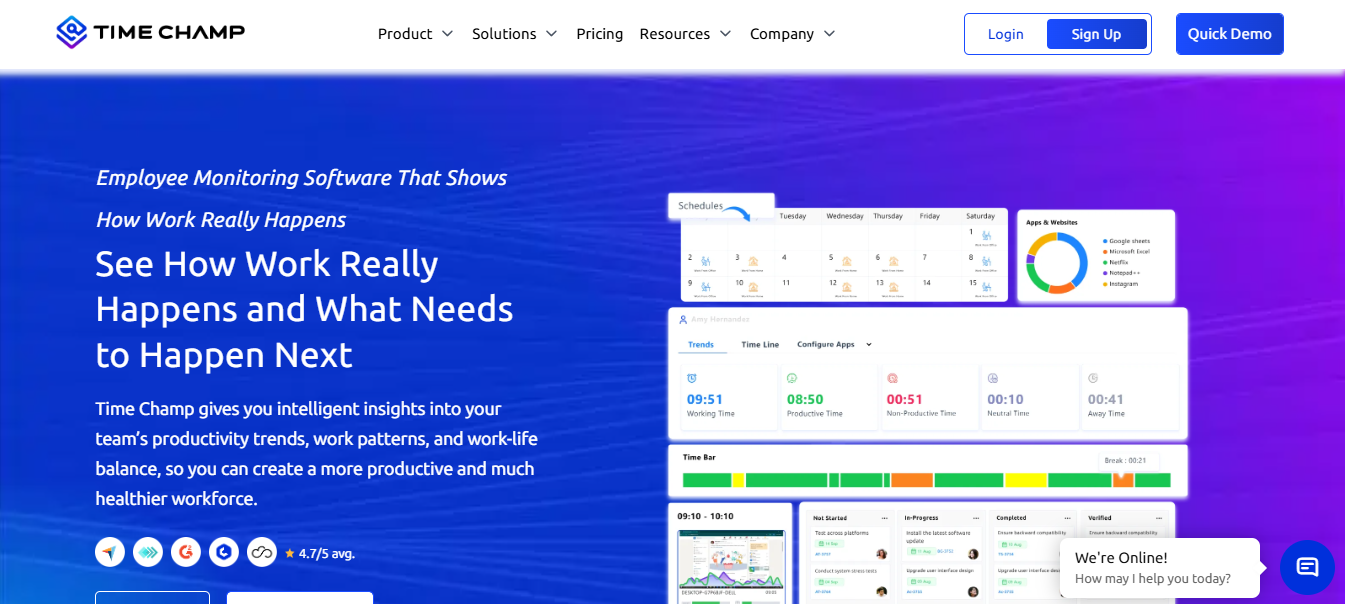
Time Champ is a good choice for teams that need more than simple clock-in and clock-out features. It combines time tracking, attendance management, GPS location tracking, geofencing, live location monitoring, break tracking, and workforce insights in one platform.
Field teams can use it to verify attendance, confirm job-site visits, and track work locations. Office, remote, and hybrid teams can also use automatic or manual time tracking, manage breaks, and view clear attendance reports.
Pros
- Turns raw activity data into clear, actionable productivity insights
- Builds accountability across teams without a heavy-handed, intrusive feel
- Cuts manual timesheet work with automated tracking and reporting
- Easy-to-read dashboards make individual and team performance simple to review
Cons
- Advanced reports and custom settings take some time to configure
- Interface can feel busy until you’re familiar with where things live
5. Buddy Punch — Best for hourly teams that work in more than one place
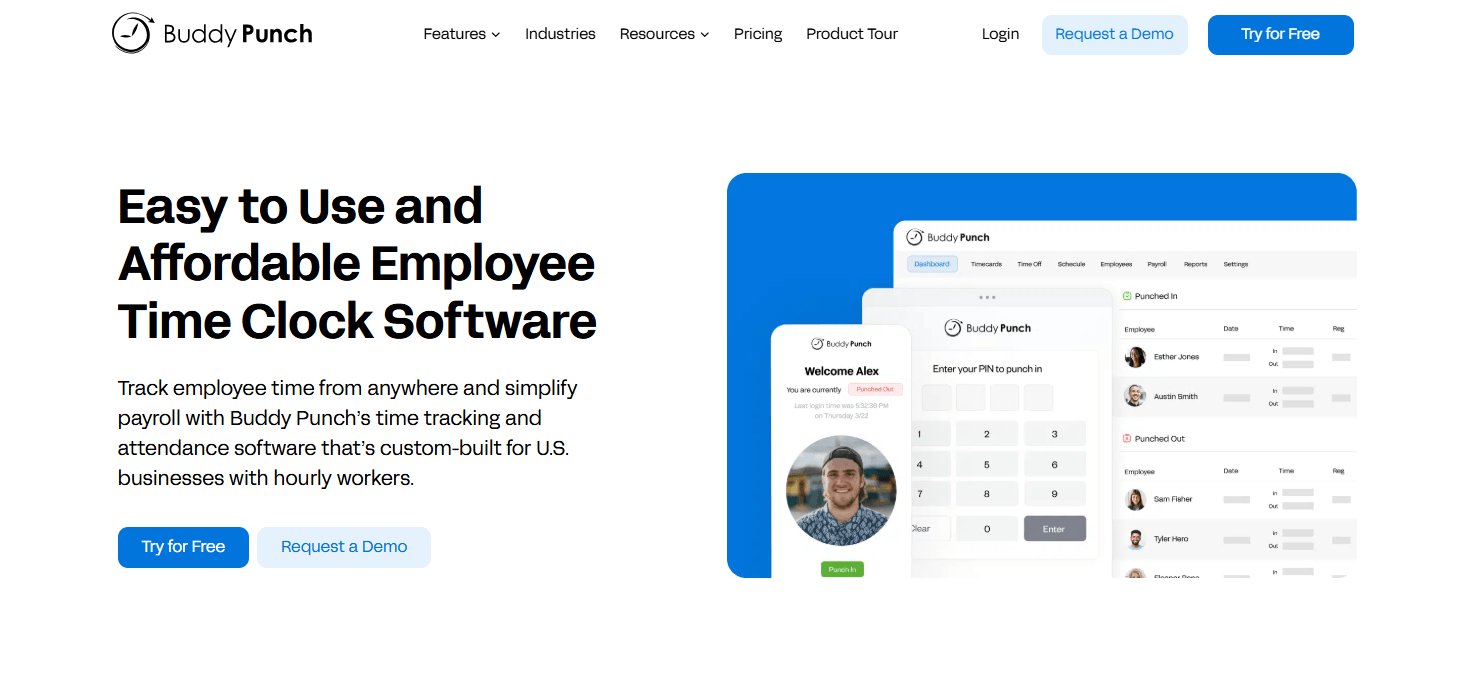
Buddy Punch is best for US businesses whose hourly employees work in more than one place, like job sites, customers’ homes, delivery routes or storefronts. GPS-verified punches turn field hours into payroll-ready timesheets.
Pros
- Easy for non-technical admins and employees to set up
- US-based support with fast response times
- Unlimited admin users at no extra cost
- 14-day free trial with no credit card
Cons
- Offline mode, geofencing, QR codes and webcam photos need the Pro plan or higher
- It’s built for time tracking and scheduling, not project management
6. Hubstaff — Best for Remote and Distributed Workforce Time Tracking
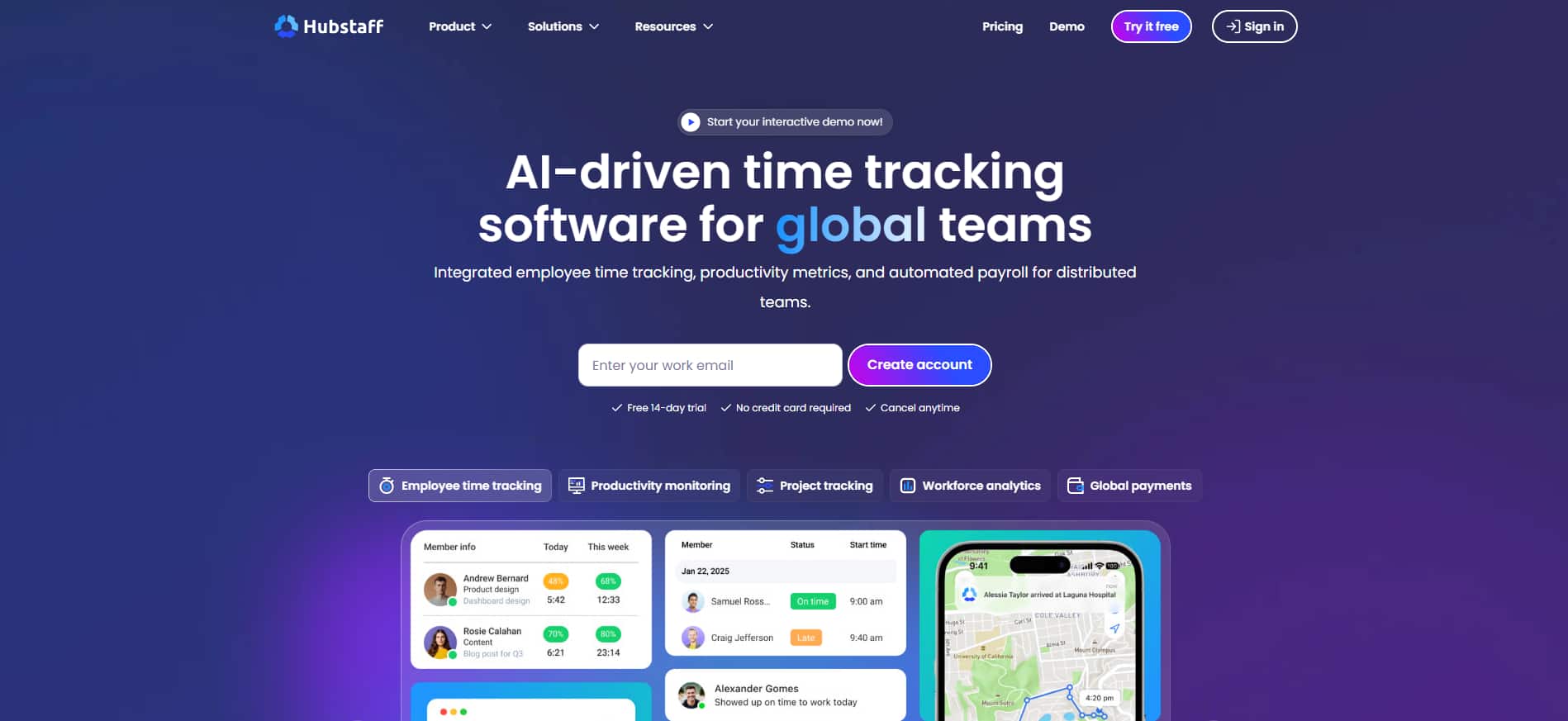
Hubstaff supports remote teams that require time tracking with location visibility and productivity monitoring across distributed work environments.
Pros
- Strong remote workforce tracking
- GPS and activity visibility
- Detailed productivity reports
- Works across remote environments
Cons
- No native job-based workflow tracking
- Monitoring features may raise privacy concerns
7. Homebase — Best for Hourly Retail and Local Businesses
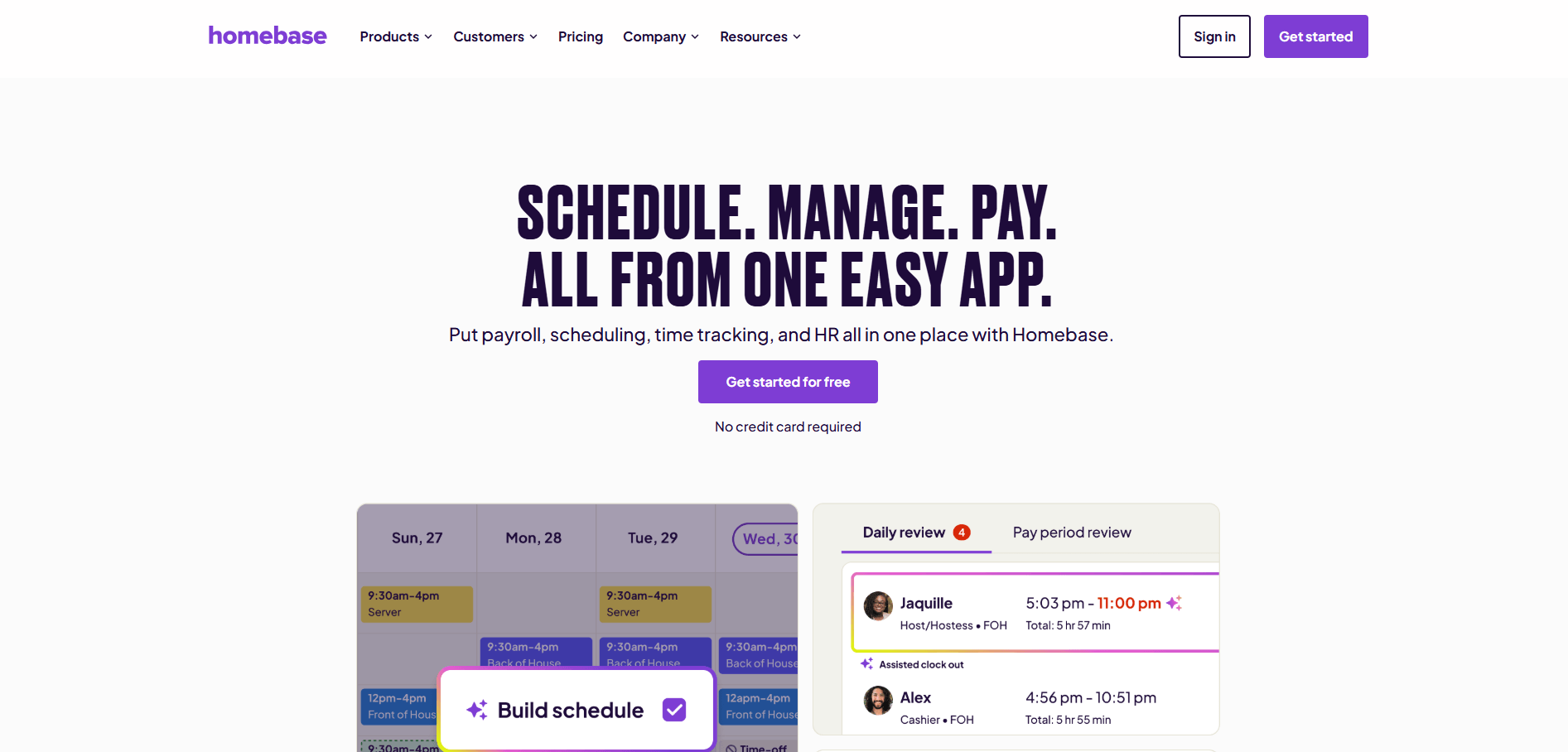
Homebase suits small retail and local businesses that need simple shift tracking, scheduling, and attendance control for hourly staff. It is designed primarily for single-location or store-based teams rather than distributed field operations with job-based reporting needs.
Pros
- Simple setup for hourly teams
- Free plan for small teams
- Built-in scheduling and alerts
- Easy mobile clock-in experience
Cons
- No advanced job level tracking
- Limited scalability for large field operations
8. Clockify — Best for Project and Timesheet Tracking Teams
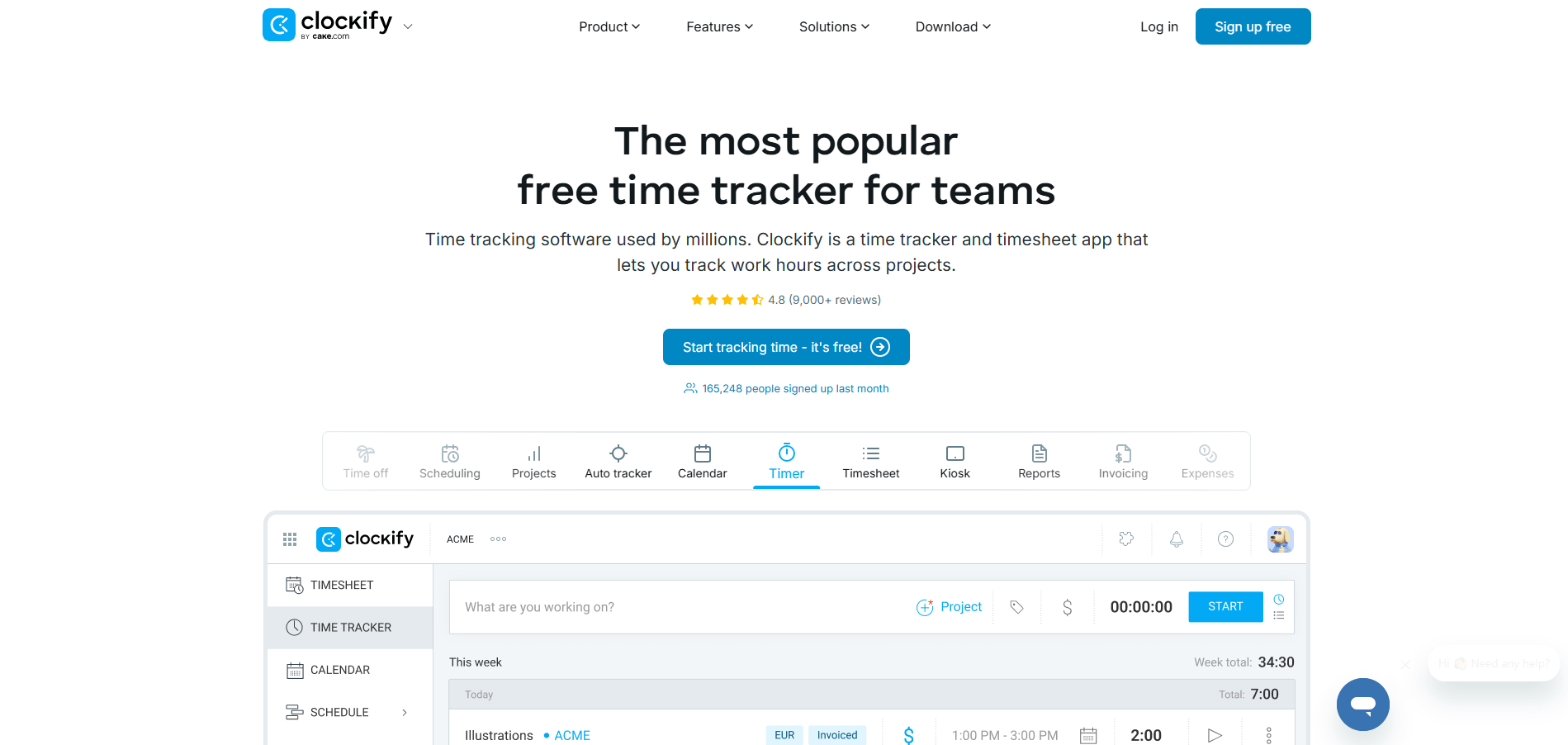
Clockify works well for teams that track time against projects and tasks and need simple timesheets with reporting visibility. It is particularly useful for project-driven teams and agencies rather than shift-based workforce environments.
Pros
- Strong project-based tracking
- Flexible timesheets and reports
- Free plan with unlimited users
- Simple interface for task timing
Cons
- No native geofencing controls
- Limited workforce management features
9. Jibble — Best for Free Time Tracking with Attendance Controls
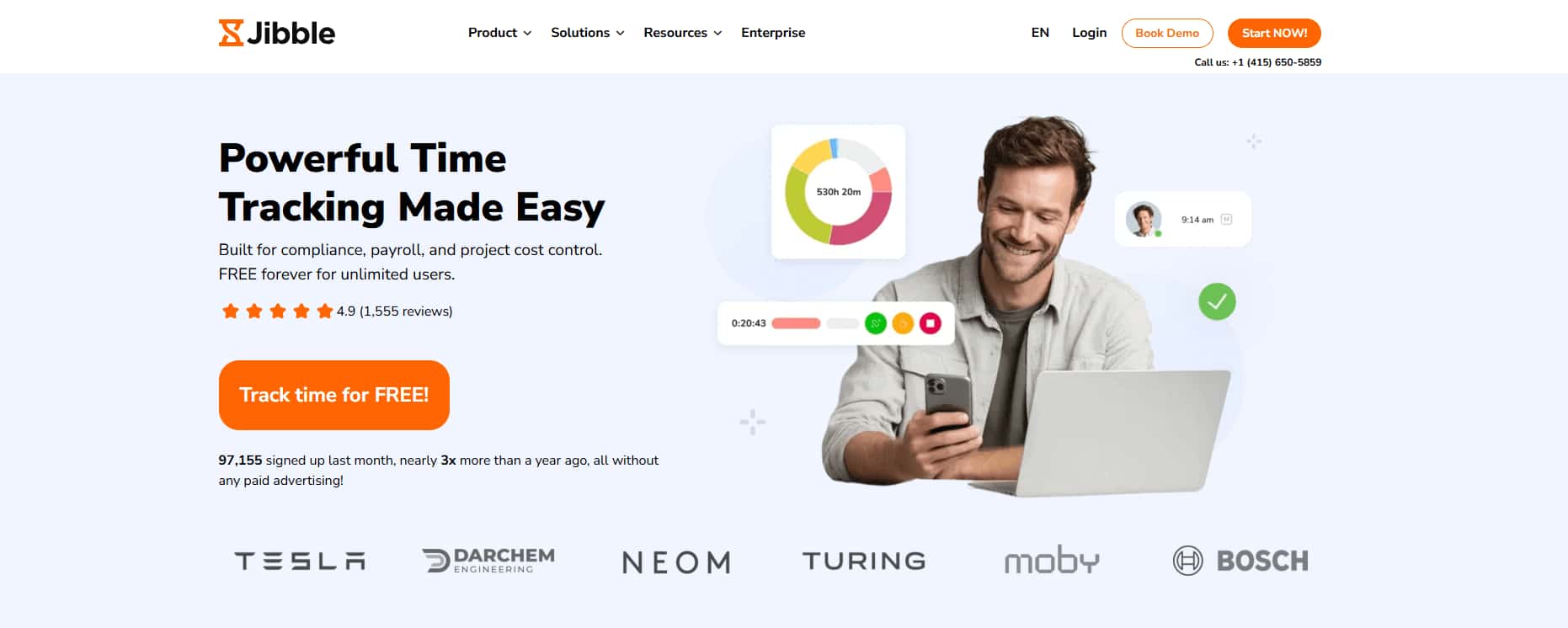
Jibble fits small teams that need free time tracking with attendance verification and optional facial recognition features.
Pros
- Free plan with core features
- Facial recognition verification
- GPS tracking with geofencing
- Easy setup for small teams
Cons
- Limited advanced reporting depth
- Biometric tracking may raise privacy concerns
10. Sling — Best for Scheduling Focused Hourly Teams
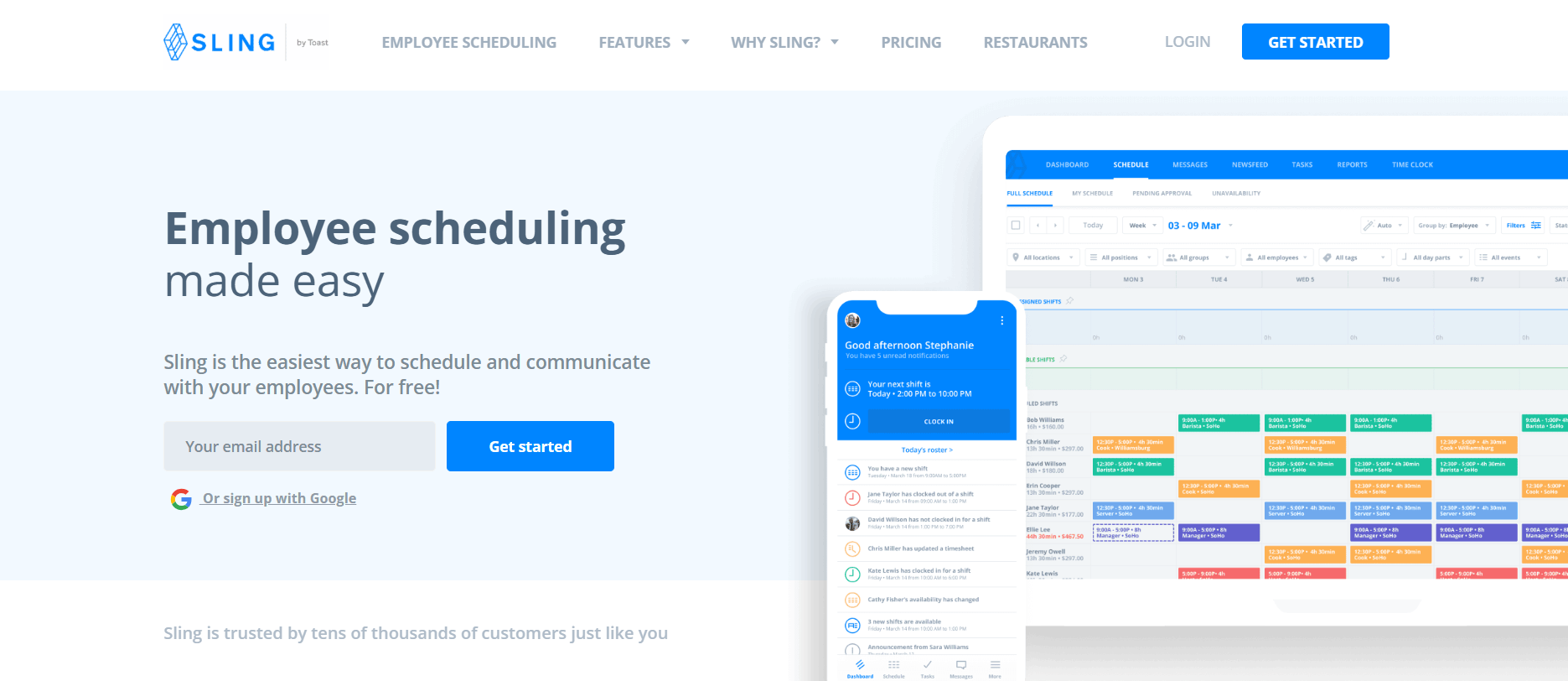
Sling suits businesses that prioritize shift scheduling with basic clock-in tracking for hourly staff across multiple shifts. It focuses on scheduling coordination and attendance visibility rather than detailed project or job-level time tracking.
Pros
- Strong scheduling-focused design
- Simple mobile clock-in workflow
- Good for shift-based operations
- Supports labor cost visibility
Cons
- Limited job and project-based tracking
- Basic reporting compared to advanced tools
11. Deputy — Best for Shift Scheduling and Attendance Control
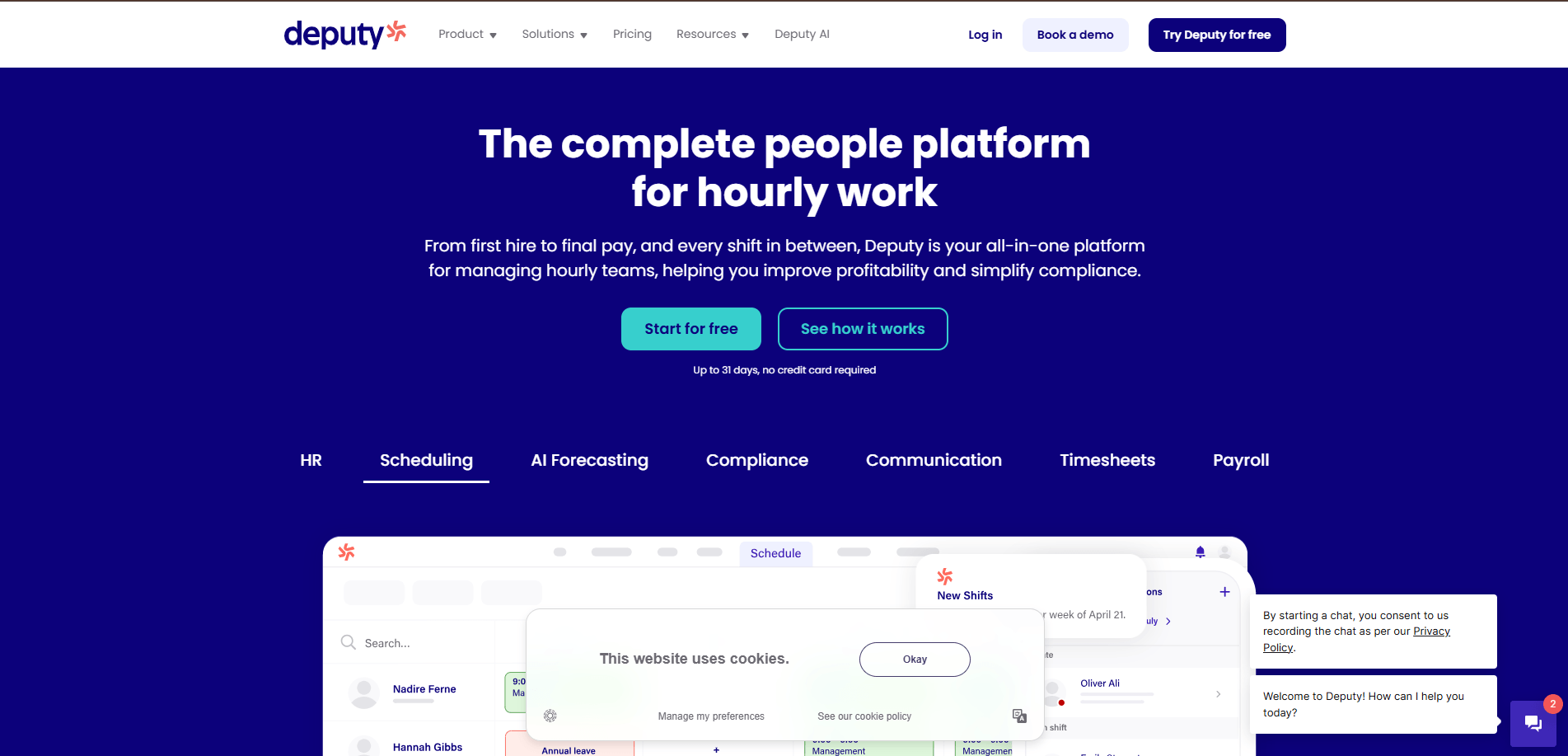
Deputy fits shift-based teams that need tight scheduling control with integrated time tracking and compliance rule enforcement. It performs best in structured hourly environments and is less suited for multi-site field crews that require job-level labor tracking.
Pros
- Strong shift scheduling controls
- Built in compliance rule support
- Easy timesheet approvals
- Good for hourly staff management
Cons
- Limited job-based tracking
- Less suited for field service workflows
In-Depth Comparison of Clock-In/Clock-Out Apps
This table compares key operational capabilities across the top apps.
| App | GPS Tracking | Geofencing | Tracking Depth | Payroll Integration | FSM Support | Offline Mode |
|---|---|---|---|---|---|---|
| Arrivy | Yes | Limited | Advanced, task, and job linked | Integrates with payroll via exports | Strong, aligned with dispatch | Limited |
| QuickBooks Time | Yes | Yes | Moderate, basic job costing | Strong within the QuickBooks ecosystem | Moderate | Limited |
| Connecteam | Yes | Yes | Basic, shift-oriented | Good with multiple payroll tools | Moderate | No |
| Time Champ | Yes | Yes | Advanced, attendance, project/task, and activity tracking | Good, with payroll integrations and timesheet exports | Low | Yes |
| Buddy Punch | Yes | Yes | Moderate with job codes | Moderate with payroll integrations | Moderate | Yes |
| Hubstaff | Yes | Yes | Limited, not job workflow-based | Good with payroll and productivity tools | Low | Limited |
| Homebase | Yes | Limited | Minimal, shift-focused | Basic payroll and POS integrations | Low | No |
| Clockify | Yes, paid plans | No | Strong for project and task tracking | Moderate via exports and integrations | Moderate | Limited |
| Jibble | Yes | Yes | Basic, attendance- focused | Basic payroll integrations | Low | Limited |
| Sling | Limited | No | Minimal, scheduling-focused | Limited payroll export support | Low | No |
| Deputy | Location capture | Limited | Basic, shift-based | Good with common payroll systems | Low | No |
Conclusion
Accurate time tracking shapes payroll accuracy, labor cost control, and job level visibility across both field and office teams. The right clock-in/clock-out app should match how your employees work, whether they log time by shift, project, or job site. When time data aligns with real workflows, managers spend less time correcting timesheets and more time managing operations with confidence.
Focus on tools that provide reliable mobile clock-ins, location validation, and reporting aligned with your operational model. Shortlist two or three options that match your workflow, test them against real shift or job scenarios, and evaluate how easily time data flows into payroll and reporting. A structured evaluation reduces implementation friction and ensures long-term accuracy across your teams.
Give your crews a simple way to clock in and out.
Try Arrivy and see how it fits into your operations.