Login
Login




















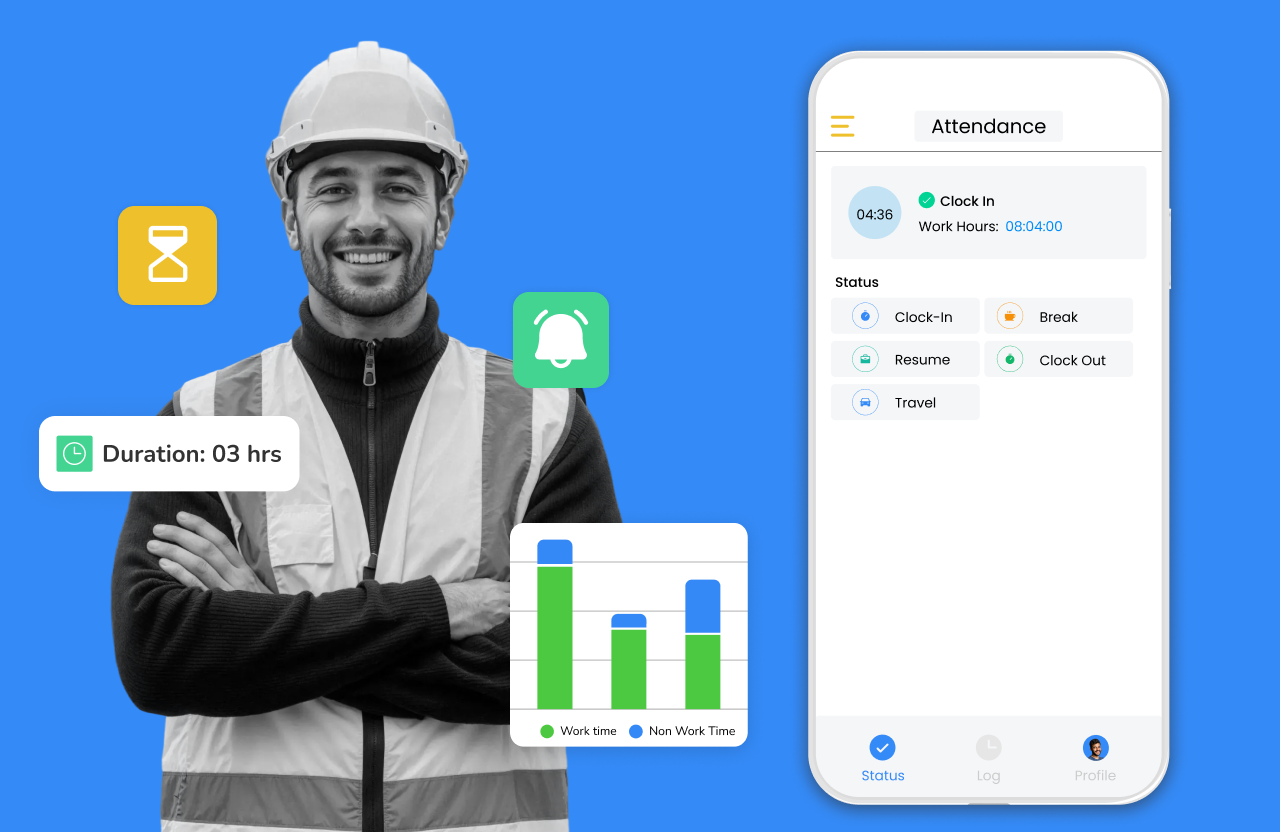


The construction sector continues to grow across global markets. In 2024, total construction spending reached nearly US$2.2 trillion. At the same time, maintaining productivity becomes a challenge. Many construction companies still track time on paper sheets or spreadsheets. These methods slow down payroll, introduce errors, and make it difficult to match labor hours to actual project costs.
Time-tracking software solves these problems by recording job hours, travel time, and break time via digital workflows. GPS and mobile tools support accurate payroll, job costing, and compliance. Reliable time data also provides project managers with a clear view of progress and helps make informed decisions.
What Counts as Construction Time Tracking Software?
Construction time-tracking software records crew hours, travel time, and job activity across multiple sites via mobile and GPS-based workflows.
This guide reviews the best time tracking and timesheet software for construction crews in 2026. It compares leading tools, outlines the features that matter most, and provides a clear evaluation process. This guide helps contractors of all sizes choose a time tracking solution that supports accurate reporting and smooth field operations.
Recommended Reads
How I Chose the Best Construction Timesheet Software: Key Factors
Construction crews move between sites and tasks. The right tool must support real field conditions. The points below offer a quick framework for evaluating options.
Accuracy and Verification
Reliable time logs support payroll and job costing. Look for GPS stamps, clear travel and work time categories, and easy audit controls for supervisors.
Field Usability
Crews need a simple mobile experience. Prioritize tools with quick actions, offline use, supervisor controls, and the ability to add notes or photos.
Job and Project Tracking
Time entries should connect to tasks or job codes. Strong tools support job costing, progress notes, and basic field documentation.
Crew Coordination and Scheduling
Daily assignments, routing, and live updates help office teams manage multiple job sites. A visual dashboard improves oversight.
Reporting and Payroll Fit
The system should provide clear weekly summaries, audit trails, and payroll or accounting export capabilities.
Fit for Company Size
Small and large contractors have different requirements. Check role permissions, deployment needs, and whether the tool supports growth.
All these factors play a significant role in making an informed decision.
Common Time Tracking Challenges in Construction
Construction crews work in shifting environments, which creates friction in daily time tracking. Common issues include:
!
!
!
!
!
At-a-Glance Ratings for Construction Time Tracking Tools
These scores provide a quick comparison of leading construction time tracking systems.
| Tool | GPS Accuracy | Field Usability | Job Tracking Depth | Scheduling Strength | Best For |
|---|---|---|---|---|---|
| Arrivy | 5 | 5 | 5 | 5 | GPS time + scheduling + forms |
| Connecteam | 3 | 4 | 3 | 4 | Simple time clock for small crews |
| Workyard | 5 | 4 | 4 | 2 | High-precision GPS + job costing |
| BusyBusy | 4 | 4 | 4 | 2 | Time and cost tracking focus |
| Jobber | 3 | 4 | 3 | 4 | Service jobs and recurring visits |
| Housecall Pro | 3 | 4 | 3 | 4 | Home service job logging |
| ServiceTitan | 4 | 4 | 5 | 4 | Full technician workflow needs |
| QuickBooks Time | 3 | 4 | 2 | 2 | GPS tracking for QuickBooks users |
| Jibble | 5 | 5 | 3 | 2 | Preventing time fraud and ensuring payroll accuracy |
The Arrivy content team conducted this review based on field workflow analysis, product testing, vendor documentation, and market trends across construction and service industries.
Methodology: How We Selected and Rated the Software
This guide evaluates leading time-tracking tools based on the features that matter most in construction field operations.
Criteria used for evaluation:
✓
✓
✓
✓
✓
✓
Feature Comparison: Construction Time Tracking Tools
This table compares core features used by field crews, supervisors, and payroll teams. ✓+ indicates a strong or advanced implementation, ✓ indicates standard support, and — indicates no support.
| Tool | GPS Clock-Ins | Time Categories | Offline Mode | Job Codes | Photos / Notes | Forms | Scheduling | Routing | Live Status | Payroll Sync |
|---|---|---|---|---|---|---|---|---|---|---|
| Arrivy | ✓+ | ✓+ | ✓ | ✓+ | ✓+ | ✓+ | ✓+ | ✓ | ✓+ | ✓ |
| Workyard | ✓+ | ✓ | — | ✓ | ✓ | — | — | — | — | ✓ |
| BusyBusy | ✓ | ✓ | ✓ | ✓ | ✓ | — | — | — | — | ✓ |
| Connecteam | ✓ | ✓ | ✓ | ✓ | ✓ | ✓ | ✓ | — | ✓ | ✓ |
| Jobber | ✓ | ✓ | — | ✓ | ✓ | ✓ | ✓ | — | ✓ | ✓ |
| Housecall Pro | ✓ | ✓ | — | ✓ | ✓ | ✓ | ✓ | — | ✓ | ✓ |
| ServiceTitan | ✓+ | ✓ | ✓ | ✓+ | ✓+ | ✓+ | ✓+ | ✓ | ✓ | ✓ |
| QuickBooks Time | ✓ | ✓ | — | ✓ | — | — | — | — | — | ✓ |
| Jibble | ✓+ | ✓ | ✓+ | ✓ | ✓ | — | ✓ | — | ✓+ | ✓ |
9 Best Top Construction Time Tracking Apps of 2026
Construction contractors use time tracking tools to record field hours, control labor costs, and support billing and payroll. The tools below cover a mix of construction-focused apps, field service platforms, and widely used timesheet systems that support GPS and mobile work.
1. Arrivy—Best for full crew coordination and field workflows
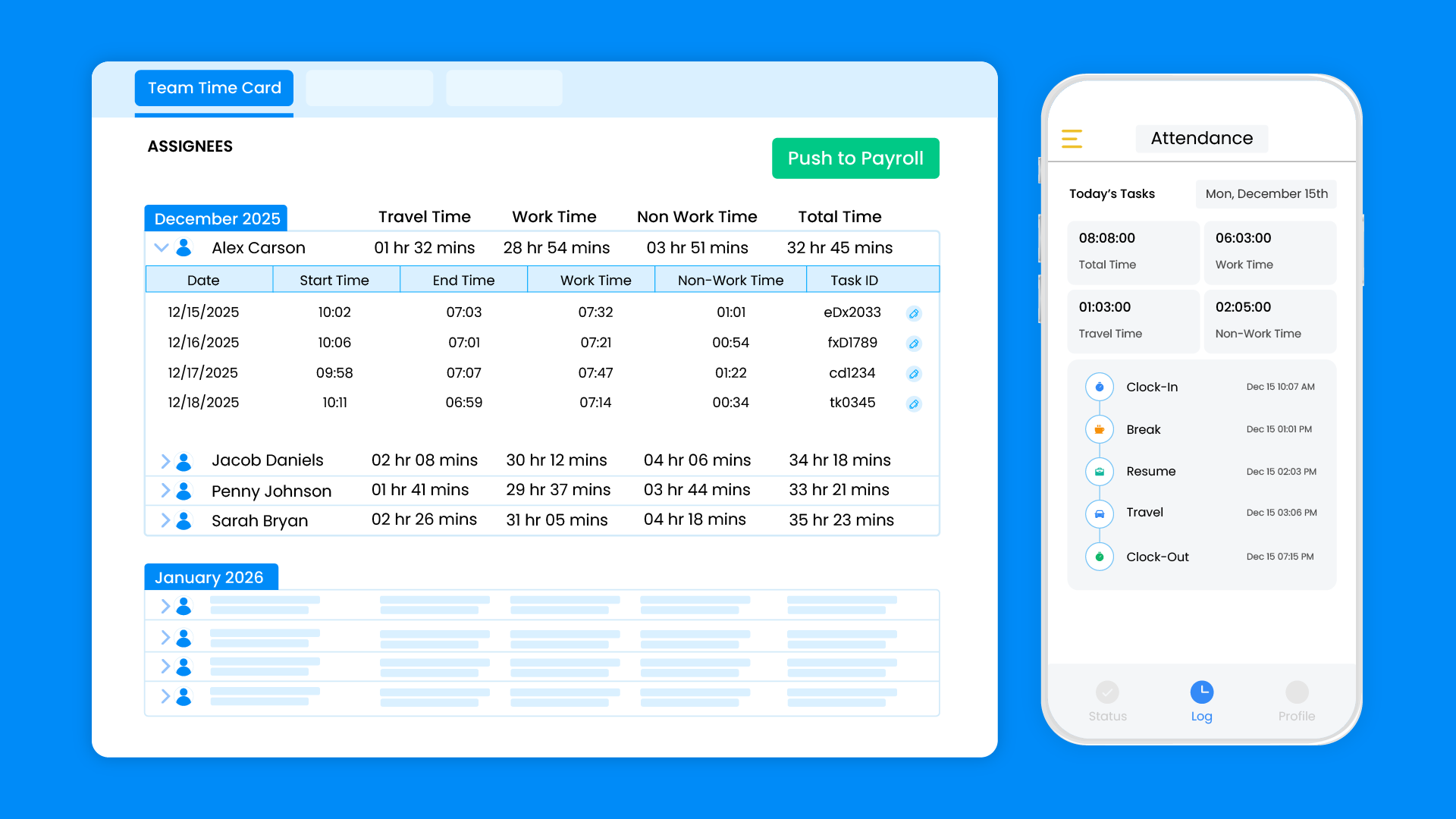
Arrivy is a field operations and timesheet platform built for crews that work on job sites. It combines GPS-verified clock-ins, status-based time tracking, scheduling, routing, and digital forms so construction teams can connect field hours with real job activity and billing in one system.
The detailed features include:
GPS-Verified Time Tracking
Arrivy records time through a mobile app that stamps each clock-in and clock out with GPS location. That data verifies that workers start and finish work on the correct job site and supports audits, payroll, and billing.
Status-Based Time Categories
Crews track time by tapping status buttons such as On our way, Start, Break, and Complete. Behind the scenes, Arrivy breaks that activity down into travel time, work time, and non-work time, which simplifies payroll and job-costing reports for office staff.
Mobile App Built For Job Sites
The mobile app lets field teams clock in and out, capture photos, log notes, complete forms, and update status in one place. It supports offline work, then syncs updates when connectivity returns, which is important on remote or partially covered sites.
Digital Forms And Job Documentation
Arrivy includes digital forms that work online and offline. Teams can auto-fill job data, capture signatures and photos, run calculations, and store safety or inspection checklists. Forms operate within the same workflow as time tracking, so supervisors view hours and field documentation together.
Scheduling, Dispatch, And Route Planning
Dispatchers use a visual calendar and dispatch console to assign tasks, move jobs, and monitor crew activity in real time. Arrivy supports route planning and route monitoring on a map, which helps office teams plan daily work, track progress, and adjust assignments as conditions change.
Customer Communication And Billing Links
Arrivy sends automated SMS and email updates with arrival windows, on-the-way alerts, and completion notices. It improves customer experience. The platform also integrates with QuickBooks, Xero, and Square, allowing field time, GPS data, photos, and task details to move into billing workflows so approved hours become billable records without duplicate entry.
Reporting And Payroll Support
Time data appears in detailed time card style reports that show travel, work, and non-work hours at the task and crew level. Those reports support payroll processing, job costing, and internal audits, and they export cleanly for external accounting systems.
Improve your field operations with Arrivy
2. Connecteam—Best free option for small crews
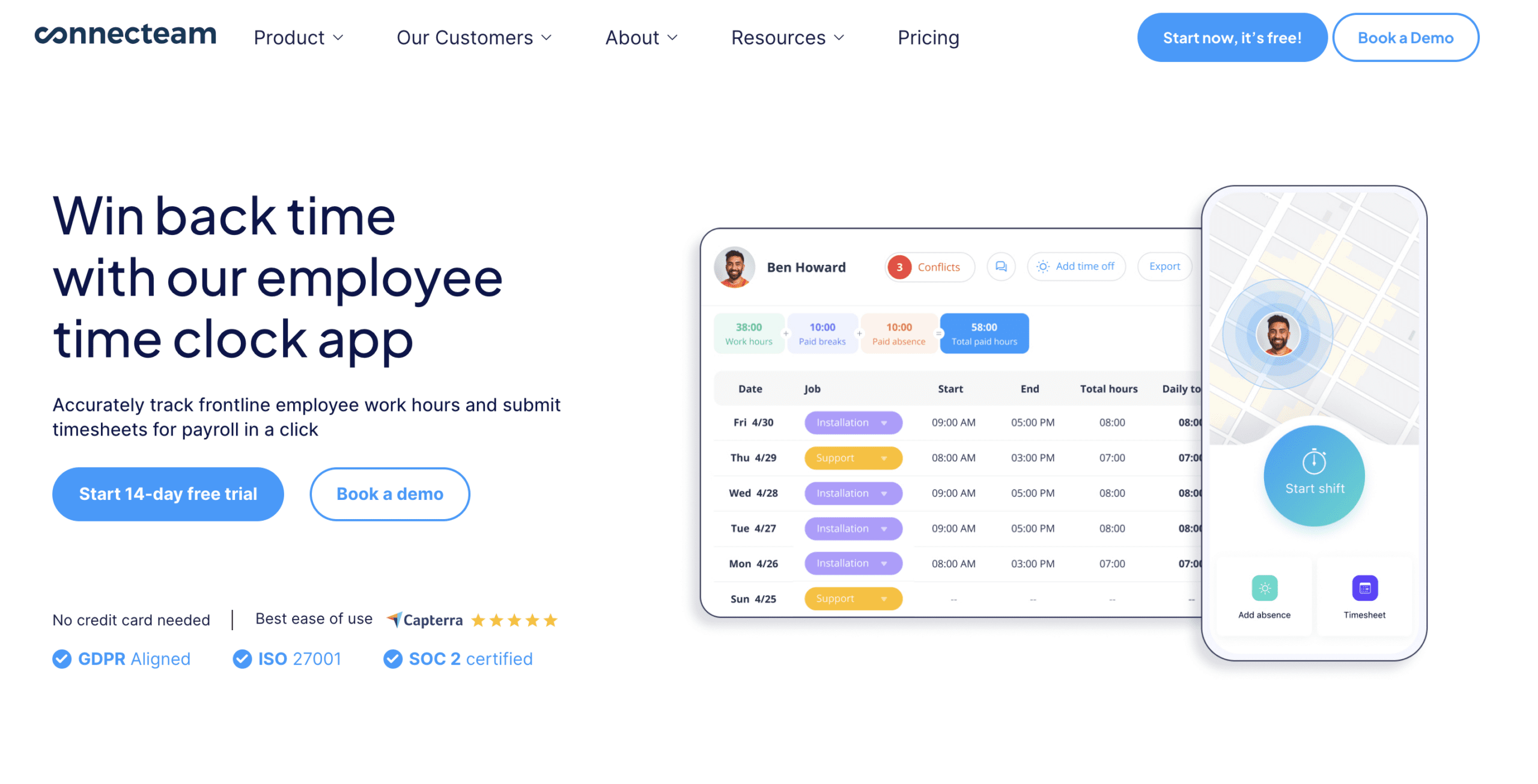
Connecteam is a mobile workforce app with time tracking, scheduling, and communication tools. It serves industries with deskless workers, including construction, and offers GPS and geofencing features to supervise clock-ins on job sites.
Who Should Not Choose This Tool
Contractors who need advanced job costing, routing, or deeper construction-specific workflows may find Connecteam too limited for larger projects.
3. Workyard—Best for high-accuracy GPS tracking
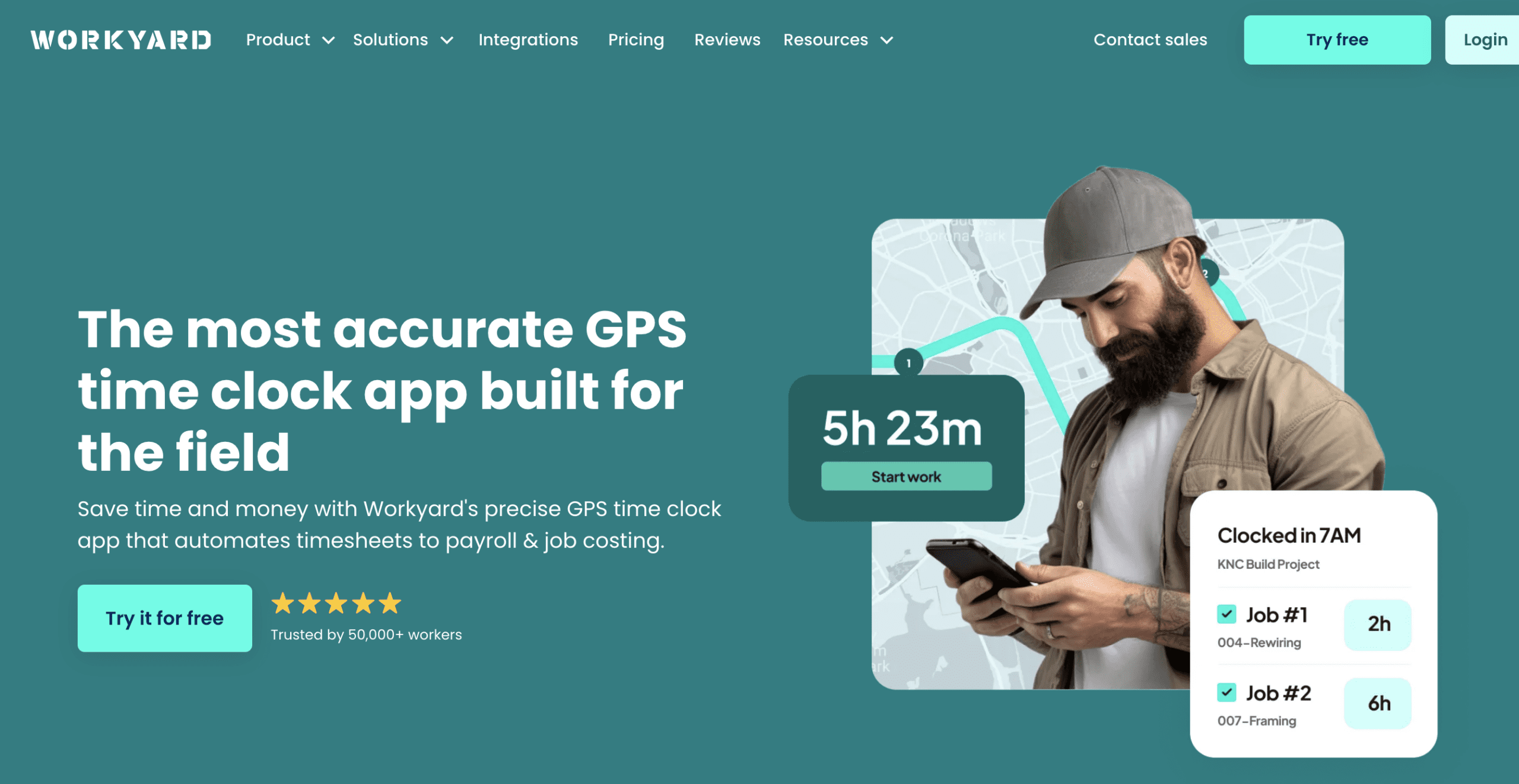
Workyard is a construction-focused GPS time-tracking tool that focuses on accurate field hours and job costing. It uses high-resolution GPS data and time clock rules to record where and when employees work, and to support labor compliance.
Who Should Not Choose This Tool
Teams that want scheduling, routing, forms, or broader field coordination within a single system may find Workyard too narrow for daily operations.
4. BusyBusy—Best for job costing visibility
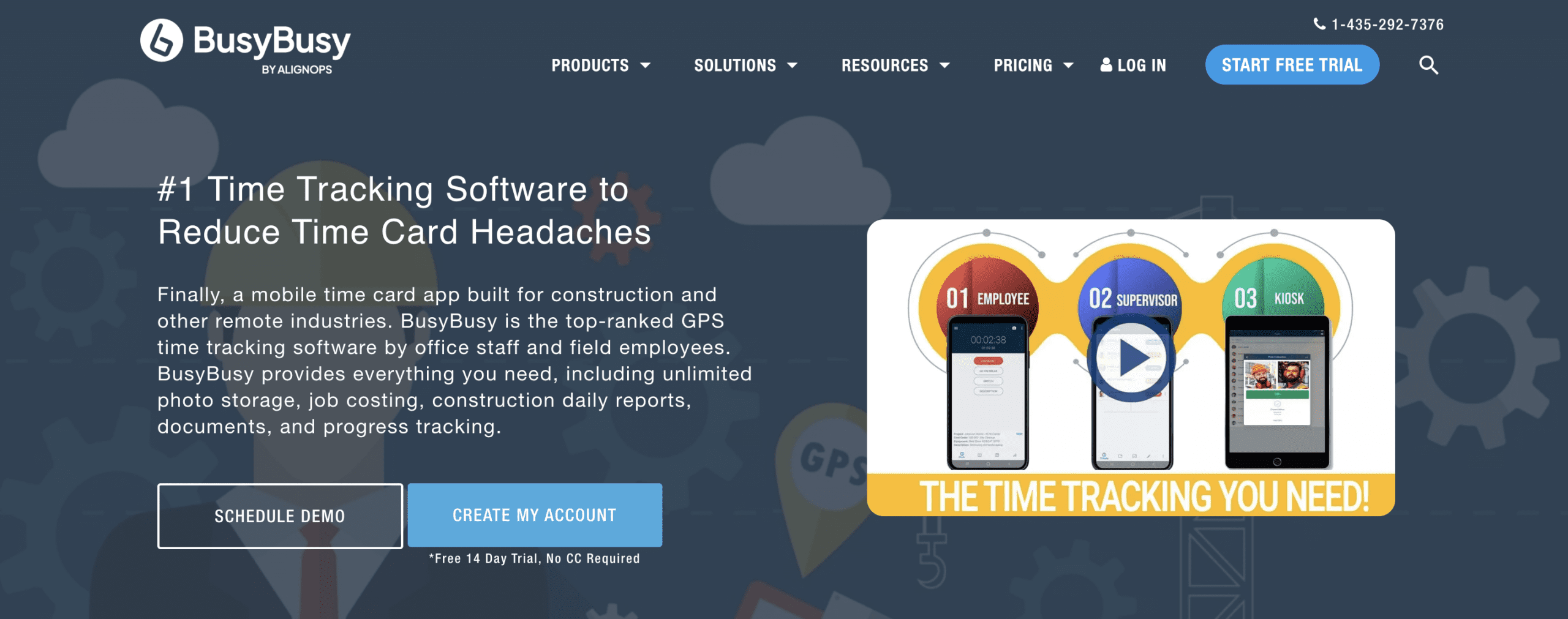
BusyBusy is a time-tracking and job-costing app built specifically for construction and field crews. It records employee and equipment time, collects daily reports, and creates labor reports for payroll and project control.
Who Should Not Choose This Tool
Contractors who need scheduling, dispatching, or customer communication in a single workflow may require a comprehensive field operations platform.
5. Jobber—Best for service-focused contractors
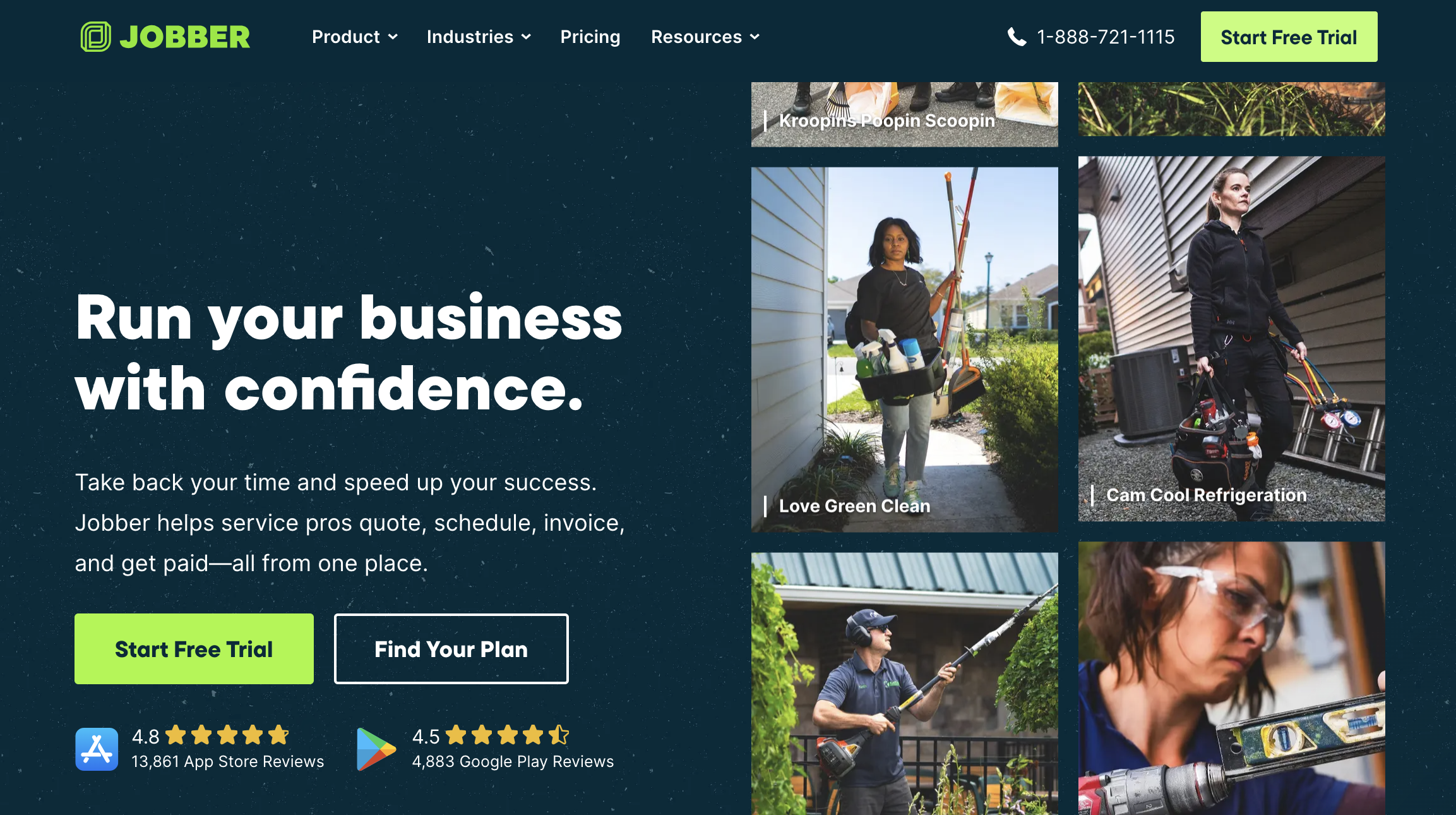
Jobber is a field service management tool that supports quoting, scheduling, job management, and time tracking. Crews track time on specific jobs and customers, and managers use that data for payroll and labor cost reporting.
6. Housecall Pro—Best for home service businesses with large teams
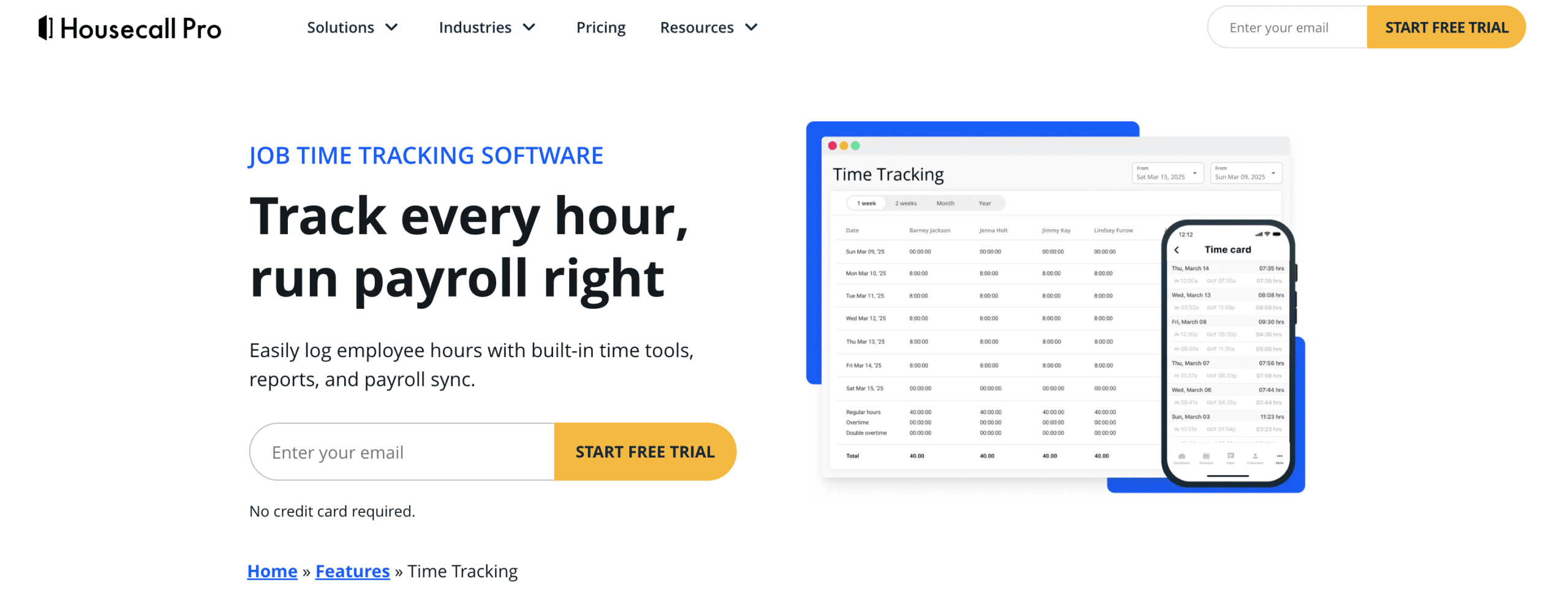
Housecall Pro is a home services management platform with time tracking, scheduling, job monitoring, and payroll sync. Technicians log the job and travel time through the mobile app, and managers review timesheets and push data into payroll.
7. ServiceTitan—Best for enterprise-level field operations
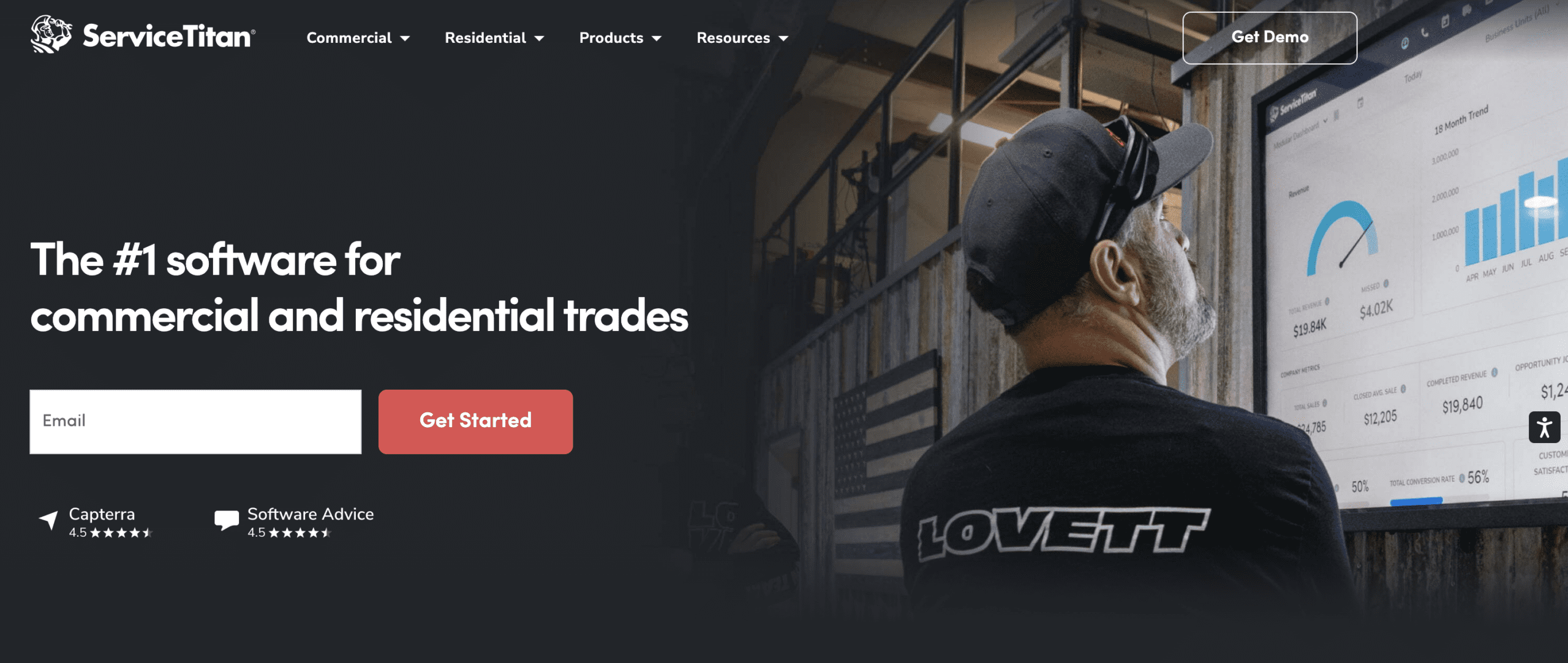
ServiceTitan is an enterprise-grade field management platform built for trades such as HVAC, plumbing, and electrical. It includes time tracking and timesheets that automatically record drive time, job time, and other activities for technicians, and ties those records into job costing and payroll.
8. QuickBooks Time—Best for QuickBooks users
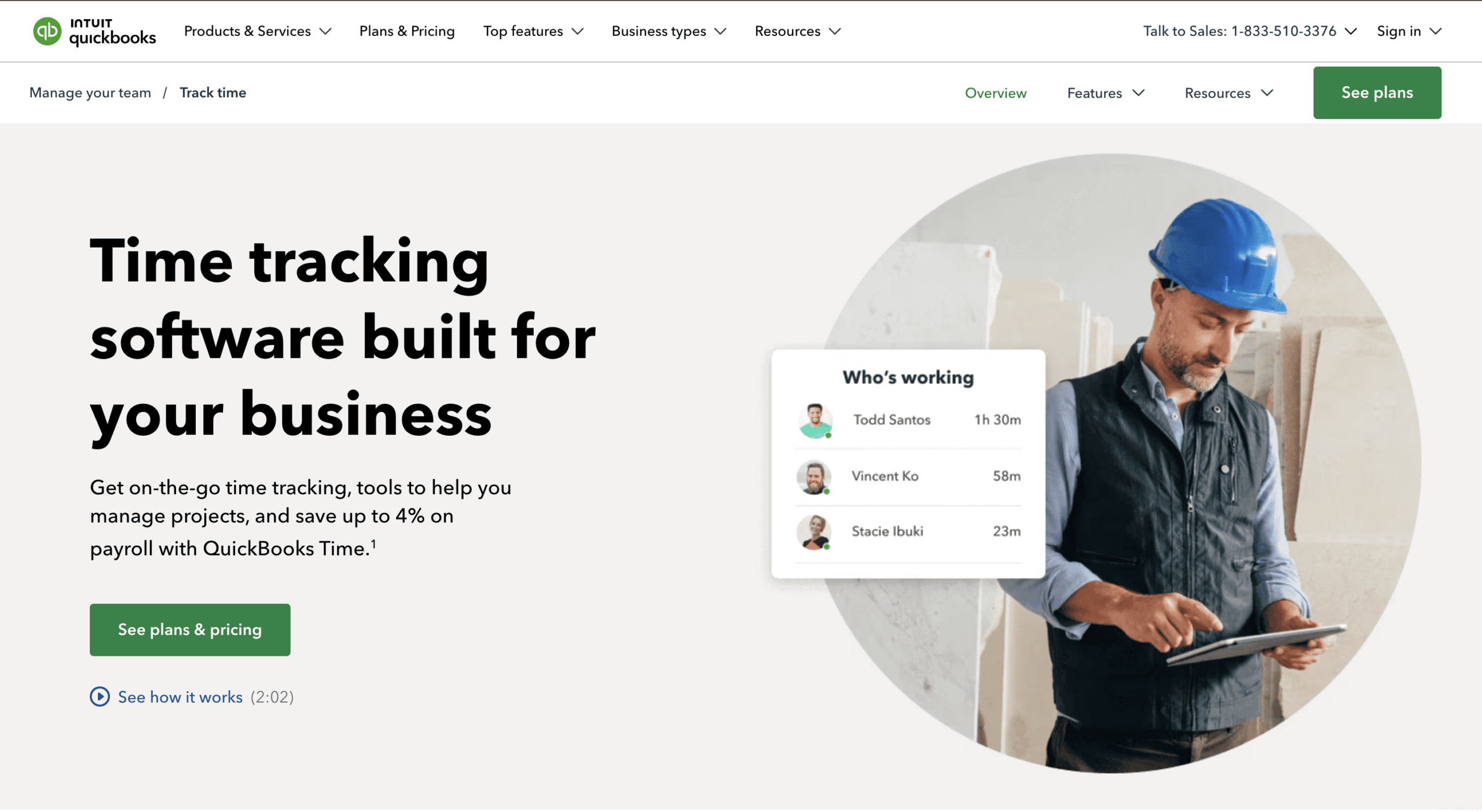
QuickBooks Time (formerly TSheets) is a general-purpose time-tracking system that integrates with QuickBooks. It offers mobile time tracking, GPS location logging, and geofencing to support off-site work, including construction and field teams.
9. Jibble — Best for preventing time fraud and ensuring payroll accuracy
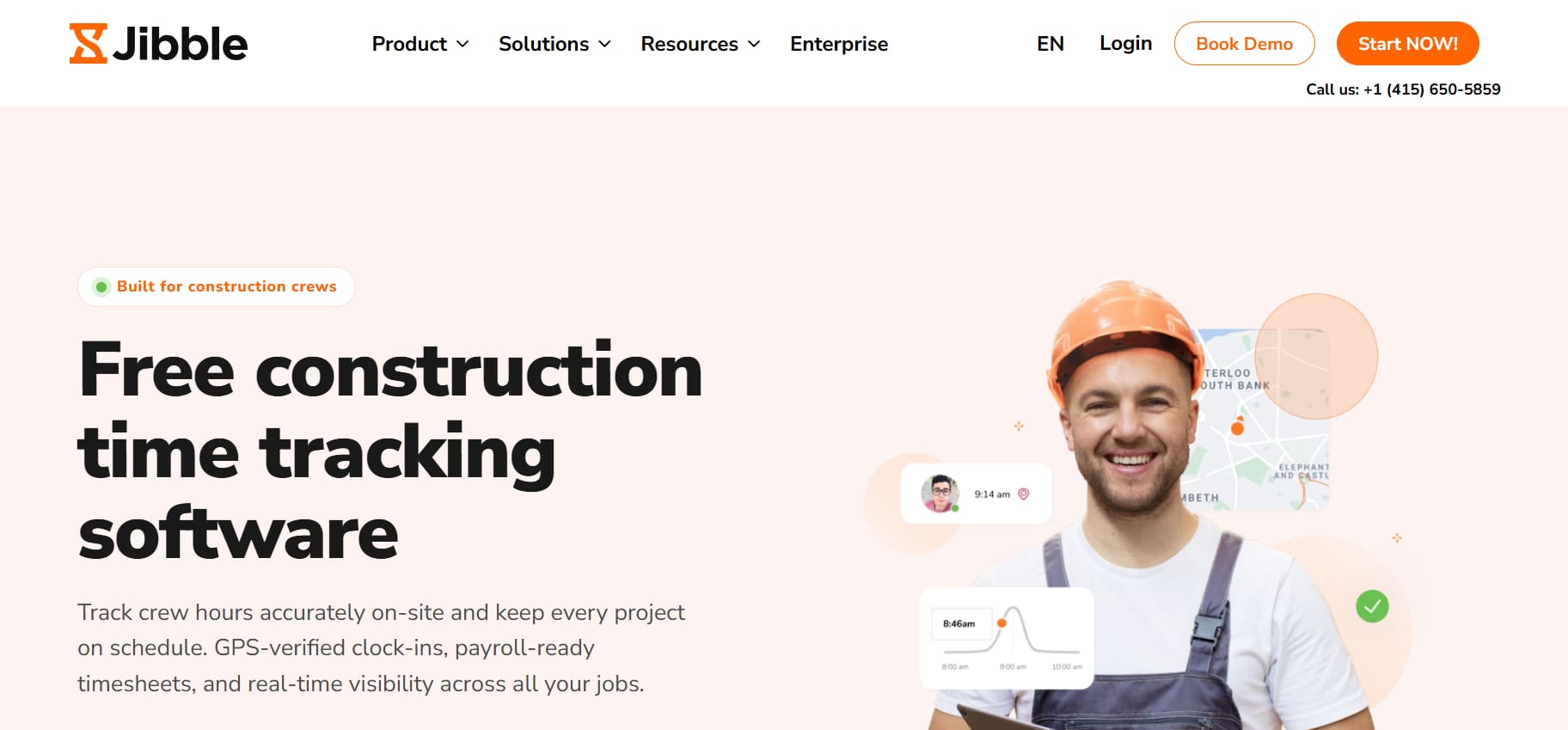
Jibble is a free time and attendance software that combines GPS tracking, geofencing, facial recognition, and automated timesheets to help contractors improve payroll accuracy and reduce time fraud. It also supports project and activity-based time tracking, with detailed reports for payroll, compliance, and labor cost visibility.
Free plan available. Paid plans start at $4.49 per user per month. For full pricing details,visit: Jibble Pricing
Who Should Not Choose This Tool
Contractors that need advanced scheduling, dispatching, or advanced job workflowmanagement may prefer a broader field operations platform.
How to Choose the Right Timesheet Software for Your Construction Crew
Choosing a time tracking system depends on how your crews work, how your office processes payroll, and how complex your projects are. Use the points below to match each tool to your conditions, rather than just comparing features.
Start With Crew Structure
- Small crews often need a simple mobile time clock
- Mid-size teams benefit from task-level hours and supervisor approval
- Larger contractors usually need scheduling, routing, and multi-crew oversight
This helps narrow the list before looking at product capabilities.
Match the Tool to Job Types
- Crews that visit several job sites in one day need routing and quick status updates
- Project teams that work on long-term sites need stronger job costing and progress notes
- Service contractors need tools that support short visits and customer updates
The job mix shapes which workflows matter most.
Consider Reporting Expectations
- If payroll runs weekly and needs clean summaries, prioritize clear time cards
- If project managers rely on job costing, pick tools that track hours by task or code
- If leadership reviews labor trends, select a platform with flexible reports
This helps choose tools that reduce administrative work.
Review Adoption Requirements
- Crews with limited tech experience need simple actions
- Teams with supervisors on site may prefer tools with review controls
- Companies growing quickly may need more structured workflows
Select a tool that matches how your team learns and works.
Align With Long-Term Operations
- Some companies plan to add scheduling, routing, or forms later
- Others plan to keep time tracking separate from job management
- Picking a system that fits your long-term goals avoids switching later
Thinking ahead helps protect your investment.
These distinctions can help you identify your business’s exact needs.
Key Questions to Ask Before Choosing a Timesheet System
Use the checklist below to evaluate whether a time tracking tool fits your crew, workflow, and reporting needs.
Editor’s Choice for 2026: Arrivy
Arrivy ranks highest for crews that want accurate GPS-stamped hours tied directly to daily field workflows. Its connected approach to time tracking, scheduling, routing, and job documentation gives contractors clear visibility across sites and clean records for payroll and costing.
Conclusion
Accurate time tracking helps construction crews maintain clean labor records, support payroll, and stay aligned across job sites. The tools in this guide offer different strengths, from GPS precision to job costing and daily coordination.
The right choice depends on crew size, job structure, and reporting needs.
Use the comparison table and checklist to narrow down your options. Contractors who want time tracking integrated with scheduling, routing, and field documentation often choose platforms like Arrivy. Arrivy is the best choice because it consolidates these workflows into a single system.