Login
Login






















AI Summary
Tanda, Deputy, Microkeeper and RosterElf provide different levels of Australian award-related functionality. Arrivy focuses on job-connected time tracking for field operations, while Clockify focuses primarily on project time tracking.
Recommended Reads:
Timesheets look simple until payroll finds different versions of the same working day. A technician may remember finishing at 4:30 p.m., while the job record says 4:10, travel time sits somewhere else, and a break was never recorded.
For Australian businesses, accurate time records also matter for compliance. Fair Work requires employers to retain time and wage records for seven years, with specific hours-of-work records required in some circumstances.
The right software should therefore do more than replace a paper timesheet. It should capture reliable hours, support manager approval and provide usable information for payroll, costing and reporting.
This guide compares six timesheet management platforms available to Australian businesses based on their strengths, limitations, pricing and suitability.
What Is Timesheet Management Software?
Timesheet management software records and organises the hours employees spend working. Employees may clock in and out through a phone, web browser, kiosk or dedicated time clock, while managers review and approve those records.
More capable systems can separate regular work, travel, breaks, overtime, jobs, projects or cost centres. Some also apply Australian award rules or pass approved hours into payroll.
The key difference is that time tracking captures hours, while timesheet management makes those hours reviewable, approvable and useful to the business.For Australian employers, accurate records are particularly important because Fair Work requires time and wage records to be kept for seven years.
“Product features and pricing reviewed in October 2026. Plans, pricing and availability can change.“
| Company | Best for | Rating | Free Trial |
|---|---|---|---|
| Arrivy | Field service and mobile crews | 4.8/5 | |
| Deputy | Rostered and shift-based teams | 4.8/5 | |
| Tanda | Award-heavy hourly workforces | 4.7/5 | |
| Microkeeper | Timesheets connected with Australian payroll | 4.7/5 | |
| RosterElf | Small and midsize teams using Xero or MYOB | 4.6/5 | |
| Clockify | Project-based and smaller teams | 4.5/5 |
Editorial ratings are our assessment of each platform for timesheet management and are not customer-review scores.
How We Selected the Best Timesheet Management Software
We compared each platform based on:
- Availability for Australian businesses
- Employee clock-in and clock-out options
- Mobile time tracking
- Timesheet review and approvals
- Break and overtime recording
- Job, project or cost-centre tracking
- GPS or location verification
- Australian award support
- Payroll integrations
- Xero and MYOB compatibility
- Timesheet edit history
- Reporting and labour-cost visibility
- Suitability for field employees
- Pricing transparency
Arrivy publishes this comparison. Each product has been assessed against the same core criteria, including areas where dedicated Australian workforce platforms provide deeper payroll or award functionality.
The comparison is based on publicly available vendor documentation and pricing information, not undisclosed hands-on testing.
6 Best Timesheet Management Software Platforms in Australia
1
Arrivy — Best for Field Service and Mobile Crew Timesheets
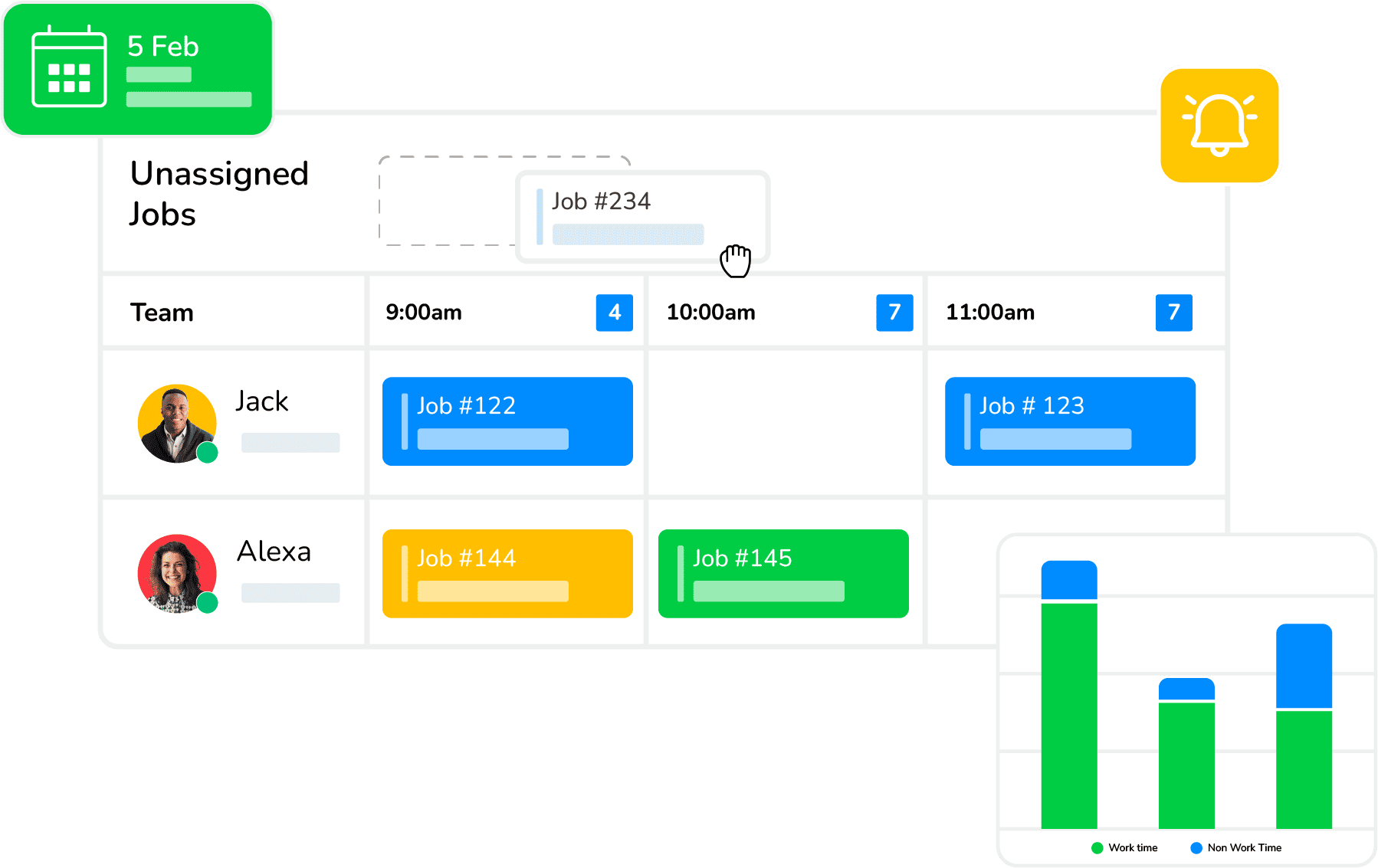
Arrivy approaches timesheets around work happening away from the office. Its timesheet management software lets teams record time against actual jobs and separate work, travel and break time. Supervisors can clock in entire crews, employees can use mobile or kiosk clock-ins, and managers can review individual timesheets centrally. This makes Arrivy particularly relevant to Australian field service businesses where knowing what employees were doing during recorded hours matters alongside the total hours worked. Time data also stays connected to schedules, crews and field activity.
Arrivy approaches timesheets around work happening away from the office. Its timesheet management software lets teams record time against actual jobs and separate work, travel and break time. Supervisors can clock in entire crews, employees can use mobile or kiosk clock-ins, and managers can review individual timesheets centrally. This makes Arrivy particularly relevant to Australian field service businesses where knowing what employees were doing during recorded hours matters alongside the total hours worked. Time data also stays connected to schedules, crews and field activity.
Key Features:
Pros:
-
Strong fit for mobile and field-based employees
-
Time can be attached directly to jobs
-
Separates work, travel and break time
-
Supervisors can clock entire crews in together
-
Supports mobile and kiosk clocking
-
Managers can review and approve timesheets centrally
-
Time data sits alongside scheduling and field activity
-
Workday integration supports employee-level time-data transfer
Cons:
-
Businesses with complex award calculations may need another payroll system
-
Simple office teams may not need its broader field-service functionality
-
Some teams may need initial setup to match time tracking with their jobs, crews and reporting needs
Pricing:
Arrivy’s Standard plan starts at USD 25.00 per user per month, with a minimum of three users. Premium starts at USD 50.00 per user per month, Enterprise pricing is customised, and a 14-day free trial is available. Australian businesses should confirm billing currency and applicable taxes.
Best for:
Arrivy is best suited to HVAC, construction, solar, roofing, moving, installation, maintenance, delivery and other field service businesses that need timesheets connected to crews, jobs and travel.
2
Deputy — Best for Rostered and Shift-Based Teams
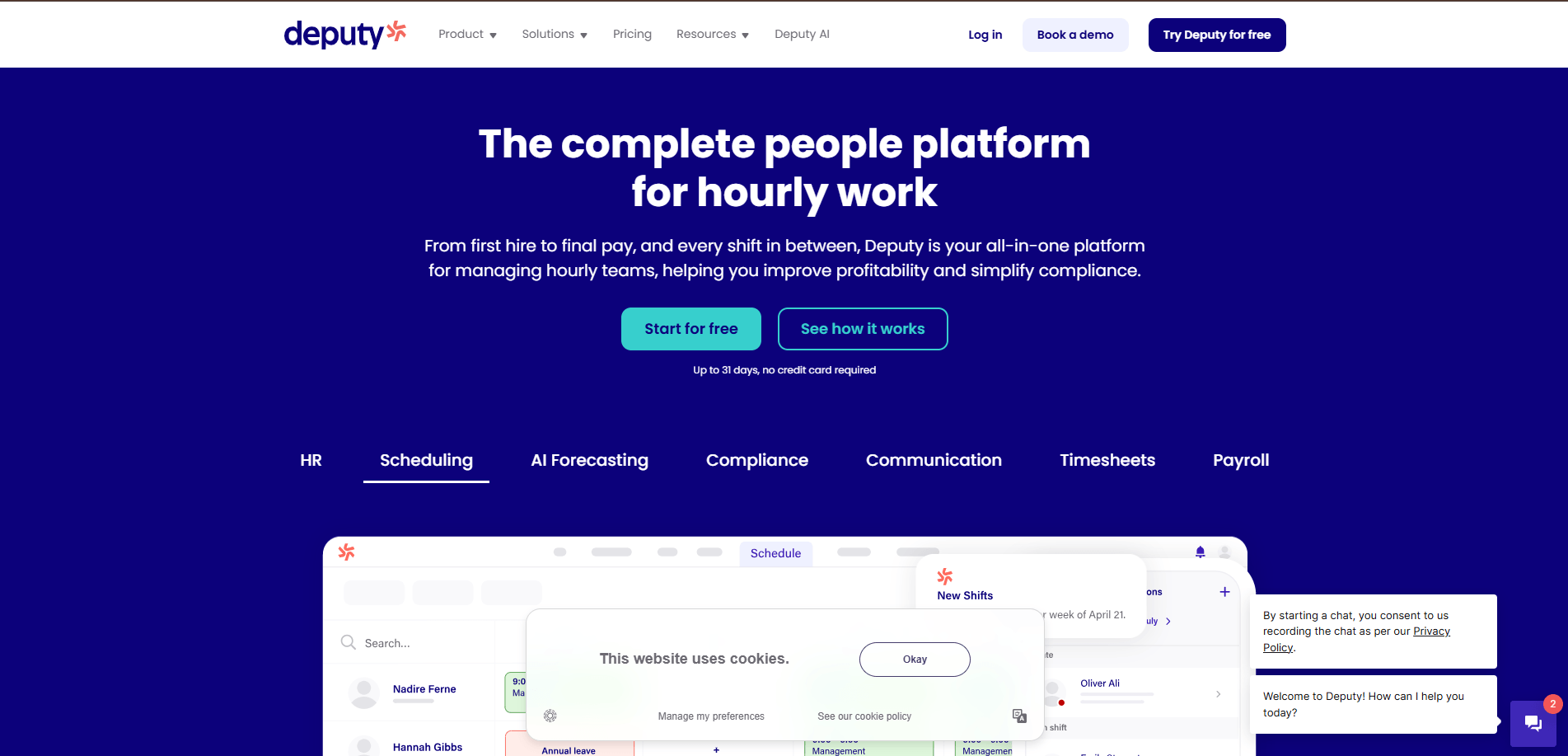
Deputy is an Australian workforce management platform built around scheduling, time and attendance, leave and employee management. It suits businesses where employees work defined shifts and managers need to compare rostered hours with actual hours worked. Employees can clock in through mobile, web, tablet or watch applications, while higher plans add automatic timesheet approval and more advanced controls. Deputy also supports Australian award interpretation and payroll integrations, making it relevant to hospitality, retail, healthcare and other hourly workforces.
Deputy is an Australian workforce management platform built around scheduling, time and attendance, leave and employee management. It suits businesses where employees work defined shifts and managers need to compare rostered hours with actual hours worked. Employees can clock in through mobile, web, tablet or watch applications, while higher plans add automatic timesheet approval and more advanced controls. Deputy also supports Australian award interpretation and payroll integrations, making it relevant to hospitality, retail, healthcare and other hourly workforces.
Key Features:
Pros:
-
Strong Australian market fit
-
Good for hourly and rostered employees
-
Multiple clocking methods
-
Geofencing available
-
Award interpretation included
-
Advanced timesheet approvals available
-
Payroll and HR options available
-
Transparent AUD pricing
Cons:
-
Administrators, supervisors and employees count as billable users
-
Advanced timesheets require higher plans
-
A minimum monthly spend applies
-
Costs can rise for large casual workforces
Pricing:
Deputy’s Lite plan starts at A$6.75 per user per month, Core at A$8.75, and Pro at A$13, excluding applicable taxes. Core adds timesheet auto-approval, while Pro includes advanced timesheets. A minimum monthly spend of A$30 applies.
Best for:
Deputy is best suited to hospitality, retail, healthcare and other shift-based Australian businesses that need rostering, time clocks, award interpretation and timesheets together.
3
Tanda — Best for Award-Heavy Hourly Workforces
Tanda is an Australian workforce management platform focused on time and attendance, rostering, labour costs and Modern Award requirements. Employees can use a workplace time clock or clock in remotely through the mobile app. Mobile clock-ins can use location boundaries and photographs for verification. Managers can review and approve timesheets, while Tanda’s award templates can apply rates, penalties and allowances based on configured employee conditions.
Tanda is an Australian workforce management platform focused on time and attendance, rostering, labour costs and Modern Award requirements. Employees can use a workplace time clock or clock in remotely through the mobile app. Mobile clock-ins can use location boundaries and photographs for verification. Managers can review and approve timesheets, while Tanda’s award templates can apply rates, penalties and allowances based on configured employee conditions.
Key Features:
Pros:
-
Built around Australian workforce requirements
-
Strong award and pay-condition functionality
-
Good for hourly employees
-
Mobile and fixed-location clocking
-
Location and photo verification
-
Detailed labour-cost reporting
-
Xero and MYOB support
Cons:
-
Public pricing is not clearly displayed
-
Award configuration may be more than very small teams need
-
Remote mobile clock-in requires internet connectivity
-
Setup may require more payroll configuration than simpler tools
Pricing:
Tanda does not provide a simple public starting price for Workforce Management. Pricing depends on selected modules, active employee profiles and billing arrangements, so businesses need to request a current quote.
Best for:
Tanda is best suited to Australian businesses with larger hourly workforces, multiple locations or more complex Modern Award, overtime and allowance requirements.
4
Microkeeper — Best for Timesheets Connected with Australian Payroll
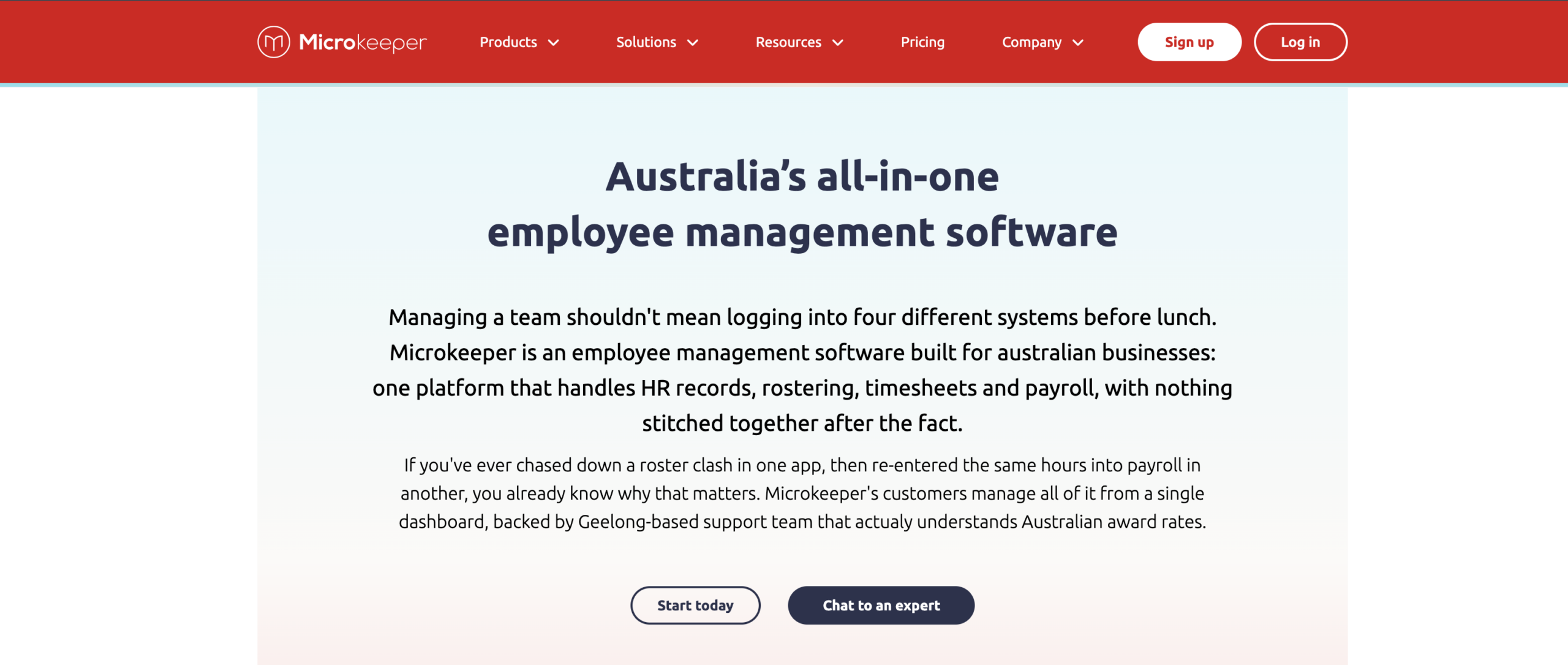
Microkeeper is an Australian-built workforce platform combining rostering, timesheets, payroll and HR. Employees can record hours using several clocking methods, while approved time can feed directly into Microkeeper payroll. The system supports Australian awards, enterprise agreements, Single Touch Payroll and superannuation processing. This makes it particularly useful for employers that want recorded hours and payroll handled in the same platform.
Microkeeper is an Australian-built workforce platform combining rostering, timesheets, payroll and HR. Employees can record hours using several clocking methods, while approved time can feed directly into Microkeeper payroll. The system supports Australian awards, enterprise agreements, Single Touch Payroll and superannuation processing. This makes it particularly useful for employers that want recorded hours and payroll handled in the same platform.
Key Features:
Pros:
-
Australian-built platform
-
Timesheets and payroll are closely connected
-
Strong Australian award support
-
Supports STP
-
Suitable for EBAs and complex pay rules
-
Multiple clocking methods
-
Local Australian support
-
Transparent pricing
Cons:
-
Broader than businesses needing only basic timesheets
-
Standard pricing has a minimum monthly charge
-
Payroll setup may require more configuration than simple time trackers
Pricing:
Microkeeper’s Standard plan costs A$6 per active user per month excluding GST, with a minimum charge of A$60 per month. It includes HR, rostering, timesheets, payroll, reporting and super clearing. A 30-day free trial is available.
Best for:
Microkeeper is best suited to Australian employers that want timesheets, award calculations and payroll managed within the same workforce platform.
5
RosterElf — Best for Small and Midsize Businesses Using Xero or MYOB
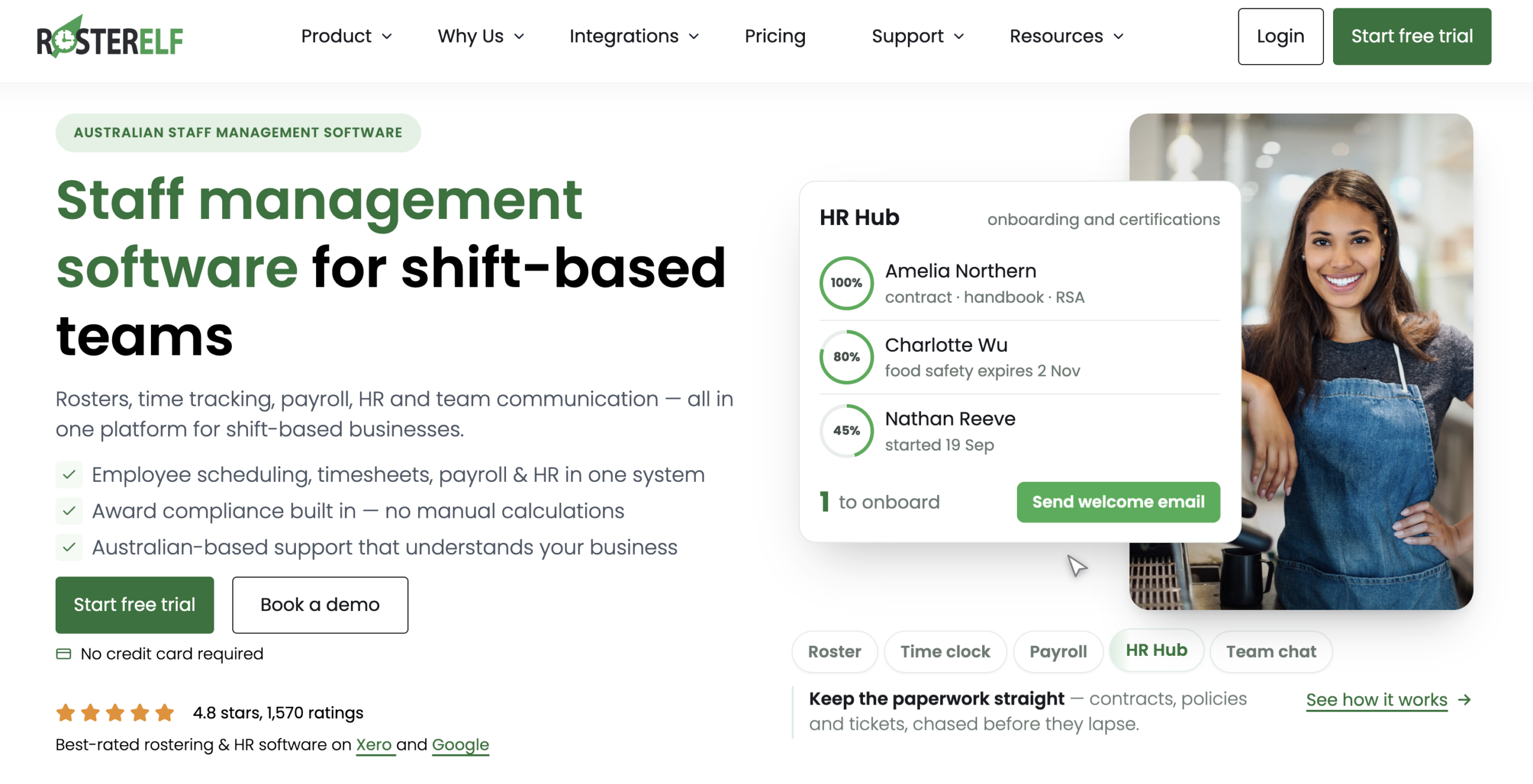
RosterElf is an Australian workforce management platform aimed at shift-based small and midsize businesses. Its Core plan combines rostering, time and attendance, timesheet approvals, award interpretation and payroll-ready exports. Employees can clock in from mobile devices using GPS and optional photo verification, while managers compare rostered and actual hours before approval. Direct connections with Xero and MYOB make it practical for businesses that want stronger timesheet controls without replacing their accounting system.
RosterElf is an Australian workforce management platform aimed at shift-based small and midsize businesses. Its Core plan combines rostering, time and attendance, timesheet approvals, award interpretation and payroll-ready exports. Employees can clock in from mobile devices using GPS and optional photo verification, while managers compare rostered and actual hours before approval. Direct connections with Xero and MYOB make it practical for businesses that want stronger timesheet controls without replacing their accounting system.
Key Features:
Pros:
-
Built for Australian businesses
-
Transparent AUD pricing
-
Strong Xero integration
-
MYOB integration
-
GPS and photo verification
-
Award interpretation
-
Suitable for multi-site teams
-
15-day free trial
Cons:
-
Mainly designed around rostered employees
-
Pricing applies per employee
-
Detailed task or travel-time tracking may require a more specialised field tool
Pricing:
RosterElf’s Core plan starts at A$6 per employee per month plus GST when billed annually. The Full Suite costs A$7 per employee per month and adds broader payroll and HR capabilities. A 15-day free trial is available.
Best for:
RosterElf is best suited to small and midsize Australian businesses that need rostering, timesheets, award handling and Xero or MYOB payroll connections.
6
Clockify — Best for Free and Project-Based Timesheets
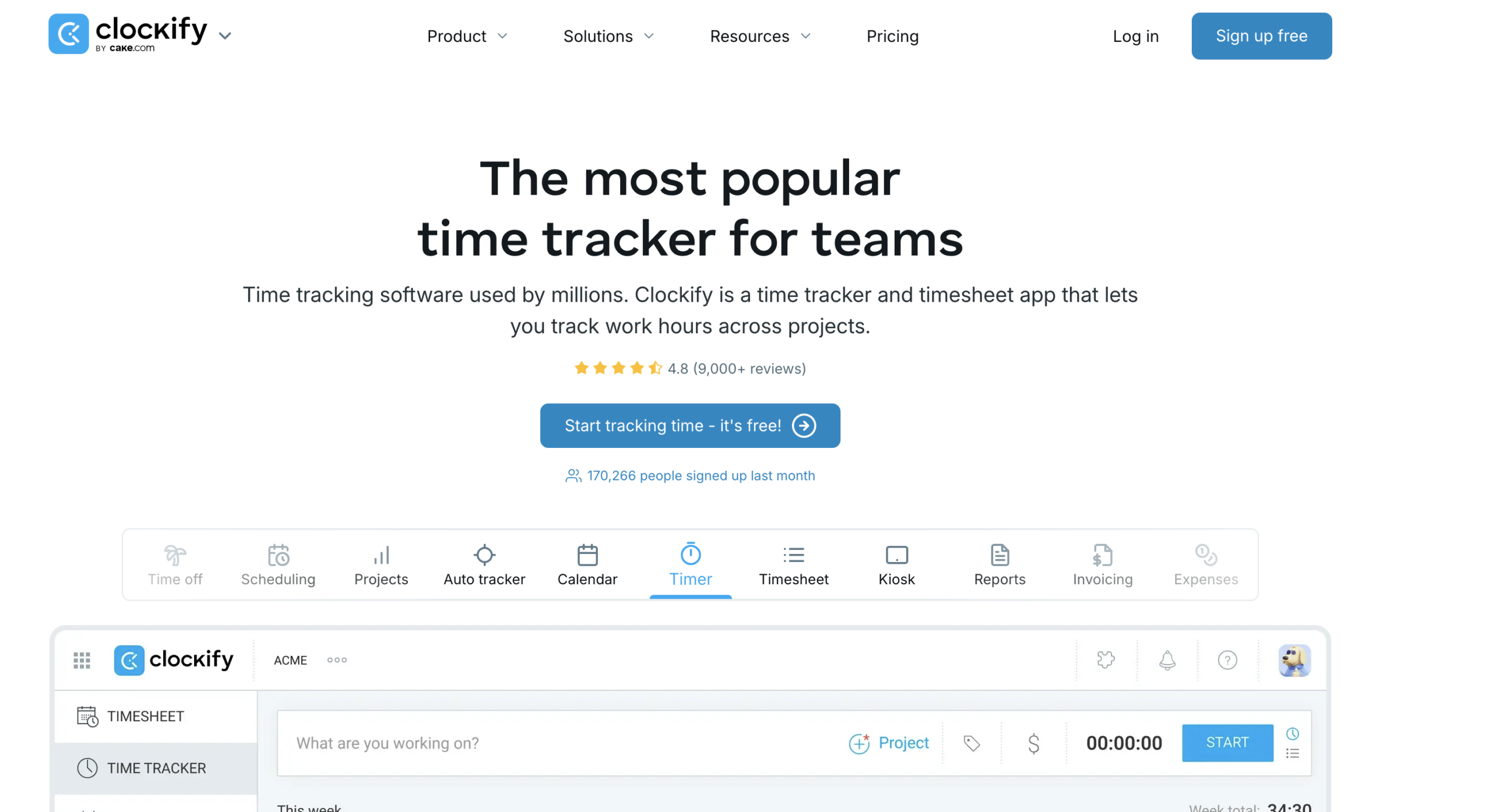
Clockify is a global time-tracking and project-timesheet product rather than an Australian payroll platform. Employees can record hours manually or with timers, organise time by project and task, and use weekly timesheets. Paid plans add approvals, attendance, overtime and time-locking controls. It is particularly useful for agencies, consultants, remote teams and project-based businesses where the main requirement is allocating hours to work rather than interpreting Australian awards.
Clockify is a global time-tracking and project-timesheet product rather than an Australian payroll platform. Employees can record hours manually or with timers, organise time by project and task, and use weekly timesheets. Paid plans add approvals, attendance, overtime and time-locking controls. It is particularly useful for agencies, consultants, remote teams and project-based businesses where the main requirement is allocating hours to work rather than interpreting Australian awards.
Key Features:
Pros:
-
Free plan available
-
Straightforward project time tracking
-
Good for remote teams
-
Mobile and desktop applications
-
Offline mobile tracking
-
Strong project reporting
-
Paid plans support approvals and audit controls
Cons:
-
Not designed around Australian Modern Awards
-
No native Australian payroll engine
-
Better for project hours than complex shift calculations
-
Approval functionality requires a paid plan
Pricing:
Clockify offers a permanent free plan with core time-tracking and timesheet features. Basic starts at USD 3.99 per seat per month when billed annually. Standard starts at USD 5.49 per seat per month annually and includes approvals, attendance, overtime and time locking.
Best for:
Clockify is best suited to consultancies, agencies, remote teams, freelancers and project-based businesses that need affordable timesheets without extensive Australian payroll functionality.
What Features Should Australian Businesses Compare?
Choosing timesheet software should start with the type of hours your business needs to verify. A café roster, a construction crew and a consulting team all create very different time records.
Clock-In and Clock-Out Options
Check how employees record time. Mobile clock-ins work well for field staff, while kiosks or tablets may suit warehouses, stores, clinics and hospitality venues.
The method should be simple enough that employees use it consistently.
Job, Project and Cost-Centre Tracking
A daily total may be enough for some employees. Others need to show whether time was spent on installation, travel, maintenance or a specific customer project.
Field and project-based businesses should check how easily hours can be assigned to the correct job or cost centre.
Breaks and Overtime
Timesheet software should clearly record start times, finish times and relevant breaks.
Australian businesses with award-covered employees should also check how overtime, penalties and allowances are handled. Some systems calculate them directly, while others pass the hours to payroll.
Australian Award Support
Not every Australian timesheet product automatically interprets Modern Awards.
Platforms such as Tanda and Microkeeper provide stronger award functionality, while general time trackers may simply record hours. Employers still need to ensure employees receive the correct pay and entitlements.
Mobile and Location Verification
GPS, geofencing and photo verification can help businesses confirm where a clock-in occurred, especially when employees work across several customer or project locations.
The location controls used should match a genuine operational need.
Timesheet Approvals
Managers should be able to review unusual hours, missing breaks, overtime and corrections before the records reach payroll.
It is also useful to check whether changes remain visible through an edit or audit history.
Payroll Integration
For Australian businesses, Xero and MYOB are common considerations, although some companies use dedicated payroll or HR systems.
Check exactly which information transfers, including approved hours, pay categories and cost centres.
Reporting and Labour Costs
Timesheet data should help managers understand where labour time is going. Useful questions include how much travel time is being paid, which jobs take longer than expected and how often overtime occurs.
The most useful reports depend on how the business manages labour and job costs.
Why Choose Arrivy for Timesheet Management Software in Australia?
Arrivy is most relevant when timesheets need to show what field employees were doing, not simply the total hours they worked.
Its timesheet management software can record time against individual tasks, distinguish work, travel and breaks, support mobile and kiosk clock-ins, and allow supervisors to clock entire crews in together. Managers can then review employee timesheets centrally.
This is useful where labour hours are closely connected with customer jobs. A construction company may want to separate travel from site time, while a moving company may need crew-level time records.
Arrivy also provides a Workday integration that can transfer work, non-work and travel-time information at employee level.
The main difference is Australian payroll depth. Arrivy is not positioned as a Modern Award interpretation engine, so businesses with complex award calculations should confirm how their payroll system will handle approved Arrivy time data.
Arrivy makes the most sense when field execution and accurate field time are part of the same operational requirement.
Conclusion
The best timesheet management software in Australia depends on what sits behind the hours being recorded.
Deputy and Tanda are strong for rostered and award-heavy workforces. Microkeeper provides deeper Australian payroll functionality, while RosterElf is practical for businesses using Xero or MYOB. Clockify works well where project hours and affordability matter more than Australian payroll rules.
Arrivy is better suited to businesses where employees travel between jobs, work in crews and need to record time against actual field activity.
Before choosing a platform, test how easily employees can clock in, record breaks, correct mistakes and submit hours for approval. Reliable time records matter more than a long feature list.