 Login
Login























AI Summary
The best roofing business management software depends on the type of roofing work you manage. Smaller contractors may prioritise quoting, scheduling and invoicing, while multi-crew and commercial roofing companies may need resource planning, recurring work, site records, offline access and integrations.
This guide compares seven roofing software platforms for UK businesses:
- Arrivy – Best for connected roofing field execution, multi-visit jobs, crews and customer communication.
- Joblogic – Best for commercial maintenance, recurring jobs and site-based operations.
- Tradify – Best for straightforward trade administration and quote-to-invoice workflows.
- Workever – Best for growing businesses that may need forms, assets and service contracts.
- ServiceM8 – Best for smaller mobile-first roofing businesses.
- BigChange – Best for roofing businesses where fleet management is a major operational requirement.
- TeamPoint – Best for roofing-oriented field documentation and structured operational workflows.
Roofing business management software helps contractors manage each stage of a roofing job in one system or across connected tools.
You may also see this category described as roofing business software, roofing management software, roofing company software or simply roofing software. The wording varies, but the buying question is the same:
Which platform best supports the way your roofing company actually operates?
A domestic repair team may prioritise fast scheduling and communication. Whereas, a commercial roofing business may care more about planned maintenance, site histories and recurring work.
This comparison looks at those differences instead of treating every roofing contractor as the same type of business.
Recommended Reads
What Is Roofing Business Management Software?
Roofing business management software helps roofing contractors manage the operational lifecycle of a job, from enquiries, quotations and approvals through scheduling, crew coordination, field documentation, customer communication and financial handover.
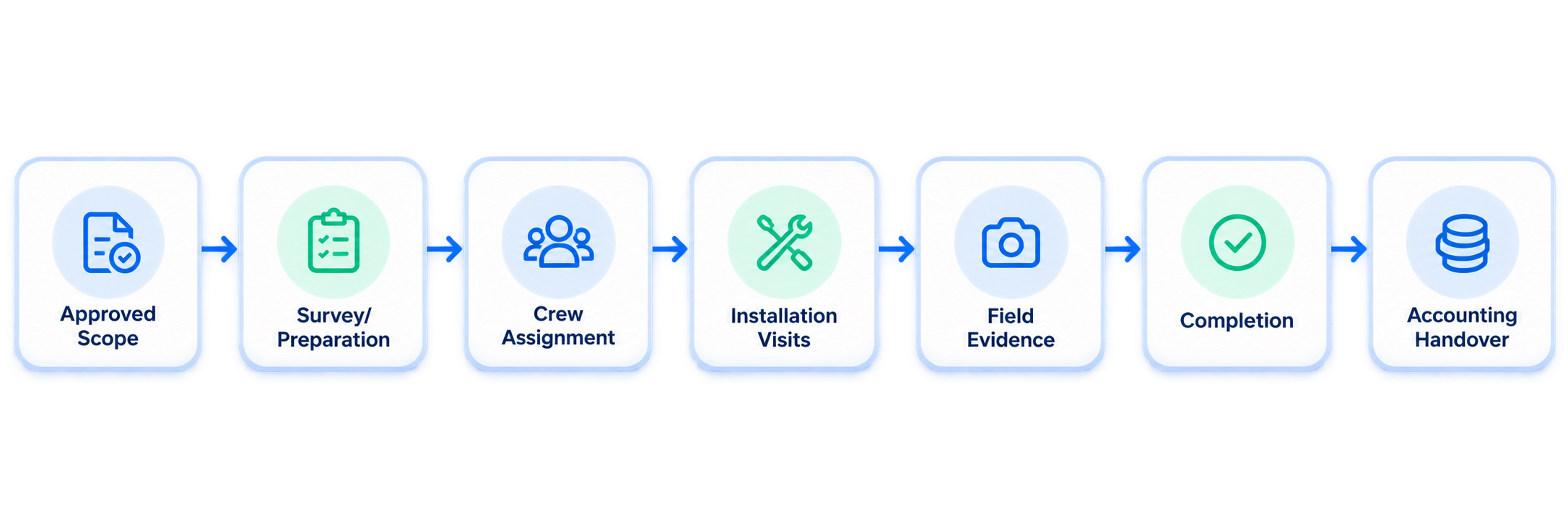
A typical roofing workflow looks like:
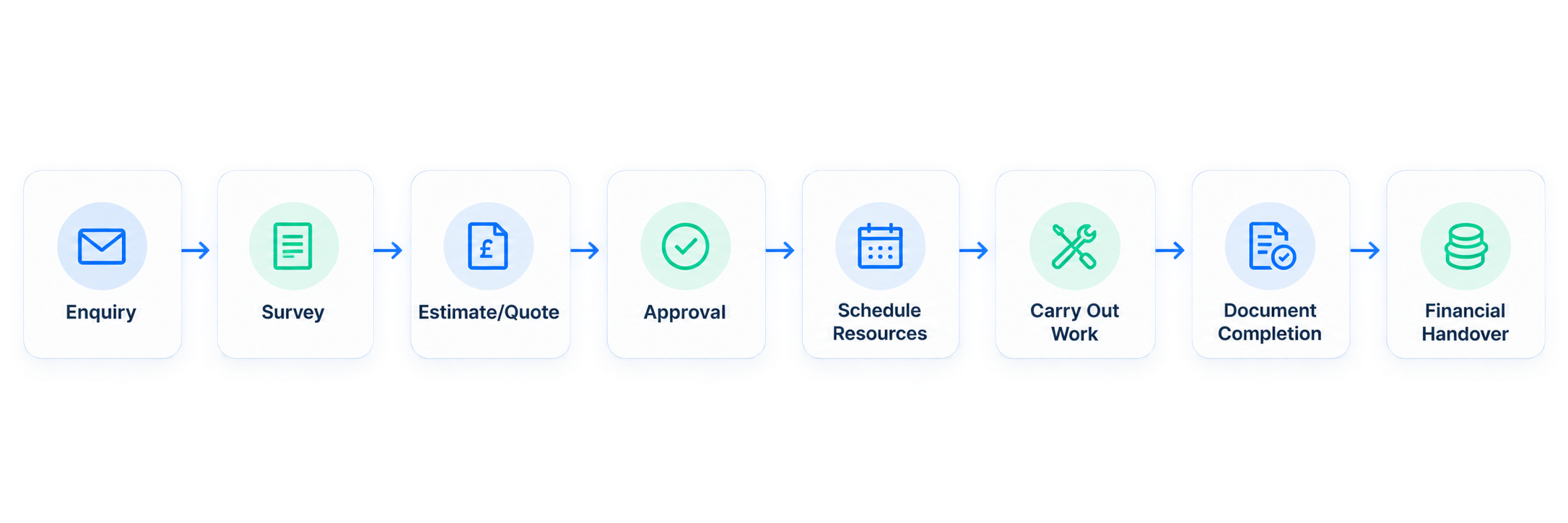
Roofing software does not have to do everything. Its job is to keep work moving from the first enquiry to final handover. You may still use separate tools for roof measurements, CRM or accounting. What matters is that the information moves between them without creating extra admin or gaps in the job record.
For example, Arrivy’s roofing field service software focuses on connecting approved work with scheduling, crews, customer communication, field records and job completion.
Experience connected roofing operations
See how scheduling, crews, customers and job records can stay connected from approved quote to completion.
Roofing Software Isn’t One Category: What Type Do You Actually Need?
One reason roofing software comparisons become confusing is that very different products can all appear under the same search term.
| Software Type | Primary Purpose |
|---|---|
| Roof measurement software | Roof dimensions and take-offs |
| Roofing estimating software | Labour, materials and pricing |
| Roofing CRM | Leads, customers and opportunities |
| Roofing business management software | Jobs, schedules, crews and field operations |
| Accounting software | Financial records and bookkeeping |
| Fleet management software | Vehicles and driver activity |
The software stack should reflect where the business actually has operational complexity. A company that already has good estimating and accounting software may not need to replace either one. It may instead need a stronger system between approved job and completed job. That is where broader roofing management software and field service platforms become particularly useful.
Disclosure
Arrivy publishes this comparison and is one of the products reviewed. Each platform has been evaluated against the same operational criteria using current public product and pricing information.
What Problems Does Roofing Business Software Help Solve?
Roofing operations often break down in the handoffs between stages rather than during the roofing work itself. And the problems become more expensive as the number of crews and jobs grows.
Roofing company software can help create a more consistent flow between approved job, schedule and assignment, customer notifications, work completion, capturing records, financial handover, and job review.
This also explains why simply having a CRM, calendar and accounting package does not necessarily solve field-operation problems.
For a broader explanation of how operational handoffs should work, see Arrivy’s guide to building an effective field service workflow.
Free resource for roofing businesses
Still building your paperwork and operating process?
Arrivy has a library of downloadable invoices, work orders, estimates, inspection checklists, proposals and other service-business templates.
Best Roofing Business Management Software in the UK: Quick Comparison
| Platform | Best For | Public Pricing | Important Buying Check |
|---|---|---|---|
| Arrivy | Connected roofing field execution | Standard $25/full-access user; Premium $50/user | Confirm required plan, UK messaging and integration scope |
| Joblogic | Commercial maintenance and recurring work | Standard from £45/user/month annually; Premium on request | Determine whether your workflow requires Premium, Enterprise or Marketplace modules |
| Tradify | Smaller roofing businesses and everyday trade administration | Lite £34/user/month; Pro £37; Plus £44 | Model per-user cost as your team grows |
| Workever | Growing teams needing a path into forms, assets and contracts | Base £29/user/month; Ultimate £39 | Several advanced capabilities sit in Ultimate |
| ServiceM8 | Small mobile-first roofing teams | Free; Starter £25/month; Growing £59/month | Check job allowances and device requirements |
| BigChange | Fleet-heavy roofing operations | Quote required | Scope software, vehicles, hardware and services together |
| TeamPoint | Roofing-oriented field documentation and operational workflows | £50 + VAT/user/month + £3,000 setup | Setup cost and fixed contract length affect total cost |
What Should Roofing Businesses Evaluate in a Software?
When comparing roofing management software, focus on how well each system handles the stages that have the greatest effect on your field operation.
Quote-to-Job Handover
Approved proposals should move into scheduled work without duplicate data entry. Check whether customer details, scope, pricing, attachments and notes carry forward automatically.
Arrivy’s digital quotes and approvals help connect approved work with the next operational steps. For more options, see our comparison of roofing quotes software.
Roofing Crew Scheduling
Roofing schedules may involve roofers, surveyors, subcontractors, vehicles, specialist skills and multi-day jobs.
Look for flexible scheduling and dispatch software and crew management functionality for coordinating teams.
Multi-Day Work and Weather Changes
Weather, access issues and material delays can disrupt roofing schedules. Check whether rescheduling updates the crew and customer while keeping forms, photos and unfinished work connected to the same job record.
Mobile and Offline Working
Test whether roofers can view jobs, complete forms, add photos and capture signatures without a reliable signal.
Arrivy’s digital forms support offline data capture and later synchronisation.
Field Documentation
Roofing teams generate photos, checklists, signatures and completion records. Software should keep this evidence attached to the relevant job instead of scattered across phones, chats and folders.
Customer Communication
Look for confirmations, reminders, status updates and progress notifications that reduce customer calls.
Arrivy’s customer experience tools connect communication with day-of-service activity.
Work Orders and Completed-Job Records
Work orders should give crews the information they need and keep completion records connected.
Arrivy’s work order management software links assignments, job details and completion information.
Accounting and Financial Handover
Roofing software does not need to replace accounting software, but completed job information should transfer cleanly to finance.
Arrivy also offers an integration with Xero for connecting operational and invoicing workflows.
7 Best Roofing Business Management Software Platforms
Let’s evaluate the 7 platforms in light of the features we discussed above.
1. Arrivy – Best for Connected Roofing Field Execution
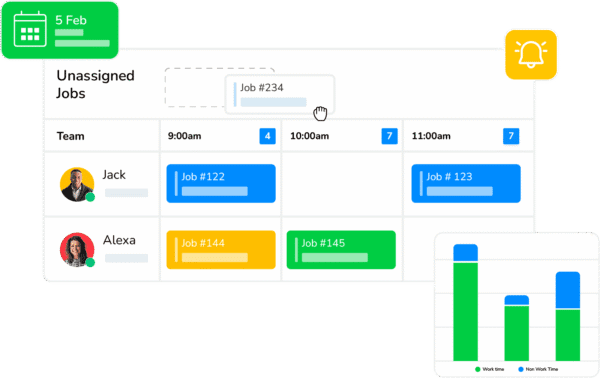
Arrivy is an operations and field service platform for roofing companies that need to coordinate work as it moves from an approved job into scheduling, crew assignment, field execution, customer communication and completion.
Why we included it: Arrivy is particularly strong in the operational stage of roofing work. Its roofing software can connect inspections and approved jobs with multi-day scheduling, crews, field records and customer-facing updates. Instead of creating isolated appointments for every stage, roofing companies can organise connected work across several visits.
Pros
- Keeps multi-stage roofing jobs connected from scheduling through completion.
- Helps coordinate crews, workers and resources across jobs.
- Connects customer updates directly with job activity.
- Keeps forms, photos, signatures and records in one workflow.
- Integrates with existing CRM, accounting and business systems.
Cons
- Complex integrations may require configuration.
- Specialist aerial measurement and roof take-off should be handled by an appropriate specialised tool unless the required capability is separately confirmed.
Pricing
- Standard: $25 per full-access user.
- Premium: $50 per full-access user.
- Minimum: 3 full-access users.
- Every full-access user includes two limited-access users under the current pricing model.
- Trial: 14 days, no credit card required.
See the current Arrivy pricing and plan comparison before purchasing.
Best For
Growing roofing businesses that already have sales or accounting tools but need a stronger connection between approved work, schedules, crews, customers and completed-job records.
See your roofing workflow inside Arrivy
Bring one real roofing job and see how it would run from schedule to completion inside Arrivy.
2. Joblogic – Best for Commercial Roofing Maintenance and Site-Based Work
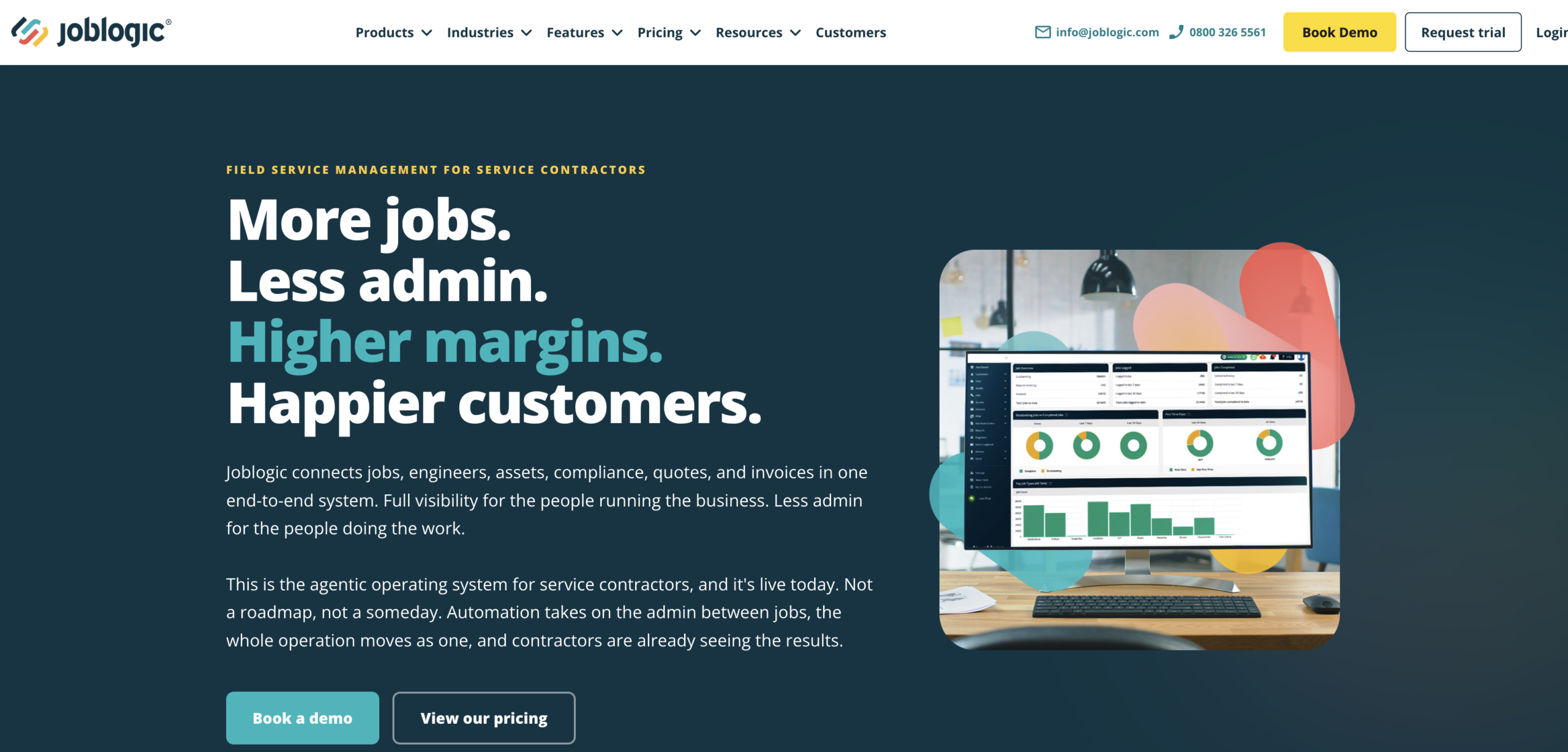
Joblogic is UK-built field service software aimed at businesses managing reactive and planned maintenance, customer sites, assets and recurring work.
Why we included it: commercial roofing does not always look like a sequence of one-off installations. Contractors may manage portfolios of properties, planned inspections, recurring maintenance and remedial work.
Pros
- Works well for recurring commercial maintenance jobs and locations.
- Keeps roof history connected to customer sites and assets.
- Supports planned preventive maintenance and contract-based service work.
- Provides 24/7/365 UK support across its plans.
Cons
- Some users report slow mobile performance, upload delays and occasional crashes.
- Complex workflows can require a steeper learning curve and additional training.
- Some advanced customisation and functionality may involve extra configuration or add-on costs.
Pricing
- Standard: From £45 per user/month, billed annually.
- Premium: Pricing on request.
- Enterprise: Custom pricing.
- Standard currently has a free trial; Premium and Enterprise are positioned around tailored demos.
Best For
Commercial roofing contractors managing several customer sites, planned inspection programmes, recurring work or ongoing roof-maintenance agreements.
3. Tradify – Best for Straightforward Roofing Business Administration
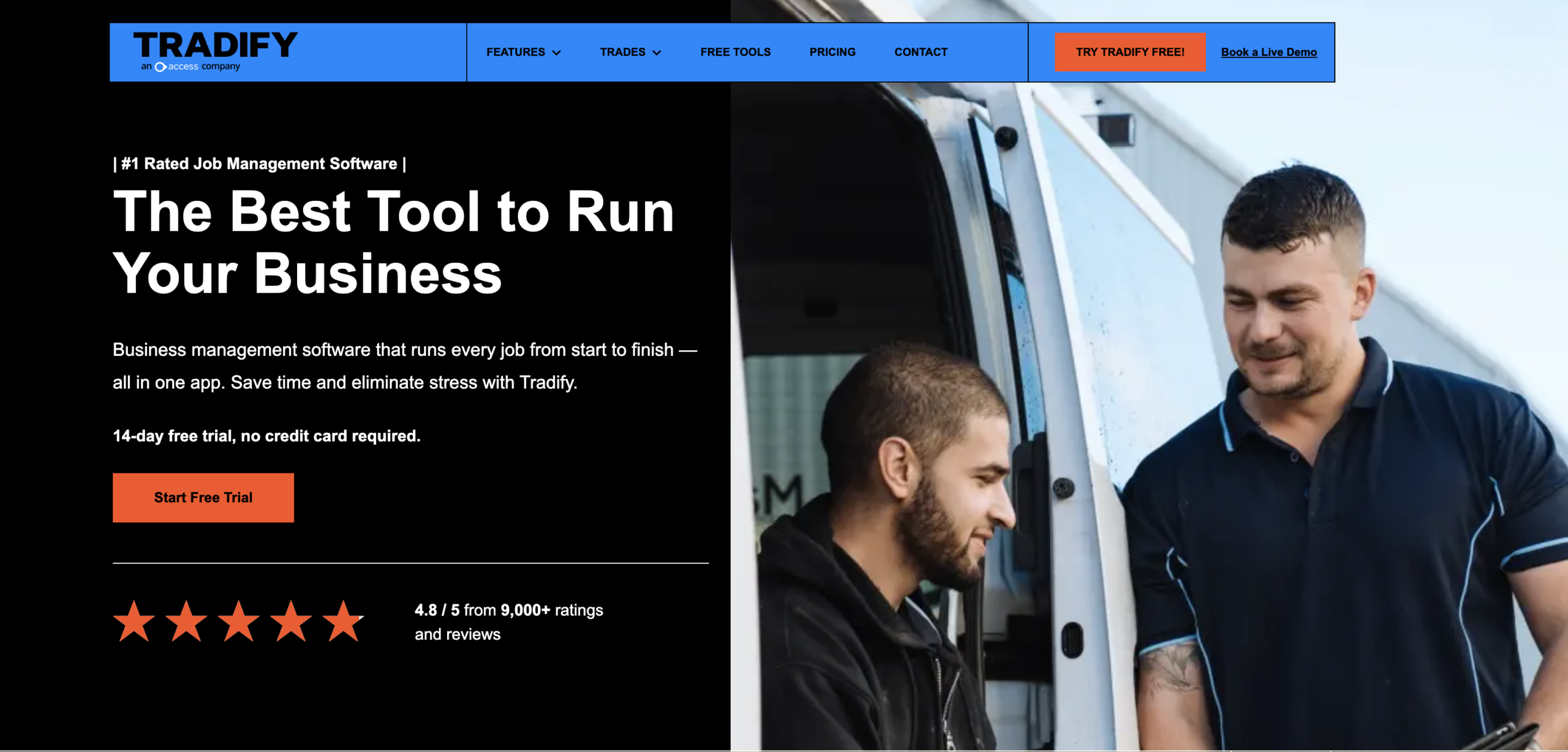
Tradify is job-management software aimed at trades businesses that want enquiries, scheduling, quotations, job records and invoicing within a relatively straightforward system.
Why we included it: smaller roofing companies often do not need an enterprise implementation. They need to stop running the business from separate spreadsheets, calendars and documents.
Pros
- Works well for recurring commercial maintenance jobs and locations.
- Keeps roof history connected to customer sites and assets.
- Supports planned preventive maintenance and contract-based service work.
- Provides 24/7/365 UK support across its plans.
Cons
- Some users report slow mobile performance, upload delays and occasional crashes.
- Complex workflows can require a steeper learning curve and additional training.
- Some advanced customisation and functionality may involve extra configuration or add-on costs.
Pricing
- Standard: From £45 per user/month, billed annually.
- Premium: Pricing on request.
- Enterprise: Custom pricing.
- Standard currently has a free trial; Premium and Enterprise are positioned around tailored demos.
Best For
Commercial roofing contractors managing several customer sites, planned inspection programmes, recurring work or ongoing roof-maintenance agreements.
4. Workever – Best for Growing Roofing Teams Needing Forms, Assets and Contracts
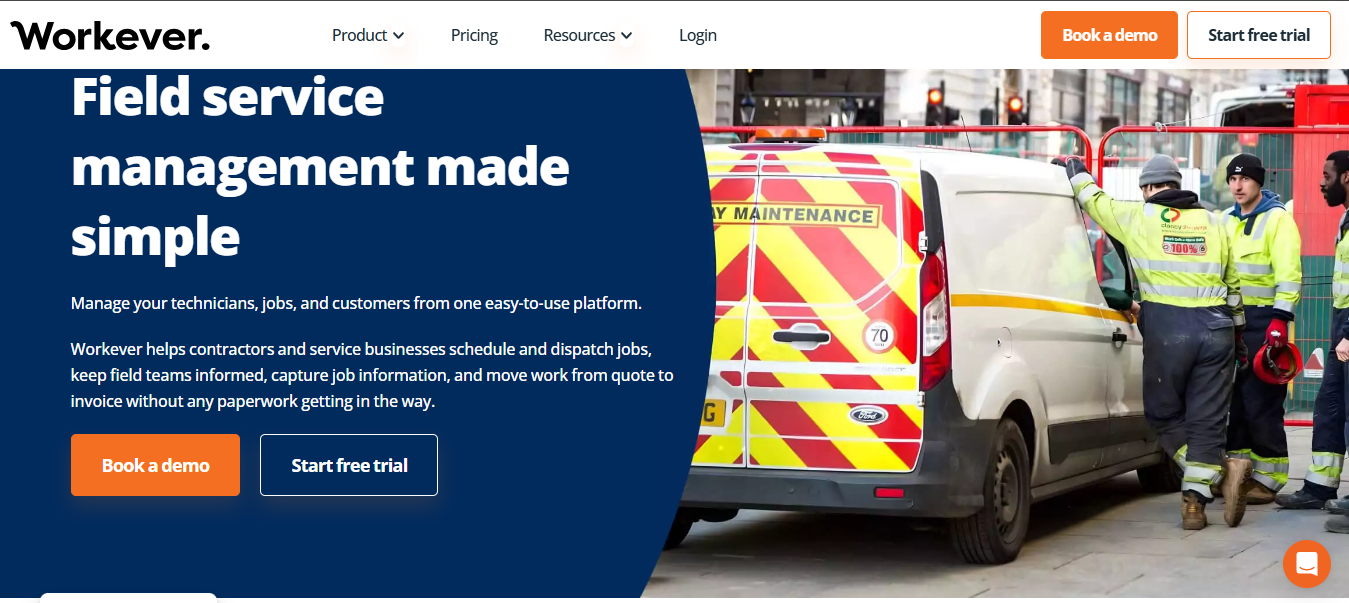
Workever combines scheduling, jobs, customer records, quotations and field-worker management with a higher plan for more structured forms, assets and service contracts.
Why we included it: the Base-to-Ultimate progression gives growing contractors a path from conventional job management into more structured operational processes.
Pros
- Allows businesses to expand from basic job management into contracts and asset management.
- Supports offline working for field teams.
- Converts quotes directly into jobs without manual recreation.
- Integrates with Xero and QuickBooks for accounting synchronisation.
Cons
- Forms, assets and service contracts require Ultimate.
- Some users report occasional lag, glitches and synchronisation issues.
- Specialised workflows may require workarounds or feature requests.
Pricing
- Base: £29/user/month.
- Ultimate: £39/user/month.
Best For
Roofing businesses that need solid job management today but expect to add structured forms, customer portals, assets or recurring service contracts as the operation grows.
5. ServiceM8 – Best for Mobile-First Small Roofing Businesses
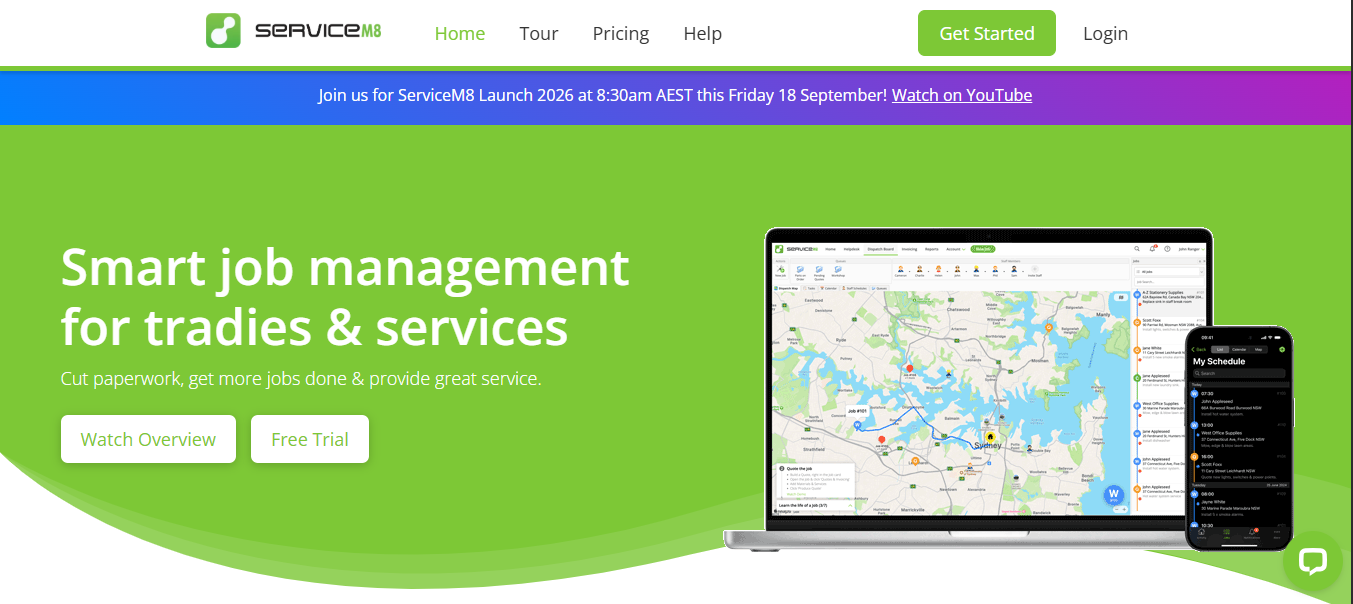
ServiceM8 is job-management software with a pricing model based largely on monthly job volume rather than charging a fee for every user on paid plans.
Why we included it: that commercial model can work well for smaller roofing businesses where several people need access but the number of new jobs each month remains predictable.
Pros
- Includes unlimited users on paid plans, which can suit growing teams.
- Provides a mobile-first experience for field workers.
- Supports progress invoicing from the Starter plan.
- Uses job-volume limits that are easy to compare against monthly workload.
Cons
- ServiceM8 recommends Apple devices for the full experience, while Android field users receive the lighter ServiceM8 Lite experience.
- Occasional bugs and performance problems have been reported.
- Progress invoicing can be cumbersome for larger, staged projects.
Pricing
- Free: £0/month, 1 user, 30 jobs.
- Starter: £25/month, unlimited users, 50 jobs.
- Growing: £59/month, unlimited users, 150 jobs.
- Premium: £119/month, unlimited users, 500 jobs.
- Premium Plus: £269/month, unlimited users, 1,500+ jobs.
- Prices exclude VAT.
Best For
Smaller roofing businesses that want a mobile-first workflow and prefer job-volume pricing to conventional per-user subscriptions.
6. BigChange – Best for Roofing Businesses with Significant Fleet Requirements
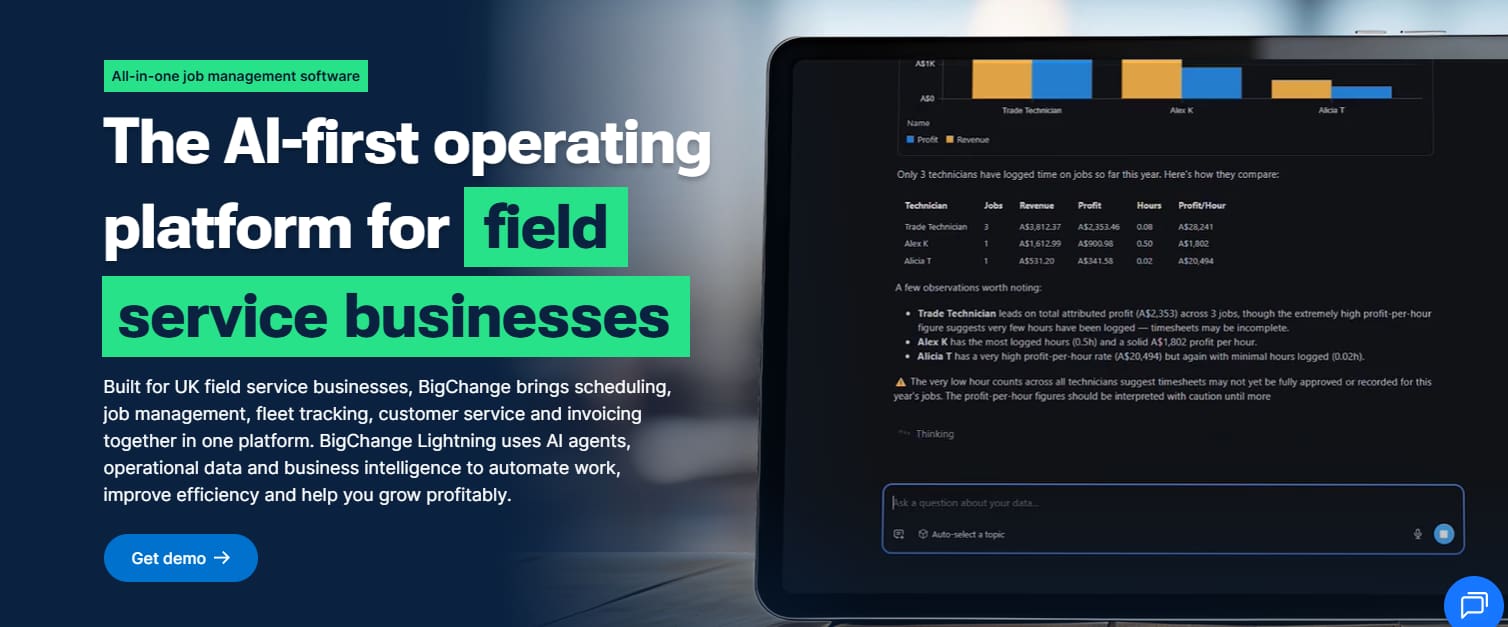
BigChange combines field-service job management with live tracking and fleet-related functionality.
Why we included it: for larger roofing companies, the vehicle operation can become as important as the schedule. A business managing several vans, crews and geographic areas may need visibility into both where the work is and how teams are travelling between jobs.
Pros
- Provides live tracking for dispersed crews and field teams.
- Covers both field-service and fleet-management requirements.
- Offers 24/7 UK-based support.
Cons
- Multiple users describe the interface as clunky and dated.
- Some customers report limited flexibility with longer-term contracts.
- Users have reported crashes and reliability issues across some mobile and CRM workflows.
- Multi-day and asset-heavy jobs can require additional administrative work.
Pricing
Pricing currently requires a quote.
Best For
Established roofing companies where vans, live vehicle visibility and mobile workforce coordination are significant operational requirements.
7. TeamPoint – Best for Roofing-Oriented Operational Documentation
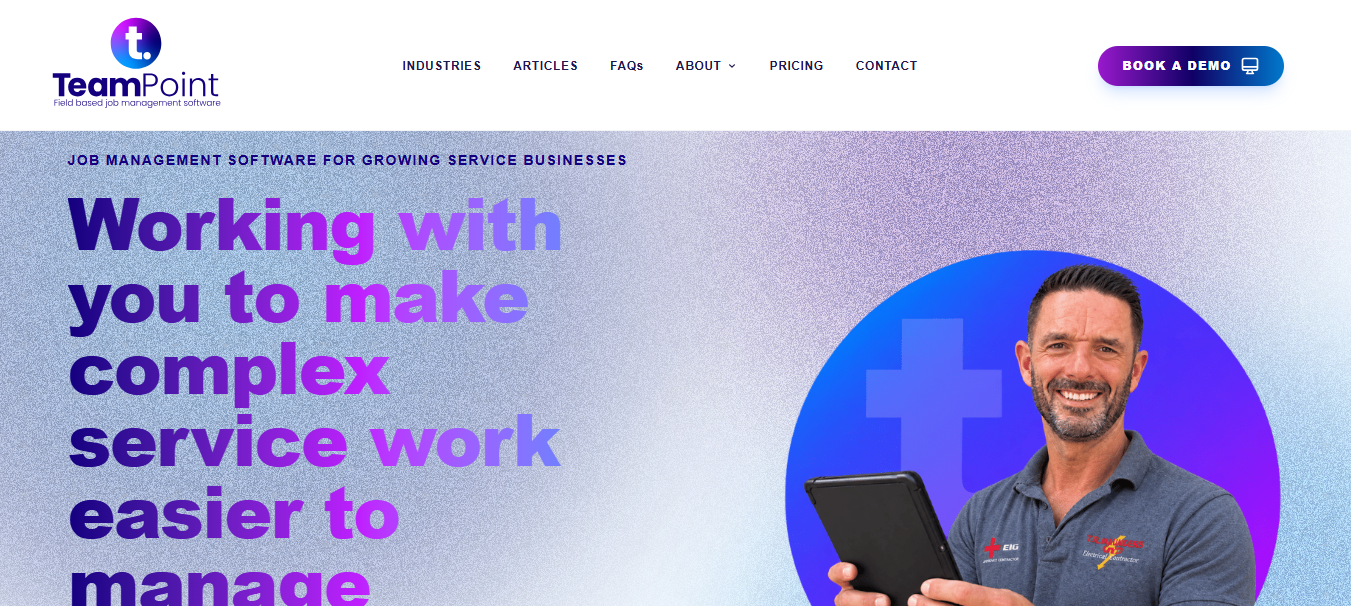
TeamPoint is UK field-service and job-management software with a dedicated roofing proposition.
Why we included it: TeamPoint’s roofing positioning specifically addresses scheduling, resources, mobile work, quotations and operational documentation rather than relying entirely on a generic trades proposition.
Pros
- Offers roofing-specific workflows for contractors.
- All functionality is included within its pricing model rather than divided into multiple feature modules.
- Provides structured setup, data import and training.
- Supports service contracts and compliance management.
Cons
- The £3,000 + VAT setup charge creates a significant first-year cost for smaller businesses.
- Contracts are fixed for 12, 24, 36 or 48 months.
- Some users report occasional slow loading or stability issues.
- Scheduling can have limitations in more complex multi-user or multi-team scenarios.
- Some navigation and workflow behaviour can take time to get used to.
Pricing
- Standard licence: £50/user/month.
- Standard setup fee: £3,000.
- NFRC members currently have a published offer of £40/user/month with a £2,000 setup fee.
- Fixed-price contract terms are available for 12, 24, 36 or 48 months.
Best For
UK roofing contractors that value roofing-oriented processes, structured field records and guided implementation.
How Much Does Roofing Software Cost in the UK?
There is no meaningful single average because the pricing models differ.
The more useful calculation is:
Year-one cost = subscription + implementation + migration + training + required integrations + usage fees + required hardware + specialist software
Free roofing pricing resource
Before comparing software costs, make sure you understand what your roofing jobs actually cost to deliver. Arrivy’s free Roofing Service Cost Calculator helps you do that.
Free Templates for Building a Better Roofing Workflow
Software is not always the first step. If you are still standardising how your roofing business handles documentation, Arrivy’s free resource library can help you build the underlying process before automating it.
A few relevant starting points are:
Why Arrivy Is Our Top Recommendation for Connected Roofing Operations
For roofing businesses, winning the job is only the start. The operational challenge begins when an approved scope has to become a real schedule involving crews, customers, site information, changing conditions and completed-job evidence.
That is the part of the roofing workflow where Arrivy is particularly strong.
An approved roofing job can move into scheduling without losing its operational context. Crews can be organised around visits. Multi-day work can remain connected. Customer notifications can follow job activity. Field teams can capture forms, photographs and signatures. Completed records can then move towards downstream systems rather than becoming another manual office process.
Arrivy is also useful when the roofing company does not want to replace every system it already uses. CRM, accounting and other business systems can remain responsible for the stages they already handle well while Arrivy acts as the execution layer between approved work and completed work.
See what this looks like with your own jobs
Book an Arrivy demo and walk through your roofing workflow with the team.
Prefer to explore first? Start your 14-day free trial – no credit card required.