
 Login
Login



















Free Inspection Checklist Template
Professional Inspection Checklist Template
Create Your Free Inspection Report with Arrivy
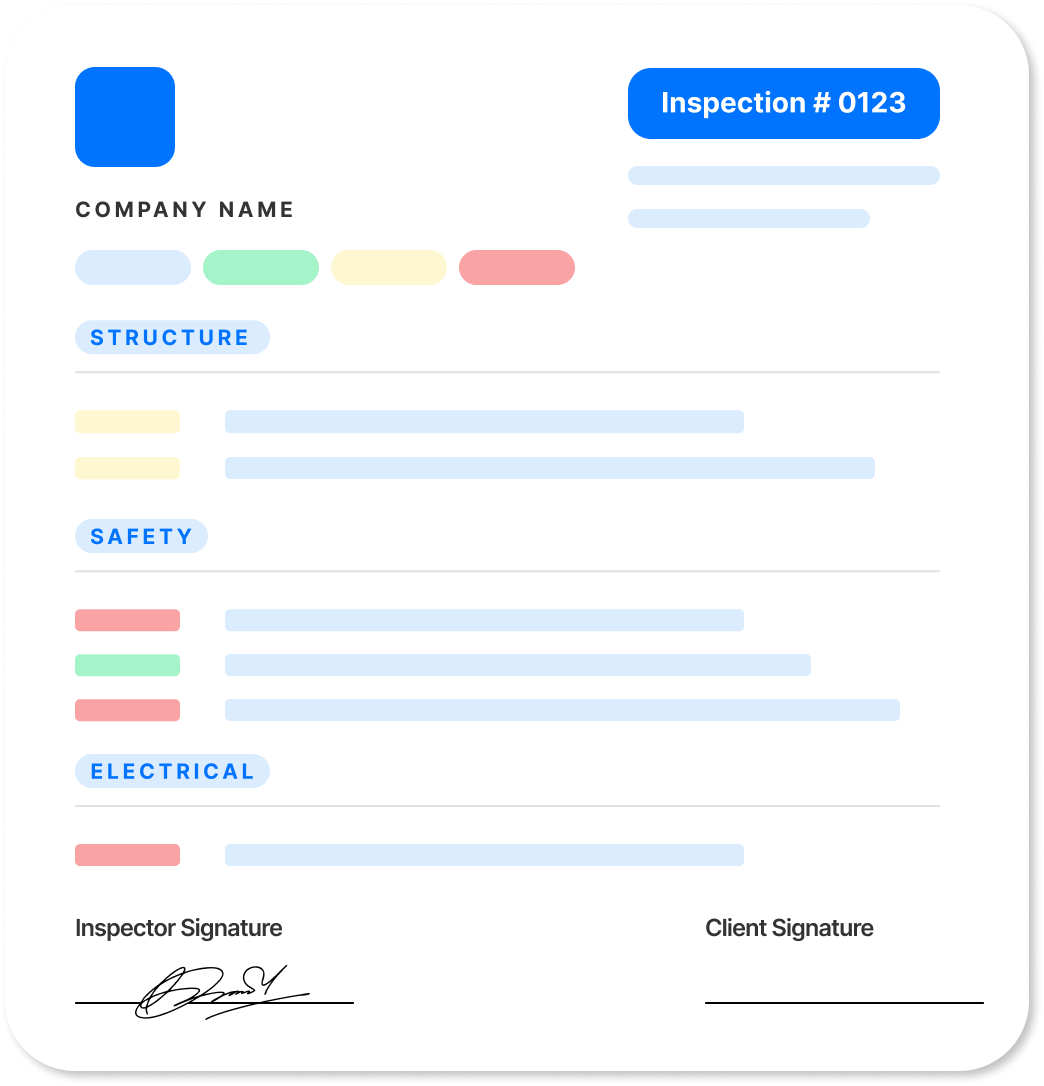
Mark each item as Pass, Flag, Fail, or N/A, add notes where needed, and watch your report update in real time. Review and download it when complete.
Get new free templates straight in your inbox.
Arrivy keeps releasing new helpful templates and tools every week. We’ll send you updates every week. No spam
Save Your Custom Inspection Checklist
Want to use the same checklist for future inspections? Customize the sections and inspection items for your process, then keep a blank copy to use on each job.
Using the same structured checklist helps your team inspect consistently and creates a clear record of what was checked, what was found, and what may need follow-up.
Try Arrivy Free for Inspections
With Arrivy, inspections stay connected to the job rather than being managed as separate checklists. Keep findings, notes, photos, and inspection records with the work, so office and operations teams can see what was found and coordinate what needs to happen next.
See how Arrivy fits into your inspection workflow. Book a demo.
Explore Arrivy Operations Cloud™ Capabilities in Full
Arrivy empowers diverse industries with streamlined workflows, real-time coordination, and customer engagement tools that boost productivity, reduce errors, and drive growth.

Scheduling Software
Empower customers to book appointments online at their convenience, without back-and-forth calls.

Digital Forms
Capture field data with customizable, offline-ready forms that sync across workflows.

Route Planning
Plan the fastest, most efficient routes to reduce travel time, fuel costs, and scheduling delays.

Work Order Management
Create, assign, and manage work orders with complete visibility across every job and team.

Dispatch Dashboard
Manage daily dispatch from a unified dashboard. Track jobs, update crews in real time, and keep work on schedule with full team visibility.

All Features
Explore all our features in detail to see what fits your needs
How to Create a Inspection Checklist
Use the free generator above or follow these five steps to create a checklist that keeps inspections organized and findings clearly documented.
- 1. Add the inspection details. Include your business name, inspector, client, location, inspection date, and scope.
- 2. Organize items into sections. Group items by area, system, equipment, or stage of work for a structured inspection.
- 3. Add a status for each item. Use Pass, Flag, Fail, or N/A to record the result of each inspection item.
- 4. Document important findings. Add notes to flagged or failed items, including what was found and where, to support follow-up.
- 5. Summarize and complete the report. Review the Pass, Flag, and Fail totals, record the overall result and next steps, and add the inspector's signature and date when needed.
Common Elements of an Inspection Checklist
A complete inspection checklist typically includes:
Header and scope
Inspector, client, location, date, and scope of the inspection.
Sectioned inspection items
Items grouped by area, system, equipment, or stage of work.
Item status
Pass, Flag, Fail, or N/A for each inspection item.
Finding notes
Details about flagged or failed items, including what was found and where.
Summary and overall result
A count of Pass, Flag, and Fail items with the overall inspection result.
Recommendations and sign-off
Recommended next steps, along with the inspector's name, signature, and date when needed.
Frequently Asked Questions
Win more jobs, and get paid faster.
Arrivy keeps releasing new helpful templates and tools every week. We’ll send you updates every week. No spam
More Free Templates
Explore more free templates built to streamline your business operations:
Construction Inspection Checklist
Free construction inspection checklist. Mark pass/flag/fail and download a report. No signup, no email required.
INSPECTION CHECKLISTElectrical Inspection Checklist
Create free electrical inspection reports with Arrivy. Review panels, wiring & safety, note findings, and download PDF reports.
INSPECTION CHECKLISTGarage Door Inspection Checklist
Free garage door inspection checklist. Cover panels, springs, cables, rollers, opener, and the safety features and download a report.


