

Quick Answers:
Q. What Is a Field Service Mobile App?
A field service mobile app helps technicians know where to go, what to do, what to document, and how to close the job accurately from the field.
Q. Best Mobile Field Service Apps for Technicians
The best field service mobile apps for technicians in 2026 are Arrivy, Jobber, Housecall Pro, ServiceTitan, and FieldEdge.
Arrivy: Best for field-operations-first teams of any size
Jobber: Best for Small to lower-mid-market home service businesses
Housecall Pro: Best for Residential teams of 1 to 10 technicians
ServiceTitan: Best for Large enterprise and franchise operations
FieldEdge: Best for Multi-truck HVAC, plumbing, and electrical contractors using QuickBooks
When a technician pulls up to a job site, the app on their phone is the only tool your business has in that moment. It either gives them what they need, or it doesn’t. The wrong app means calls to the office for directions and information, and customers with no idea when to expect anyone. That cost multiplies fast across technicians and across days.
We evaluated five platforms (Arrivy, Jobber, Housecall Pro, ServiceTitan and FieldEdge) on five things that determine whether a field app actually works in the field. Here’s what we found.
Recommended Reads
What Is a Field Service Mobile App?
A field service mobile app helps technicians manage jobs directly from the field. It gives them access to their schedule, job details, customer information, service address, notes, digital forms, photos, and task instructions without needing to call the office.
For technicians, it works like a digital job folder. They can view assigned jobs, navigate to the site, update job statuses, complete checklists, upload photos, collect signatures, track time, and record proof of service from the job location.
The best field service mobile apps also support offline work, so technicians can keep completing forms, adding notes, and capturing job data even when internet service is weak. Once the connection returns, the app syncs the updates back to the office automatically.
Qualities to Look for in a Field Service Mobile App
Through nearly a decade of working with field service teams across industries, we have found that the apps technicians like and rely on have the following five qualities:
Offline capability
A field service app needs to work in basements, rural properties, and new construction sites where cell service is unreliable.
The apps that handle this well allow technicians to complete forms, update job statuses, capture photos, and log time without connectivity, then sync everything automatically when signal returns. Apps that offer view-only offline access aren’t of much help, because the data still gets filled in from memory, approximated, or skipped.
Mobile Work Orders
Technicians should be able to open each job from their phone and see everything they need to complete the work.
A good mobile work order should include the customer profile, service address, job instructions, scheduled time, required forms, notes, attachments, photos, and previous job history. This reduces calls to the office and helps technicians arrive prepared.
Navigation precision
On new construction sites, large commercial properties, and remote locations, an address gets a technician to the general area. The apps that solve this support GPS coordinate-based navigation alongside standard routing, so dispatchers can pin an exact location and technicians arrive at the right spot without a call to the office.
Proof-of-service capture
Every completed job should produce a clean record including signed forms, photos, time logs, and customer signatures captured on site and transmitted to the office automatically. When that data has to be manually re-entered after the fact, accuracy is compromised. The apps that handle this well make documentation a natural part of the job workflow rather than a separate step at the end of the day.
Automated customer communication
Customers want to know when their technician is arriving. The apps that handle this well tie customer notifications directly to status updates technicians are already making, so an on-the-way message goes out automatically when a tech marks themselves as en route.
5 Best Field Service Mobile Apps for Technicians
1. Arrivy

Best for: Field-operations-first teams of any size, particularly those with complex scheduling and routing needs or existing back-office tools they want to integrate.
Arrivy is designed around field execution from the ground up. The technician’s home screen shows the day’s tasks in a list or map view. Tapping a job opens the full customer profile, service address, job instructions, and an attachments tab with any prior photos, forms, or job files already organised. The techs can also check tomorrow’s schedule before today ends.
Navigation works differently here than anywhere else in this comparison. Arrivy supports both standard address routing and precise GPS coordinate-based navigation, so a dispatcher can pin an exact location and the technician’s phone takes them there directly.
On site, technicians work through logic-based digital forms that show or hide fields based on prior entries. They capture signatures, upload photos and documents, and clock in and out with time automatically split across work, travel, and non-work hours. This time data feeds directly into payroll and job costing without manual adjustment.
Core field actions such as form completion, notes, photo capture, and crew updates can continue offline, then sync once connectivity returns.. When a technician marks themselves as en route, an automated notification with a live tracking link goes to the customer with no separate action required from the tech.
Arrivy also connects natively with 50-plus CRM, accounting, and payment systems, so it plugs into existing tools rather than replacing them. Arrivy offers an Open API and custom integrations to suit your needs.
Pros
- Best fit when field teams need stronger routing, ETAs, proof of service, and customer communication in one workflow.
- Works well for teams that already have CRM/accounting tools and need a field execution layer.
Cons
- Requires a proper workflow setup to get full value from routing, forms, status updates, and customer communication.
Want to see Arrivy across a real workflow?
Start a free 14-day trial, no credit card required, or schedule a live walkthrough with the team.
2. Jobber

Best for: Small to lower-mid-market home service businesses
Jobber is the easiest app in this group to put in a technician’s hands. GPS waypoints, route optimization, checklists, time tracking, and invoicing are all covered. It offers full offline mode for forms and time tracking. It does not support coordinate-based navigation and its proof-of-service depth is lighter than Arrivy’s, but for straightforward home service operations it is a reliable, low-friction starting point.
Pros
- Best fit for small residential teams that want speed, simplicity, and fast payment collection.
- Very technician-friendly for teams that do not want a complex system.
Cons
- Can become limiting for teams with complex commercial jobs, equipment-heavy workflows, or advanced dispatch rules.
3. Housecall Pro
Best for: Residential teams of 1 to 10 technicians
Housecall Pro covers job viewing, notes and photos, GPS time tracking, route optimisation, on-site estimates, invoicing, and integrated payments. Its one-tap “On My Way” customer notification is a practical feature for residential teams. Two limitations are worth knowing before committing:
- Offline access is view-only, so technicians cannot edit, create, or finalize records without a signal
- The public API is reserved for the MAX plan, which restricts integration options as a business grows.
Pros
- Easier to adopt than enterprise FSM platforms while still giving technicians solid field controls.
- Strong fit for SMB teams that need accountability without heavy implementation.
Cons
- Lower ceiling as operations become more complex.
- Integration flexibility is limited unless you are on higher-tier plans.
4. ServiceTitan
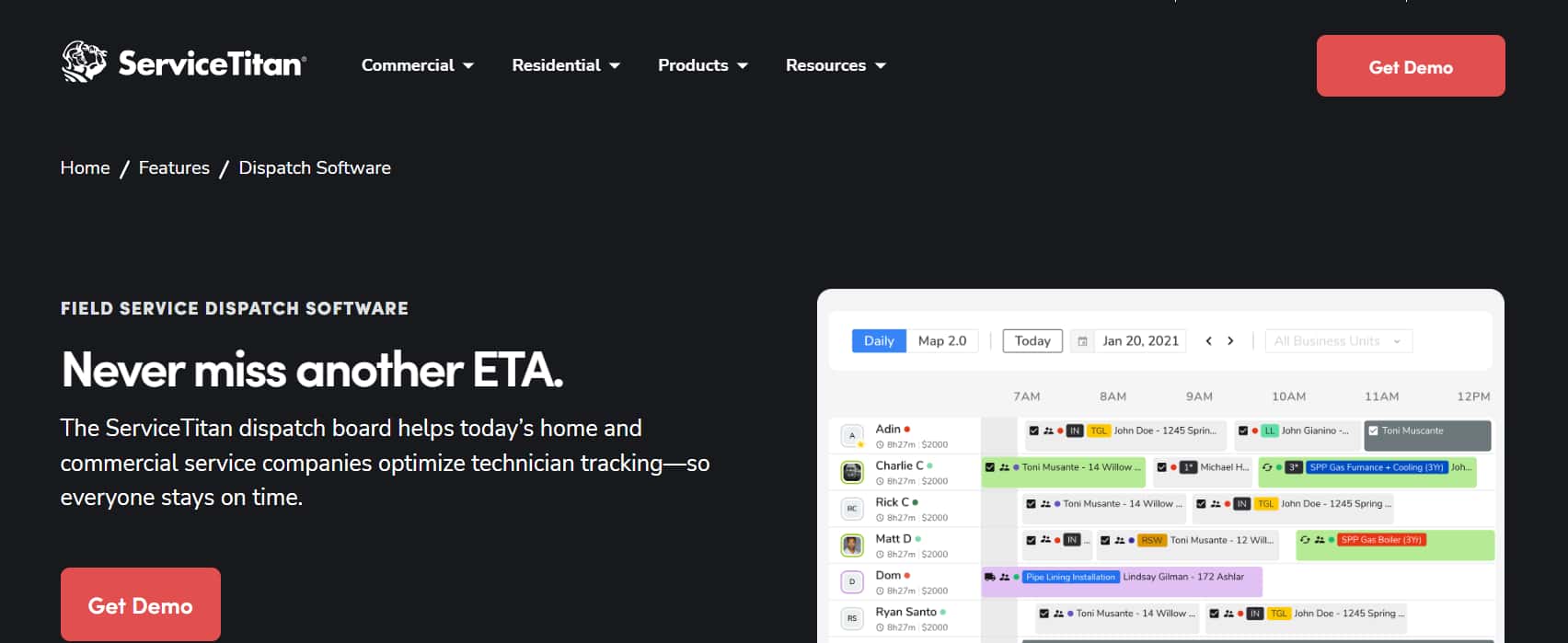
Best for: Large enterprise and franchise operations
ServiceTitan’s Field Mobile App covers offline execution, digital forms and checklists, cost-code timekeeping, full equipment history, barcode and OCR scanning, recurring service workflows, and an AI assistant for real-time diagnostic guidance. For large organisations managing complex recurring work across many technicians, it is the most complete option in this comparison.
The tradeoffs include steep implementation, a longer onboarding curve for technicians, and per-technician pricing with modular add-ons that push total cost up quickly. For many smaller teams, ServiceTitan may carry more implementation complexity and cost than they need.
Pros
- Strongest option for large teams that need deep operational control across dispatch, field service, reporting, and recurring work.
Cons
- Higher implementation complexity and learning curve.
- Quote-based pricing and add-ons can make it expensive.
5. FieldEdge
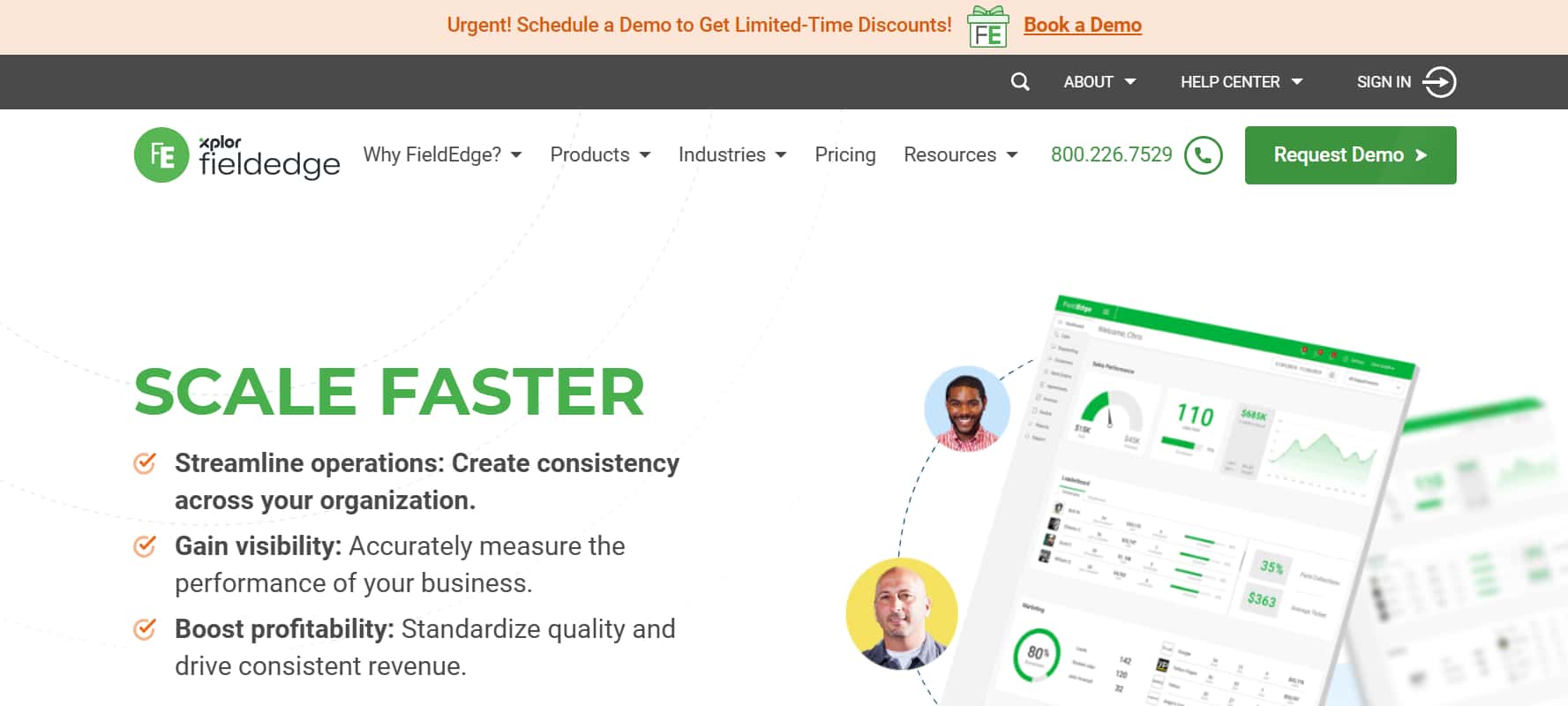
Best for: Multi-truck HVAC, plumbing, and electrical contractors using QuickBooks
FieldEdge fits best when a business is already organised around QuickBooks and service agreements. Technicians update work orders, build estimates from a flat-rate price book, collect signatures, and take payment, with key financial and operational data syncing through FieldEdge’s QuickBooks integration. The flat-rate pricing clarity and service agreement workflows are the clearest differentiators for trade businesses in HVAC, plumbing, and electrical. For teams seriously evaluating it, a direct demo is worth it to learn about its Offline mode specifics and API access.
Pros
- Best fit for established HVAC, plumbing, and electrical contractors built around QuickBooks and service agreements.
Cons
- Less suitable for businesses outside core trades like HVAC, plumbing, and electrical.
Field Service Mobile App Comparison Table
| App | Best For | Field Strength | Starting Price | Free Trial |
|---|---|---|---|---|
| Arrivy | Field execution teams | Routing, ETAs, offline work, proof of service | $75/mo, 3 users | 14 days |
| Jobber | SMB home service teams | Easy mobile use, GPS, checklists | $39/mo, 1 user | 14 days |
| Housecall Pro | Small residential teams | Fast setup, on-my-way texts, payments | $59/mo, 1 user | 14 days |
| ServiceTitan | Large trade operations | Deep field workflows, equipment history | Quote-based | No |
| FieldEdge | QuickBooks-based trade teams | Flat-rate pricing, service agreements | Quote-based | No |
Note: Pricing changes by billing term, plan tier, promotions, and implementation needs. Contact vendors for accurate pricing.
Benefits of Using Field Service Mobile Apps
The benefits of moving from paper-based workflows to a dedicated mobile app show up in four areas consistently:
Faster job assignment. When technicians receive job details, updates, and schedule changes directly on their phone, the back-and-forth between the office and the field shrinks significantly. A dispatcher can reassign a job, update an address, or add a note, and the technician sees it instantly without a phone call in either direction.
Improved technician productivity. A technician who has the customer profile, job history, required forms, and navigation all in one app spends less time figuring out information and more time working. When documentation happens on-site rather than back at the office, the day runs tighter and more jobs fit into it.
Better customer experience. Customers who receive an automated arrival notification, see their technician on a live tracking map, and get their invoice the moment the job is done have a fundamentally different experience than one left waiting with no information. That experience drives reviews, referrals, and repeat business more reliably than any marketing campaign.
Real-time visibility. Managers and dispatchers can see where every technician is, which jobs are in progress, and what has been completed, without calling anyone. When something changes mid-day, decisions can be made on accurate information rather than last known status.
Final Thoughts
Arrivy is the right fit when precision, full offline execution, clean proof of service, and automatic customer communication all need to work together, for teams of any size, without stitching multiple tools together to get there.
For small residential teams, Jobber and Housecall Pro offer fast onboarding and a clean daily experience. For trade contractors on QuickBooks, FieldEdge fits the operating model well. For large enterprise operations, ServiceTitan’s depth is hard to match.