Login
Login



















Free Receipt Template
Professional Receipt Template
Create Your Free Receipt with Arrivy
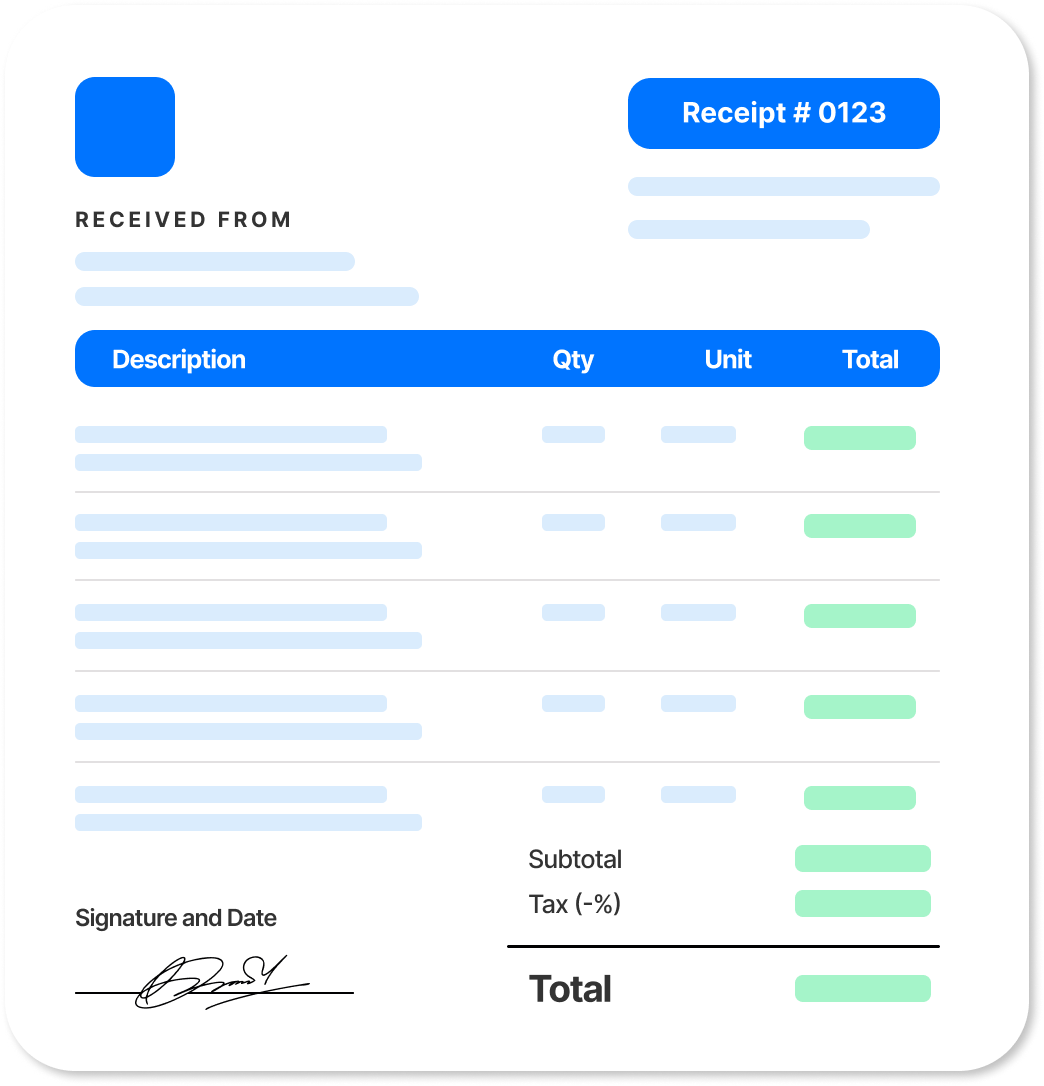
Enter the payment details and watch your receipt update in real time. Review the payment status and download the completed receipt when ready.
| Description | Qty | Unit | Total |
|---|
Tip: in the print dialog, choose “Save as PDF” to download.
Get new free templates straight in your inbox.
Arrivy keeps releasing new helpful templates and tools every week. We’ll send you updates every week. No spam
Save Your Custom Receipt Template
Want a consistent receipt for every payment? Add your logo and business details, then save a blank copy as your receipt template. Update the customer and payment details each time you receive a payment.
Download the completed receipt as a PDF to share with the customer, and keep a copy for your business records.
Try Arrivy Free for Payment Tracking
With Arrivy, payment records stay connected to the work they belong to. Keep job, invoice, and payment information together so your operations team can track what has been billed, what has been paid, and what is still outstanding.
See how Arrivy fits into your payment workflow. Book a demo.
Explore Arrivy Operations Cloud™ Capabilities in Full
Arrivy empowers diverse industries with streamlined workflows, real-time coordination, and customer engagement tools that boost productivity, reduce errors, and drive growth.

Scheduling Software
Empower customers to book appointments online at their convenience, without back-and-forth calls.

Digital Forms
Capture field data with customizable, offline-ready forms that sync across workflows.

Route Planning
Plan the fastest, most efficient routes to reduce travel time, fuel costs, and scheduling delays.

Work Order Management
Create, assign, and manage work orders with complete visibility across every job and team.

Dispatch Dashboard
Manage daily dispatch from a unified dashboard. Track jobs, update crews in real time, and keep work on schedule with full team visibility.

All Features
Explore all our features in detail to see what fits your needs
How to Create a Receipt
Use the free generator above or follow these five steps to create your own receipt. An invoice requests payment, while a receipt confirms that a payment has been received.
- 1. Add your business details. Include your business name, logo, address, phone number, and email so the customer can clearly identify who issued the receipt.
- 2. Add the receipt number and date. Assign a unique receipt number and record the date the payment was received.
- 3. Record who paid and what for. Add the customer's name and the invoice number, job, or service to which the payment applies.
- 4. Add the line items. List the services or products, relevant quantities and amounts, and any applicable tax.
- 5. Add the amount paid and payment method. Record the amount received and how the customer paid, such as cash, card, check, or bank transfer. For deposits or partial payments, include the remaining.
Common Elements of a Receipt
A complete receipt typically includes:
Business details
Your business name, logo, address, phone number, and email.
Receipt number and payment date
A unique receipt number and the date the payment was received.
Customer and payment details
The customer name and the invoice, job, or service the payment applies to.
Itemized charges
The services or products paid for, including quantities, amounts, and applicable tax.
Amount paid and payment method
The amount received and how the customer paid, such as cash, card, check, or bank transfer.
Payment status or balance
Confirmation that the balance is paid in full or the amount remaining after a deposit or partial payment.
Frequently Asked Questions
Win more jobs, and get paid faster.
Arrivy keeps releasing new helpful templates and tools every week. We’ll send you updates every week. No spam
More Free Templates
Explore more free templates built to streamline your business operations:
Inspection Checklist
Free inspection checklist generator. Download a professional report PDF. Fully editable. No signup, no email.
TEMPLATEContract
Create and customize a free service contract template with Arrivy. Easily outline scope, payment terms, and conditions, then download.
TEMPLATEProposal
Free proposal generator for trade and service businesses. Add service options, pricing, financing, warranty, and payment terms. Download.