Login
Login



















ZOHO INVENTORY FIELD SERVICE INTEGRATION
Turn Sales Orders into Field Work
WEBHOOK-DRIVEN AUTOMATION
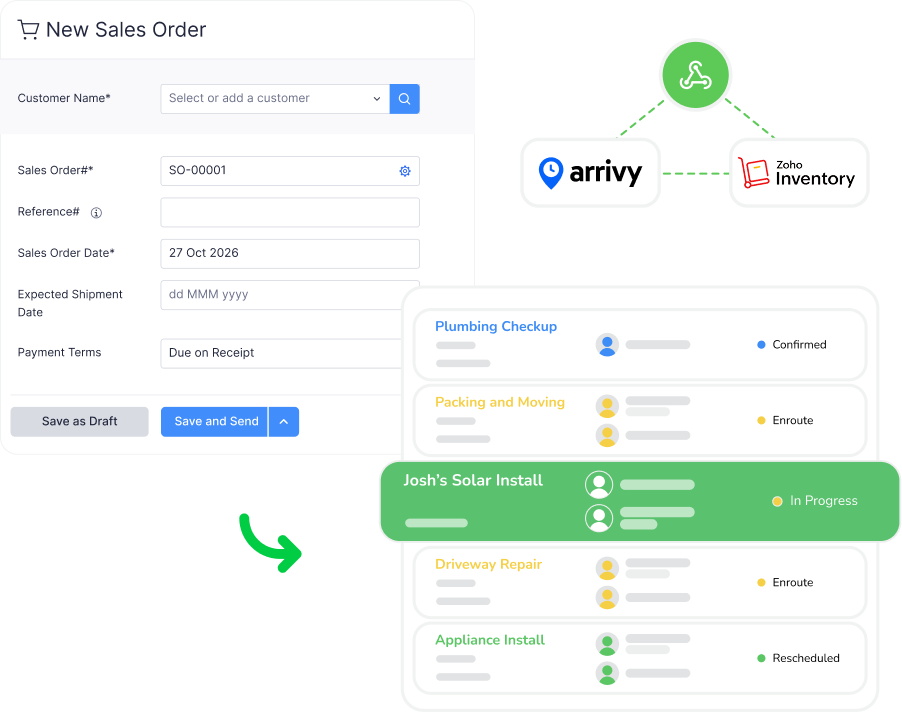
Create Tasks When Orders Reach the Right Stage
Use Zoho Inventory workflows and webhooks to automatically trigger Arrivy task creation when selected events occur.
Tasks can be created when a Sales Order is created or when its status changes to one of the stages configured in the integration. This helps operations teams act on orders as soon as they are ready for fulfilment or field execution.
SALES ORDER & PACKAGE TASKS
Turn Orders into One or Multiple Arrivy Tasks
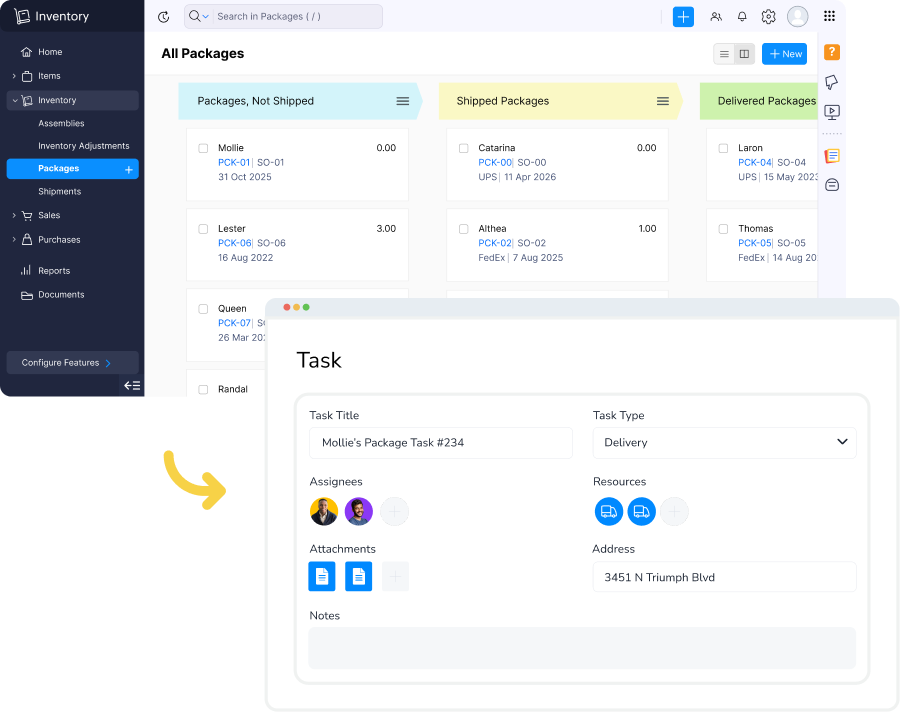
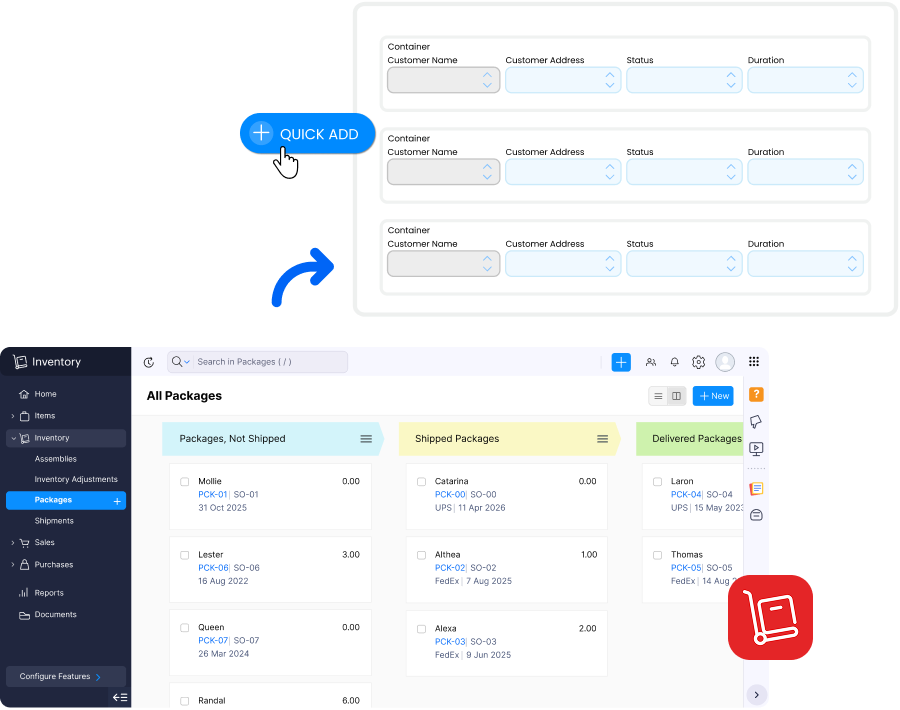
Create Arrivy tasks from either complete Zoho Inventory Sales Orders or the individual Packages associated with an order.
A Sales Order containing multiple Packages can generate multiple Arrivy tasks, helping teams manage separate deliveries, fulfilment activities, or field visits individually.
The integration can be configured to work with either Sales Orders or Packages at one time.
TASK CREATION CONTROLS
Decide How Orders Enter Arrivy
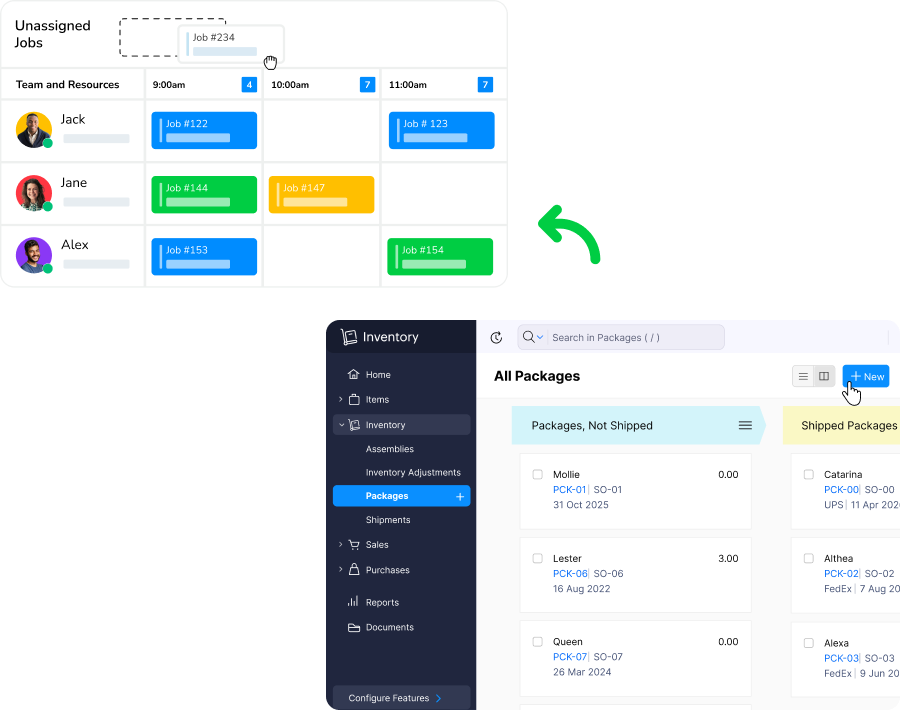
Choose whether tasks created from Zoho Inventory should enter Arrivy as scheduled or unscheduled work.
Scheduled tasks include start and end times, appear on the calendar, and can trigger configured customer notifications. Unscheduled tasks give operations teams flexibility to review and schedule work later.
ITEM & TEMPLATE MAPPING
Keep Order Items Connected to the Right Work
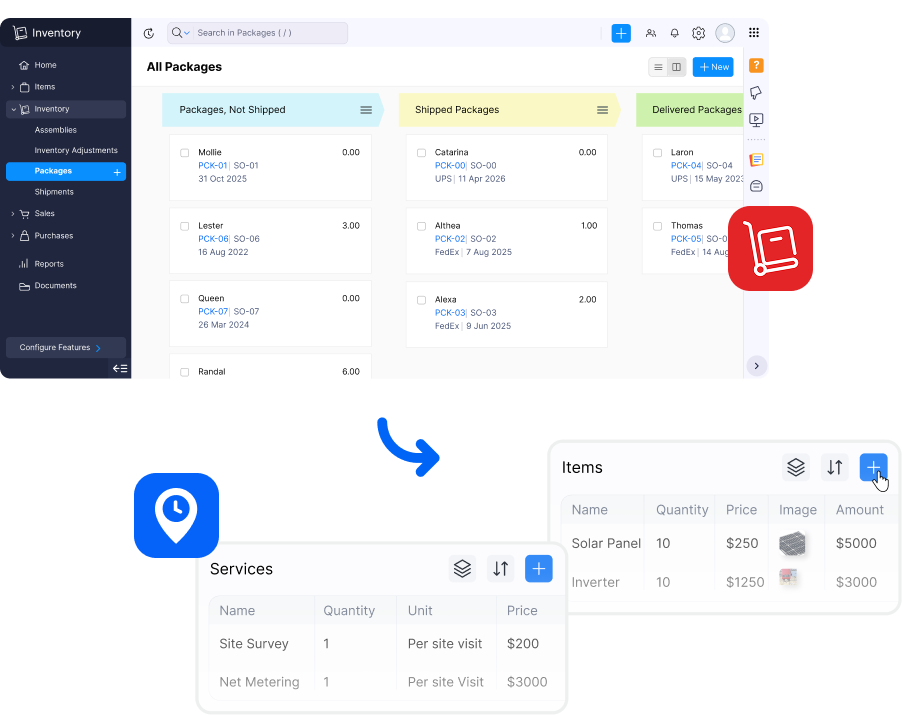
Map Zoho Inventory line items to corresponding Arrivy Items based on task templates.
Template mapping can use Zoho Inventory field names and values to determine how different orders should be handled, while Item Mapping keeps relevant order items associated with the correct Arrivy task.
This helps maintain structure as orders move from inventory management into execution.
ADVANCED DATA MAPPING
Carry the Right Inventory Data into Every Task
Use configurable JSON Mapping to map Zoho Inventory fields into corresponding Arrivy task fields.
Customer details, order information, operational data, and other supported fields can be transferred according to your configuration, reducing duplicate entry and keeping task information consistent.
Arrivy and Zoho Inventory Capabilities
Connect Order Management with Field Execution

Sales Order to Task Creation
Create Arrivy tasks when Zoho Inventory Sales Orders are created or reach configured statuses.

Package-Based Task Creation
Create separate Arrivy tasks from individual Packages within a Sales Order when work needs to be managed separately.

Multiple Tasks per Order
A Sales Order containing multiple Packages can create multiple Arrivy tasks based on the integration configuration.

Item Mapping
Associate Zoho Inventory line items with Arrivy Items based on the mapped task template.

Advanced JSON Mapping
Map additional Zoho Inventory fields into Arrivy using configurable JSON-based field mapping.

Stage-Based Triggers
Define Sales Order stages or custom module statuses that should trigger task creation in Arrivy.
Grow your business with Arrivy
The leading field service platform for teams to schedule jobs, dispatch, invoice, track performance, and get paid.






















“ efficiently. ”