
 Login
Login



















Free Construction Invoice Template
Professional Construction Invoice Template
Create a professional construction invoice with our free invoice template. Record progress payments, retainage, labor, materials, prior payments, and contract details, then download a customer-ready invoice for residential and commercial construction projects.
Built by Arrivy for construction businesses, Arrivy connects the operational work behind invoicing, from scheduling and progress tracking to completed work and billing handoff.
Create Your Construction Invoice with Arrivy
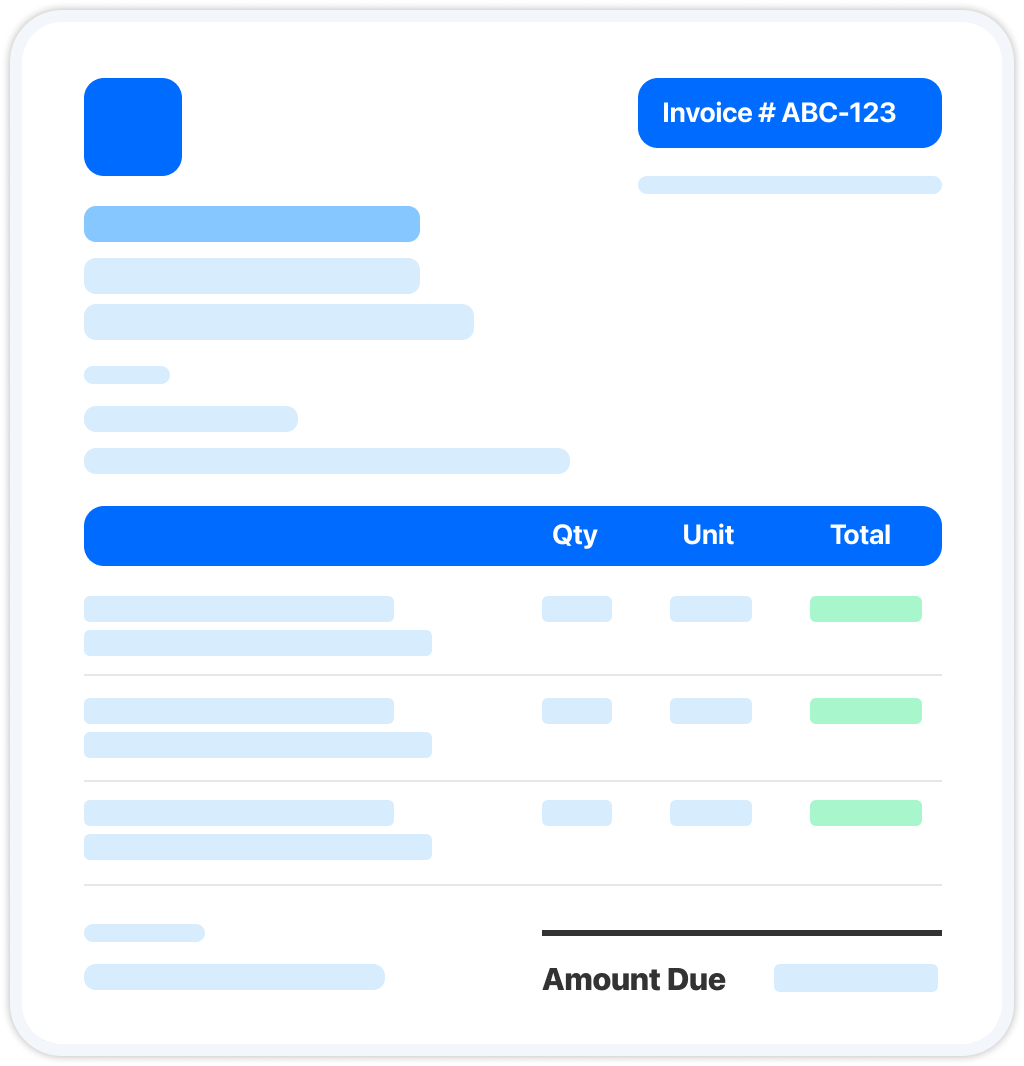
Enter your business details, project information, labor, materials, progress payments, retainage, and prior payments. Your invoice updates in real time as you go. Review it and download it when you're ready.
| Service | Qty | Unit | Total |
|---|
Tip: in the print dialog, choose “Save as PDF” to download.
Get new free templates straight in your inbox.
Arrivy keeps releasing new helpful templates and tools every week. We’ll send you updates every week. No spam
Save Your Custom Construction Invoice Template
Download your construction invoice as a PDF to email or print for your customer. Add your logo, business details, license information, retainage percentage, and standard invoice details, then reuse the same template for progress billing across residential and commercial projects.
A consistent invoice helps you track completed work, prior payments, retainage, and project balances throughout the life of a construction project.
Try Arrivy Free for Construction Projects
With Arrivy, invoices become part of your complete project workflow. Keep labor, materials, project progress, customer information, and invoices connected, making it easier to manage progress billing, payments, and project records.
See how Arrivy fits into your construction workflow. Book a demo.
Explore Arrivy Operations Cloud™ Capabilities in Full
Arrivy empowers diverse industries with streamlined workflows, real-time coordination, and customer engagement tools that boost productivity, reduce errors, and drive growth.

Scheduling Software
Empower customers to book appointments online at their convenience, without back-and-forth calls.

Digital Forms
Capture field data with customizable, offline-ready forms that sync across workflows.

Route Planning
Plan the fastest, most efficient routes to reduce travel time, fuel costs, and scheduling delays.

Work Order Management
Create, assign, and manage work orders with complete visibility across every job and team.

Dispatch Dashboard
Manage daily dispatch from a unified dashboard. Track jobs, update crews in real time, and keep work on schedule with full team visibility.

All Features
Explore all our features in detail to see what fits your needs
How to Create a Construction Invoice
Use the construction invoice generator above or create your own from scratch. A construction invoice should clearly document the work completed, the amount billed for the current period, and the remaining project balance.
- 1. Add your business and project details. Include your business name, contact information, contractor license where applicable, customer details, project address, and contract or purchase order reference.
- 2. Record the work completed. Itemize the labor, materials, equipment, subcontractor work, or approved change orders completed during the billing period.
- 3. Calculate progress billing. Enter the value of the work completed for the current billing period based on your project schedule or contract
- 4. Include retainage and prior payments. Record any retainage withheld and subtract previous payments to calculate the current amount due.
- 5. Calculate the total amount due. Add applicable taxes, adjustments, or other charges, then calculate the balance due for the current invoice.
- 6. Add payment terms and project notes. Include payment terms, project notes, and any additional information relevant to the invoice or contract.
A complete construction invoice typically includes:
Invoice requirements vary by business and location, but a professional invoice typically includes:
Business details
Your business name, contact information, contractor license, and insurance details where applicable.
Project information
The customer or contractor name, project address, and contract or purchase order reference.
Work completed
An itemized list of labor, materials, equipment, subcontractor work, and approved change orders completed during the billing period.
Progress billing
The value of the work completed for the current billing period.
Retainage and prior payments
Any retainage withheld, previous payments received, and the remaining balance due.
Invoice total
The subtotal, applicable taxes, adjustments, and the amount currently due.
Payment terms and notes
Payment terms, project notes, and other information relevant to the construction project.
Frequently Asked Questions
Win more jobs, and get paid faster.
Arrivy keeps releasing new helpful templates and tools every week. We’ll send you updates every week. No spam
More Free Invoice Templates
Everything else an invoice operation needs — same engine, invoice-tuned:
Appliance Repair Invoice
Free appliance repair invoice generator. Download a professional PDF. Fridges, washers, dryers, ovens. No signup, no email.
INVOICECleaning Invoice
Free customizable cleaning invoice generator. Easily bill residential or commercial jobs, add recurring rates, and download instant PDFs.
INVOICEElectrical Invoice
Free electrical invoice generator for licensed electricians. Download a professional PDF. No signup, no email.


