




















Free Invoice Template
Professional Invoice Template
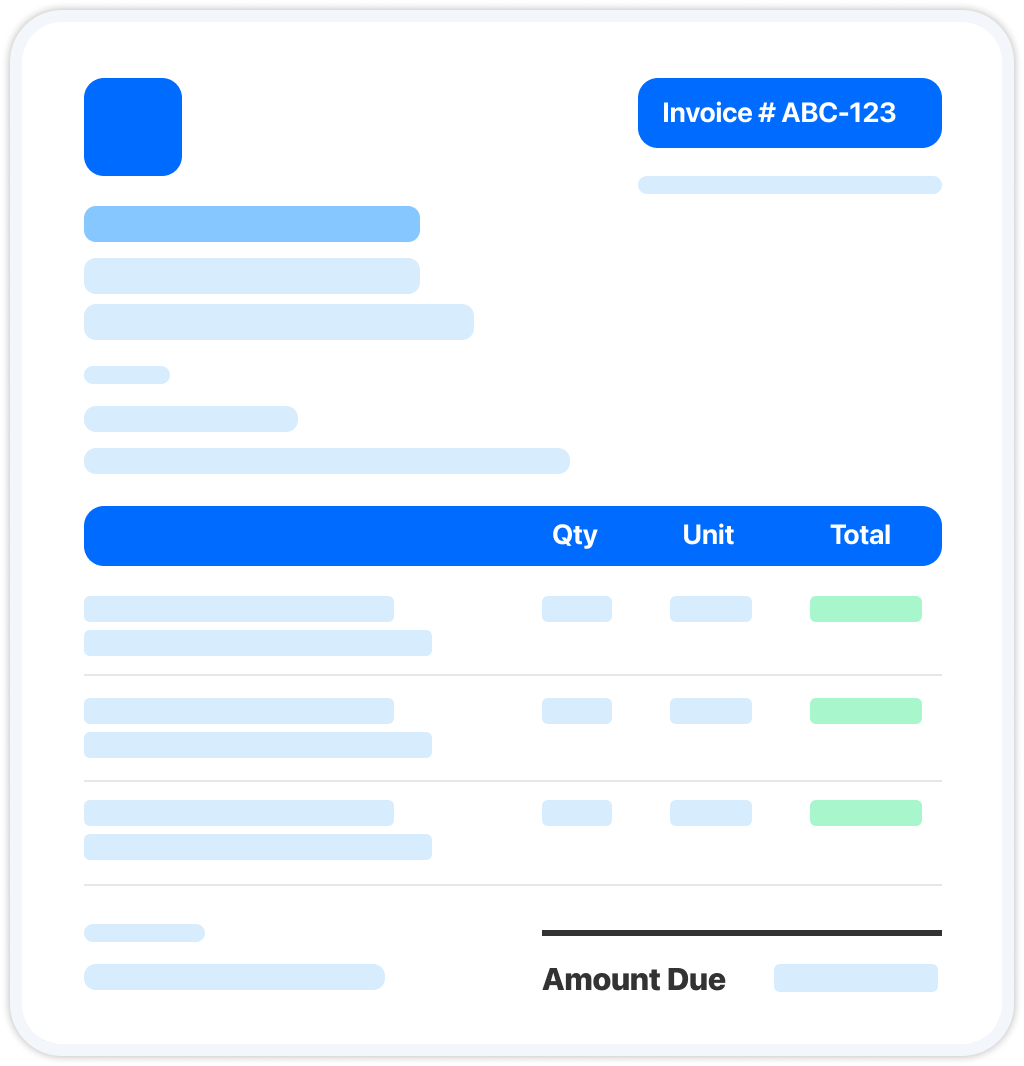
Create Your Free Invoice with Arrivy
Use Arrivy's free invoice generator to enter your business and customer details, list the completed work and charges, and watch your invoice.
| Service | Qty | Unit | Total |
|---|
Tip: in the print dialog, choose “Save as PDF” to download.
Get new free templates straight in your inbox.
Arrivy keeps releasing new helpful templates and tools every week. We’ll send you updates every week. No spam
Save Your Custom Invoice Template
Want to reuse the same format for your next job? Use the exportable PDF or create your own template in Word, Google Docs, or Excel if you need to edit it for each job.
If you create a reusable template, keep a blank copy for future jobs and update it with the customer details, invoice number, services, charges, and payment terms for each new invoice.
Turn Completed Work into an Invoice with Arrivy
With Arrivy, your team can create invoices directly from completed work orders, carrying job details and line items into billing instead of entering them again. Send invoices to customers, track payment information, and give your office team a clear view of billing and the field work behind it. See how Arrivy fits into your service workflow. Book a demo.
How to Create an Invoice
Use the free generator above to create your invoice now, or follow these eight steps when building one from scratch.
- 1. Pick your format. Choose PDF, Word, Google Docs, Excel, or another format based on how you plan to create, edit, and send your invoice.
- 2. Add your business details. Include your business name, logo, address, phone number, and email so customers can clearly identify who issued the invoice.
- 3. Add the customer details. Enter the customer or company name, billing address, and contact details. For service jobs, include the service address when it differs from the billing address.
- 4. Add an invoice number and dates. Assign a unique invoice number and include the issue date and payment due date. Consistent numbering makes invoices easier to track and reference.
- 5. Itemize the work. List each service, part, or additional charge separately. Include a clear description and, where applicable, the quantity, rate, or unit price.
- 6. Calculate the amount due. Add up the line items, apply any discounts and applicable taxes, and show the subtotal and final balance due.
- 7. Set payment terms and methods. State when payment is due, such as due upon receipt, Net 14, or Net 30, and explain how customers can pay, such as by card, bank transfer, or payment link.
- 8. Download and send. Export the completed invoice, preferably as a PDF, and share it with the customer.
Common Elements of an Invoice
Invoice requirements vary by business and location, but a professional invoice typically includes:
Invoice number
A unique number used to identify and track the invoice.
Issue and due dates
When the invoice was issued and when payment is due.
Business details
Your business name, logo, address, phone number, and email.
Bill-to details
The customer or company name, billing address, and contact information.
Line items
An itemized list of services, parts, or charges with relevant quantities, rates, and prices.
Subtotal and tax
The subtotal for all line items, followed by any applicable taxes, discounts, or other adjustments.
Amount due
The final balance the customer needs to pay.
Payment terms
The payment due date or timeframe, accepted payment methods, and any applicable late-payment terms.
Frequently Asked Questions
Win more jobs, and get paid faster.
Arrivy keeps releasing new helpful templates and tools every week. We’ll send you updates every week. No spam