 Login








AI Summary
“Does it sync with HubSpot?” is one of the first questions teams ask about any scheduling tool. Almost every vendor says yes.
The problem is that “syncs with HubSpot” can mean anything from a deep, field-level two-way integration to a single Zapier step that creates a contact when someone books a call. Both count as an integration, but they do not give you the same kind of synchronization.
This guide compares scheduling platforms by what actually moves in each direction, object by object. It also covers what happens when both systems change the same record, whether the connection is native, and how to test it before you commit.
Two Kinds of Scheduling Platform
Scheduling platforms generally fall into two categories:
Meeting schedulers, like Calendly and HubSpot Meetings, book sales calls, consultations, and appointments. Their HubSpot integrations primarily focus on contact records and meeting activities.
Job scheduling and dispatch platforms, like Arrivy, manage installations, repairs, deliveries, and field service appointments. Their integrations connect HubSpot records with scheduled jobs and help keep sales and operations informed about job progress.
Some businesses need both. A solar company might use Calendly to book a site consultation and Arrivy to schedule and track the installation once the deal closes. Arrivy integrates with Calendly, so the two can work together.
Conflict Rules: What Happens When Both Systems Change the Same Field
Two-way sync creates a problem one-way sync never has: the same field can be edited in both places before the next sync runs.
Consider a sales rep updating a customer’s address in HubSpot while a dispatcher updates the same address in the scheduling platform. Which one wins? Common approaches include:
- Last write wins: whichever change syncs last overwrites the other
- Source of truth by field: each field has one owning system, and changes in the other system are ignored or overwritten
- Manual review: conflicts are flagged for someone to resolve
Few vendors publish their conflict rules, so ask directly during evaluation. Regardless of the tool, the most reliable model is field ownership:
| Data | Owning system |
|---|---|
|
Customer details, deal amount, deal owner, pipeline stage before the sale |
HubSpot |
|
Schedule, assigned crew, job status, field notes, photos, forms |
Scheduling platform |
|
Job completion → deal stage update |
Scheduling platform sends the event; HubSpot updates the deal only if a supported reverse rule is configured |
When each field has one owner, two-way sync stays predictable, and nobody spends time working out which address is correct.
Arrivy’s HubSpot integration includes reverse mapping rules, configurable trigger actions and reverse updates, sync intervals, and manual synchronization, which help govern what moves between systems.
Quick Comparison
| Platform | Type | HubSpot Connection | Direction | Best For | What to Verify |
|---|---|---|---|---|---|
|
Arrivy |
Job scheduling and dispatch |
Native |
HubSpot records create tasks; status, notes, photos, forms, and attachments return through the app panel |
Service businesses scheduling field work from HubSpot |
Whether the specific update writes to a native HubSpot property |
|
Jobber |
Field service |
Zapier |
Create jobs from supported CRM triggers; job updates and closures can trigger HubSpot actions |
Small teams with selected HubSpot workflows |
Job-to-deal matching and multi-property clients |
|
Housecall Pro |
Field service |
Zapier |
HubSpot contacts can create customers; scheduled/completed jobs can trigger HubSpot actions |
Home-service teams with light HubSpot needs |
Whether the desired HubSpot deal-to-job action exists |
|
Workiz |
Field service |
Zapier |
HubSpot events can create jobs; job-status changes can trigger HubSpot actions |
Service teams comfortable configuring Zaps |
Required job fields and CRM record matching |
|
Calendly |
Meeting scheduler |
Native |
Mainly Calendly → HubSpot (contacts, meeting activities, outcomes) |
Booking sales and customer meetings |
Whether booking answers populate the properties you need |
|
HubSpot Meetings |
Meeting scheduler |
Built into HubSpot |
Meeting activity stays within HubSpot |
Teams that want meeting booking without another tool |
Plan limits and booking features |
Object-by-Object Sync Matrix
Instead of asking only whether a platform has two-way sync, look at which record or event starts the update, and where the result lands.
| Object / Event | Arrivy | Jobber (Zapier) | Housecall Pro (Zapier) | Workiz (Zapier) |
|---|---|---|---|---|
|
Contacts / Customers |
Two-way contact updates and task creation |
Client creation and updates |
Customer creation and selected updates |
Lead creation; updates depend on setup |
|
Companies |
Imports company information |
Not clearly documented |
Company creation via Zapier |
Not clearly documented |
|
Deals → Jobs |
Creates multiple tasks; supports reverse updates |
Job creation via Zapier |
Direct deal-to-job not confirmed |
Job creation via Zapier |
|
Notes, Photos & Forms |
HubSpot visibility and supported file uploads |
Full sync not confirmed |
Selected event logging |
Full sync not confirmed |
|
Job Status → HubSpot |
Job progress and configured reverse updates |
Job update and closure triggers |
Scheduled and completed job triggers |
Job-status and completion triggers |
|
Tickets / Custom Objects |
Ticket updates and Custom Object imports |
Depends on Zapier setup |
Depends on Zapier setup |
Depends on Zapier setup |
|
Products / Line Items |
Product and line-item synchronization |
Not confirmed |
Not confirmed |
Not confirmed |
Calendly is intentionally separate from this field-job matrix. Its native integration focuses on contact creation, meeting activity, and configurable meeting outcomes, not field-job dispatch. HubSpot Meetings handles bookings within HubSpot itself.
1
Arrivy: Best for Scheduling Field Jobs From HubSpot
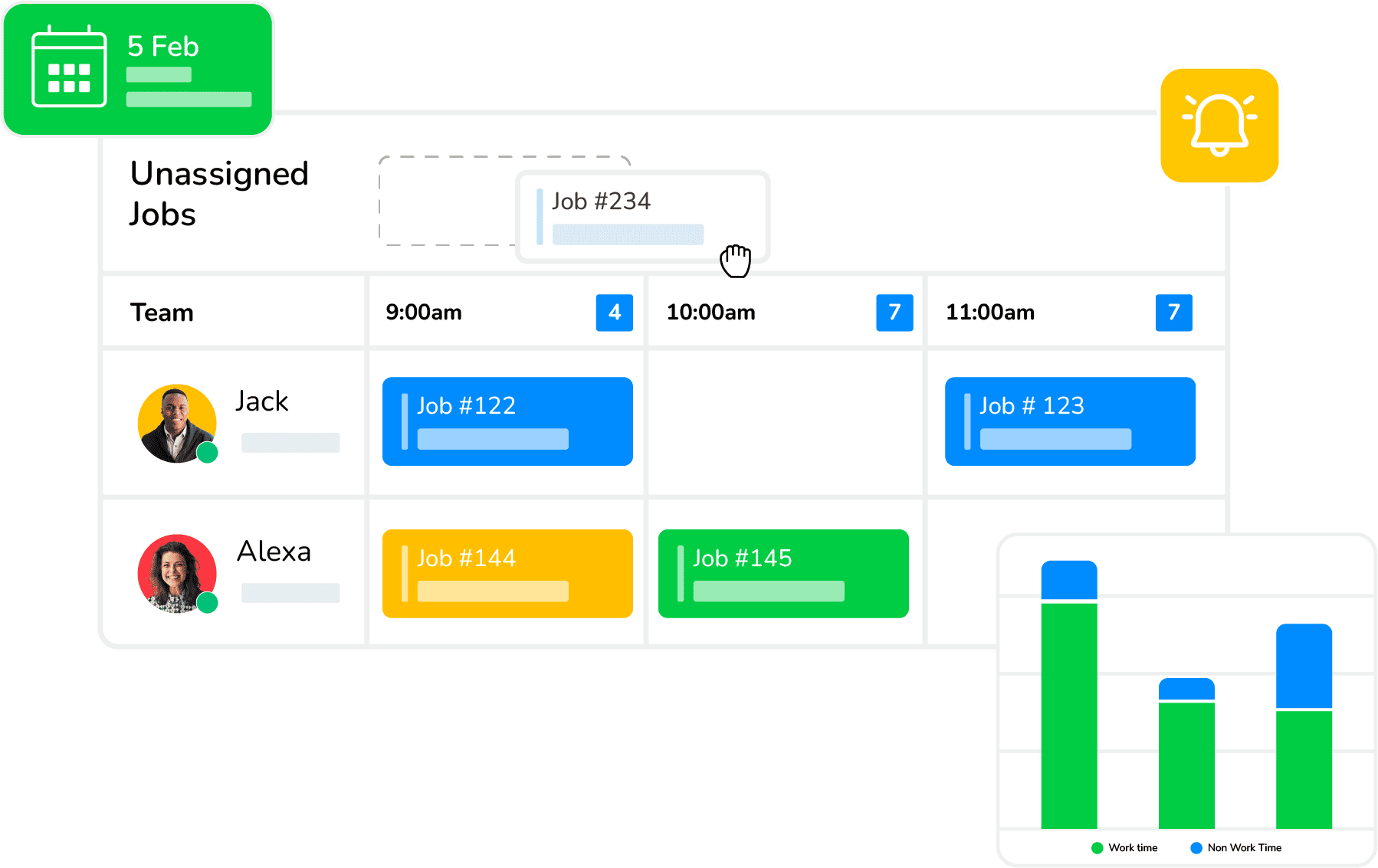
Arrivy is a field service and operations platform for businesses that schedule, dispatch, and track crews. Its HubSpot integration is native and built for the handoff between sales and operations.
HubSpot → Arrivy. Deals, Tickets, Contacts, and Projects become structured Arrivy tasks. You decide when that happens: on a deal stage change, a ticket update, a lifecycle change, or lead status progression. Tasks can be created, assigned automatically based on deal ownership or custom rules, and built from HubSpot fields using field mapping. One deal, ticket, or project can create several Arrivy tasks, which suits multi-visit installs and ongoing service.
Arrivy → HubSpot. As crews work, task status changes, notes, photos, completed digital forms, and attachments sync back to HubSpot through the Arrivy app panel, so deals, tickets, contacts, and projects show operational progress without manual updates.
Beyond contacts and deals. Arrivy also maps Companies, Products, Deal Line Items, and Custom Objects, which helps keep pricing and service details consistent between systems.
Sync controls. Stage-based triggers, reverse mapping rules, sync intervals, manual synchronization, and time zone alignment give admins control over how and when records update.
Why we included it: Arrivy covers the full loop for service businesses. HubSpot creates the job, Arrivy schedules and tracks it, and HubSpot shows the result.
Arrivy is a field service and operations platform for businesses that schedule, dispatch, and track crews. Its HubSpot integration is native and built for the handoff between sales and operations.
HubSpot → Arrivy. Deals, Tickets, Contacts, and Projects become structured Arrivy tasks. You decide when that happens: on a deal stage change, a ticket update, a lifecycle change, or lead status progression. Tasks can be created, assigned automatically based on deal ownership or custom rules, and built from HubSpot fields using field mapping. One deal, ticket, or project can create several Arrivy tasks, which suits multi-visit installs and ongoing service.
Arrivy → HubSpot. As crews work, task status changes, notes, photos, completed digital forms, and attachments sync back to HubSpot through the Arrivy app panel, so deals, tickets, contacts, and projects show operational progress without manual updates.
Beyond contacts and deals. Arrivy also maps Companies, Products, Deal Line Items, and Custom Objects, which helps keep pricing and service details consistent between systems.
Sync controls. Stage-based triggers, reverse mapping rules, sync intervals, manual synchronization, and time zone alignment give admins control over how and when records update.
Why we included it: Arrivy covers the full loop for service businesses. HubSpot creates the job, Arrivy schedules and tracks it, and HubSpot shows the result.
Key Features:
Pros:
-
Deep, configurable two-way sync designed for sales-to-operations handoff
-
Supports objects beyond contacts and deals, including tickets and custom objects
-
Field progress appears in HubSpot without sales or support chasing crews
-
Handles multi-visit work from a single deal
Cons:
-
Advanced field mapping uses JSON configuration, so complex setups may need onboarding support
Native or connector: Native.
Sandbox / test: 14-day free trial with no credit card.
Pricing:
Premium: $50 per user/month; 3-user minimum, with one advanced integration listed on Arrivy’s pricing page
Enterprise: Custom pricing
Best for:
Solar, roofing, HVAC, installation, moving, and other service businesses whose sales or support teams work in HubSpot and whose crews need jobs scheduled, dispatched, and reported back.
Need Help?
If HubSpot also needs to connect with your accounting and file storage, our comparison of field service software for HubSpot, QuickBooks Online, and Google Drive covers that wider stack.
2
Calendly: Best for Booking Sales Meetings Into HubSpot
Calendly is a widely used meeting scheduler. Its native HubSpot integration creates HubSpot contacts for new invitees and logs meeting activity against existing contacts. It can also send scheduled, completed, canceled, and no-show outcomes to HubSpot when that setting is enabled. Booking data can feed HubSpot workflows. However, mapping custom booking answers to contact properties requires an appropriate HubSpot workflow configuration.
The native integration does not sync Calendly’s own Contacts module data into HubSpot, and creating deals from bookings is usually done through Zapier.
Why we included it: Calendly is one of the most common answers to “scheduling platform that syncs with HubSpot,” and it is the right tool when the thing being scheduled is a meeting.
Calendly is a widely used meeting scheduler. Its native HubSpot integration creates HubSpot contacts for new invitees and logs meeting activity against existing contacts. It can also send scheduled, completed, canceled, and no-show outcomes to HubSpot when that setting is enabled. Booking data can feed HubSpot workflows. However, mapping custom booking answers to contact properties requires an appropriate HubSpot workflow configuration.
The native integration does not sync Calendly’s own Contacts module data into HubSpot, and creating deals from bookings is usually done through Zapier.
Why we included it: Calendly is one of the most common answers to “scheduling platform that syncs with HubSpot,” and it is the right tool when the thing being scheduled is a meeting.
Key Features:
Pros:
-
Fast setup for sales and marketing teams
-
Keeps meeting history on the contact record
-
Booking data available to HubSpot workflows
Cons:
-
Data flows mostly from Calendly into HubSpot
-
Deal creation typically needs Zapier
-
Not designed for dispatching crews or tracking job progress
Native or connector: Native, with Zapier for extra automations.
Sandbox / test: The native HubSpot integration is available on eligible paid Calendly plans.
Best for:
Sales, marketing, and customer success teams that book meetings and want them logged in HubSpot. Service businesses can use Calendly for consultations and Arrivy for the field work that follows.
3
HubSpot Meetings: Best for Teams That Want No Extra Tool
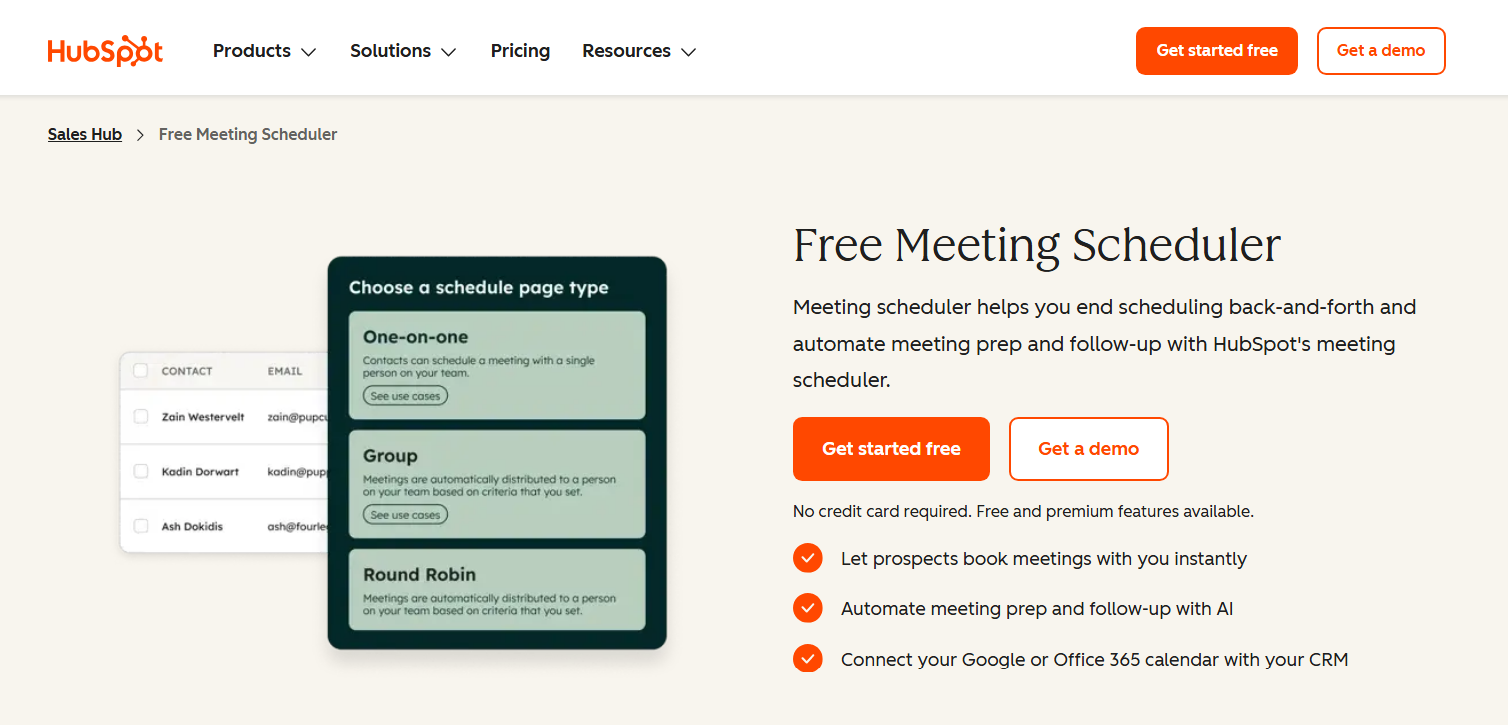
HubSpot includes its own meeting scheduling tool, so bookings live inside HubSpot from the start. For teams that only need prospects and customers to book time with a rep, this avoids another integration entirely.
Why we included it: It is the simplest option when the requirement is meeting booking, not job scheduling.
HubSpot includes its own meeting scheduling tool, so bookings live inside HubSpot from the start. For teams that only need prospects and customers to book time with a rep, this avoids another integration entirely.
Why we included it: It is the simplest option when the requirement is meeting booking, not job scheduling.
Key Features:
Pros:
-
No integration to maintain
-
Bookings appear directly on HubSpot records
Cons:
-
Built for meetings, not for crews, routes, or job status
-
Feature depth depends on your HubSpot plan; the free tier has a limit on meeting links
Native or connector: Built in.
Sandbox / test: Included with HubSpot.
Best for:
Teams already on HubSpot that only need meeting booking.
4
Jobber: Best for Small Teams With Light HubSpot Needs

Jobber provides scheduling, quoting, invoicing, and payment tools for field service businesses.
HubSpot → Jobber. A HubSpot trigger can start a Zap that creates a Jobber client or job. Jobber’s Create Job action uses the client’s first property, which matters if you serve the same customer at several addresses.
Jobber → HubSpot. Job Updated and Job Closed are documented Zapier triggers. They can start a HubSpot action, such as updating the corresponding deal, provided the Zap can identify it. That’s useful two-direction automation, but it isn’t automatic field-by-field synchronization.
Jobber provides scheduling, quoting, invoicing, and payment tools for field service businesses.
HubSpot → Jobber. A HubSpot trigger can start a Zap that creates a Jobber client or job. Jobber’s Create Job action uses the client’s first property, which matters if you serve the same customer at several addresses.
Jobber → HubSpot. Job Updated and Job Closed are documented Zapier triggers. They can start a HubSpot action, such as updating the corresponding deal, provided the Zap can identify it. That’s useful two-direction automation, but it isn’t automatic field-by-field synchronization.
Key Features:
Pros:
-
Easy to adopt for small home-service teams
-
Zapier supports job-creation and job-completion automations with HubSpot
Cons:
-
No native HubSpot integration
-
Two-way behavior must be built and maintained in Zapier
-
Conflict handling depends on how the Zaps are designed
-
Create Job uses the client's first property, even when the client has multiple properties
Native or connector: Zapier
Best for:
Small service businesses where HubSpot is used lightly and a few one-way automations are enough.
5
Housecall Pro: Best for Home-Service Teams Using HubSpot Lightly
Housecall Pro covers scheduling, dispatch, invoicing, and payments for home-service trades. Like Jobber, its HubSpot connection runs through Zapier rather than a native integration.
HubSpot → Housecall Pro. A new HubSpot contact can trigger the creation of a Housecall Pro customer. However, native connector actions stop short of letting a HubSpot deal spin up a fully scheduled Housecall Pro job.
Housecall Pro → HubSpot. Scheduled and completed jobs can trigger Zaps that create or update HubSpot contacts or log engagements. If you want completion to change an existing deal stage, check whether the required matching and deal-update steps can be configured.
Housecall Pro covers scheduling, dispatch, invoicing, and payments for home-service trades. Like Jobber, its HubSpot connection runs through Zapier rather than a native integration.
HubSpot → Housecall Pro. A new HubSpot contact can trigger the creation of a Housecall Pro customer. However, native connector actions stop short of letting a HubSpot deal spin up a fully scheduled Housecall Pro job.
Housecall Pro → HubSpot. Scheduled and completed jobs can trigger Zaps that create or update HubSpot contacts or log engagements. If you want completion to change an existing deal stage, check whether the required matching and deal-update steps can be configured.
Key Features:
Pros:
-
Strong home-service workflows
-
Zapier triggers and actions available for HubSpot
Cons:
-
No native HubSpot integration
-
Returning job status to a specific HubSpot deal requires a configured automation
-
Ongoing Zapier cost and maintenance
Native or connector: Zapier.
Best for:
Residential service teams already on Housecall Pro with minimal HubSpot requirements.
6
Workiz: Best for Service Teams Comfortable With Connector-Based Sync
Workiz is field service software for scheduling, dispatch, estimates, invoicing, and lead management. It connects to HubSpot through Zapier, so the available sync depends on the triggers and actions in each app.
HubSpot → Workiz. A HubSpot record change can start a Zap that creates a Workiz job. The Create Job action needs details such as the address, start time, and job type. If your HubSpot deal doesn’t hold that information, you’ll need to supply or map it before the job can be created.
Workiz → HubSpot. Job Status Change and Job Is Done are available triggers. They can be used to update the corresponding HubSpot record when the Zap is configured to find and modify it.
Workiz is field service software for scheduling, dispatch, estimates, invoicing, and lead management. It connects to HubSpot through Zapier, so the available sync depends on the triggers and actions in each app.
HubSpot → Workiz. A HubSpot record change can start a Zap that creates a Workiz job. The Create Job action needs details such as the address, start time, and job type. If your HubSpot deal doesn’t hold that information, you’ll need to supply or map it before the job can be created.
Workiz → HubSpot. Job Status Change and Job Is Done are available triggers. They can be used to update the corresponding HubSpot record when the Zap is configured to find and modify it.
Key Features:
Pros:
-
Job creation and completion workflows are available through Zapier
-
Job status changes can start HubSpot automations
Cons:
-
No dedicated native HubSpot connection in the reviewed integration documentation
-
Data mapping and record matching need to be built into the Zaps
-
Conflict handling depends on the automations you configure
Native or connector: Zapier. Best For Service teams that already use Workiz and want specific CRM-to-job and job-to-CRM workflows.
Native vs Zapier: What Changes for Two-Way Sync?
A native integration and two Zaps can both move information in two directions. The difference is how much of the connection is provided for you.
With a native integration, the platform defines the available objects, mappings, and reverse-update controls. With Zapier, you select a trigger, choose an action in the other app, and map the data each step requires. A second direction usually means another Zap.
That flexibility is useful, but it comes with questions:
- Which job event fires the trigger?
- How is the matching HubSpot deal found?
- What happens if a Zap fails or two systems edit the same field?
- And will the automation require a paid plan?
Don’t assume native means every field syncs, or that Zapier means only one-way sync. Check the exact workflow instead.
HubSpot Workflows and Sequences: How Scheduling Platforms Connect
Buyers often ask for a scheduling platform that “syncs with HubSpot workflows and sequences.” No scheduling platform runs your sequences for you. The connection works through HubSpot properties and records:
HubSpot → scheduling. A HubSpot workflow updates a deal stage, lifecycle stage, lead status, or ticket. The scheduling platform watches for that change and acts. In Arrivy, these are exactly the triggers that create or update tasks.
Scheduling → HubSpot. The scheduling platform writes a status or property back to HubSpot. A HubSpot workflow uses that change to act: notify the account owner, create a follow-up task, send a review request, or, where available, enroll the contact in a sequence. HubSpot currently limits sequence enrollment from standard workflows to eligible Enterprise plans.
A practical example for a service business:
- A HubSpot workflow moves a deal to “Closed Won – Ready to Schedule.”
- Arrivy creates the installation task and the customer receives scheduling and tracking messages.
- The crew completes the job; Arrivy syncs the status, photos, and completion form back to HubSpot.
- If the completion status has been mapped to a workflow-eligible HubSpot property, a HubSpot workflow can send a follow-up or initiate an eligible sequence action.
How to Test Two-Way Sync Before You Buy
Before choosing a scheduling platform, test these five scenarios using a HubSpot sandbox or test records:
- Contacts and Companies: Update customer information in HubSpot and the scheduling platform. Check whether changes sync in both directions and company associations remain intact.
- Deals and Job Creation: Move a HubSpot deal to a trigger stage. Confirm the correct job is created, assigned, and linked to the original record.
- Job Status and Activities: Reschedule and complete a job. Verify that status updates, notes, photos, and completed forms appear in HubSpot and that any required workflow triggers function correctly.
- Sync Conflicts and Duplicates: Edit the same field in both systems to see which update takes priority. Repeat a job-creation trigger to check for duplicate records.
- Failed Synchronization: Disconnect and reconnect the integration. Check whether missed updates are recovered and records remain consistent.
Testing these scenarios helps reveal what the integration actually supports before you commit.