
 Login
Login























AI Summary
There is no single best job management software in Australia for every service business. The right platform depends on team size, job complexity, field operations, accounting requirements and how much of the workflow needs to be managed in one system.
- Arrivy: Best for growing service businesses that need connected scheduling, dispatch, routing, field execution and customer communication.
- ServiceM8: Best for small trades and home-service businesses wanting a straightforward job-to-invoice workflow.
- AroFlo: Best for growing Australian trade businesses with stronger job, project, compliance and operational requirements.
- Fergus: Best for small and midsize tradies focused on quoting, scheduling and job costing.
- simPRO: Best for established contractors managing service work, projects, assets, inventory and more complex operations.
- Tradify: Best for sole traders and smaller trade teams wanting simple quoting, scheduling, job tracking and invoicing.
Coordinating enquiries, quotes, schedules, field teams, job records and invoices becomes harder once information starts living in separate systems. A customer may be in the CRM, the booking in a calendar, job notes in a message thread and billing details somewhere else entirely.
Choosing the right job management software does not automatically solve that problem. Products in this category range from straightforward tradie apps to field service platforms built for larger teams, recurring work and complex projects.
Australian businesses also need to consider Xero or MYOB integration, GST handling, travel between service areas, mobile connectivity and how office and field staff will use the system.
This guide compares six job management software platforms based on their operational strengths, pricing approach, limitations and the types of Australian service businesses they suit.
What Is Job Management Software?
Job management software helps service businesses organise and track work from enquiry or quote through scheduling, field execution, completion and invoicing.
Depending on the platform, it may support job assignment, mobile access, timesheets, forms, photos, signatures, job costing, customer communication and accounting handoffs. A typical workflow may look like
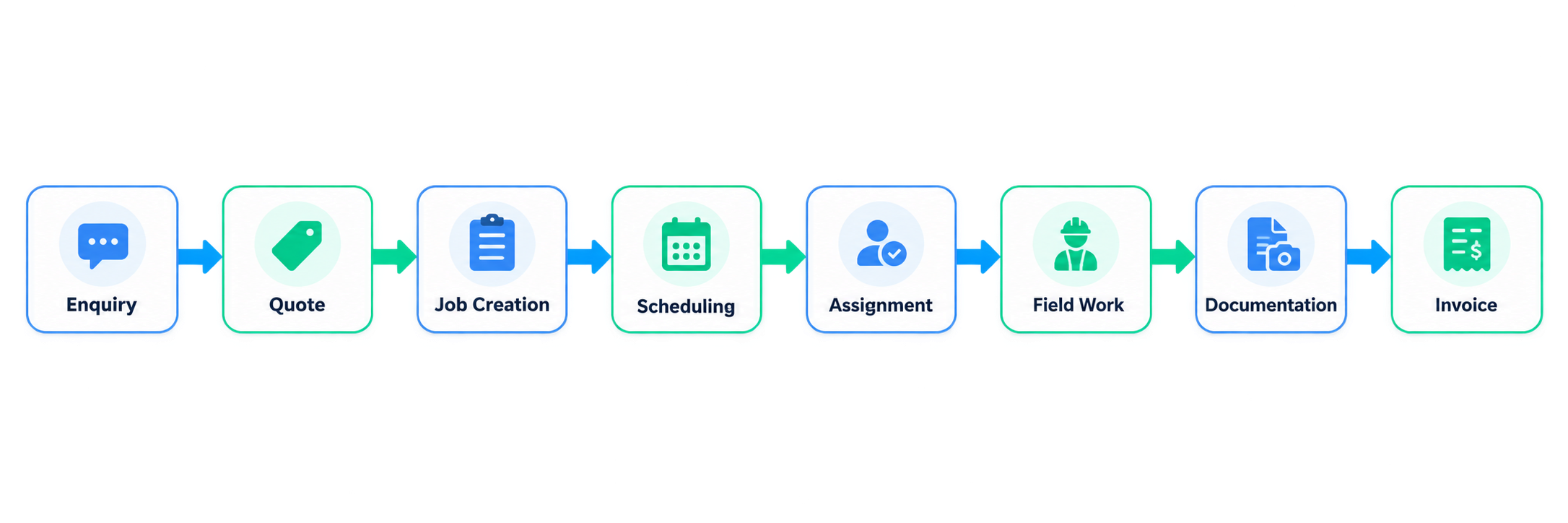
Feature coverage varies by platform. Some focus on quoting and trade administration, while others provide deeper dispatch, routing, asset, inventory or field-service functionality.
Product features and pricing reviewed in September 2026. Plans, prices and availability can change.
Job Management Software Compared at a Glance
| Company | Best For | Editorial Rating | Free Plan / Trial | Starting Pricing |
|---|---|---|---|---|
| Arrivy | Growing service businesses with multi-crew field operations | 4.8/5 | 14-day free trial | $25/full-access user/month |
| ServiceM8 | Small trades and home-service businesses | 4.6/5 | Free plan + 14-day trial | Free; paid from A$29/month |
| AroFlo | Growing Australian trade and maintenance businesses | 4.6/5 | Free demo available | Pricing on request |
| Fergus | Small and midsize trade businesses focused on job costing | 4.5/5 | 14-day free trial | From A$53/month |
| simPRO | Established contractors with complex service, project and asset operations | 4.7/5 | Demo available | Custom quote |
| Tradify | Sole traders and smaller trade teams | 4.4/5 | 14-day free trial | From A$48/user/month excl. GST |
How We Selected the Best Job Management Software
We compared each platform based on:
6 Best Job Management Software Platforms in Australia
1. Arrivy — Best for Connected Field Execution
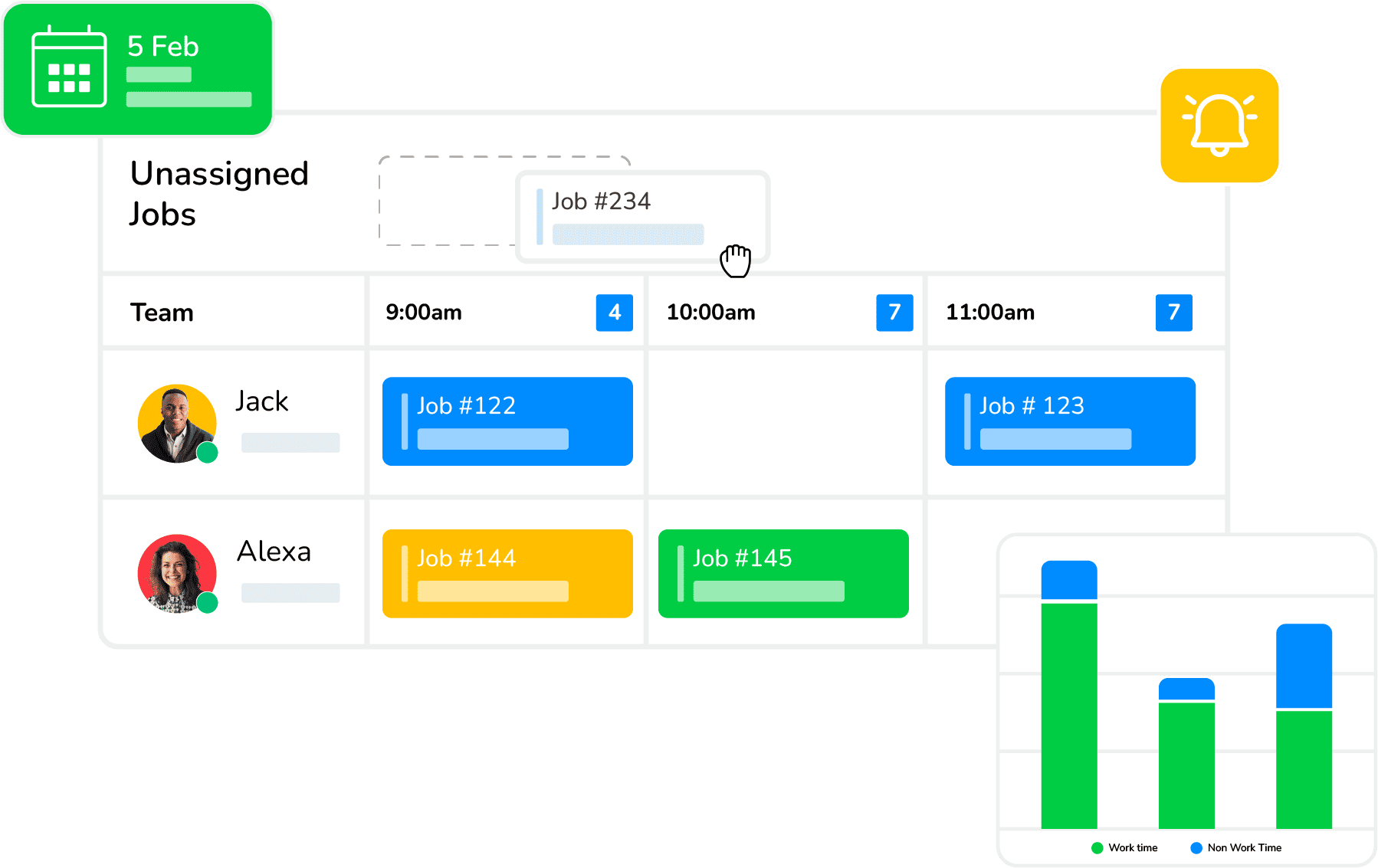
Arrivy is a field service and operations platform designed for businesses that need stronger coordination between office teams and people working in the field. It brings scheduling, dispatch, crew assignment, route planning, customer communication, field documentation and operational visibility into one connected workflow. For growing Australian service businesses, it is particularly useful when several technicians or crews are working across different customer locations and managers need a clearer picture of job progress. Arrivy can also work alongside existing CRM and accounting systems instead of requiring businesses to replace them, helping connect job planning with field execution and completion.
Pros
- Strong scheduling and dispatch functionality
- Well suited to multi-crew field operations
- Dedicated route planning and optimisation
- Strong customer communication capabilities
- Good visibility between office and field teams
- Digital forms can support offline field work
- Supports photos, signatures and structured field documentation
- Can integrate with CRM and accounting systems
- Useful for businesses managing several service territories
- Can work alongside an existing business technology stack
Cons
- Businesses needing deep inventory or asset-management functionality may require an additional specialised platform
- Australian accounting workflows may depend on integrations with external systems
- Very small businesses with simple scheduling needs may find the platform broader than necessary
Pricing
Arrivy’s Standard plan starts at $25 per user per month, while the Premium plan starts at $50 per user per month. Enterprise pricing is customised according to business requirements. Australian businesses should confirm billing currency, taxes and the exact features included in the plan before purchasing.
Best For
Arrivy is best suited to growing HVAC, solar, plumbing, roofing, moving, delivery, maintenance and other service businesses that need stronger coordination across scheduling, dispatch, crews, routes, field execution, documentation and customer communication.
2. ServiceM8 — Best for Small Trades and Home-Service Businesses
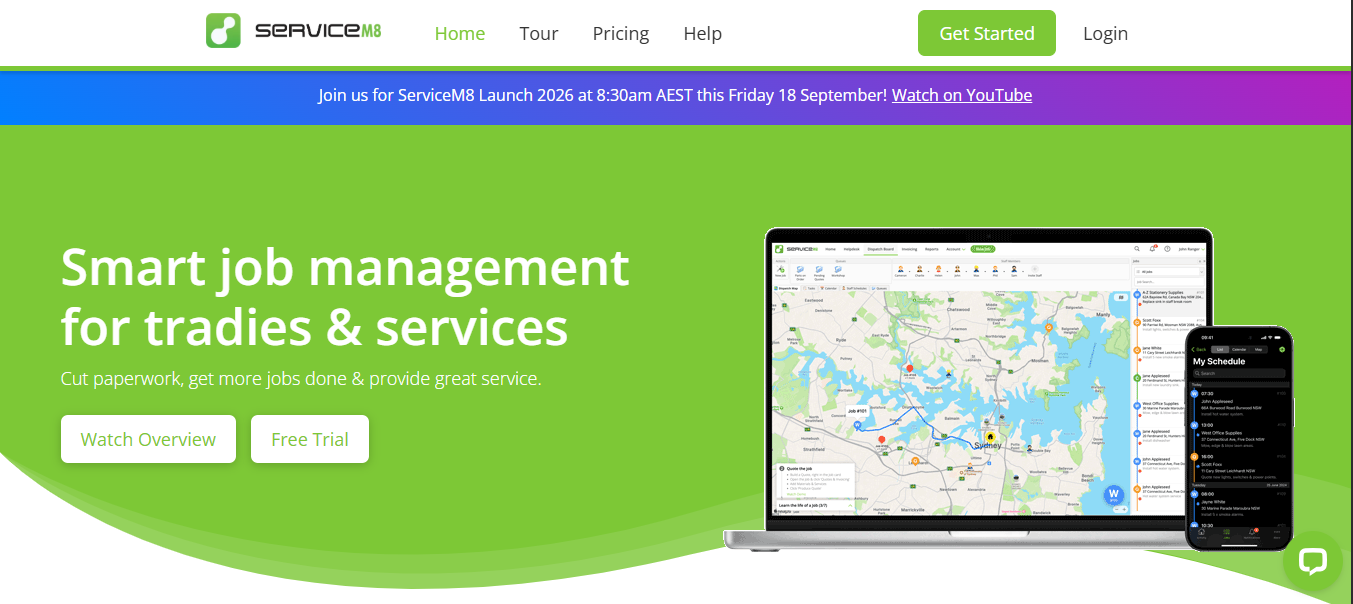
ServiceM8 is designed for sole operators and smaller trade or home-service businesses that want a straightforward way to manage jobs, schedules, quotes and invoices. Its workflow is relatively simple compared with larger field-service systems, which can make it easier for smaller teams to adopt. One of its main advantages in Australia is its pricing model, where paid plans allow unlimited users and are primarily based on the number of new jobs created each month. ServiceM8 also supports customer communication, routing, GPS, recurring work and job records, although businesses should consider the differences between its full Apple experience and its more limited Android offering.
Pros
- Free plan available
- Paid plans allow unlimited users
- Straightforward for smaller businesses
- Strong customer communication tools
- Routing and GPS functionality
- Useful quoting and invoicing workflow
- Supports common Australian accounting integrations
Cons
- Full mobile experience is optimised for Apple devices
- Android Lite offers fewer capabilities
- Monthly job limits apply to plans
- Less suited to complex commercial or project-based operations
Pricing
ServiceM8 offers a free plan for one user and up to 30 new jobs per month. Paid plans start at A$29 per month, with higher tiers at A$79, A$149 and A$349 per month depending on job volume and available functionality. Australian pricing includes GST.
Best For
ServiceM8 is best suited to sole operators and small Australian plumbing, electrical, cleaning, lawn care, pool-service and repair businesses that want simple job management, scheduling, quoting, invoicing and customer communication.
3. AroFlo — Best for Growing Australian Trade Operations
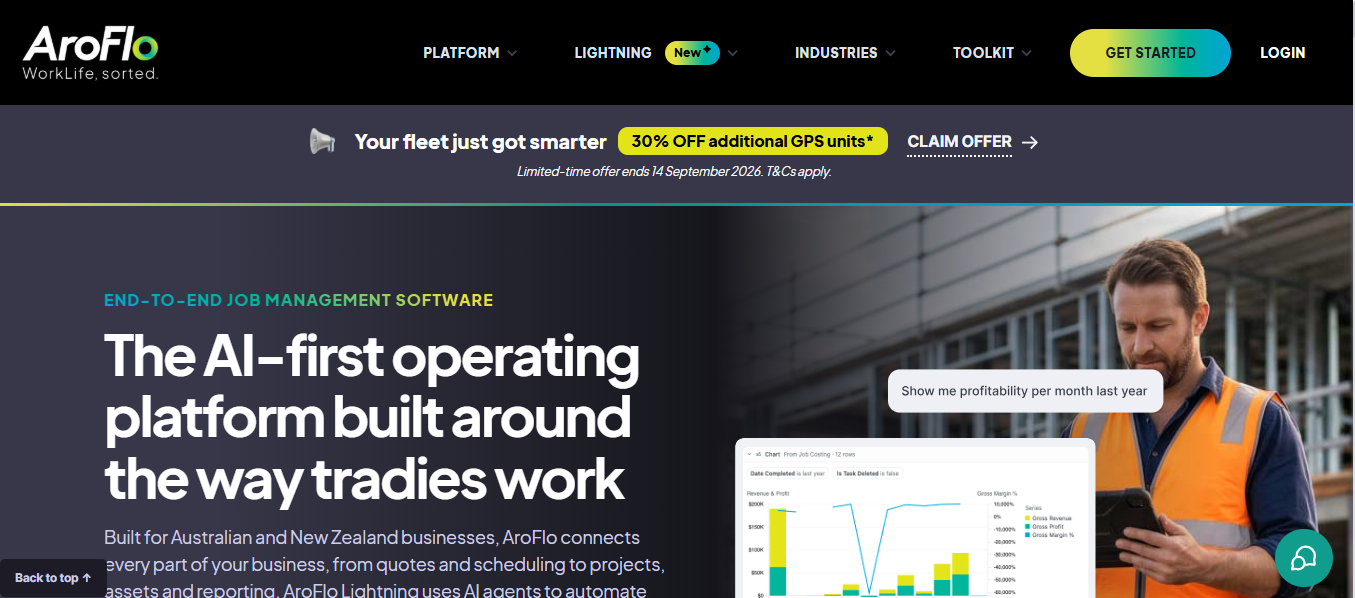
AroFlo is an Australian-developed job management and field-service platform aimed at trade businesses that need more operational depth than a basic scheduling or invoicing tool. It supports quoting, job management, timesheets, scheduling, compliance, project management, inventory, reporting and maintenance workflows. This makes it particularly relevant for businesses that have grown beyond simple job allocation and need stronger control over labour, materials, safety documentation and recurring work. AroFlo also has strong Australian relevance through its accounting and trade-supplier integrations. Its breadth can be useful for established contractors, although smaller teams may not need every part of its administrative and operational functionality.
Pros
- Australian-developed platform
- Strong compliance functionality
- Good job-costing capabilities
- Supports inventory and purchasing
- Supports project and maintenance work
- Strong accounting integrations
- Australian trade-supplier connections
Cons
- Current pricing is not highly transparent
- Broad functionality may require more setup and training
- Smaller businesses may not need the full feature set
- Advanced route optimisation may be less central than in dedicated routing platforms
Pricing
AroFlo’s current pricing is largely quote-based. Previously published information has shown starting prices around A$80 per user per month with a three-user minimum, but businesses should confirm current pricing, onboarding costs and included features directly before making a decision.
Best For
AroFlo is best suited to growing Australian trade and maintenance businesses that need stronger control over jobs, compliance, projects, assets, purchasing, materials and field operations.
4. Fergus — Best for Trade Job Costing and Day-to-Day Management
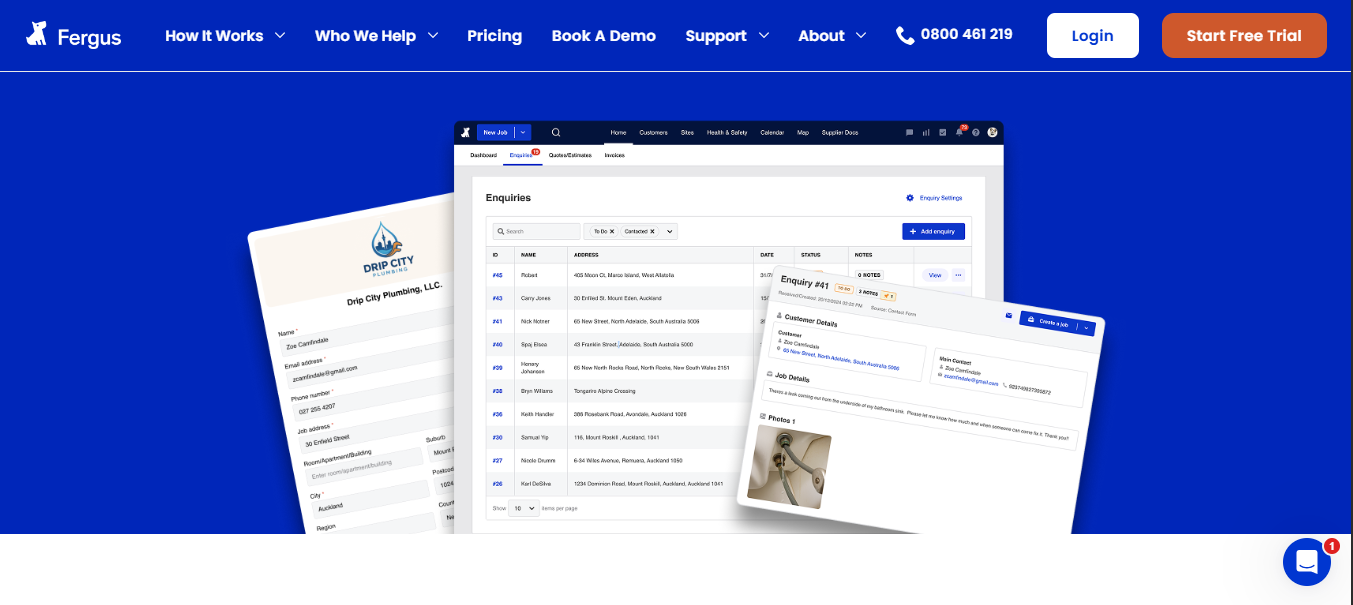
Fergus is built specifically for trade businesses and places strong emphasis on managing the commercial side of each job. It brings together scheduling, quoting, labour, materials, supplier costs, job costing, invoicing and field activity. This makes it particularly relevant to electricians, plumbers, HVAC contractors and other tradies that need to understand not only whether work was completed, but whether the job was profitable. Fergus also supports recurring work, forms, checklists, mobile workflows and subcontractor coordination. Its Australian accounting and supplier connections make it practical for businesses already using established financial and trade-supply systems.
Pros
- Built specifically for tradies
- Strong job-costing functionality
- Good labour and material tracking
- Supports recurring jobs
- Supplier integrations
- Integrates with Xero, MYOB and QuickBooks
- Android and iOS mobile access
Cons
- Less focused on advanced route optimisation
- Asset management is not as deep as specialist platforms
- Complex multi-industry operations may need broader controls
- Additional user types can increase overall cost
Pricing
Fergus’s Essentials plan starts at A$53 per month, while Professional starts at A$77 per month. Timesheet users start from A$26 per month, and larger businesses can discuss an Enterprise plan.
Best For
Fergus is best suited to small and midsize Australian plumbing, electrical, HVAC and other trade businesses where labour, materials, job margins and profitability are major priorities.
5. simPRO — Best for Complex Service, Project and Asset Operations
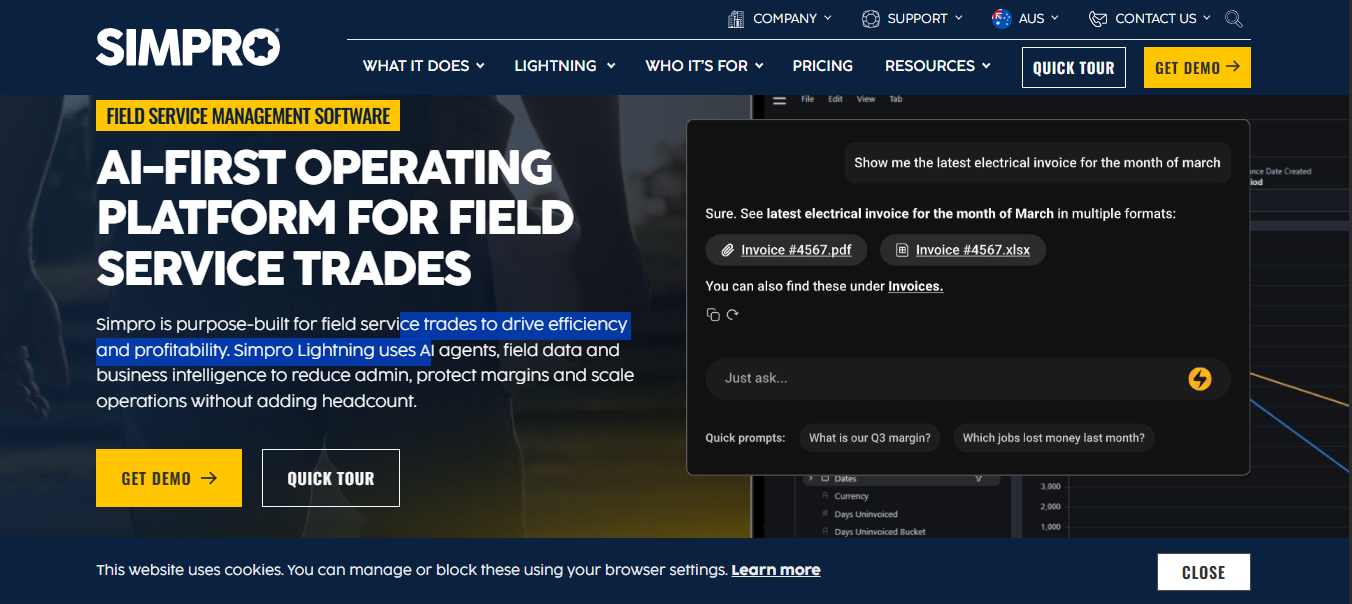
simPRO is one of the more comprehensive job and field-service management platforms in this comparison. It is designed for established contractors that need to manage service jobs alongside projects, assets, inventory, purchasing, preventative maintenance, job costing and financial processes. Its scheduling and dispatch tools help businesses manage staff availability and assign work, while its mobile functionality gives field employees access to jobs, notes, timesheets, assets, photos and documentation. Inventory and asset management are deeper than those found in many lighter job-management products, which makes simPRO suitable for complex contracting environments, although implementation generally requires more planning.
Pros
- Broad job-management functionality
- Strong project capabilities
- Deep asset management
- Strong inventory and purchasing tools
- Detailed job costing
- Mobile and offline field functionality
- Suitable for complex contractor operations
Cons
- No simple public starting price
- Setup and implementation costs may apply
- More complex than smaller businesses may need
- Some functionality may require additional modules
- Implementation can require more planning
Pricing
simPRO pricing is customised according to team size, user types, business requirements and selected functionality. Setup costs may also apply for onboarding, training and data migration.
Best For
simPRO is best suited to established HVAC, electrical, plumbing, fire, security and maintenance contractors managing complex combinations of service work, projects, assets, inventory, purchasing and financial controls.
6. Tradify — Best for Sole Traders and Smaller Trade Teams
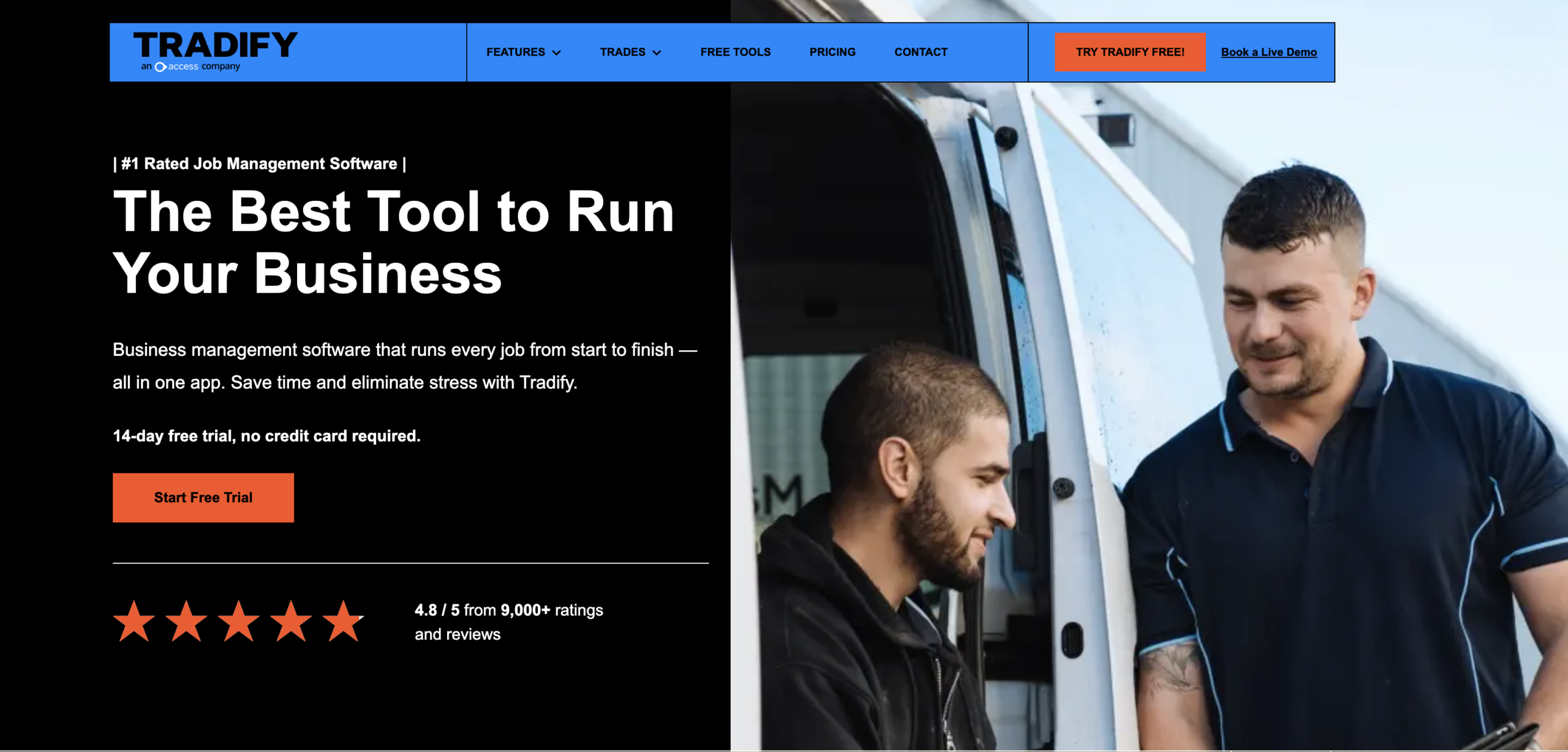
Tradify provides a straightforward job-management workflow for sole traders and smaller trade businesses that want to connect enquiries, quotes, scheduling, job tracking, timesheets and invoicing. Its entry-level functionality covers the main administrative stages of a trade job, while higher plans add customer communication history, photos, recurring work, reminders, job costing, subcontractor scheduling, compliance forms and reporting. Tradify also integrates with major Australian accounting platforms, making it useful for businesses that want their job-management workflow connected to an existing finance system. Its simpler structure makes it accessible to smaller teams, although larger businesses may eventually need deeper dispatch or field-service capabilities.
Pros
- Straightforward for smaller trade businesses
- Supports Xero, MYOB and QuickBooks Online
- Available on desktop, iPhone, iPad and Android
- Strong quoting and invoicing workflow
- Supports recurring work
- Supports subcontractor scheduling
Cons
- Per-user pricing can become more expensive as teams grow
- Advanced functionality requires higher plans
- Less focused on sophisticated dispatch workflows
- Not designed around large route networks
- Larger businesses may need broader field-service functionality
Pricing
Tradify’s Lite plan starts at A$48 per user per month excluding GST. Pro costs A$52 per user per month, while Plus costs A$62 per user per month. Larger businesses can request customised pricing.
Best For
Tradify is best suited to sole traders and smaller Australian trade teams that want a simple workflow from enquiry and quote through scheduling, job completion, timesheets and invoicing.
What Features Should Australian Service Businesses Compare?
The best job management software is not always the platform with the longest feature list. The better choice is usually the one that removes gaps in your current workflow, fits the way your team works and avoids adding unnecessary complexity.
Scheduling and Dispatch
Look beyond a basic calendar view. The software should help office teams understand workload, technician availability, job duration and who is suitable for each assignment. It should also make it easier to react when jobs run late, staff become unavailable or urgent work needs to be added to the schedule.
Mobile and Offline Functionality
A mobile app is useful only if technicians can access the information they need while working in the field. Check whether they can open jobs, view customer details, complete forms, take photos, capture signatures and add notes. For regional or low-coverage areas, it is also important to understand what works offline and how information synchronises once connectivity returns.
Quotes, Costing, Invoices and GST
If the platform handles quotes or invoices, check how GST is managed and whether pricing can be shown correctly for your business. Job costing is equally important for companies that need to compare estimated labour and materials with actual costs. Also confirm whether completed job information can flow into Xero, MYOB or QuickBooks if accounting is handled elsewhere.
Customer Communication
Customers usually want clear updates about their appointment, technician arrival time, delays and job completion. Good job management software should support confirmations, reminders, ETA notifications and completion updates without requiring office staff to manage every message manually. Communication is more useful when it is connected directly to actual job activity.
Digital Forms and Job Evidence
Field teams may need to capture checklists, SWMS, photos, signatures, equipment details or proof that specific work was completed. This information should remain attached to the job so it can be used later for compliance, billing or future service history. Businesses that rely heavily on field documentation should also check form flexibility, offline access and photo handling.
Integrations
Australian businesses should pay close attention to integrations with the systems they already use. This may include Xero, MYOB, QuickBooks, CRMs, Google or Microsoft calendars, payment tools and document platforms. Do not only check whether an integration exists. Look at what information moves between systems, how frequently it syncs and whether the workflow is reliable.
Reporting and Permissions
Different users need access to different information. Managers may need reporting on job profitability, completion rates, schedule performance and technician activity, while field staff may only need access to assigned jobs and customer details. Check whether permissions can be controlled by role and whether reporting provides information that is actually useful for day-to-day decisions.
Why Choose Arrivy for Job Management Software in Australia?
Arrivy is most relevant when the challenge is not simply creating jobs, but coordinating what happens after work enters the schedule. For growing service businesses, that can include assigning the right technician or crew, managing routes, tracking field progress, collecting job documentation and keeping customers informed.
Its field service management platform connects scheduling, dispatch, crew activity, customer communication, digital forms, routes and reporting. Businesses can also use work order management for recurring and ad-hoc work.
For Australian teams, route planning, offline-capable forms and Xero integration can be especially useful. Arrivy also connects with CRM, accounting, calendar and other systems through integrations, APIs and webhooks.
Arrivy is a stronger fit when field execution is the main operational challenge, especially for businesses managing multiple teams, changing schedules, customer updates and information across several systems.
Conclusion
Choosing the best job management software in Australia comes down to where your current workflow needs the most support. Smaller trade businesses may prioritise simple scheduling, quotes and invoicing, while growing service companies often need stronger dispatch, route planning, field visibility, documentation and customer communication. Larger contractors may also need deeper project, asset, inventory and costing capabilities.
The right platform should fit the way your team already works, connect with the systems you rely on, and make it easier to manage jobs from initial booking through field completion and financial handoff. Before committing, test the software against a real job scenario and confirm that the workflow still works when schedules change, teams are in the field, or connectivity is limited.
Keep every job moving from schedule to completion with Arrivy