 Login



















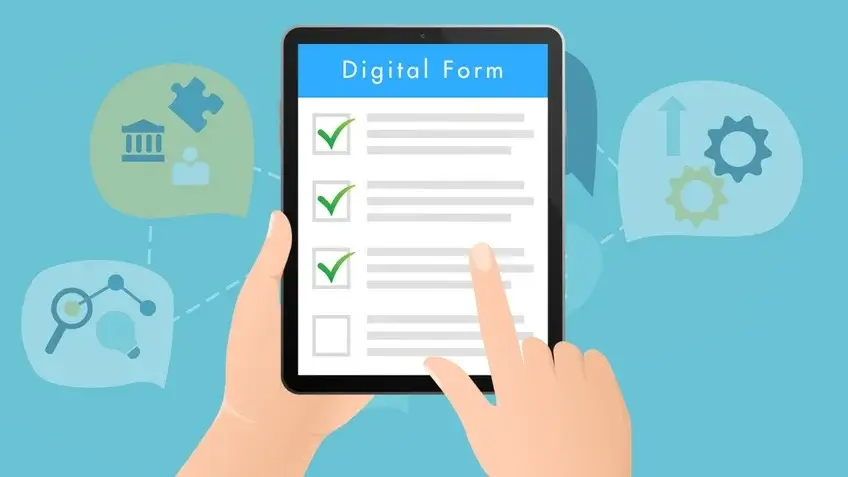


In a world driven by digital transformation, one powerful solution that has emerged to revolutionize service businesses is the introduction of digital forms within Field Service Management. These digital forms serve as the backbone of efficient service delivery, enabling businesses to capture, process, and leverage critical data seamlessly. But how exactly do you go about crafting these digital forms?
Understanding the Importance of Digital Forms
Digital forms serve as the cornerstone of maintaining effective field operations, they enable service businesses to digitize and automate various aspects of their data collection needs. From inspection reports, and customer feedback to checklists and delivery notes, digital forms facilitate the seamless capture and processing of critical information throughout the service lifecycle.
Step-by-Step Guide: How to Make Digital Forms Online in FSM Software
Creating digital forms is easier than you think. Follow the step-by-step guide to create the best online forms for businesses.
1. Identify Form Requirements
Before diving into form creation, it’s essential to identify the specific information you need to capture within your Arrivy digital form. This may include customer details, job specifications, service notes, inspection checklists, and more.
2. Design Your Form
Utilize the form builder tools provided by Arrivy’s FSM software to design intuitive and user-friendly digital forms. Customize the layout, fields, and formatting to align with your branding and operational requirements.
3. Incorporate Dynamic Elements
Take advantage of advanced form features such as conditional logic, which allows for dynamic form behavior based on user inputs. Arrivy’s digital forms also allows team members to run calculations on the go. This ensures that forms adapt to varying scenarios and can collect relevant information efficiently.
4. Integrate Multimedia and Attachments
Enhance the functionality of your digital forms by incorporating multimedia elements such as images and signatures. Additionally, enable file attachments to allow technicians to upload supporting documentation or photos directly from the field.
5. Implement Data Validation and Quality Checks
Ensure data accuracy and integrity by letting your customers sign off the forms for verification and implementing quality checks within your digital forms. This helps minimize errors and discrepancies, leading to more reliable insights and decision-making.
6. Test and Iterate
Before deploying your digital forms across your FSM software platform, thoroughly test them to identify any potential issues or areas for improvement. Solicit feedback from the crew and iterate on the forms as needed to optimize performance and usability.

Empower Service Excellence Through Digital Forms
Arrivy Digital forms enable business operations to streamline processes, enhance data accuracy, and deliver superior customer experiences. By leveraging the capabilities of an FSM software and following best practices for form creation, service businesses can unlock new levels of efficiency and effectiveness in their operations.