 Login





AI Summary
What makes a route truly efficient: fewer miles, or a plan your team can actually complete?
Route planning software has to account for more than stop order. Appointment windows, job duration, driver availability, route limits and last-minute changes can all affect whether a route works in practice.
This comparison looks at how seven platforms handle those routing demands and where each one fits best.
What Is Route Planning Software?
Route planning software organizes work across drivers, technicians, crews or vehicles and determines the order in which stops should be completed.
A basic route planner takes a list of addresses and improves their sequence. More advanced route optimization software also decides how work should be divided across routes while considering operational constraints.
Those constraints include:
- Time windows
- Service duration
- Driver availability
- Vehicle capacity
- Skills or resources
- Depots
- Route duration
- Stop limits
- Priority
- Traffic
The exact inputs differ by operating model.
A parcel-delivery business plans around orders, vehicles and delivery windows. A service company plans around appointments, technicians, job duration and what has to happen at the customer’s location.
The routing system needs to understand the constraints that determine whether the work can actually be completed.
Best Route Planning Software: Quick Comparison
| Platform | Best For | Starting Price | Important Buying Check |
|---|---|---|---|
| Arrivy | Field-service routing connected with jobs, crews and execution | Route Planning included with Premium at $50/full-access user/month; 3-user minimum | Determine whether Route Planning or Route Planning Pro matches your routing volume and planning complexity |
| OptimoRoute | Complex constraint-based optimization | Lite $35.10/driver/month annually; Pro $44.10 | Check required order volume, weekly planning and constraint depth |
| Route4Me | Highly configurable multi-stop routing | Configuration-dependent | Identify which optimization profiles, modules and rules your operation requires |
| Routific | Flexible multi-driver routing | Free to 100 orders/month; $150/month for 101–1,000 orders | Compare monthly order volume against the pricing model |
| Onfleet | Last-mile routing and execution | Launch from $619/month for 2,500 tasks | Advanced optimization sits above the entry plan |
| Spoke Dispatch | Straightforward delivery routing | From $125/month for a 1000 stops | Check route complexity, stop volume and required planner control |
| WorkWave Route Manager | Fleet and logistics routing | Third-party listings show pricing from $54/month | Validate the exact Route Manager edition and operational configuration required |
Is a Route Planning Software the Same as Fleet Management Software
Products listed under “route planning software” solve several different types of routing problems. A courier operation planning hundreds of daily deliveries does not work the same way as an HVAC company routing technicians between booked service calls. Both need optimization. But they need different optimization inputs.
| Software Type | What It Primarily Optimizes |
|---|---|
| Route optimization software | Stops, drivers and operational constraints |
| Delivery management software | Routes plus driver and recipient execution |
| Fleet route-management software | Vehicles, loads, depots and fleet constraints |
| Field-service route planning software | Routing alongside scheduling, resources, field progress and completion |
Disclosure
Arrivy publishes this comparison and is one of the products included. We reviewed official product documentation, current pricing information and relevant verified user feedback. Product information was checked in September 2026.
What Problems Does Route Planning Software Actually Solve?
Route planning software becomes more valuable as dispatchers spend more time resolving conflicts such as:
- routes repeatedly crossing the same territory;
- customers booked into windows the route cannot meet;
- one driver carrying significantly more work than another;
- jobs scheduled without enough travel time between them;
- stops left unassigned because no route has enough capacity;
- cancellations leaving large gaps in the day;
- urgent jobs forcing existing work to move;
- drivers completing similar workloads at very different times;
- or dispatchers rebuilding routes manually whenever the schedule changes.
A useful route therefore has to satisfy two conditions.
- It should be efficient.
- It should also be feasible.
The people, vehicles and available working hours have to be capable of completing the work under the constraints the business has already committed to.
How We Evaluated the Platforms
We kept unrelated business-management functionality out of the routing evaluation. CRM features, quoting, invoicing and payments belong in broader software comparisons. For this comparison, we concentrated on routing-specific capabilities.
Route Creation and Optimization
We looked at whether the platform optimizes individual routes, several routes at once, unassigned work or an entire planning pool.
Constraint Handling
We checked which inputs the optimizer uses, including appointment windows, job duration, shifts, capacity, skills, depots, vehicle requirements and route limits.
Assignment Logic
Some systems only reorder stops already assigned to a route. Others decide which driver, technician, crew or vehicle receives each job. That difference matters for larger or more complex operations.
Planner Control
We looked at whether dispatchers can move work between routes, lock appointments, manually change sequence and re-optimize selected portions of the plan.
Infeasible Work
When every task cannot fit inside the available routes, the software needs to expose that conflict. The strongest systems either leave work unscheduled, identify dropped tasks or explain which constraint prevented assignment.
Same-Day Changes
We reviewed what happens when a new job arrives, a customer cancels or work has to move after the original plan has already been created.
Route Execution
Planning does not end when routes are published. We also considered driver or technician access, live progress, ETA visibility and execution workflows where they materially affect routing.
Scenario Planning
For operations with more complex routes, we looked at whether dispatchers can test and compare alternative configurations before committing a plan to the field.
7 Best Route Planning Software Platforms
1
Arrivy - Best for Connected Field-Service Route Planning and Execution
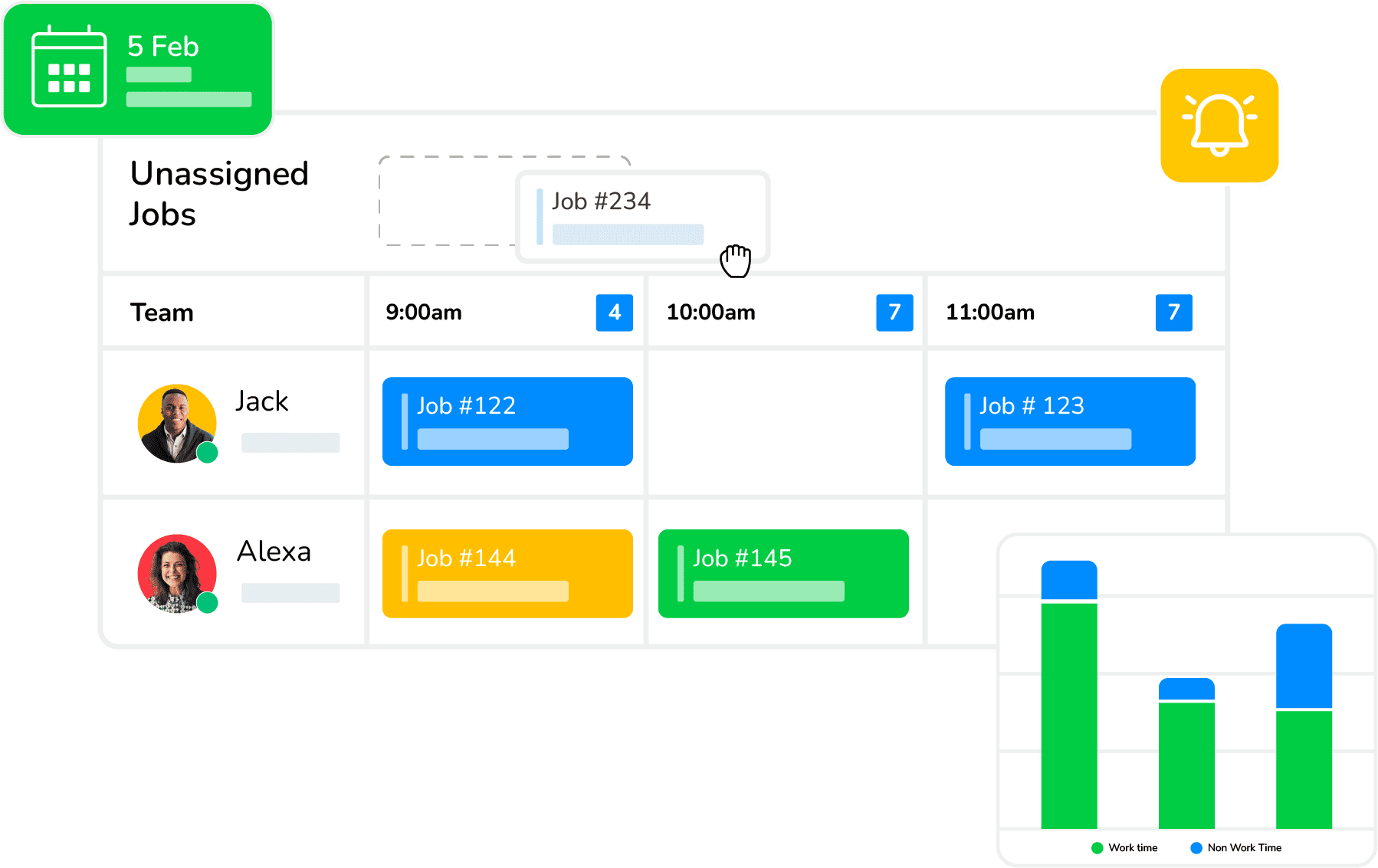
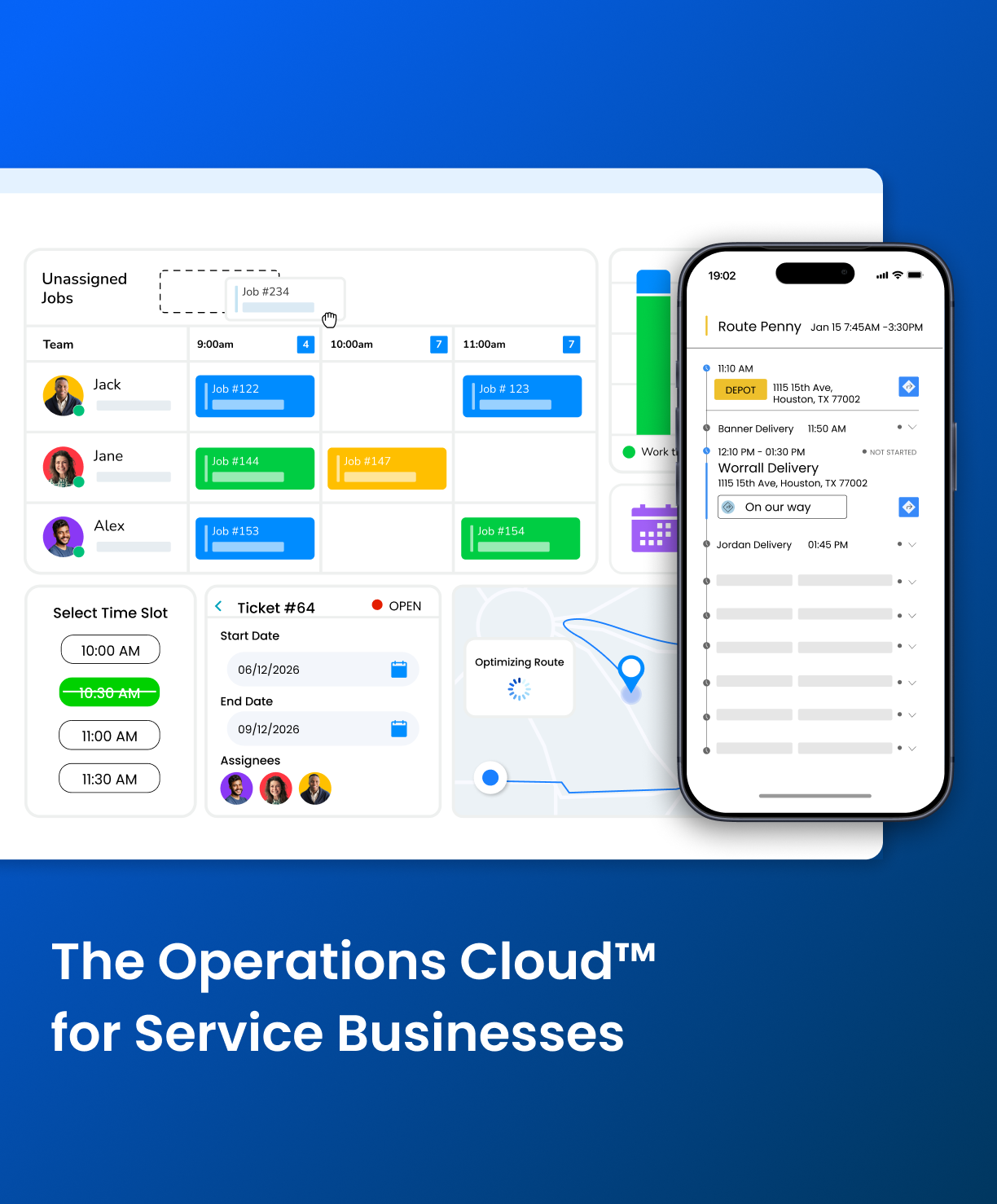
Arrivy provides dedicated Route Planning and Route Planning Pro environments for businesses that build routes around scheduled jobs and field tasks.
Its optimizer works with task duration, customer arrival windows, route duration, depots, vehicle type and other route controls. Route Planning Pro adds higher-volume controls and an Advanced Optimizer where planners configure teams, equipment, route durations and task limits before optimization.
Why we included it: Arrivy goes beyond optimizing stops by planning routes around the operational requirements of each job. Task duration, appointment windows, route limits, crews and equipment all shape the plan, while dispatchers can compare, adjust and publish routes without separating routing from the wider field-service workflow.
Arrivy provides dedicated Route Planning and Route Planning Pro environments for businesses that build routes around scheduled jobs and field tasks.
Its optimizer works with task duration, customer arrival windows, route duration, depots, vehicle type and other route controls. Route Planning Pro adds higher-volume controls and an Advanced Optimizer where planners configure teams, equipment, route durations and task limits before optimization.
Why we included it: Arrivy goes beyond optimizing stops by planning routes around the operational requirements of each job. Task duration, appointment windows, route limits, crews and equipment all shape the plan, while dispatchers can compare, adjust and publish routes without separating routing from the wider field-service workflow.
Key Features:
Pros:
-
Combines automatic route optimization with flexible manual route editing.
-
Lets planners compare route scenarios before publishing changes.
-
Accounts for job duration, time windows, locked appointments and route limits.
-
Assigns teams and equipment at route level in Route Planning Pro.
-
Clearly separates tasks that cannot fit within the selected route constraints.
Cons:
-
Best suited to day-by-day route planning rather than planning routes across several days at once.
Pricing:
- Standard: $25/full-access user/month
- Premium: $50/full-access user/month
- Minimum: 3 full-access users
- Route Planning: Included with Premium
- Route Planning Pro: Add-on
- Trial: 14 days, no credit card required
Arrivy currently lists Route Planning in its Premium plan and Route Planning Pro as an add-on.
Best for:
Field-service, installation, repair and other mobile operations where routes are built around scheduled jobs with operational constraints.
2
OptimoRoute - Best for Complex Constraint-Based Route Optimization
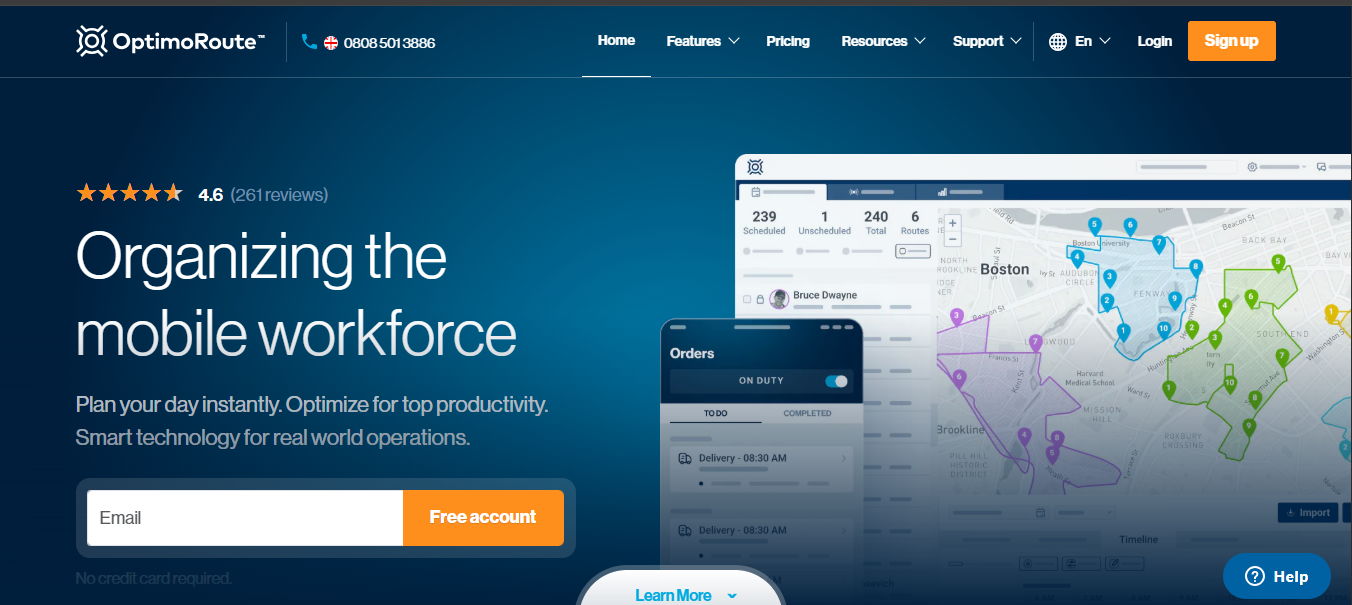
OptimoRoute is a dedicated route-optimization platform built around detailed planning constraints. Orders can include requirements such as time windows, load, skills and vehicle features. Dispatchers then optimize those orders across available drivers and vehicles.
Its weekly planning capability extends optimization across as many as five weeks, adding date-based constraints and driver availability to the planning model.
Why we included it: OptimoRoute is strongest when routing difficulty comes from the number of rules the plan has to satisfy. Capacity, skills, driver schedules, customer windows and multi-day scheduling can all influence which route receives an order.
OptimoRoute is a dedicated route-optimization platform built around detailed planning constraints. Orders can include requirements such as time windows, load, skills and vehicle features. Dispatchers then optimize those orders across available drivers and vehicles.
Its weekly planning capability extends optimization across as many as five weeks, adding date-based constraints and driver availability to the planning model.
Why we included it: OptimoRoute is strongest when routing difficulty comes from the number of rules the plan has to satisfy. Capacity, skills, driver schedules, customer windows and multi-day scheduling can all influence which route receives an order.
Key Features:
Pros:
-
Handles complex constraints including skills, capacity, time windows and driver schedules.
-
Supports route planning across multiple days and weeks.
-
Can fit new work into existing routes without completely rebuilding assignments.
-
Performs well for high-stop-volume, multi-driver operations.
Cons:
-
Cancelling or removing stops from routes already in progress can be awkward.
-
Advanced constraint configuration takes time to learn.
-
Detailed route editing is easier from desktop than mobile.
Pricing:
- Lite: $35.10/driver/month billed annually
- Pro: $44.10/driver/month billed annually
- Custom: Contact sales
- Trial: 30 days
- Lite: Up to 700 orders at once
- Pro: Up to 1,000 orders at once
Pricing:
Businesses where capacity, skills, customer windows, driver schedules and multi-day planning rules drive the routing problem.
3
Route4Me - Best for Highly Configurable Multi-Stop Routing
Route4Me is built around configurable optimization profiles rather than one fixed routing setup. Profiles can include vehicle information, capacity, skills, facilities, flexible start times, service duration, pre-trip time and post-trip time.
That structure works well for businesses that operate several types of routes or vehicles and need different planning rules for each.
Why we included it: Route4Me suits operations where dispatchers need granular control over how routes are configured rather than relying on the same optimization logic for every planning scenario.
Route4Me is built around configurable optimization profiles rather than one fixed routing setup. Profiles can include vehicle information, capacity, skills, facilities, flexible start times, service duration, pre-trip time and post-trip time.
That structure works well for businesses that operate several types of routes or vehicles and need different planning rules for each.
Why we included it: Route4Me suits operations where dispatchers need granular control over how routes are configured rather than relying on the same optimization logic for every planning scenario.
Key Features:
Pros:
-
Supports highly configurable optimization profiles for different routing scenarios.
-
Handles large stop volumes across multiple drivers.
-
Provides strong live driver and route visibility.
-
Supports detailed vehicle, capacity, skill and timing rules.
Cons:
-
Users report occasional navigation and map-routing inaccuracies.
-
Extensive configuration creates a steeper onboarding curve.
Pricing:
Route4Me uses configurable packages and features rather than one simple public starting price for every deployment. Businesses should scope the required routing profiles, modules and add-ons before comparing total cost.
Best for:
Operations that need highly configurable route rules and reusable optimization profiles across different vehicles, capacities or operating scenarios.
4
Routific - Best for Flexible Optimization Without Heavy Configuration
Routific focuses on multi-driver route optimization with a relatively straightforward dispatcher experience.
Its constraints cover delivery windows, driver shifts and vehicle capacities. Its optimizer also supports driver or vehicle matching through tags for requirements such as certifications or vehicle type.
Why we included it: Routific provides meaningful optimization controls without requiring the same configuration depth as heavier logistics platforms.
Routific focuses on multi-driver route optimization with a relatively straightforward dispatcher experience.
Its constraints cover delivery windows, driver shifts and vehicle capacities. Its optimizer also supports driver or vehicle matching through tags for requirements such as certifications or vehicle type.
Why we included it: Routific provides meaningful optimization controls without requiring the same configuration depth as heavier logistics platforms.
Key Features:
Pros:
-
Combines strong multi-driver optimization with an easy-to-use planner.
-
Lets dispatchers choose between strict and flexible routing constraints.
-
Supports inserting new work without automatically rebuilding the whole route.
-
Flexible start times help reduce unnecessary driver waiting.
Cons:
-
Manual route edits can disrupt optimized flexible-start timing.
-
Users report occasional address and map-pin inaccuracies.
Pricing:
- Up to 100 orders/month: Free
- 101–1,000 orders/month: $150/month
- Higher volumes: Usage-based pricing with volume discounts
- Drivers: Unlimited
- Dispatchers: Unlimited
Best for:
Small and midsize delivery operations that need multi-driver optimization, realistic constraints and strong usability without a heavy implementation process.
5
Onfleet - Best for Last-Mile Route Optimization and Execution
Onfleet combines route optimization with live delivery management. Its route engine considers hubs, delivery locations, time windows, driver schedules, vehicle capacities, service time, historical traffic and road restrictions.
Dispatchers can also choose between optimization modes that prioritize strict on-time arrival, balance driving time against delivery windows, or minimize total drive time.
Why we included it: last-mile operations need more than a route plan. Drivers need executable routes, recipients need ETAs, and dispatchers need live visibility into what is happening after vehicles leave the hub.
Onfleet combines route optimization with live delivery management. Its route engine considers hubs, delivery locations, time windows, driver schedules, vehicle capacities, service time, historical traffic and road restrictions.
Dispatchers can also choose between optimization modes that prioritize strict on-time arrival, balance driving time against delivery windows, or minimize total drive time.
Why we included it: last-mile operations need more than a route plan. Drivers need executable routes, recipients need ETAs, and dispatchers need live visibility into what is happening after vehicles leave the hub.
Key Features:
Pros:
-
Lets planners optimize for punctuality, drive time or a balance of both.
-
Accounts for vehicle capacity, service time, schedules and traffic.
-
Connects route planning directly with live driver execution.
-
Provides dynamic ETA visibility throughout the delivery route.
Cons:
-
Standard optimization supports only one vehicle type per optimization run.
-
Some users report slow dashboard updates during heavier workflows.
Pricing:
- Launch: From $619/month, 2,500 completed pickup or delivery tasks
- Scale: From $1,349/month, 5,000 tasks
- Enterprise: Higher-volume custom configuration
- Trial: Available
Best for:
Last-mile delivery operations where optimization, driver execution, live ETAs, customer communication and proof of delivery all need to stay connected.
6
Spoke Dispatch - Best for Straightforward Multi-Driver Delivery Routing
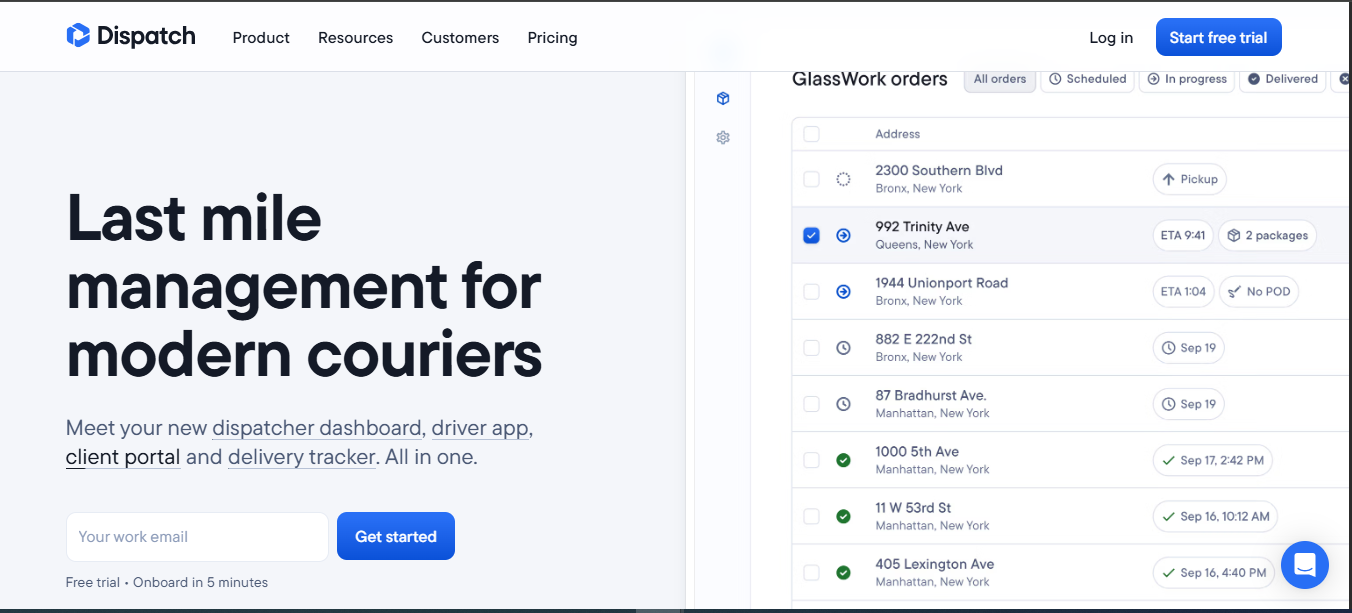 oke Dispatch focuses on getting delivery routes planned and assigned with relatively little setup. Its current feature set includes route optimization, spreadsheet upload, multiple depots, interactive route views, live route progress, priority stops, pickup and delivery stops and bulk movement of stops between routes.
Verified users consistently highlight the product’s ease of use for both dispatchers and drivers.
Why we included it: not every delivery operation needs a deeply configurable optimizer. Spoke is relevant to teams that need to upload stops, build efficient routes, dispatch them quickly and keep track of drivers without a lengthy planning setup.
oke Dispatch focuses on getting delivery routes planned and assigned with relatively little setup. Its current feature set includes route optimization, spreadsheet upload, multiple depots, interactive route views, live route progress, priority stops, pickup and delivery stops and bulk movement of stops between routes.
Verified users consistently highlight the product’s ease of use for both dispatchers and drivers.
Why we included it: not every delivery operation needs a deeply configurable optimizer. Spoke is relevant to teams that need to upload stops, build efficient routes, dispatch them quickly and keep track of drivers without a lengthy planning setup.
Key Features:
Pros:
-
Fast and easy for dispatchers and drivers to learn.
-
Creates multi-driver routes with minimal setup.
-
Provides live route tracking and dynamic ETA updates.
Cons:
-
Manual stop-sequence control is less granular than some advanced planners need.
-
Users report occasional geocoding and route-selection errors.
-
Constraint customization is lighter than deeper optimization platforms.
Pricing:
- Starter: $125/month
- Premium: $200/month
- Expert: $1,000/month
- Free trial: Available
Best for:
Small and midsize delivery teams that value fast route creation, driver usability and live delivery visibility over deep optimization configuration.
7
WorkWave Route Manager - Best for Advanced Fleet and Logistics Routing
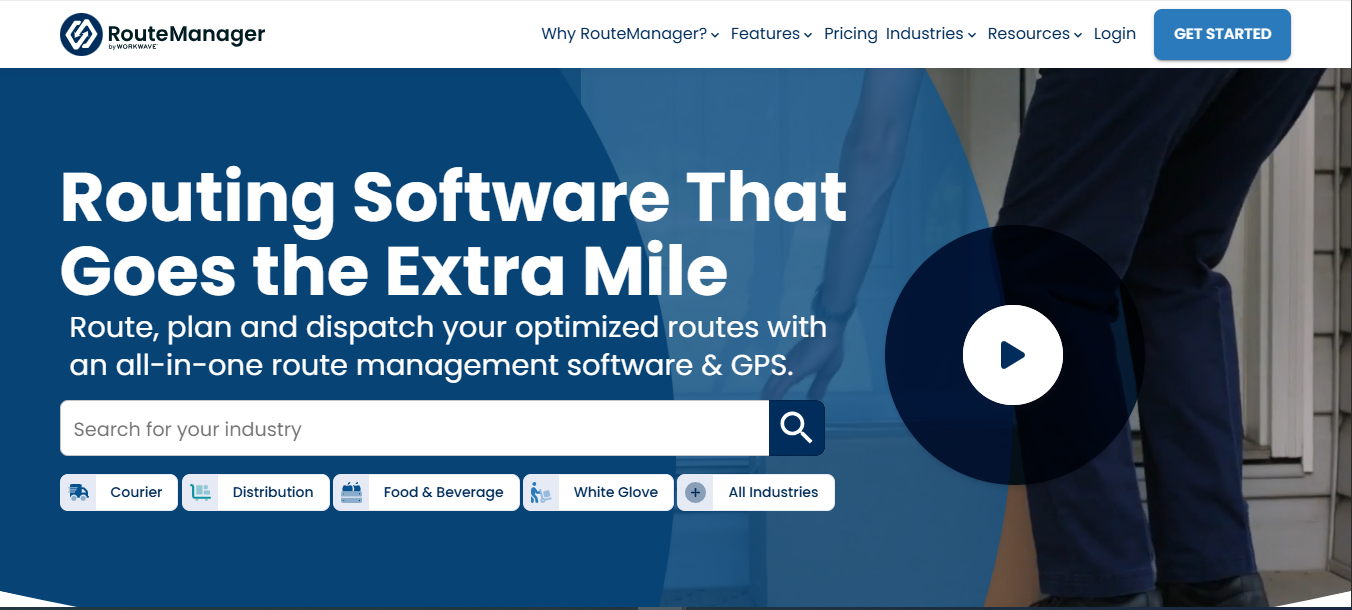
WorkWave Route Manager provides a deeper logistics-planning model built around vehicles, orders and route-level constraints.
Its official API exposes controls for route working time, driving time, distance, maximum stops, load capacity, depots, regions, breaks and route costs. It also supports full re-optimization, fitting unassigned orders into existing routes and moving orders between routes.
Why we included it: WorkWave becomes relevant when route planning is a dedicated logistics function and vehicle, load, depot and route-limit constraints require more control than a simple multi-stop planner provides.
WorkWave Route Manager provides a deeper logistics-planning model built around vehicles, orders and route-level constraints.
Its official API exposes controls for route working time, driving time, distance, maximum stops, load capacity, depots, regions, breaks and route costs. It also supports full re-optimization, fitting unassigned orders into existing routes and moving orders between routes.
Why we included it: WorkWave becomes relevant when route planning is a dedicated logistics function and vehicle, load, depot and route-limit constraints require more control than a simple multi-stop planner provides.
Key Features:
Pros:
-
Supports detailed vehicle, capacity, depot and working-time constraints.
-
Handles route re-optimization and insertion of unassigned work well.
-
Supports multi-day routing and complex fleet planning.
-
Provides strong route-import and assignment capabilities.
Cons:
-
Users report occasional mobile-app performance issues.
-
Some route and fleet configuration changes require support assistance.
-
The depth of the platform creates a noticeable learning curve.
Pricing:
Third-party 2026 pricing data lists Route Manager from $54/month, but businesses should confirm current pricing and the exact Route Manager configuration directly with WorkWave before purchasing.
Best for:
Delivery, distribution and logistics operations where vehicles, capacities, depots, working-time limits and route-level rules make routing a dedicated operational discipline.
How These Platforms Handle Real Routing Problems
Feature lists become much more useful when they are applied to situations dispatchers actually face.
A New Job Arrives After the Routes Are Already Built
A new stop does not simply add another pin to the map.
The dispatcher has to decide which route has room for it, whether existing appointments still work and how much of the current plan should change.
This is one of the most important workflows to test during a trial because route quality matters less if the plan becomes difficult to change once the day starts.
A Customer Has a Fixed Appointment Window
Time-window support is common among serious route optimizers.
The important difference is how each platform handles the constraint.
The right approach depends on whether an appointment window is a hard commitment or an operational preference.
There Is More Work Than the Available Routes Can Complete
This is where a route optimizer shows whether it understands feasibility.
A planner should never have to discover in the field that the optimizer created more work than the route can execute.
The Dispatcher Wants to Test Several Possible Plans
This matters when route count, mileage and workload balance compete with one another.
For higher-volume operations, the ability to test alternatives saves dispatchers from treating every optimization run as a final decision.
Dedicated Route Optimizer or Field-Operations Route Planner?
The central difference between these products is not simply standalone software versus FSM. The more useful distinction is what the optimizer treats as the core planning object.
To understand, consider that a logistics operation starts with something closer to:
Orders → Vehicles → Capacities → Drivers → Routes → Deliveries
Whereas a service operation starts with:
Jobs → Appointment commitments → Job duration → Crews/resources → Routes → Field work
OptimoRoute, Route4Me, Routific, Onfleet, Spoke and WorkWave all approach the first model from different levels of complexity. Arrivy is more closely aligned with the second.
That does not make one architecture stronger than the other. It determines which operational information sits inside the routing decision. A company whose biggest routing problem is vehicle capacity needs a platform that models capacity well. A service company whose biggest problem is fitting jobs of different lengths around customer windows and crews needs an optimizer that understands those conditions.
Why Arrivy Stands Out for Connected Field-Service Route Planning
Arrivy approaches the route as part of the work schedule rather than as a separate collection of addresses. That becomes important as soon as stops stop being interchangeable.
One job takes twenty minutes. Another takes three hours. One customer accepts a broad arrival window. Another appointment is fixed. One route uses a standard vehicle. Another needs a particular team and equipment assignment. These are all common scenarios in field services.
Arrivy’s optimizer works with task duration, time windows, locked appointments, route limits, depots and vehicle type. Route Planning Pro adds higher-volume controls and route-level team and equipment assignment.
The planning workflow is equally important. Routes can be optimized automatically, changed manually, and compared before anything is published to live tasks.
For service operations where routing stays connected with appointments, service duration, crews, equipment and field execution, Arrivy offers a much more specialized routing model than a generic scheduling or routing tool.