Login
Login























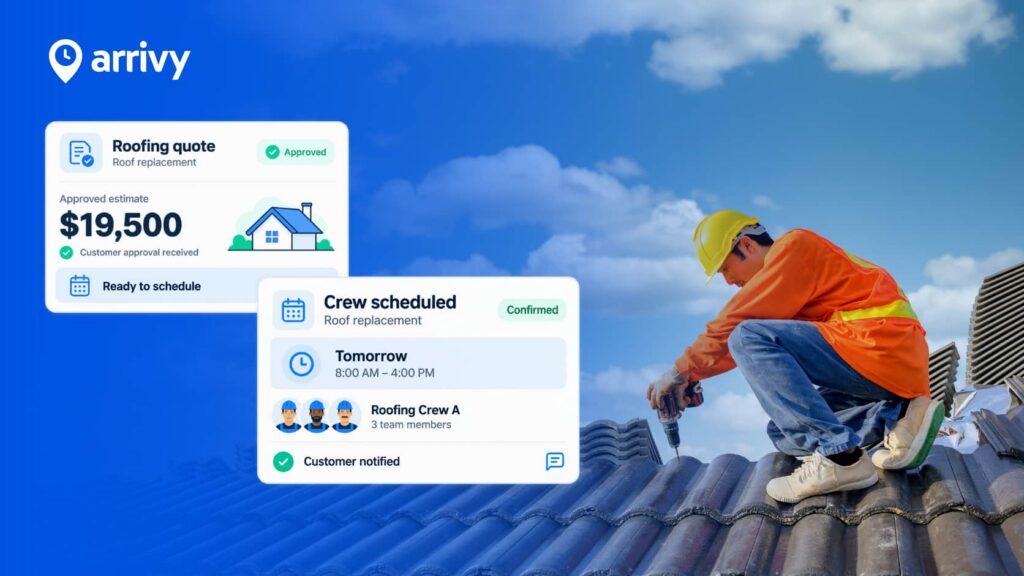
When you already have leads, inspections, and estimates within a CRM (Customer Relationship Management System), the quickest method to win the day is to have those records converted into scheduled jobs automatically.
The payoff is reflected in the speed to lead and execution: teams who are able to respond to new leads in 5 minutes may be up to 21x more likely to qualify them in comparison to teams that wait 30 minutes.
Therefore, roofing companies deal with leads, inspections, estimates, and repairs on a daily basis. However, all too frequently, CRMs turn themselves into a data warehouse and not a platform to act.
Do You Know?
Only 7% of companies respond to leads within 5 minutes; over 50% take 5 days or more. (Drift study of 433 companies, 2025)
This article discusses the possibilities of linking CRM records and jobs that are scheduled, the reasons why it is important, and how automation can help crews and customers to be happier.
Recommended Reads
What Exactly is a Roofing CRM?
A roofing CRM is software designed to capture and manage leads, track customer details, store estimates and inspections, and streamline communication. Unlike a generic CRM, roofing CRMs often include industry-specific workflows such as roof measurements, inspection forms, and insurance claim tracking. Roofing CRM’s such as AccuLynx, JobNimbus, Leap, HubSpot, iRoofing, Jobber, RoofSnap, Roofr, and ServiceTitan.
But having data in a CRM is only the first step. To win jobs faster and keep crews efficient, that data needs to flow directly into your scheduling and dispatch system.
Why Roofing Businesses Need CRM-to-Scheduling Integration
For instance, a sales rep might close a deal in Salesforce, but if dispatch doesn’t see it until tomorrow, the inspection gets delayed. Integration eliminates that lag.
So, small frictions will become lost appointments and dissatisfied clients when CRM and scheduling are not linked with each other. Get them connected, and sales, dispatch, and crews eventually pull in time with each other. Here’s how you can do it:
- Eliminate double entry and copy-paste errors between CRM records, calendars, and spreadsheets.
- Book faster with deal-stage triggers that create jobs instantly and offer self-scheduling.
- Proactive homeowner comms, confirmations, reminders, and live ETAs reduce “where’s my crew?” calls.
- Single source of truth across the day: a schedule board for ops and real-time updates for sales.
What Data from Roofing CRMs Should Flow into Scheduling Software
The handoff is most effective in cases where the identical core fields go between the CRM and the job, and vice versa. The factors that have been discussed here are some of the significant ones:
- Customer & Property: Contact info, service address, roof/access notes, pre-fill the job.
- Estimates & Proposals: Scope and materials map into task templates and checklists.
- Inspections & Survey Notes: Photos, measurements, hazards via digital forms with e-sign and calculations.
- Status & Work Orders: Two-way updates with linked tasks for multi-step jobs.
- Billing Triggers: Create the invoice from the job and sync it to accounting on the same day.
How to Turn CRM Data into Scheduled Jobs (Step-by-Step)
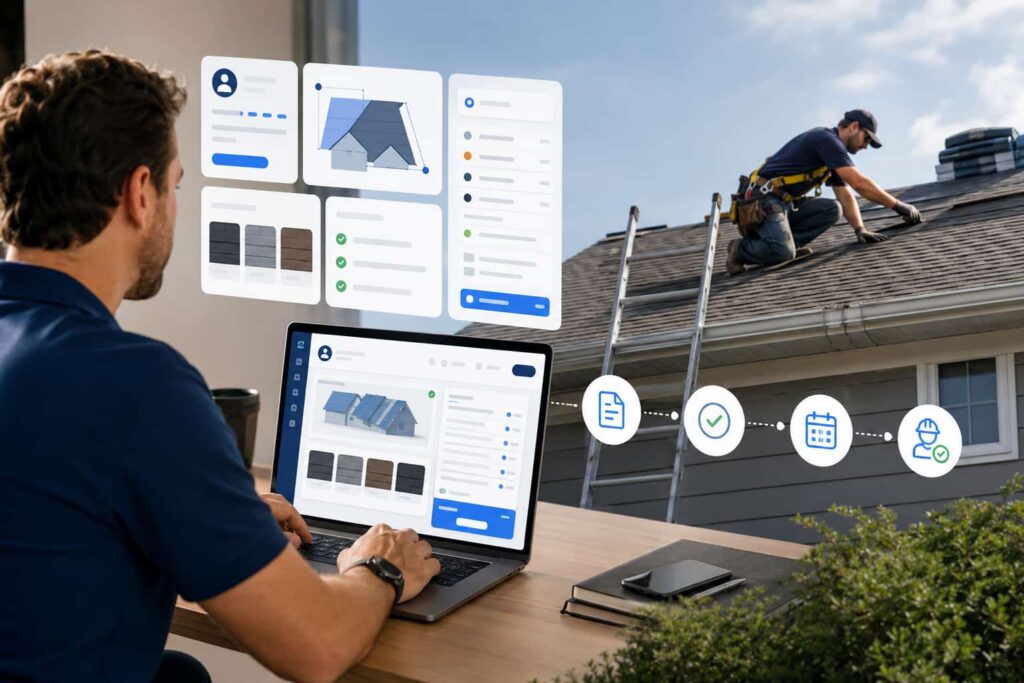
Think of this as a simple pipeline, starting from lead to inspection, then Estimate and Install, and finally Invoice with the CRM as the source of truth and Arrivy as the execution layer. The steps of this process are as follows:
Step 1: Capture the lead in your CRM
Speed matters most in this step; aim to respond within minutes and propose an inspection window immediately.
Example: Imagine a homeowner filling out a form on your website. Within minutes, the lead appears in HubSpot and triggers an inspection task in Arrivy
Step 2: Link CRM to scheduling (native connector or API)
Integrate with Arrivy’s native integrations (e.g., HubSpot, Salesforce, Zoho, Pipedrive, Dynamics 365, ActiveCampaign) such that when the deal or ticket is changed, a schedulable job is created without re-typing.
Step 3: Automate job creation from CRM entries
Map CRM fields (customer, address, service, notes) to standardized job templates. Add self-scheduling to make the house convenient.
Step 4: Assign crews and resources automatically
Drag-and-drop the board, then apply route optimization to cut windshield time and squeeze in another stop. Mobile app displays packets, photos, and gate codes to the crews.
For instance, a crew scheduled for three inspections in one zip code sees their day optimized into the most fuel-efficient route, saving nearly an hour of drive time.
Step 5: Sync back job status and notes to the CRM
Status write-backs, photos, and signed forms: Sales and PMs no longer need to chase team members for updates, as your CRM will display real-time job progress.

Key Benefits of CRM-to-Scheduling Automation (with Arrivy)
Tie the loop from pipeline to pavement and you’ll feel it within a week: faster bookings, calmer dispatch, happier homeowners. Let’s have a look at the key benefits of this automation:
- • Faster lead-to-booking: Inspection windows offered on first contact; reminders happen automatically.
- • Zero duplicate data entry: Two-way sync keeps addresses, notes, and statuses aligned.
- • Better crew utilization: Traffic-aware multi-stop optimization that is equal to fewer miles, more jobs/day.
- • Delightful customer experience: Branded messages, live map tracking, “on-my-way” texts.
- • Unified reporting: Combine CRM pipeline and field execution metrics for real conversion insights.
Common Challenges and How to Solve Them
Start with the 80/20 rule that connects deals, which leads to jobs, then layer in forms and accounting. Keep change management light and visible. The challenges and their solutions are listed below:
- “Integrations feel complex.” To solve this, you can begin with native connectors and a small field-mapping set; expand later.
- Data silos: Enforce two-way sync for contact, address, and status fields so nothing goes stale.
- Crew adoption: Add lead with wins, mobile job packets, and shorter drives are instant morale boosters.
- Best practices: Roll out to one territory first, use templates, and run short “day-in-the-life” trainings. Arrivy’s feature set helps standardize the playbook.
Why this Matters Now
Roofing demand is steady, time-sensitive, and increasingly shaped by weather, labor, and material costs. That’s exactly why faster CRM schedule handoffs pay off this season and not next quarter.
A data point shows the U.S. market is about USD 31.38B in 2025, projected to reach USD 42.33B by 2030. Shaving minutes from each stage compounds across crews and seasons. Simplifying dispatch and reducing admin helps you do more with the people you have.
Scenario:
When a hailstorm hits Denver, hundreds of inspections flood in. Contractors who can instantly convert CRM leads into scheduled jobs win more of that business. In a market this competitive, speed isn’t just efficiency, it’s survival.
How Arrivy Bridges CRM, Scheduling, and Field Execution
Arrivy isn’t “another CRM” platform; it’s the operations cloud that turns CRM intent into on-site action. With Arrivy, you can expect:
- Scheduling & Dispatch: Flexible calendar/map views, color-coded jobs, drag-and-drop control.
- Customer Experience: Automated confirmations, reminders, and real-time ETAs + optional self-scheduling.
- Digital Forms & E-Sign: Inspections, estimates, work orders, with calculations, photos, and signatures.
- Route Optimization: One-click, traffic-aware routes to cut drive time and costs.
- Integrations: CRM (HubSpot, Salesforce, Zoho, Pipedrive, etc.), comms, accounting, calendars, and more.

Conclusion
Roofing companies don’t just need more leads; they need a smoother way to turn those leads into booked jobs and completed projects. By integrating your roofing CRM with job scheduling, you cut out double entry, accelerate response times, and keep both crews and customers in sync.
The impact is clear: faster inspections, fewer missed appointments, better crew utilization, and a customer experience that drives referrals. In an industry where weather, claims, and competition move fast, automation is no longer optional; it’s a competitive advantage.
Ready to stop retyping CRM data? Explore the ways in which Arrivy would allow roofing contractors to link CRM data with job scheduling, field execution, and communication with customers. Start with the features you’ll use on day one: Scheduling & Dispatch, Customer Experience, Digital Forms, and Route Optimization.