Login
Login






















Choosing field service management software is not simply a matter of finding the platform with the longest feature list.
A small contractor replacing paper job sheets has very different needs from a national maintenance business managing service contracts, compliance records and hundreds of customer assets. A company operating a large vehicle fleet will also evaluate software differently from one focused on complex installation projects or customer communication.
That is why there is no single best field service management platform for every UK business.
In this guide, we compare six options:
▹ Arrivy
▹ Joblogic
▹ BigChange
▹ Simpro
▹ ServiceNow
▹ OutOnSite
Each platform has a different operational strength. Arrivy focuses on configurable workflows and customer communication. Joblogic is particularly well aligned with UK maintenance and compliance requirements. BigChange combines field service with fleet management. Simpro provides greater depth for projects, stock and job costing, while OutOnSite offers a simpler route away from paper and spreadsheets.
The Best UK Field Service Platforms at a Glance
| Platform | Best suited to | Starting price | Main consideration |
|---|---|---|---|
| Arrivy | Flexible workflows and customer communication | From $25 per full-access user per month, with a three-user minimum | Advanced features require higher plans |
| Joblogic | UK maintenance, assets and compliance-led work | From £45 per user per month, billed annually | May be more extensive than a small reactive-service team needs |
| BigChange | Fleet-led field service operations | Quotation required | Hardware and optional fleet services can affect total cost |
| Simpro | Complex projects, inventory and job costing | Quotation required, plus setup fee | Requires a more structured implementation |
| OutOnSite | Small UK teams moving away from paper | £29 plus VAT per user per month | Offers less depth for complex contracts, stock and compliance |
Note: Pricing and product information was checked against vendor documentation on 26 July 2026. Confirm current requirements directly with each provider.
What Does an End-to-End Field Service Workflow Look Like?
The most capable field service platforms do more than schedule engineers. They connect the different stages of a job so information can move between office teams, field workers, customers and financial systems without repeated data entry.
A complete workflow may include:
Customer enquiries and online bookings
Sales visits, quotes and approvals
Job scheduling and route planning
Crew assignment and dispatch
Live job and location tracking
Mobile forms, photographs and signatures
Customer confirmations and progress updates
Job completion, invoicing and payments
Accounting integrations and operational reporting
The real value lies in how smoothly these stages connect, allowing a job to move from booking to completion and payment without duplicate entry or disconnected handoffs.
How to Decide What Your Business Actually Needs
Before comparing software, it helps to define the problem you are trying to solve.
Some businesses mainly need a clearer way to schedule engineers and replace handwritten job sheets. Others require recurring maintenance plans, customer asset histories, stock control, vehicle tracking or detailed financial reporting.
Start with one real job and follow it from the initial customer request through to payment. Consider how the office creates and schedules the work, what the engineer needs in the field, what the customer receives and how the completed job reaches the accounting system.
This usually reveals which capabilities matter most.
For example:
A maintenance contractor may prioritise assets, planned preventive maintenance and compliance records.
A delivery or installation business may care more about live ETAs and customer updates.
A fleet-heavy operator may need route planning, driver information and vehicle tracking.
A project contractor may require detailed job costing, purchasing and inventory.
A small trade business may simply want fast scheduling, mobile job sheets and invoicing.
With that context, the differences between the six platforms become much clearer.
Comparing the Best Field Service Management Software in the UK
Here is how the six platforms compare, who each one suits best, and the main trade-offs to consider.
1. Arrivy: Best for Connected Workflows and Customer Experience
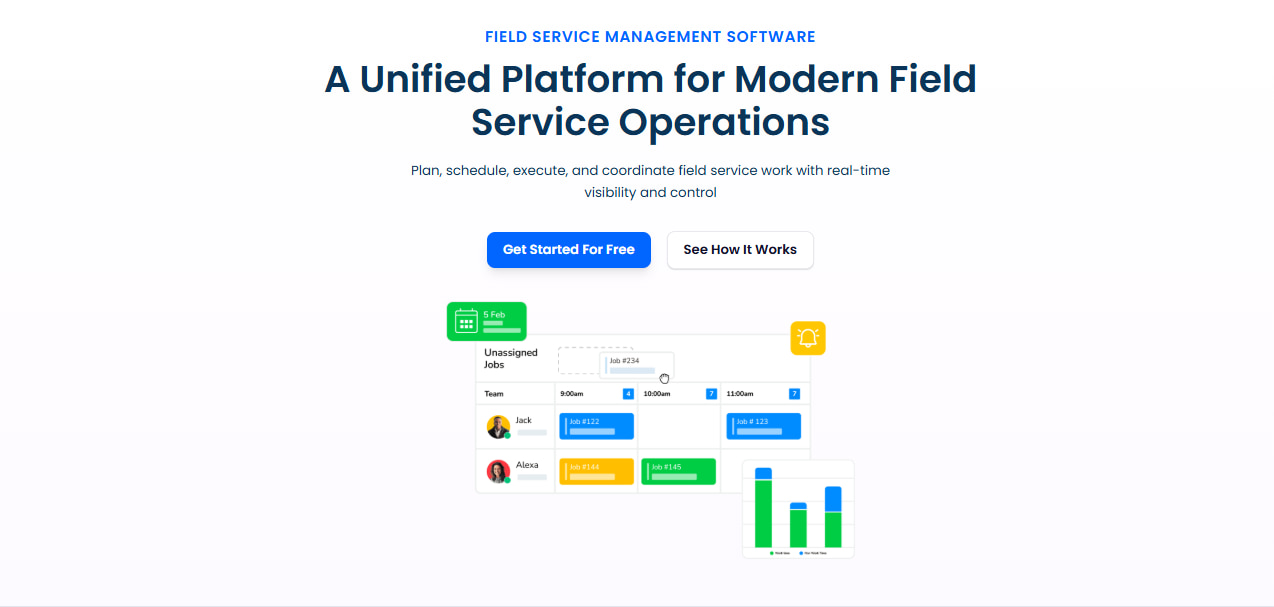
Arrivy is designed for field service businesses that want to manage the job lifecycle while keeping office teams, field workers and customers connected.
Its capabilities include booking, quoting, scheduling, route optimisation, dispatch, live tracking, digital forms, invoicing, reporting and integrations.
The platform’s main advantage is workflow flexibility. Businesses can manage work from the initial customer request through field completion and invoicing, while adapting processes to different service, installation and delivery models.
Arrivy also places greater emphasis on customer communication than many traditional job management systems. Automated confirmations, reminders, arrival updates and progress notifications help keep customers informed without relying on manual follow-up.
Field teams can use their Arrivy mobile app to access job information, complete forms, capture photographs and signatures, and continue working in areas with limited connectivity. Integrations connect Arrivy with accounting, CRM, payment and other business systems. Arrivy’s intelligent AI assistant, SAL AI, also supports tasks such as crew recommendations, information retrieval and job summaries.
Pros
- Covers the workflow from booking and scheduling through field execution, documentation and closeout.
- Strong customer updates, live tracking and configurable offline forms.
- Broad integration options, with 50+ native connections, APIs, webhooks and SAL AI assistance.
- Free 14-day trial available, no card required.
Cons
Arrivy is better described as UK-ready than UK-specific. It supports Xero and provides configurable forms and workflows, but businesses needing named compliance modules such as REFCOM-linked F-Gas functionality should ask for a detailed demonstration of their exact process.
See how UK service teams connect scheduling, fieldwork and customer communication with Arrivy.
Book a demo
2. Joblogic: Best for UK Maintenance and Compliance
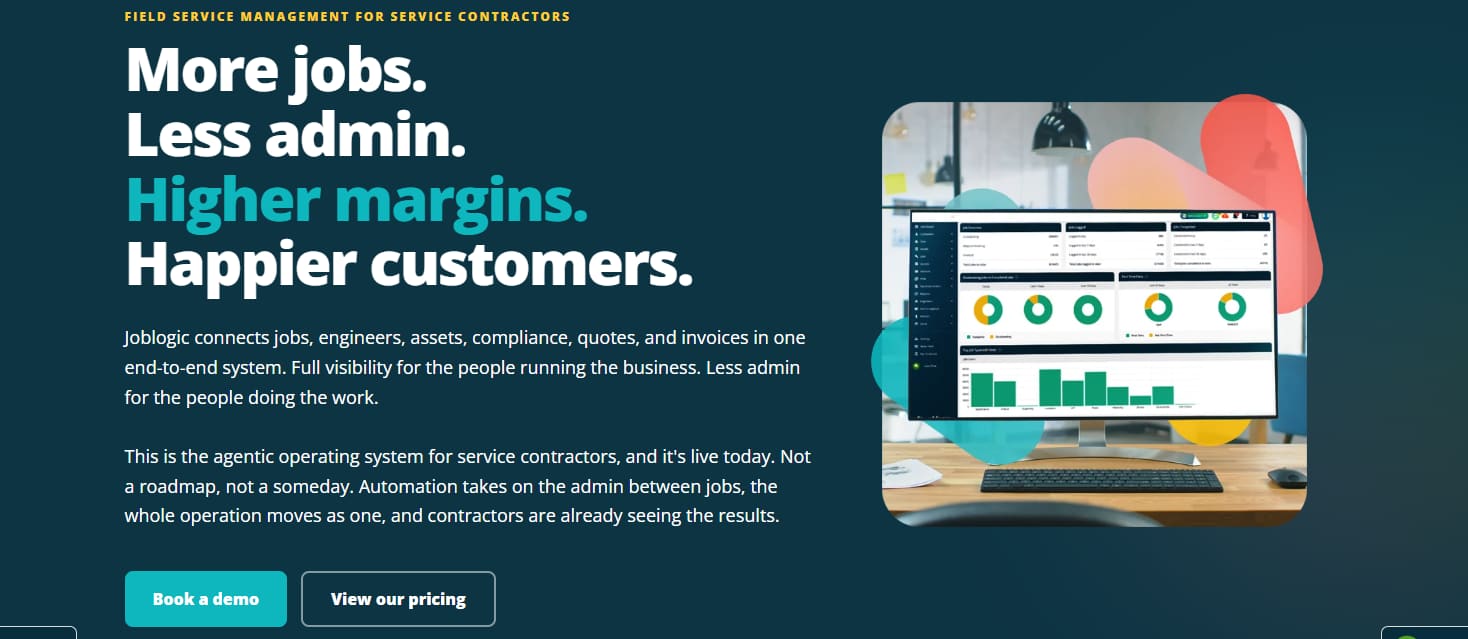
Joblogic is particularly well suited to service and maintenance contractors whose work revolves around customer assets, recurring visits, contracts and compliance documentation.
Its feature set covers scheduling, reactive jobs, planned preventive maintenance, service agreements, mobile working, stock, purchasing, quotations and invoicing.
The platform is especially relevant to HVAC, refrigeration, facilities management, fire and security, building services and similar sectors.
One of Joblogic’s clearest differentiators is its UK compliance focus. It publicly documents F-Gas and refrigerant-tracking functionality developed with REFCOM, alongside support for SFG20 workflows and trade-related forms and certificates.
For businesses where statutory records and recurring maintenance obligations influence the software decision, this may be more valuable than broader workflow flexibility.
Joblogic also provides stock and van inventory management. Parts can be linked to jobs and customer assets, helping businesses understand what has been used, where stock is held and what needs to be reordered.
Accounting integrations include Xero, Sage, QuickBooks, KashFlow and FreeAgent, although the exact workflow varies by accounting product.
Pros
- Strong support for PPM, customer assets, service contracts and UK compliance workflows.
- Native F-Gas and SFG20 capabilities make it relevant to regulated maintenance trades.
Cons
- Its maintenance and compliance depth may be excessive for teams managing only simple reactive jobs.
- Some advanced functions, integrations and operational modules depend on the selected tier or add-ons.
- Properly configuring assets, contracts and compliance processes requires more preparation than a basic scheduler.
3. BigChange: Best for Fleet-Led Field Operations
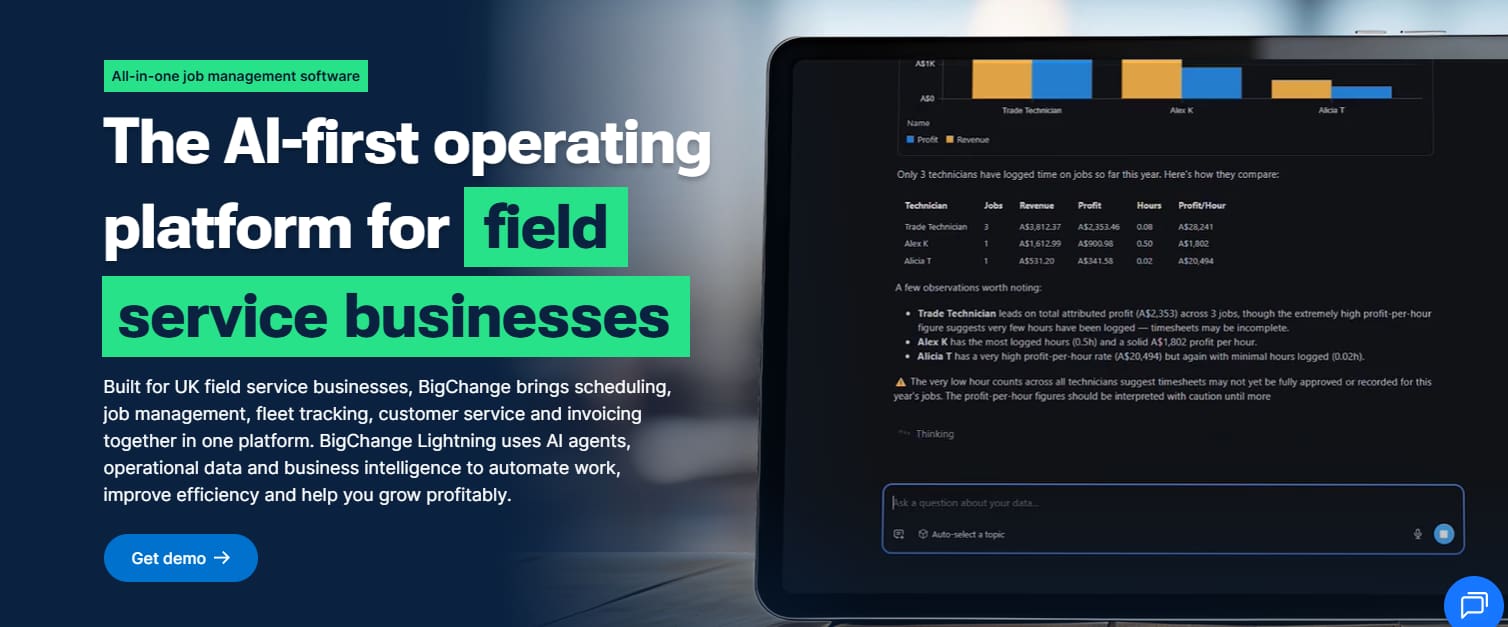
BigChange combines field service management with vehicle and workforce tracking.
It is a natural fit for businesses where vehicles are operational resources rather than simply a way for engineers to travel between jobs.
The platform includes CRM, job scheduling, a mobile engineer application, quotes, invoices, digital job cards, proof of service, customer updates and reporting. Its fleet capabilities add live vehicle visibility, route optimisation and driver behaviour information.
Dispatchers can use factors such as traffic, engineer skills and vehicle equipment when planning work. Customers can also receive tracking links and estimated arrival information.
This combination is useful for organisations that need to manage jobs, people, vehicles and routes in one operational view. It may suit larger service businesses, logistics-linked operations and teams covering wide geographic areas.
BigChange also supports stock visibility across warehouses, engineer vans and supplier locations. Xero and Sage integrations are available for accounting workflows.
Pros
- Combines job management with live vehicle and workforce tracking.
- Route planning can account for traffic, engineer skills and vehicle equipment.
- Core plans include scheduling, mobile working, tracking, quotes, invoicing and UK-based support.
Cons
- Subscription prices are not published, so buyers cannot compare costs without requesting a quote.
- Hardware, devices, dashcams and other fleet services can make total costs harder to assess.
- Businesses without meaningful fleet requirements may not benefit from its main differentiator.
4. Simpro: Best for Complex Projects, Inventory and Job Costing
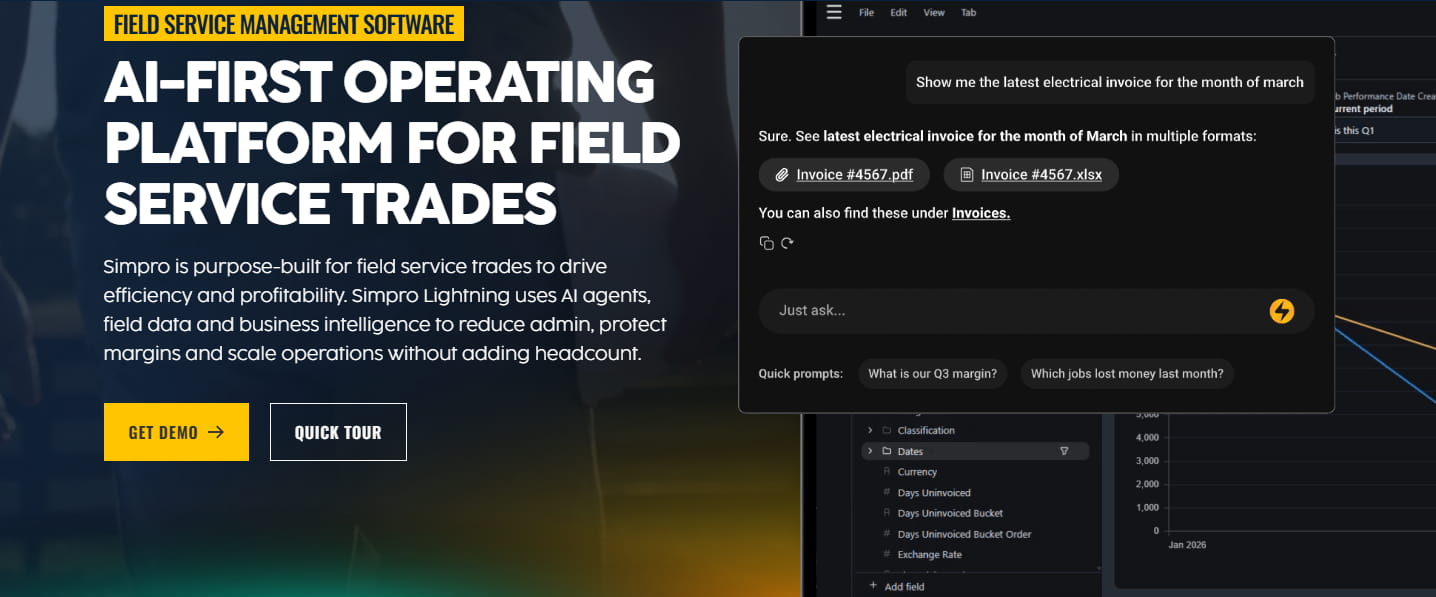
Simpro is designed for established trade contractors managing service work alongside more complex, multi-stage projects.
Its capabilities include estimating, scheduling, project management, service jobs, purchasing, inventory, assets, invoicing, payments and reporting.
The platform’s main advantage is operational and financial depth. It can help a business understand not only whether a job has been completed, but also how labour, materials and purchasing decisions affect profitability.
That makes Simpro particularly relevant to electrical, plumbing, HVAC, fire protection and commercial contractors that need to manage both recurring service work and larger installation projects.
Its inventory functionality covers materials held across warehouses and vehicles. Businesses can track stock, suppliers, pricing and discrepancies while connecting material usage to individual jobs.
Simpro also offers integrations with Xero, QuickBooks, Sage and other accounting and payment systems. UK and Irish customers can access Sage 50 and Sage 200 connections through its marketplace.
Pros
- Strong combination of service management, multi-stage projects, inventory and job costing.
- Detailed purchasing and material tracking support financially complex trade operations.
- Extensive accounting integrations and structured implementation support.
Cons
- Pricing is quotation-based, and an initial setup fee applies.
- Several capabilities, including digital forms, fleet tracking and SMS, are sold as add-ons.
- Simpro acknowledges a learning curve, so teams should expect structured setup and training.
5. ServiceNow: Best for Enterprise Field Service Operations
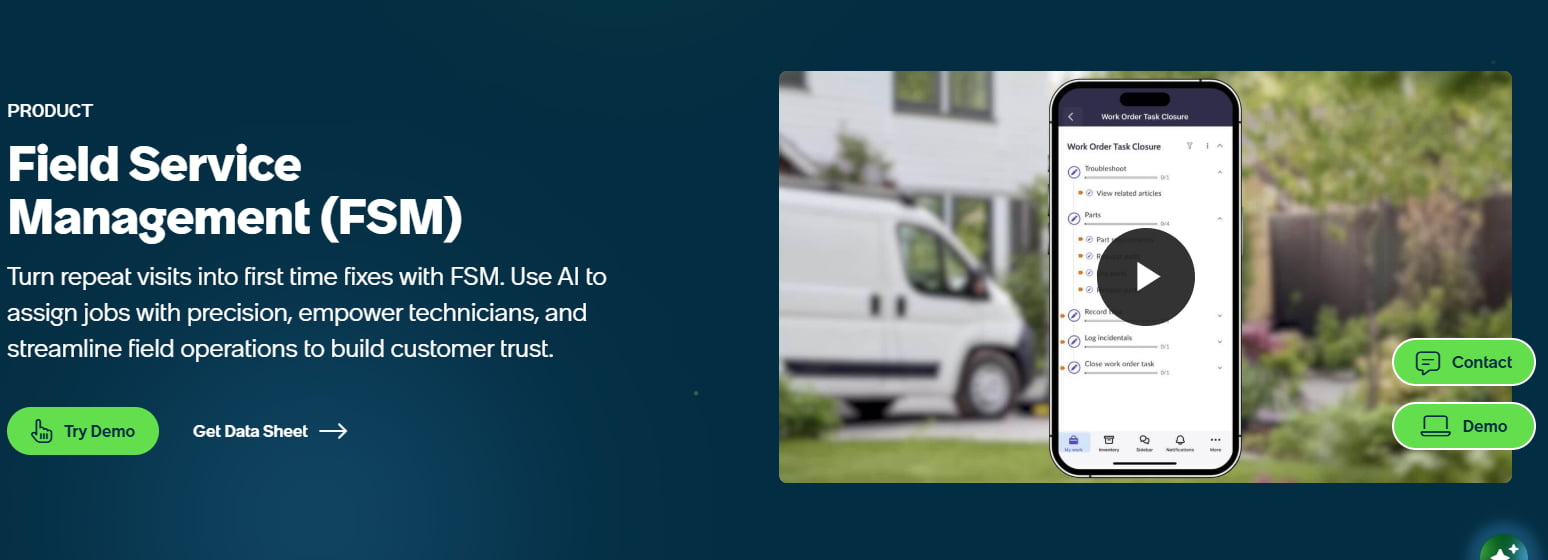
ServiceNow Field Service Management is designed for larger organisations that need to connect field operations with customer service, IT, assets and other enterprise workflows.
Its capabilities include work-order management, scheduling, dispatch, technician and crew assignment, asset records, parts management and mobile working. Jobs can be assigned according to factors such as technician availability, skills, equipment, location and travel time.
Field workers can use the ServiceNow mobile application to view schedules, access job and asset information, update tasks and complete work orders. Offline functionality allows technicians to continue working in areas with limited connectivity and synchronise changes later.
ServiceNow’s main advantage is its ability to connect field service with the wider ServiceNow platform. Work can originate from customer service cases, IT incidents, asset issues or other business processes, giving larger organisations a shared operational environment.
The platform can also support customer appointment booking, service notifications, contractor management and AI-assisted scheduling. However, availability depends on the selected products, plugins and licensing.
Pros
- Connects field service with customer service, IT and asset workflows.
- Advanced scheduling considers skills, availability, equipment and travel.
- Supports work orders, assets, inventory, crews and contractors.
- Mobile application supports offline field working.
Cons
- Pricing is quotation-based, with no public starting price.
- Some capabilities require additional ServiceNow products, plugins or licences.
- Implementation and administration are more complex than with smaller job-management platforms.
- It is likely to be excessive for small businesses needing only scheduling, job sheets and invoicing.
6. OutOnSite: Best for Small UK Teams Seeking Simplicity

OutOnSite is aimed at smaller trade and contracting businesses that want to replace paper job sheets, spreadsheets and informal messaging.
It combines a web-based office system with a mobile application for engineers. Teams can create and allocate jobs, monitor progress, capture photographs, record parts and actions, collect signatures and produce quotes and invoices.
Engineers can save job information without an internet connection and upload it when connectivity returns.
The platform also connects with Xero, allowing customer, service, invoice and payment information to move into the accounting system.
Its main appeal is simplicity. There are no complex pricing tiers, and the rolling monthly contract reduces the commitment for a small business testing a new way of working.
Pros
- Straightforward pricing at £29 plus VAT per user, with no setup fee or long-term contract.
- Simple offline mobile job sheets with photographs, checklists and customer signatures.
- Includes a 30-day trial and Xero invoicing integration.
Cons
-
- Every administrator, office employee and engineer counts as a paid user.
- It does not include a built-in payment solution.
- Its public feature set and integration range are narrower than the more advanced platforms reviewed.
How to Build a Shortlist
A useful software demonstration should follow your workflow rather than the vendor’s standard presentation.
Ask two or three shortlisted providers to complete the same realistic job:
A customer requests work.
The office prepares a quote.
The customer approves it.
A dispatcher assigns an engineer.
The customer receives confirmation.
The engineer completes the work like forms, parts and photos.
The customer signs.
The office receives the completed record.
An invoice is sent to the accounting system.
Payment information returns to the operations team.
Include at least one engineer in the evaluation. Office employees may focus on scheduling and reporting, while field users will notice how long the mobile application takes to load, whether it works offline and how many steps are required to finish a job.
Also test important integrations in detail. An accounting logo on a vendor’s website does not necessarily mean every part of your process is supported. Ask about invoices, payments, tax settings, purchase orders, credit notes, account codes, error handling and duplicate prevention.
For compliance requirements, request a demonstration of the exact document or workflow your business uses. A configurable form builder is useful, but it is not automatically equivalent to a dedicated industry module.
Final Verdict
The right platform depends on the operating model of the business.
Choose Arrivy when your main priority is covering the entire job lifecycle in one system with configurable workflows, offline forms, customer communication, integration flexibility.
Choose Joblogic when planned maintenance, customer assets, service contracts and UK compliance requirements sit at the centre of the operation.
Choose BigChange when jobs, engineers, vehicles and routes need to be managed together.
Choose Simpro when the business handles complex projects and needs detailed control over costing, purchasing and inventory.
Choose OutOnSite when a small team wants a straightforward and transparently priced replacement for paper job management.
The best decision will come from seeing how each system handles the work your team performs every day.