Login
Login



















Solar demand is rising fast, but closing the sale is only the beginning. The real challenge is scaling operations, and field service management software makes it possible.
Solar operations across the United States, especially in fast-growing states like California, Texas, and Florida, need scalable field execution systems to keep up with demand and regulatory complexity. The U.S. Bureau of Labor Statistics projects solar installer jobs will grow 42% through 2034, which means more crews, more job stages, and more chances for execution to break down.
Solar field service management software (FSM) is the system that keeps this complexity under control. It schedules crews, dispatches technicians, and manages each stage from site survey to final inspection, while connecting sales, field teams, and customers in one workflow.
This guide breaks down where solar operations fail, how Arrivy solves those gaps, and what to look for in a platform built for residential installers, commercial engineering, procurement, and construction (EPC) contractors, and operations and maintenance (O&M) teams.
What Is Solar Field Service Management Software?
Solar FSM software is the operational layer between your CRM and your field crews. It turns a closed deal into a scheduled job, moves that job through every stage, and keeps your customer informed throughout.
At a glance, here is why FSM is important:
| Tool | Primary Function | Where It Falls Short for Solar |
|---|---|---|
| CRM | Tracks leads and deals | No field execution or crew management |
| Project management software | Manages tasks and timelines | No dispatch, routing, or mobile field access |
Solar FSM software
Lead Closed → Job Scheduled → Work Completed → Customer Updated
Delivers end-to-end execution, purpose-built for solar operations
What Does FSM Software Do for Solar Companies?
- Converts closed deals into scheduled jobs
- Assigns crews based on availability and location
- Tracks job progress in real time
- Captures photos, signatures, and compliance data
- Automates invoicing after completion
Where Solar Operations Break Down?
Solar projects involve multiple stages, including site audit, permitting, scheduling, installation, inspection, and interconnection approval.
These are the five reasons why solar teams lose the most time and revenue:
1. The Sales-to-Field Gap
Your sales team closes a deal in HubSpot or Salesforce. That data sits there and gets manually re-entered into scheduling tools, leading to errors and missing details.
This gap starts before the deal even closes. Field sales reps go into site visits without the context they need to quote accurately or close confidently.
Arrivy’s Field Sales Ops platform is built for this stage. Reps get a mobile-first app to view their schedule, access lead context, generate a quote on-site, and capture customer sign-off before leaving the property. Once the deal is won, that data flows directly into the field execution workflow with no manual re-entry.
2. Scheduling Without Visibility
Without a centralized dispatch view, double bookings happen. Without a centralized dispatch view, double bookings and inefficient routing become common. Route planning works on gut feel, not location or travel time. A study by Gartner Digital Markets found that nearly 35% of field service businesses still rely on manual methods, making scheduling errors and inefficiencies almost inevitable. For solar teams running multiple crews across multiple sites, that number translates directly into missed jobs and wasted travel time.
3. Paper-Based Field Documentation
Photos on personal phones and paper notes create compliance risks and delay billing.
4. No Customer Communication Loop
Customers often receive no updates, ETAs, or confirmations after signing, leading to a poor experience and reviews.
5. Billing Delays After Job Completion
Jobs are completed, but invoices are delayed due to manual verification and missing documentation.
How Arrivy’s Solar Field Service Management Software Works End to End
Most solar teams run on a mix of tools that work in silos. Arrivy replaces that with one connected operation, from the first qualified lead to the final invoice.
This is how each stage works in practice:
Step 1: Sales-to-Site Handoff
When a deal closes in HubSpot or Salesforce, Arrivy automatically creates a job with all required details.
Step 2: Scheduling and Dispatch
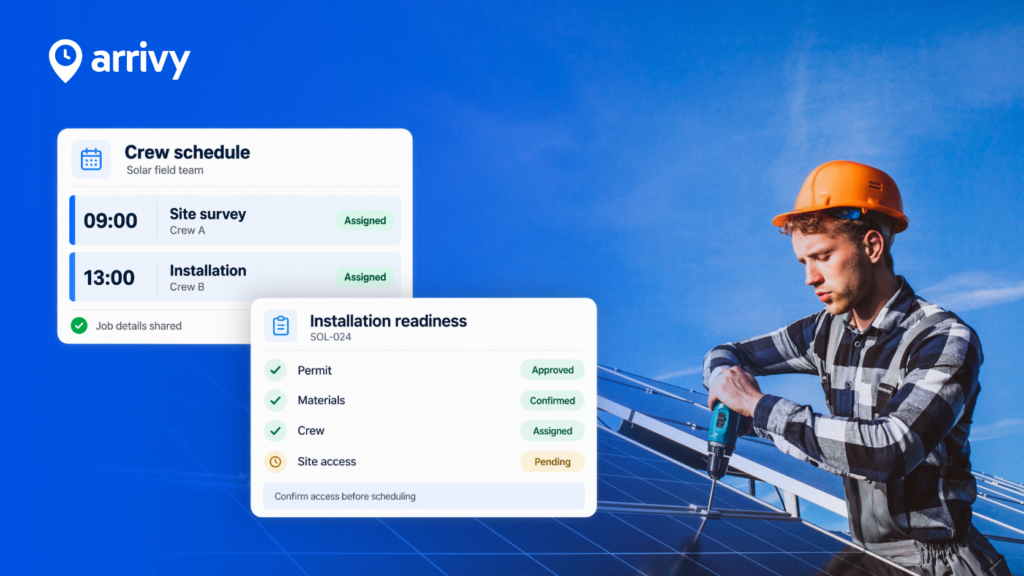
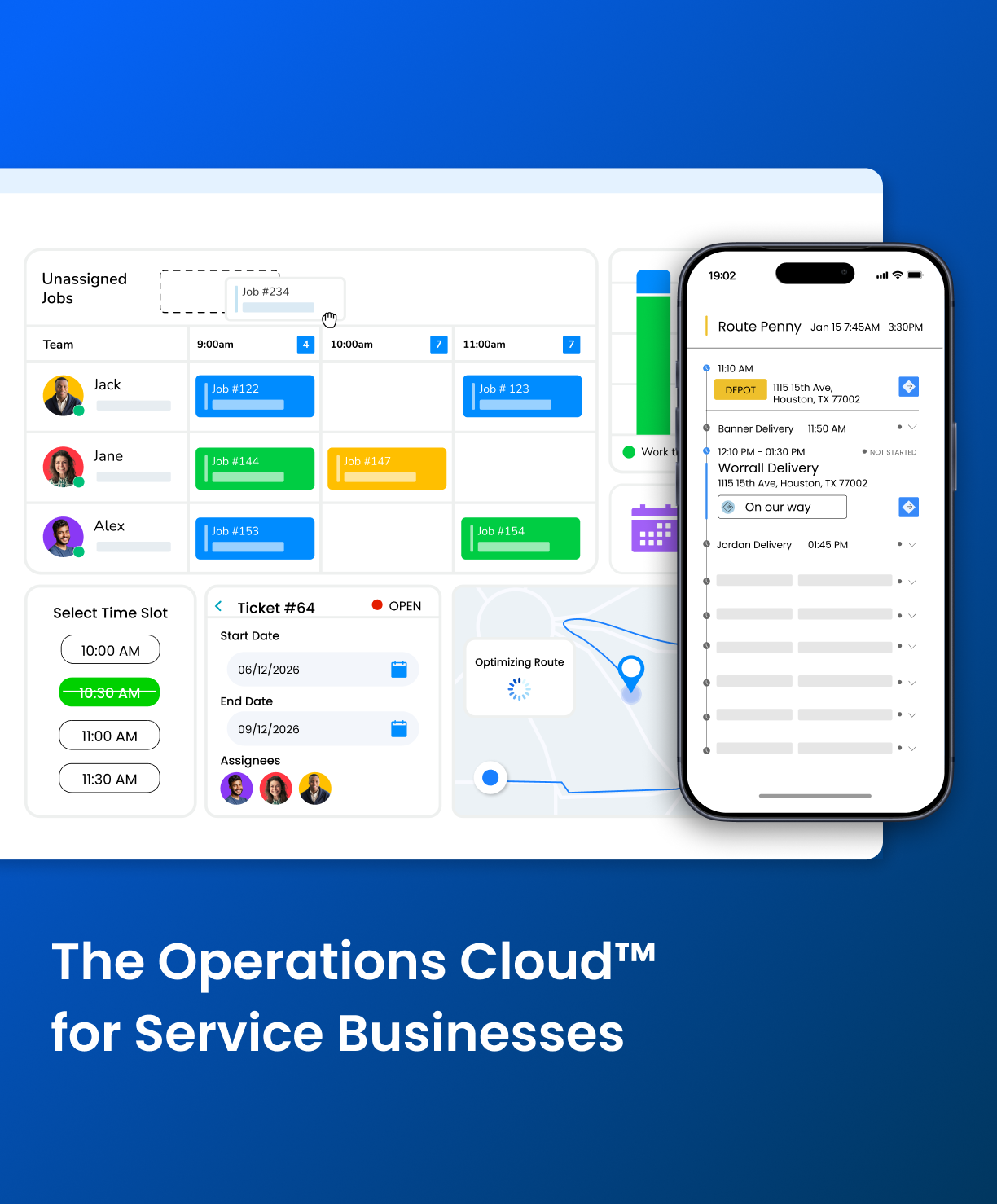
Dispatchers use a live board to assign crews based on availability, location, and skill set. Customers receive automated confirmations.
Step 3: Site Survey and Estimation
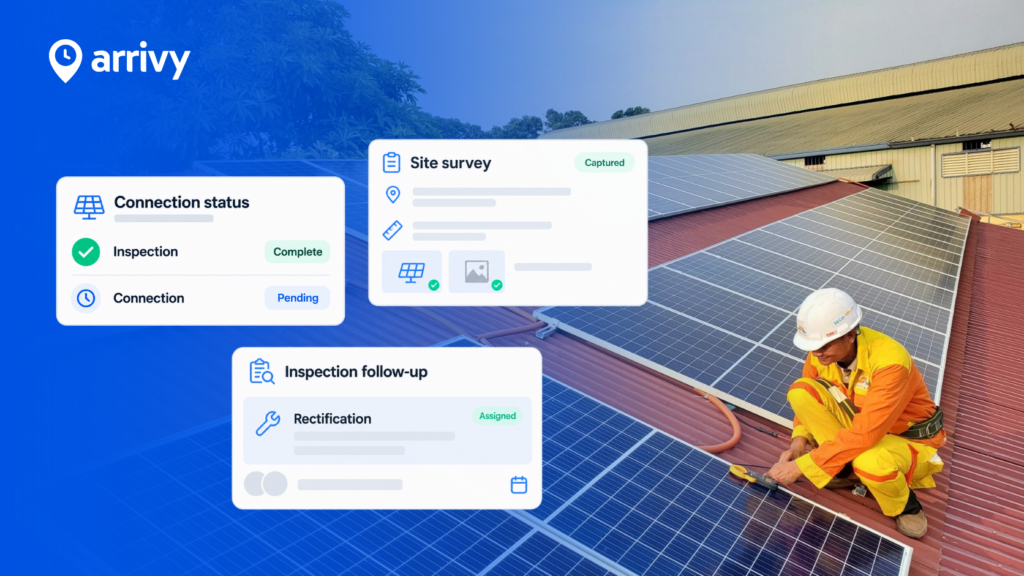
Field reps capture site data, photos, and measurements using digital forms that work offline.
Step 4: Installation Execution
Technicians access job details, update status in real time, and trigger customer notifications automatically.
Step 5: Inspection and Commissioning
Standardized checklists ensure compliance, with photos, signatures, and audit-ready records captured on-site.
Step 6: Invoicing and Payment
Job completion triggers invoicing, synced with accounting tools like QuickBooks and Xero.
Full workflow at a glance:
| Project Stage | How Arrivy Handles It |
|---|---|
| Lead won in CRM | Auto-creates a job in Arrivy |
| Scheduling | Visual dispatch with route optimization |
| Site survey | Digital forms, offline capture, photo documentation |
| Installation | Mobile job access, real-time status updates |
| Inspection | Compliance checklists, e-signatures, and audit records |
| Invoicing | Auto-triggered billing, QuickBooks, and Xero sync |
Why Solar Teams Choose Arrivy Over Other FSM Tools?
Solar teams choose Arrivy because it solves operational gaps that other FSM tools cannot. This is where the difference is made:
1. Scheduling That Adapts to Solar Complexity
- Handles multi-stage jobs (survey → install → inspection → PTO)
- Assigns crews based on certification (not just availability)
- Prevents dispatch conflicts across overlapping project timelines
2. Field Data That Is Audit-Ready
- Every form is tied to a specific project stage
- Photos, signatures, and checklists are structured for compliance
- Eliminates back-and-forth between field and office
3. Customer Communication That Reduces Support Load
- Customers don’t need to call for updates
- Live tracking with automated notifications reduces inbound queries
- Improves review scores without manual follow-ups
4. Invoicing That Starts Before the Job Ends
- Billing is triggered by job completion events
- No manual verification required
- Reduces revenue delays caused by missing documentation
How Different Solar Teams Use Arrivy
This is how different team types can put Arrivy to work:
Residential Solar Installers
Residential teams manage high job volumes with tight turnaround expectations.
Arrivy handles the full residential workflow:
- Reduce the time between deal close and the first site visit
- Eliminate customer follow-up calls for scheduling and updates
- Ensure every install is documented before job closure
For residential teams, the biggest gains come from reducing the time between sales handoff and first site visit, and from cutting the customer communication workload on the office team.
See what a residential solar team says about Arrivy
“ The Arrivy team was a pleasure to work with and completed the implementation efficiently. They stayed professional, responsive, and truly reliable throughout the process.”
Danielle Boenisch
Ambia Solar
Commercial Solar and EPC Contractors
Commercial projects involve multiple crews, longer timelines, and strict compliance.
Arrivy gives commercial teams:
- Coordinate multiple crews across long project timelines
- Maintain audit-ready documentation across all project stages
- Give project managers real-time visibility without field interruptions
Solar O&M Teams
O&M teams manage recurring service, SLA commitments, and distributed assets.
O&M teams use Arrivy this way:
- Maintain SLA compliance across distributed assets
- Standardize maintenance documentation across sites
- Optimize technician routes across large service territories
This is especially critical for managing distributed energy resources (DER) across multiple sites, where consistent documentation and scheduling directly impact performance and SLA compliance.
Solar Plus Storage and EV Installations
Arrivy also supports multi-stage workflows for solar, storage, and EV installations.
What to Look for in Field Service Software for Solar
Evaluate these points before committing to a platform:
Non-Negotiable Capabilities
These are the baseline. If a platform does not cover all of these, it will create gaps in your operation:
- Scheduling and dispatch
- Mobile access
- Digital forms and checklists
- CRM integration
- Customer communication tools
- Invoicing and accounting sync
Solar-Specific Requirements
General field service software stops at work orders. Solar operations require stage-specific workflows, offline capability, and compliance documentation built into every job.
Look for a platform that supports:
- Multi-stage workflows covering survey, installation, inspection, and commissioning
- Offline data capture for remote rooftop and ground-mount sites
- Documentation for utility interconnection and local permit requirements
- Recurring job scheduling for preventive maintenance and O&M contracts
- Photo and e-signature capture tied to specific job stages
According to the International Renewable Energy Agency (IRENA), global solar capacity is expected to reach 5,457 GW by 2030. That scale makes operational infrastructure essential for any company planning to grow.
Conclusion
Winning contracts is not the hard part. Executing them cleanly, at volume, with accurate documentation and a customer experience that generates referrals, that is where solar businesses either build an advantage or fall behind.
Arrivy gives residential installers, commercial EPC contractors, and O&M teams one platform to manage the entire operation. Sales data flows into field execution automatically. Scheduling and route optimization keep crews productive. Digital forms and compliance checklists close documentation gaps. Automated customer communication turns completed installs into five-star reviews.