Login
Login























The best dispatch software for field service businesses in 2026 includes Arrivy, ServiceTitan, FieldPulse, Service Fusion, and Housecall Pro.
What is Dispatch Software?
Dispatch software is a system that helps field service businesses assign jobs, track technicians, optimize routes, and manage real-time operations from a central dashboard.
What features matter most in dispatch software?
The most important features include real-time dispatch dashboards, GPS tracking, route optimization, mobile apps, automated customer communication, and integrations with CRM and accounting systems.
Picking the wrong dispatch software costs you time, jobs, customers, and revenue. This guide covers what dispatch software does, which features matter, and an honest comparison of five platforms worth considering in 2026.
What Is Dispatch Software?
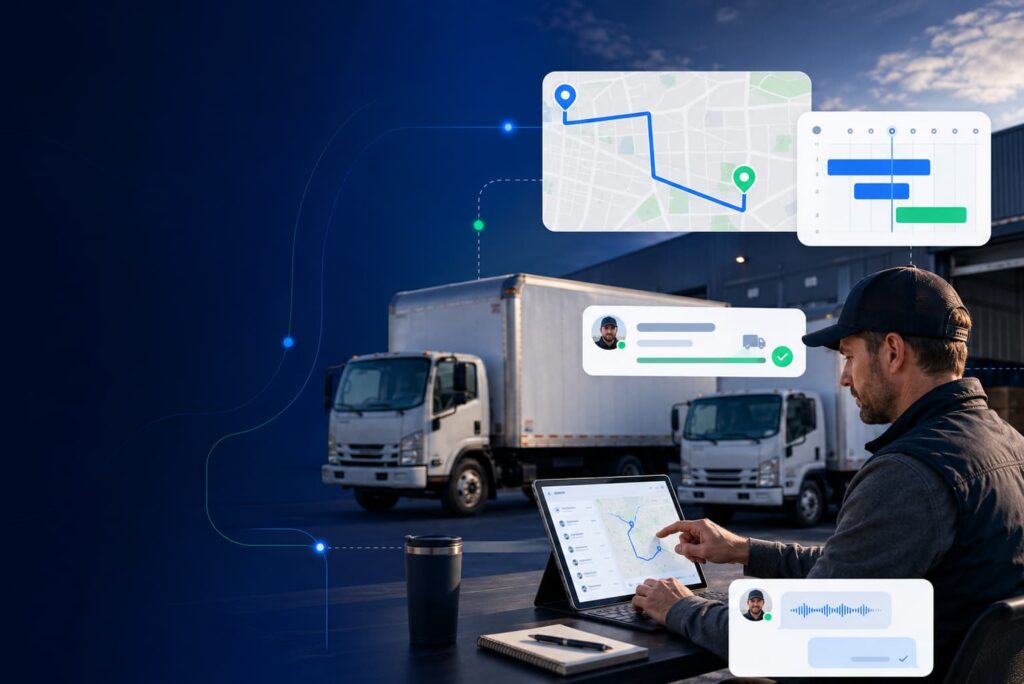
Dispatch software is a platform that lets businesses manage, assign, and track field jobs in real time. Instead of coordinating by phone or spreadsheet, dispatchers see all active jobs, available technicians, and live locations on a single screen. From there, they can assign work, adjust routes, and push updates to field teams instantly. On the customer experience side, the customers get automated updates at each stage of the job without anyone on your team manually sending them.
The term “dispatch software” is often used interchangeably with field service management (FSM) software. In practice, most modern platforms cover both the dispatch layer (who goes where, when) and the operational layer around it (work orders, customer records, invoicing, reporting). For field service businesses, the quality of the dispatching engine is what determines whether the platform is worth using day to day.
How Dispatch Software Works?
At its core, dispatch software connects three groups:
- The office team
- The field team
- The customer
When a job comes in, the dispatcher sees available technicians on a live dashboard with their locations, current workloads, and skill sets. They assign the job (usually by dragging and dropping it onto a schedule), and the technician gets an instant notification on their mobile app with the job details, address, and any customer notes.
While the job runs, the customer gets automated updates, including a confirmation, an “on my way” notification, and job progress details. The dispatcher can monitor progress in real time and reassign or adjust if something changes.
When the job is done, the technician closes it out on their phone with notes, photos, digital signature, and sometimes even the payment collected on-site. That data flows back to the office automatically, triggering invoicing, reporting, and the next follow-up.
The whole loop from booking to payment runs without anyone having to make a call or manually update a spreadsheet.
Key Features to Look for in Dispatch Software
Not all dispatch software is built the same. Before you commit to any platform, these are the capabilities that actually matter for day-to-day field operations:
5 Best Dispatch Softwares for Field Service Teams in 2026
1. Arrivy
Best for: Teams that need real-time dispatch with deep integrations across existing tools and locations.
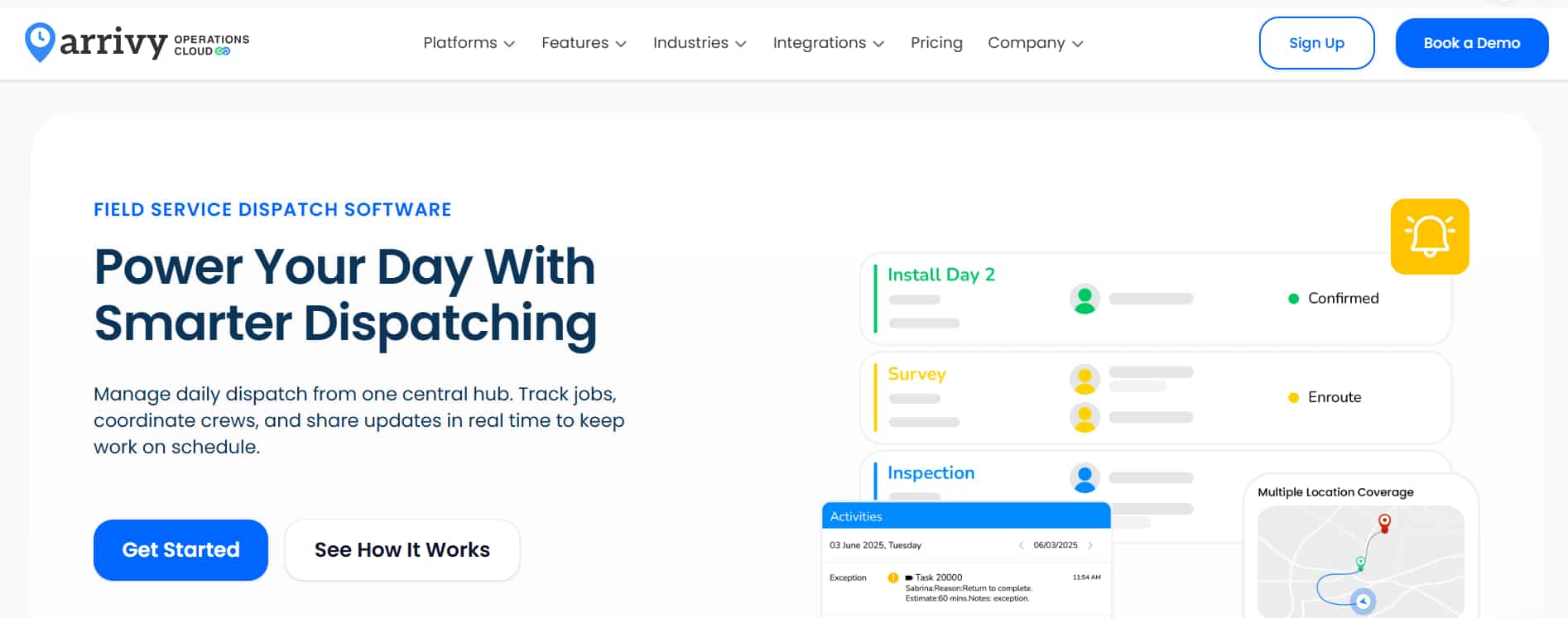
Arrivy connects dispatchers, field crews, and customers through one platform – while integrating with the tools your business already runs. With 50+ native integrations including Salesforce, HubSpot, QuickBooks, CompanyCam, and Xero, it sits on top of your existing tech stack rather than replacing it.
The Dispatch Dashboard shows all active jobs, crew locations, and task statuses in one live view. Dispatchers reassign jobs, reroute crews, and push automatic updates to technicians and customers without leaving the screen. Route optimization runs on AI for smarter job sequencing and reduced drive time.
The mobile app works offline and syncs when connectivity returns. On the customer side, self-scheduling and automated notifications across the full job lifecycle reduce inbound calls to the office. Arrivy supports multi-location operations and high-volume scheduling without needing to be replaced as the team grows.
Pros
- Largest integration ecosystem of the five platforms compared here
- Configurable workflows with customization
- Works for teams of 5 and for multi-location operations with 200+ field staff
- 14-day free trial available
Cons
- Custom pricing required for larger deployments
Why Arrivy Ranks #1 for Dispatch?
Arrivy combines real-time dispatch control, AI-powered route optimization, and the largest integration ecosystem in this comparison. Unlike tools that require replacing your existing systems, Arrivy connects directly with CRM, accounting, and operational tools, making it easier to scale without disruption.
Start your free 14-day trial and see how dispatching, scheduling, and customer communication work together in one system.
2. ServiceTitan
Best for: Trade contractors with 10 or more technicians and a full office team managing operations.
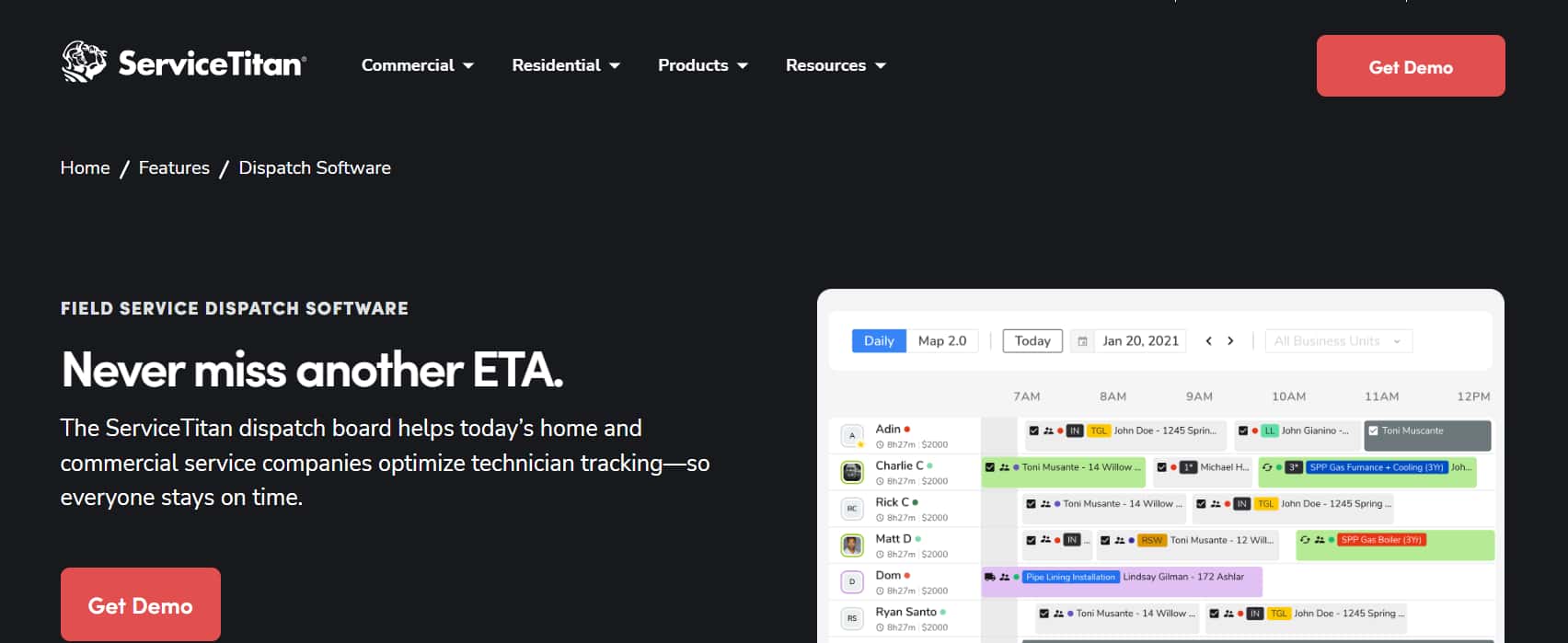
ServiceTitan covers the full scope of a trade service business with dispatching, CRM, marketing, invoicing, payroll, and reporting in one platform. The dispatch board includes drag-and-drop scheduling, live GPS, two-way SMS, and automated customer notifications. Reporting is extensive, with pre-built and customizable dashboards available across plans.
Real-world costs run $250 to $500 per technician per month, before add-ons. Marketing Pro, Dispatch Pro, Phones Pro, and Fleet Pro are all separate paid modules. A 15-person team can easily exceed $7,500 per month. Pricing isn’t published on the official website – you need a sales call to get a number. Implementation typically takes months.
ServiceTitan makes sense for contractors running $3M or more in revenue with a dedicated office team. For smaller operations, the cost and complexity don’t pay off.
Pros
- Most complete feature set available for trade service businesses
- Dispatch board handles complex, high-volume operations well
- Large integrations marketplace and active user community
Cons
- High per technician per month expense, plus add-on costs
- Implementation takes months for most businesses
- Not cost-justified for teams under 10 technicians
3. FieldPulse
Best for: Small to mid-sized service teams (2 to 25 technicians) that want scheduling, CRM, and invoicing in one tool.
FieldPulse covers scheduling, dispatch, GPS tracking, CRM, estimates, invoices, and payments in one platform at a price point well below ServiceTitan. The dispatch board is visual and intuitive, and a small team can replace several separate tools with one subscription.
Customer support is FieldPulse’s clearest differentiator. It is the highest-rated in customer support in this comparison (G2 Quality of Support ~9.5/10; Capterra Customer Service ~4.7/5). For a small business without IT support, that matters.
Beyond roughly 25 technicians, the reporting and workflow automation feel underpowered. There’s no AI-powered technician matching. Pricing is no longer publicly listed.
Pros
- Fast to learn with minimal training required
- Best customer support in this comparison by a significant margin
- True all-in-one for small teams: no separate invoicing or CRM tools needed
Cons
- Reporting and automation underpowered for teams over 25 technicians
- No intelligent technician matching in dispatch
- Pricing not publicly listed
4. Service Fusion
Best for: Field service teams of 5 to 50 technicians that want flat-rate pricing and core FSM features.
Service Fusion charges a flat monthly rate regardless of technician count. Add three techs and the bill doesn’t move. For a team growing from 5 to 15 people, this is frequently the most cost-effective option in the mid-market.
The platform covers scheduling, GPS fleet tracking, route optimization, customer communication, estimates, invoices, QuickBooks integration, and e-signature. It handles the full operational cycle for straightforward service work.
Two weaknesses show up consistently in current user reviews: the mobile app is below competitors in reliability and polish, and customer support has drawn criticism for slow response times and unresolved issues.
Pros
- Flat-rate pricing is more cost-effective than per-user models at 5 or more technicians
- Covers all core dispatch and FSM needs
- Solid reporting capabilities for the price point
Cons
- Mobile app reliability and experience fall behind competitors
- Customer support quality has declined based on recent reviews
- Steeper learning curve than Housecall Pro or FieldPulse
5. Housecall Pro
Best for: Small home service businesses (1 to 15 technicians) that need a fast, reliable platform with minimal setup.
Housecall Pro is the fastest platform on this list to get operational. The mobile app is among the highest-rated in the category – technicians are typically comfortable within a day. Automated booking confirmations, appointment reminders, “on my way” notifications, and review requests all run without manual setup. For small residential operations in HVAC, plumbing, electrical, or cleaning, it covers the full job cycle cleanly.
The pricing model doesn’t scale well. The Basic plan is too limited for most real operations. Add per-user fees and the add-ons needed for GPS and advanced reporting, and monthly costs frequently exceed what the plan page implies. Once you exceed the MAX plan’s 8-user cap, additional users cost $35/month each. At that scale, reporting depth and commercial job handling also start to feel like constraints.
Pros
- Fastest to learn and deploy of the five platforms compared here
- Highest-rated mobile app experience for field technicians
- Customer communication features are reliable and professionally presented
Cons
- Per-user pricing increases significantly as team grows
- Limited depth for commercial or multi-day jobs
- Advanced reporting requires higher-tier plans
Dispatch Software Comparison Table
| Arrivy | ServiceTitan | FieldPulse | Service Fusion | Housecall Pro | |
|---|---|---|---|---|---|
| Best fit | Multi-industry, integration-heavy ops | Large trade contractors | Small to mid teams) | Growing teams, cost-sensitive | Small residential businesses |
| Starting price | $75/month | ~$250/tech/month | Quote-based | $208/month annual (unlimited users) | $59/month annual (1 user) |
| Route optimization | AI-powered | Yes | Basic | Yes | Basic |
| Offline mobile app | Yes | Yes | Yes | Limited | Yes (offline viewing) |
| Native integrations | 50+ | 30+ | Limited | Limited | Limited |
| Pricing model | Per user | Per user | Per user | Flat rate, unlimited users | Per user |
| Free trial | Yes (14 days) | No | No | No | Yes (14 days) |
| Best team size | 5 to 200+ | 10 to 500+ | 2 to 25 | 5 to 50 | 1 to 15 |
Want to simplify your dispatch and field operations? See how Arrivy helps you schedule, dispatch, and manage jobs in real time – with 50+ integrations, AI-powered routing, and automated customer updates built in.
Common Mistakes When Choosing Dispatch Software
Choosing based on price alone. The starting price is rarely what you’ll actually pay. Add-ons, per-user fees, and implementation costs change the number significantly. A platform that’s $50/month cheaper but doesn’t integrate with your accounting system costs you in manual reconciliation time every week. Look at total cost over 12 months, not just the plan page.
Skipping the integration check. Your dispatch software connects to your accounting system, CRM, and potentially fleet tracking or payment tools. If those integrations don’t work reliably, you end up with data silos that your team manually bridges. Before signing anything, test the specific integrations your business depends on.
Buying for today’s team size only. A platform built for 5 technicians often can’t handle 20 without a migration. Before you commit, ask what happens to monthly costs when you add people, whether the platform supports multiple locations, and whether the reporting depth is adequate for a larger operation. Migrations are expensive. Choosing a platform with headroom upfront avoids them.