Login
Login





















Key Takeaways
- Cleaning business software helps cleaning companies manage scheduling, recurring jobs, cleaner assignments, dispatch, routes, customer communication, time tracking, service documentation, and reporting.
- This guide compares Arrivy, Jobber, Housecall Pro, ZenMaid, Swept, and TEAM Software by WorkWave using the same operational criteria.
- Arrivy is the best overall fit for growing multi-crew cleaning operations that need scheduling, dispatch, route optimization, real-time crew visibility, proof of service, and customer updates in one connected workflow.
- Jobber is a strong choice for small and growing cleaning businesses that want scheduling, customer management, quoting, invoicing, and payments in one platform.
- Housecall Pro is best suited to service businesses that prioritize online booking, scheduling, customer management, invoicing, payments, and home-service workflows.
- ZenMaid and Swept serve more specialized cleaning needs: ZenMaid focuses on recurring residential maid services, while Swept is designed around commercial janitorial workforce management and quality control.
- TEAM Software by WorkWave is better suited to larger commercial cleaning organizations that need enterprise workforce management, payroll, accounting, job costing, and reporting.
- The best cleaning software ultimately depends on team size, scheduling complexity, field visibility needs, integrations, service model, and total cost, so buyers should compare each platform against their actual day-to-day workflow.
Cleaning gets complicated operationally before it ever gets complicated on site.
With a few recurring customers, a shared calendar and some messages may be enough. Add more cleaners, more appointments, changing availability, access instructions, travel between jobs, last minute reschedules, and customers expecting proof that the work was completed, and suddenly the calendar is only one small part of the problem.
That is where cleaning business software becomes useful. The right platform should not just tell teams where to be. It should help the office keep every job moving from booking and scheduling to field execution, service verification, and completion.
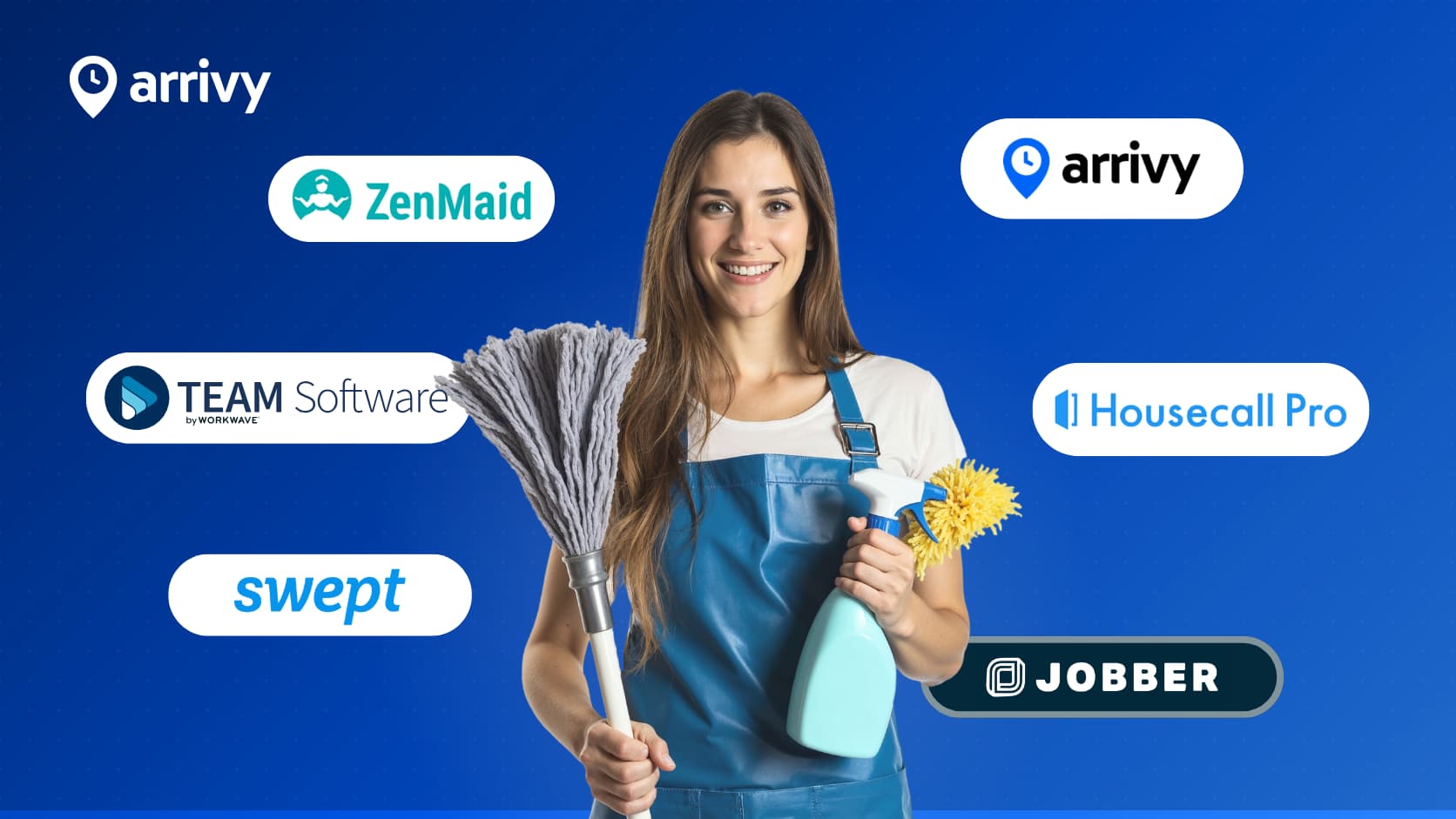
For this guide, we compared six cleaning business software platforms, including Arrivy, Jobber, Housecall Pro, ZenMaid, Swept, and TEAM Software by WorkWave.
All six were evaluated against the same operational criteria, including scheduling, dispatch, routes, field visibility, mobile execution, proof of service, customer communication, time tracking, integrations, and reporting.
“Disclosure: Arrivy publishes this comparison and is one of the platforms reviewed. To keep the comparison useful, each product has been evaluated against the same operational criteria using current vendor documentation and publicly available pricing.“
Quick Answer: Best Cleaning Business Software in 2026
There is no single best cleaning software for every company. The right choice depends on how work is scheduled, how many cleaners need to be coordinated, how customers interact with the business, and how much operational visibility managers need after cleaners leave the office.
Our top picks by operational need:
- Arrivy –Growing multi-crew operations requiring dispatch, routing, live field visibility, proof of service, and customer updates
- Jobber –Small and growing cleaning companies wanting scheduling, quoting, invoicing, payments, and customer management
- Housecall Pro –Service businesses prioritizing booking, scheduling, payments, customer management, and home-service workflows
- ZenMaid –Recurring maid services wanting cleaning-specific scheduling and cleaner coordination
- Swept –Commercial janitorial operations focused on timekeeping, inspections, workforce communication, and quality control
- TEAM Software by WorkWavet –Large cleaning contractors requiring enterprise workforce, payroll, accounting, and service management
A small cleaning business may primarily need recurring appointments, invoicing, and reminders. A larger operation managing multiple crews across a wide service area may care more about crew availability, route efficiency, same-day dispatch, service verification, and multi-location reporting.
That difference matters more than the number of features listed on a pricing page.
What Is Cleaning Business Software?
Cleaning business software helps cleaning companies manage recurring and one-time jobs, employee schedules, crew assignments, routes, customer information, job instructions, checklists, time tracking, service documentation, communication, and reporting.
More advanced systems also connect the schedule to what is happening in the field, allowing office teams to track job progress, respond to delays, document completed work, and keep customers informed without relying on repeated phone calls and text messages.
For example: A cleaning company may have three recurring office jobs scheduled in the morning and several residential appointments later in the day. If one cleaner calls out, the office can reassign jobs, adjust routes, notify affected customers, and track which team members have arrived or completed their work. Cleaners can then use the mobile app to follow job instructions, complete checklists, upload photos, and record completion, giving the office a clear view of each job without manually chasing updates.
Cleaning Business Software Comparison
The table below compares the six products across the operational capabilities most relevant to cleaning companies.
A few distinctions are important when reading it.
Seeing appointments on a map is not the same as automatically optimizing their order. GPS verification at clock-in is not the same as continuous crew tracking. And allowing a cleaner to mark a job complete is different from collecting checklists, photos, timestamps, signatures, and other evidence of service.
| Capability | Arrivy | Jobber | Housecall Pro | ZenMaid | Swept | TEAM Software |
|---|---|---|---|---|---|---|
| Recurring scheduling | Yes | Yes | Yes | Yes | Yes | Yes |
| Drag-and-drop scheduling | Yes | Yes | Yes | Yes | Yes | Not clearly documented |
| Crew availability | Yes | Yes | Yes | Pro Max | Yes | Yes |
| Dispatch | Yes | Yes | Yes | Yes | Yes | Yes |
| Route optimization | Yes | Yes | Advanced on Max | Route awareness | Not a core feature | Not a core cleaning feature |
| Real-time crew tracking | Yes | GPS waypoints | Plan-dependent | GPS check-ins | Yes, plan-dependent | Yes, through Lighthouse |
| Job status visibility | Yes | Yes | Yes | Yes | Yes | Yes |
| Digital forms | Yes | Yes | Checklists/documentation | Limited | Yes | Yes |
| Cleaning checklists | Yes | Yes | Yes | Pro | Plan-dependent | Yes |
| Offline field use | Yes | Yes | Partial | Not clearly documented | Not clearly documented | Not clearly documented |
| Photos | Yes | Yes | Yes | Yes | Yes | Yes |
| Signatures | Yes | Yes | Selected workflows | Not clearly documented | Not clearly documented | Yes |
| Proof of service | Yes | Yes | Yes | Partial | Yes | Yes |
| Customer reminders | Yes | Yes | Yes | Yes | Plan-dependent | Yes |
| ETA / arrival visibility | Yes | Notifications | Yes | Limited | Limited | Limited |
| Customer portal | Yes | Yes | Yes | Limited | Scale | eHub |
| Online booking | Yes | Yes | Yes | Yes | Not a core feature | Not a core feature |
| Time tracking | Yes | Yes | Yes | Yes | Yes | Yes |
| Multi-location management | Yes | Available | Verify requirements | Limited | Yes | Yes |
| QuickBooks / accounting | Yes | QuickBooks Online | QuickBooks Online | Listed as coming soon | QuickBooks payroll | Integrated accounting / APIs |
| Reporting | Yes | Yes | Yes | Yes | Yes | Yes |
Note: Features can vary by subscription plan, configuration, geography, or module. “Not clearly documented” means sufficient current public documentation was not available to treat the capability as a standard feature. Buyers should verify any business-critical requirement directly with the vendor.
How We Evaluated Cleaning Business Software
We evaluated each platform based on how well it supports the real operating cycle of a cleaning company, not simply on the number of features it offers. Our review combined current vendor documentation, publicly available pricing, and information available through Capterra, including product listings and user feedback, to get a more practical view of how each platform performs. We focused on how effectively each system helps teams manage recurring and one-time work, respond to schedule changes, coordinate cleaners, plan routes, support field execution, document completed service, communicate with customers, track labor, connect with other business systems, and report on operational performance. No single capability determined the ranking; we considered how well these areas work together in day-to-day cleaning operations.
6 Best Cleaning Business Software Platforms
1. Arrivy — Best for Growing Multi-Crew Cleaning Operations
Arrivy is designed around coordinating work that happens away from the office.
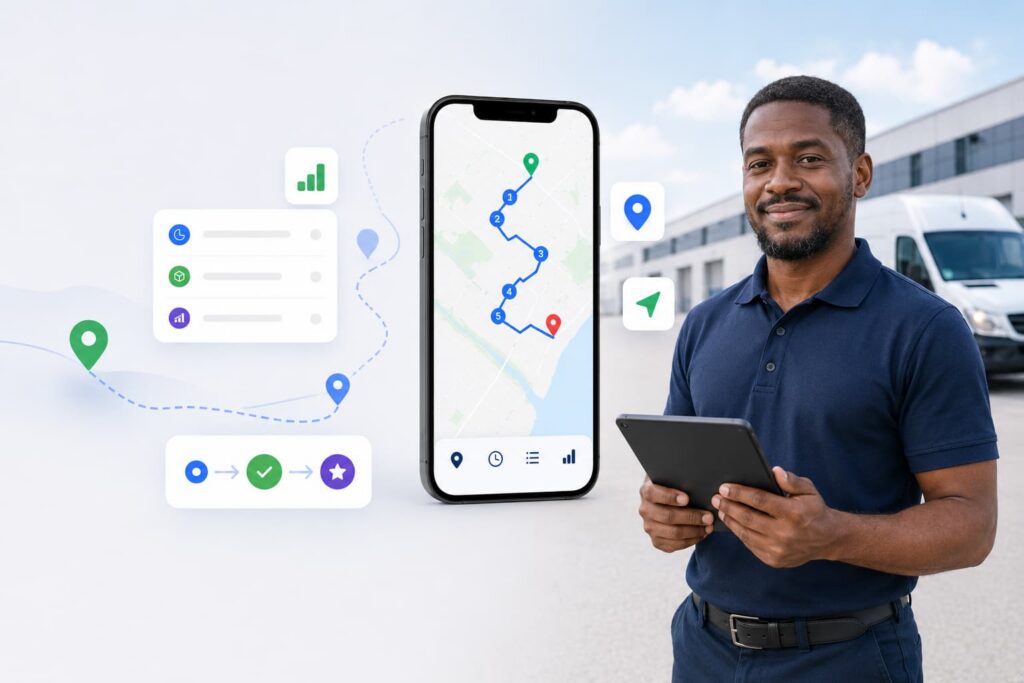
For cleaning businesses, its strongest use case is connecting the different stages of daily operations rather than treating scheduling as an isolated function. A job can move from booking and scheduling into crew assignment, dispatch, route planning, field status updates, service documentation, customer communication, time tracking, and completion while remaining part of the same operational workflow.
Office teams can monitor task progress and crew location, while cleaners can use the mobile experience to access information and document work. Customers can also receive automated updates and tracking information.
That makes Arrivy particularly relevant once a cleaning company has enough crews, appointments, service territories, and schedule changes that managers need visibility into what is happening throughout the day.
Pros
- Strong connection between scheduling and field execution
- Real-time dispatch and crew visibility
- Route planning beyond basic map display
- Detailed proof-of-service capabilities
- Offline forms
Cons
- More operational functionality than a very small cleaning business may need
- Some advanced capabilities require Premium or higher configurations
Pricing
Arrivy starts at $25 per full-access user/month for Standard and $50 for Premium, with a three-user minimum. Enterprise pricing is custom, while Premium adds features such as digital forms, route planning, advanced reporting, and integrations.
Best For
Arrivy is better suited to companies that need to coordinate what happens after the schedule is published:
Schedule → Dispatch → Route → Field Work → Proof → Customer Update
A small company mainly looking for invoicing and a recurring calendar may find a simpler system sufficient.
See How Arrivy Handles Cleaning Operations
Arrivy’s Crew Management Capabilities
2. Jobber — Best for Small and Growing Cleaning Businesses
Jobber combines field service operations with the administrative side of managing customers.
Cleaning businesses can manage requests, quotes, recurring appointments, scheduling, field work, invoices, payments, and customer self-service within the same ecosystem.
That breadth is one of Jobber’s main strengths.
It can be particularly useful for a smaller operation where the same office team handles scheduling, customer communication, invoicing, and payment collection.
Its operational capabilities go beyond a basic calendar. Current functionality includes route optimization, GPS waypoints, forms and checklists, time tracking, and offline mobile workflows.
Pros
- Strong combination of front-office and field-service functions
- Good for managing the customer lifecycle in one application
- Mature customer self-service experience
- Supports recurring service work
- Route optimization available
- Checklists can incorporate photos and signatures
Cons
- Some useful operational features require higher plans
- GPS waypoints are different from continuous live workforce tracking
- Cost increases as additional users and higher tiers are required
Pricing
Jobber advertises plans starting at $29 per month with annual billing.
Its pricing is structured across Core, Connect, Grow, and Plus plans. Features, supported users, and pricing increase by tier.
Companies should calculate the cost using their actual number of office users and cleaners rather than comparing entry-level prices alone.
Best For
Jobber is a good fit for small and growing cleaning companies that want scheduling, quoting, invoicing, and payments in one platform, with a stronger focus on administrative simplicity than enterprise workforce management.
3. Housecall Pro — Best for Booking and Payment Workflows
Housecall Pro combines service management with customer acquisition, booking, estimates, invoices, payments, and review workflows.
For cleaning businesses serving homeowners, that creates a clear path from a customer finding the company to booking a job, receiving service, paying, and potentially leaving a review.
The scheduling system supports recurring and one-time work, visual calendar changes, dispatch, and employee availability. Higher plans expand operational capabilities with employee GPS tracking, routes, checklists, photo reporting, QuickBooks integration, and route optimization.
Pros
- Strong booking-to-payment workflow
- Visual scheduling and dispatch
- Online booking available
- Good customer management tools
- Customer portal
- GPS and routing capabilities
Cons
- Several field-operation features require more expensive plans
- Advanced route optimization sits on Max
- The system is designed for home service businesses broadly rather than cleaning alone
Pricing
Housecall Pro starts at $59/month for Basic, $149/month for Essentials, and $299/month for Max with annual billing, with user limits of 1, 5, and 8 respectively.
Best For
Housecall Pro is worth considering when customer acquisition and administrative workflows are as important as cleaning operations.
Its natural workflow looks more like:
Booking → Schedule → Service → Invoice → Payment → Review
That makes it attractive for consumer-facing cleaning businesses but less specialized for companies primarily concerned with janitorial inspections, enterprise labor management, or complex commercial contracts.
4. ZenMaid — Best for Recurring Maid Services
ZenMaid is the most cleaning-specific option in this comparison for businesses built around recurring maid service.
Instead of trying to cover many field-service industries, its workflows focus heavily on cleaner scheduling, repeat customers, automated communication, booking, and simple field execution.
That narrower scope can be an advantage for a residential cleaning company that does not need sophisticated dispatch infrastructure or enterprise financial management.
ZenMaid provides recurring schedules, drag-and-drop changes, cleaner assignments, map and dispatch views, online booking, automated reminders, cleaning checklists, GPS time tracking, and payroll-related tools.
Pros
- Designed specifically for maid services
- Strong recurring scheduling
- Simple cleaner-focused experience
- Lower entry price than many broad FSM platforms
- Automated customer and cleaner communication
- Online booking built around cleaning services
Cons
- Less suited to complex same-day dispatch
- Route functionality is closer to route awareness than advanced optimization
- Live customer ETA tracking is not a central capability
- Offline functionality is not clearly documented
Pricing
ZenMaid starts at $19/month for Starter, $39/month for Pro, and $49/month for Pro Max, with higher tiers adding unlimited appointments, cleaner availability, PTO management, and more integrations.
Best For
ZenMaid is a natural fit for residential maid companies where repeat customers, predictable recurring appointments, cleaner assignments, and automated communication make up most of the operating model.
A company managing larger geographic territories or significant same-day dispatch should examine routing and field visibility requirements carefully.
5. Swept — Best for Commercial Janitorial Teams
Swept is built around a different cleaning environment.
Rather than focusing heavily on individual household bookings, it is designed for janitorial companies managing cleaners across contracted customer locations.
As a result, the product places more emphasis on workforce scheduling, attendance, location instructions, inspections, checklists, client communication, travel time, and service quality.
For a commercial cleaning company, questions such as whether the cleaner arrived at the correct building, completed the required work, or passed an inspection may be more important than online booking or consumer-style arrival tracking.
Swept is designed around those requirements.
Pros
- Purpose-built for janitorial operations
- Strong attendance and timekeeping
- Useful inspection and quality-assurance tools
- Location-specific instructions
- Geofencing
- Designed for companies operating across many customer sites
Cons
- Route optimization is not a primary capability
- Less focused on consumer online booking
- Customer ETA tracking is not central to the product
- Some stronger client and quality features require higher tiers
- Offline capabilities are not clearly documented
Pricing
Swept uses location-based pricing with unlimited users.
Current starting prices are:
- Launch: Starting at $30/month
- Optimize: Starting at $150/month
- Scale: Starting at $225/month
Pricing increases based on the number of locations being managed.
Best For
Swept makes sense for commercial cleaning companies where managers need reliable answers to questions such as:
- Did the cleaner arrive?
- Was the shift started on time?
- Was the required cleaning completed?
- Was the site inspected?
- How much time was spent at the account?
- Can the company demonstrate service quality to the client?
That makes it particularly relevant for janitorial contractors managing multiple customer facilities.
6. TEAM Software by WorkWave — Best for Enterprise Cleaning Operations
TEAM Software sits at the enterprise end of the market.
Its product ecosystem is designed for commercial cleaning and security businesses managing large workforces and extensive back-office requirements.
Rather than centering the product around a lightweight scheduler, TEAM connects workforce operations with payroll, accounting, HR, job costing, inspections, employee self-service, customer access, and business intelligence.
Its products include WinTeam for ERP and back-office management, Lighthouse for field workforce management, eHub for employee and customer self-service, TeamTime for time and attendance, and Wavelytics for analytics.
TEAM specifically positions its primary solutions toward commercial cleaning and security businesses with more than 100 employees.
Pros
- Designed for large commercial cleaning contractors
- Strong workforce management
- Connects operational and financial information
- Deep time, payroll, and labor-cost functionality
- Strong quality assurance
- Suitable for large employee and customer-location counts
Cons
- Considerably more complex than small-business software
- Pricing is not publicly listed
- Likely excessive for smaller cleaning companies
- Implementation requirements are heavier than lightweight SaaS tools
Pricing
TEAM Software uses custom pricing.
Prospective buyers should ask specifically about required products and modules, implementation costs, employee limits, integrations, training, and ongoing support before comparing it with simpler subscription-based platforms.
Best For
TEAM Software is most appropriate for large commercial contractors managing a substantial workforce, multiple contracts, numerous customer locations, payroll, job costing, quality assurance, and other enterprise requirements.
It should be evaluated as an enterprise operating system rather than simply a cleaning calendar.
Where Arrivy Stands Out
Arrivy overlaps with several products in this comparison, but its strongest differentiation appears when a cleaning business needs deeper coordination between the office and crews in the field.
Scheduling and Field Execution Stay Connected
Some cleaning systems are strongest before the appointment begins. They create the recurring job, assign the cleaner, and place it on the calendar.
Arrivy extends that workflow into what happens during the day.
Dispatchers can connect assignments with field statuses, team-location information, route activity, documentation, and customer communication.
That makes the schedule useful as an operational control point rather than only a planning tool.
Real-Time Visibility Helps Manage Exceptions
The real test of scheduling software is often what happens when the schedule changes.
A cleaner calls out. Another job runs long. A customer asks to move an appointment. A nearby crew finishes early.
Arrivy gives operations teams more information for responding to those situations without calling multiple cleaners to determine who is where and what is happening.
Route Planning Is Built into Operations
For cleaning businesses covering a wide service area, drive time can quietly reduce daily capacity.
Arrivy provides route-planning functionality that can help teams consider the sequence of multiple appointments rather than simply viewing customer locations on a map.
This distinction becomes increasingly relevant as the number of jobs and territories grows.
Digital Forms Create Better Service Records
Cleaning companies sometimes need more than confirmation that somebody visited the property.
Arrivy’s digital forms can capture structured information such as checklists, photos, signatures, inspection results, damage reports, supply records, and other job-specific information.
Combined with timestamps and task history, that creates a stronger record when a customer questions the service or a manager needs to audit what happened.
Customers Can Follow the Job
Arrivy also gives businesses the option to provide customers with more visibility around the appointment.
Automated updates and customer-facing tracking can reduce manual calls asking whether the cleaner is still coming or when the crew will arrive.
This will matter more for customer-facing daytime cleaning businesses than for overnight janitorial contracts, but where appointment visibility matters, it can improve the service experience.
It Can Work with an Existing Technology Stack
Some cleaning companies do not need another application to replace their accounting, CRM, payment, and customer systems.
They need field operations to connect with those systems.
Arrivy supports integrations and configurable workflows that can make it suitable for companies already working with accounting software, CRM platforms, payment tools, storage systems, calendars, or internal applications.
Businesses should still verify the exact integration required rather than assuming every external system is supported natively.
Features to Compare Before Choosing Cleaning Software
A software demo can look impressive while still failing the everyday situations your team deals with.
Before making a decision, test each product against the following areas:
Instead of asking a vendor to give a generic product demonstration, give them several difficult situations from your actual operation.
Ask them to show what happens when a cleaner calls out, a recurring customer needs to reschedule, an urgent job appears, a crew works somewhere with poor connectivity, or a customer disputes whether part of the cleaning was completed.
The answers will usually reveal more than a standard feature tour.
Which Cleaning Business Software Should You Choose?
The best choice depends on the operational problem you are trying to solve.
The goal is not to choose the product with the longest feature list.
It is to choose the system that reflects how work actually moves through your cleaning business and gives your team enough visibility to keep that work under control.
Conclusion
Each platform in this comparison is designed for a different type of cleaning operation. Arrivy is well suited to growing multi-crew teams that need stronger dispatch, routing, field visibility, proof of service, and customer communication. Jobber and Housecall Pro offer broader small-business management capabilities, while ZenMaid and Swept focus more specifically on residential maid services and commercial cleaning operations. TEAM Software is built for larger organizations with more complex workforce, financial, and reporting requirements. The best choice depends on the company’s size, service model, operational complexity, integration needs, and budget.
Connect Cleaning Operations from Schedule to Completion