




















QUICKBOOKS FIELD SERVICE INTEGRATION
Automate Accurate QuickBooks Invoicing
DIGITAL DATA COLLECTION
Create Accurate Invoices from Field Data in One Step
Arrivy converts field data into QuickBooks-ready line items with taxes, discounts, and charges applied. Crews record details once, and invoices update automatically when triggered for accurate billing from the start.
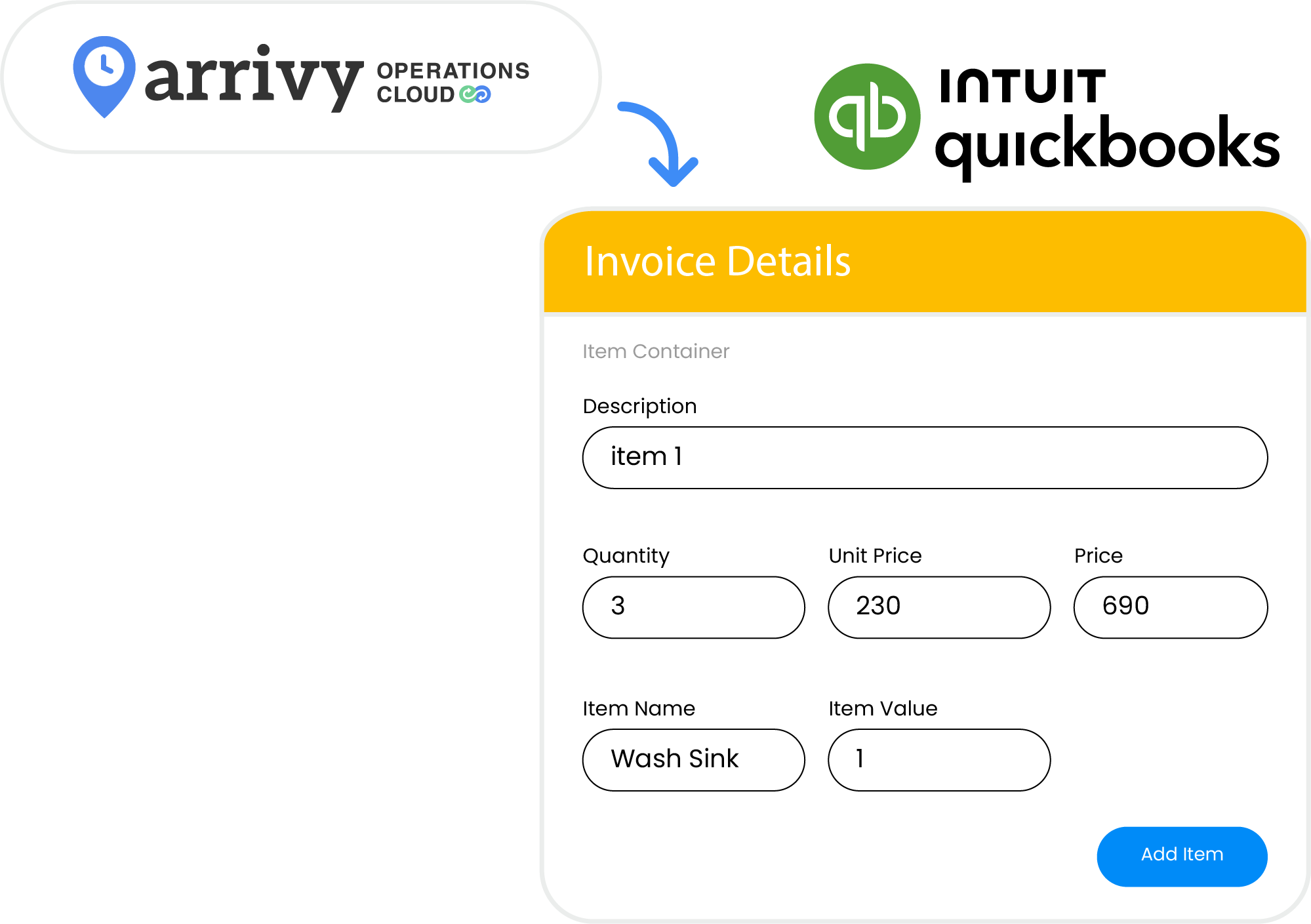
JOB-TO-INVOICE AUTOMATION
Keep Your Invoices and Job Details Aligned Across Teams
Arrivy syncs your job details to QuickBooks in real time so operations and accounts always work from the same, complete record. When a job is finished, the correct line items, quantities, and notes move into QuickBooks automatically, eliminating billing delays and manual hand-offs across teams.
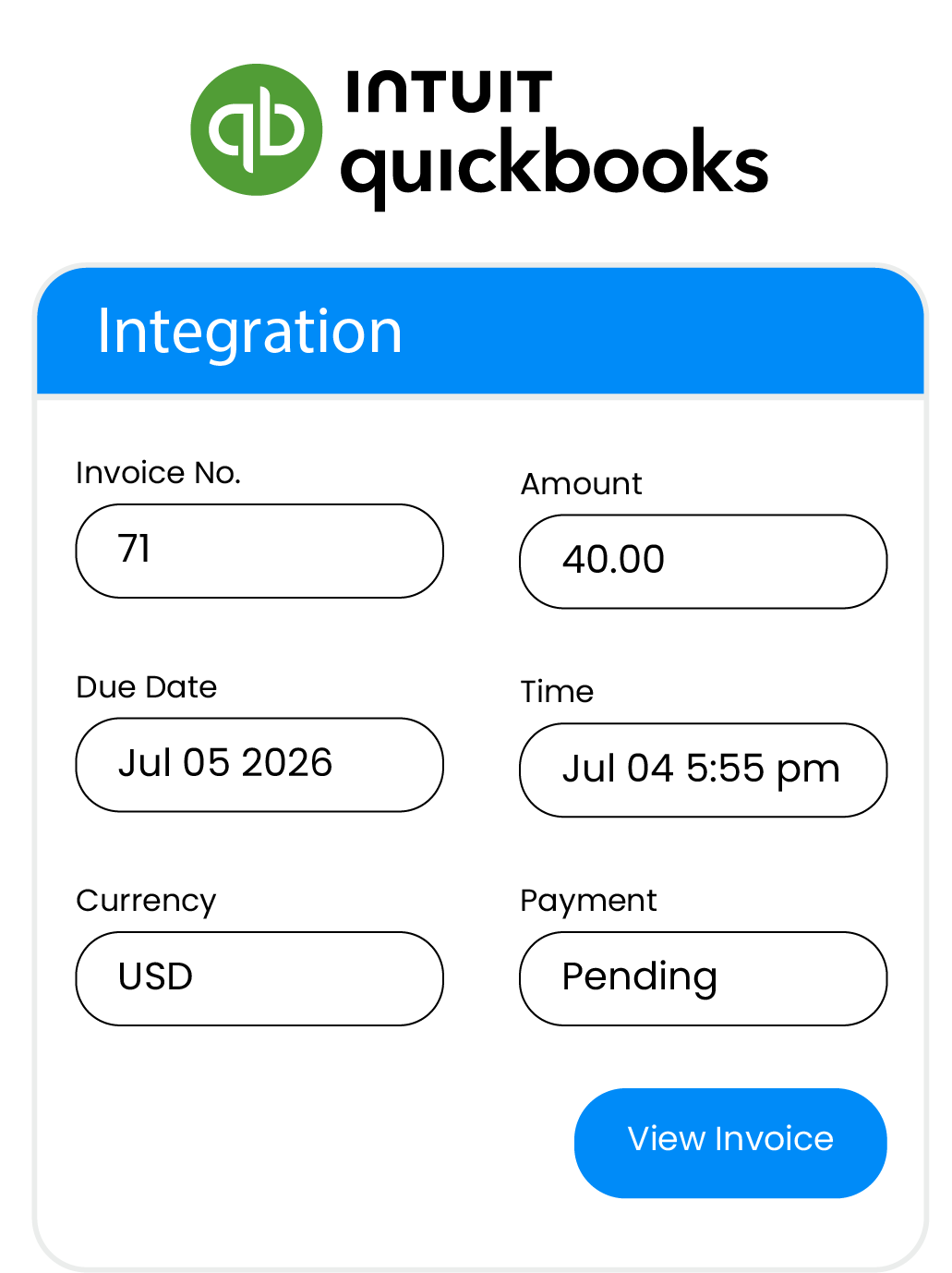
INVOICE-READY FIELD DATA
Ensure Complete, Billable Job Details
Arrivy helps crews record quantities, service details, equipment, expenses, and add-ons through digital forms in the field. These required details flow directly into your QuickBooks invoices, giving your office accurate information without extra follow-up and keeping your billing clear, consistent, and ready to send when the job is complete.
Arrivy and QuickBooks Capabilities
Connect Arrivy field workflows with QuickBooks to capture job details onsite and deliver accurate, consistent, ready-to-send invoices without manual steps.

Instant Job Invoicing
Create QuickBooks invoices as soon as jobs are completed, speeding up billing and cash flow.

Correct Service Billing
Send service details, quantities, and additional charges directly from Arrivy to QuickBooks.

Real-Time Invoice Tracking
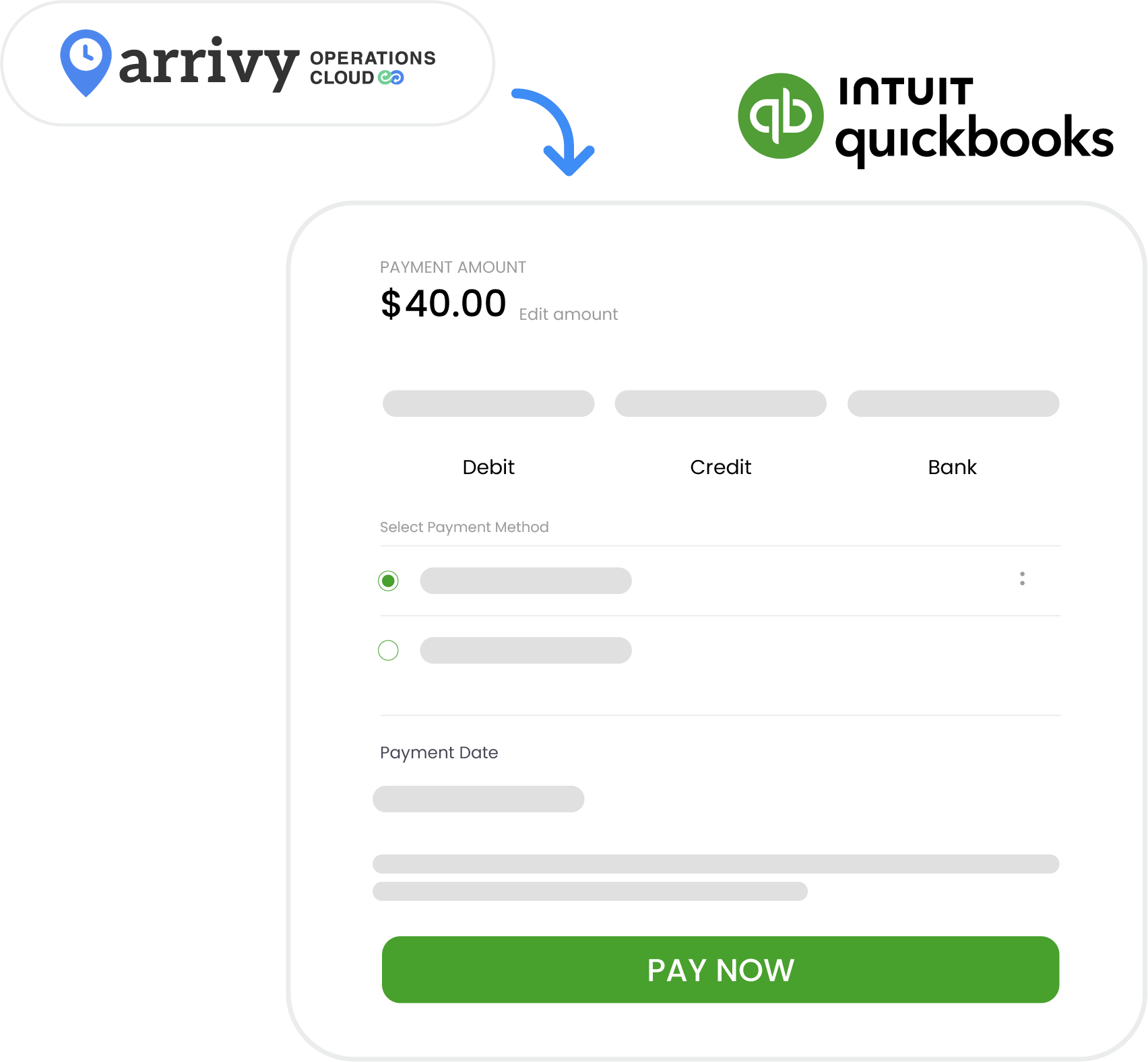
Track sent, pending, and paid invoices with real-time payment updates synced from QuickBooks.

Complete Billable Details
Use Arrivy forms to record quantities, service notes, and required information before invoices are created.

Workflow-Based Invoicing
Set invoice generation rules based on task status and billing needs.

Clear Billing History
Access invoice history, recurring charges, automated reminders, and job details for accurate, organized billing.
Grow your business with Arrivy
The leading field service platform for teams to schedule jobs, dispatch, invoice, track performance, and get paid - all in one platform.






















“ efficiently. ”

Hear What Our Customers Have to Say!

The team at Arrivy has been FAR SUPERIOR to any other program we were looking at. The program works perfectly as a way to keep my operations, sales, field techs, and clients on the same page.

Mark Bouquet
Creative Carpet
Integrating with Arrivy was pretty easy. And we really appreciate the responsiveness of the Arrivy team.

John Foshee
My Porter
This is by far the best home services platform out there. Extremely customizable and can virtually do anything you can think of.

Luis Alvarez
Alco Windows
Arrivy is easy to use, allows for easy data collection, allows all of our information to pass through our entire work process, and it allows our customers to be involved in the process.

Benji Watters
Earth Right Energy
Our customers and team love Arrivy's functionality! We have reduced service calls, complaints and mistakes.

Cameron Robertson
Super Easy Storage
The team has been great to work with and completed the implementation quickly. Great team to work with.

Danielle Boenisch
Ambia Solar
Frequently Asked Questions
Arrivy is a field service and operations management platform designed to plan, dispatch, execute, and track work across field teams, warehouses, and customers. It supports scheduling, routing, digital forms, real-time visibility, customer communication, reporting, and integrations across operational systems.
Arrivy is built to support growth across teams, locations, and job volume. It supports multi-location operations, role-based access controls, high-throughput scheduling, and flexible integrations, allowing organizations to scale without redesigning workflows.
Yes. Arrivy offers 50+ native integrations with CRM, calendar, accounting, and payment systems, along with APIs and webhooks for custom integrations and automation platforms. This keeps operational data synchronized across your existing systems.
See all you can accomplish with Arrivy.
Put Arrivy to work for you. No Hidden Fees.